Free OnlineAI Mosaic Generator
How to Create Mosaic Art with AI
Describe the Mosaic
Generate a Tile-Based Draft
Refine the Pieces in Chat
Export and Review the Concept

Why Use Mew Design for Custom Mosaic Art
Describe the Tiles, Not Just the Theme
Direct the composition in natural language. Our tile mosaic generator can respond to practical details such as irregular stone tesserae, glossy ceramic squares, dark grout, radial flow, or a bold viewing-distance silhouette.
Turn a Reference Photo into Mosaic Art
Upload an authorized portrait, pet photo, landscape, or sketch and ask the AI to preserve the defining shape while rebuilding color and texture as a mosaic. This photo-to-mosaic AI workflow gives the model a clear composition to follow.
Explore Materials and Traditions
Compare Roman stonework, Byzantine-inspired gold glass, Art Nouveau curves, glazed ceramic patterns, and contemporary abstract walls. Generate variations before choosing a direction for your custom mosaic design.
Correct One Detail with Chat Edit
If the grout dominates, a face loses definition, or the pieces look like flat pixels, request one focused change while preserving the rest of the composition.
Build a Coherent Series
Create related square panels or several treatments of the same subject with a consistent palette and tile language. Variations make it easier to compare a mural idea, a printable art set, or campaign visuals.
Start Free and Export Clean Artwork
Try the online AI mosaic maker with free credits after signup, refine the strongest result, and export watermark-free PNG or JPG artwork for digital use or a physical-project discussion.
How to Prompt for Convincing Mosaic Art
- Define the Material: Choose glass, glazed ceramic, marble, limestone, smalti, or mixed tesserae, then describe gloss, translucency, chips, and color variation.
- Control the Piecework: Request visible individual pieces, a tile-size range, consistent grout width, directional andamento, and fewer tiny fragments when you want a simpler concept.
- Protect the Main Subject: For photo-to-mosaic work, state which facial features, markings, pose, crop, or silhouette must remain recognizable after stylization.
- Name the End Use: Say whether the result is digital art, a square print, a wall or backsplash visualization, or a craft reference. Ask for a professional review before treating any AI image as a build plan.
Ready-to-Use Mosaic Design Prompts
Create a square Roman-style floor mosaic medallion of two dolphins circling a small sun. Use matte limestone and terracotta tesserae, cream, charcoal, rust, and muted sea-blue colors, flowing andamento around each dolphin, fine dark grout, an aged but clean archaeological character, centered top-down view, no text or border mockup.
Generate a square Byzantine-inspired mosaic portrait of an original celestial gardener holding an olive branch. Use luminous gold smalti, deep sapphire glass, emerald and burgundy accents, small irregular tesserae following the face and drapery, subtle grout, frontal icon-like composition, no religious figure, lettering, halo text, logo, or watermark.
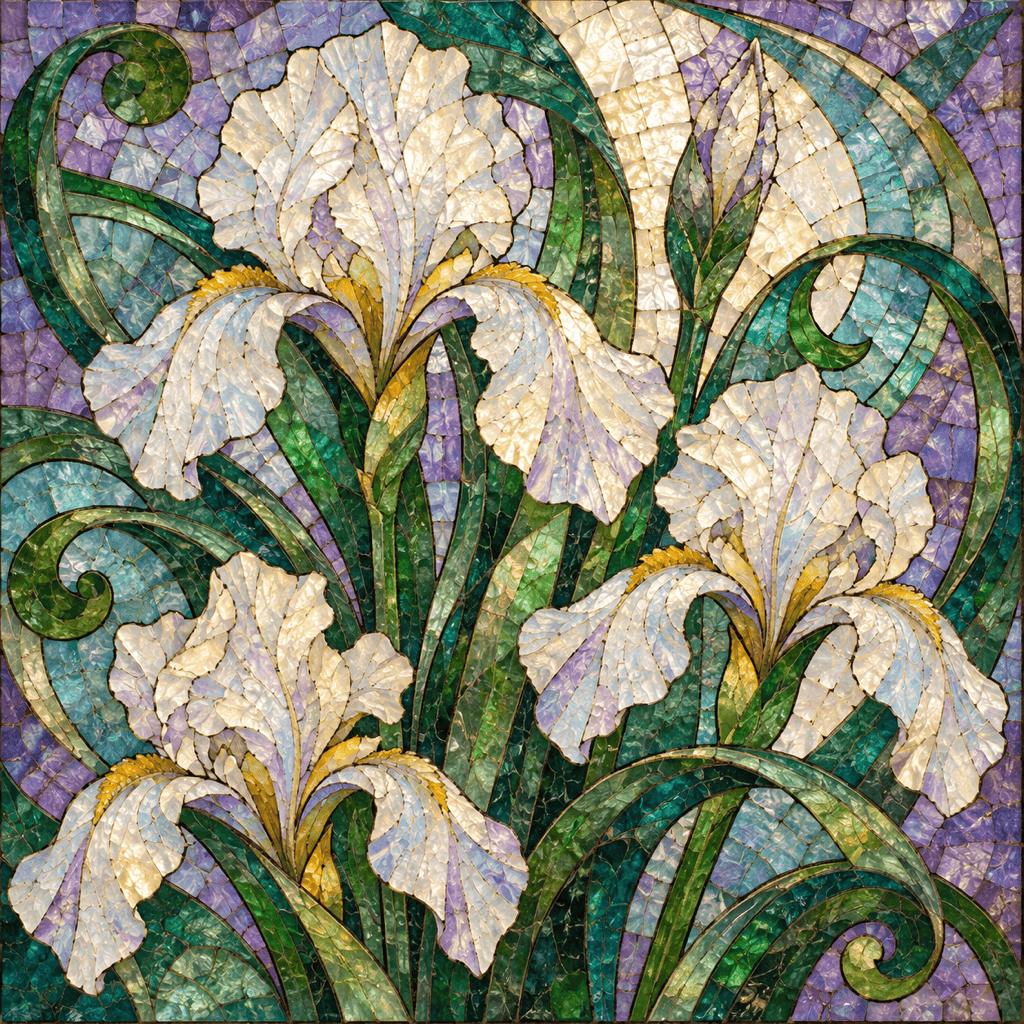
Design a square Art Nouveau glass mosaic of white irises and curling green leaves. Use flowing organic lines, translucent lavender, emerald, aqua, and opalescent cream tesserae, narrow charcoal grout, warm light passing through the glass, balanced negative space, no frame, text, or watermark.
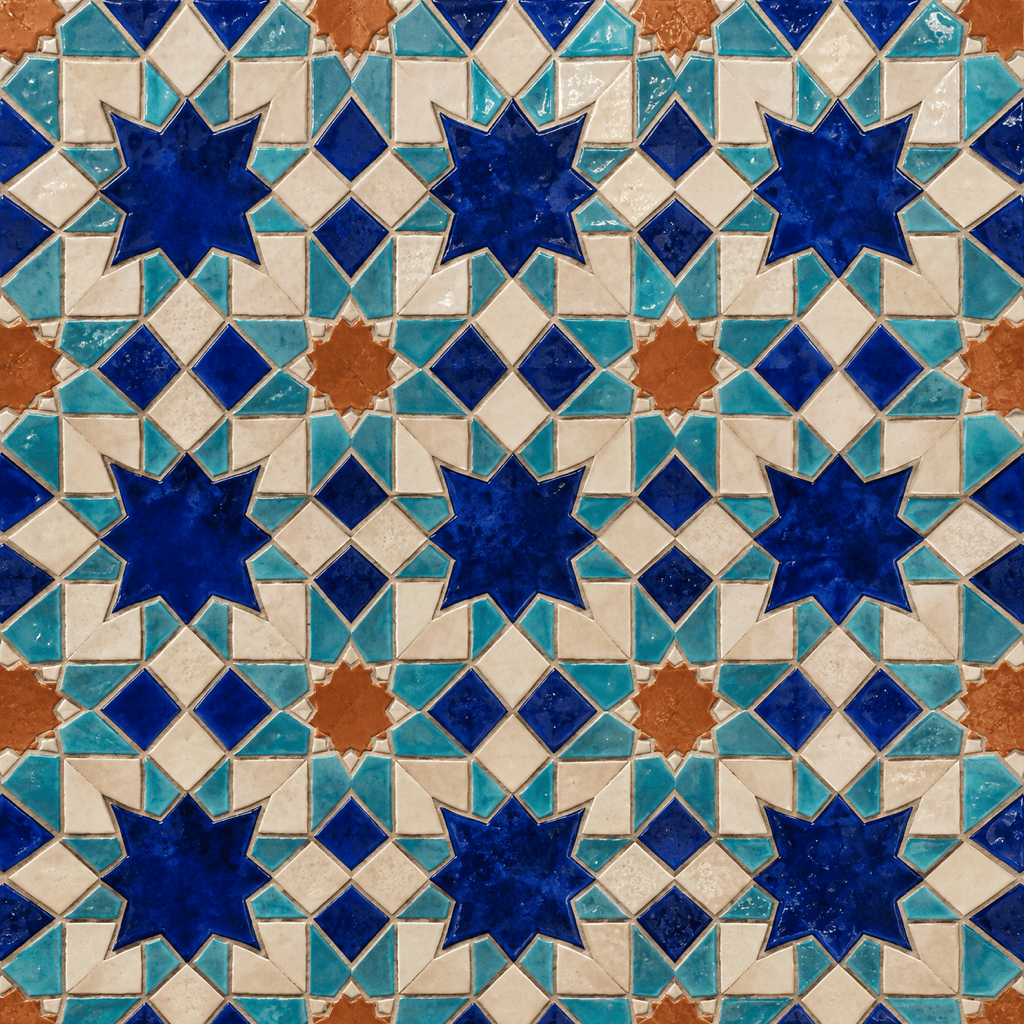
Create a seamless-looking square geometric mosaic concept for a kitchen backsplash. Use eight-point stars and interlocking polygons, hand-glazed ceramic tiles in cobalt, turquoise, ivory, and terracotta, crisp repeating symmetry, thin warm-gray grout, straight-on view, no cabinets, room scene, text, logo, or watermark.
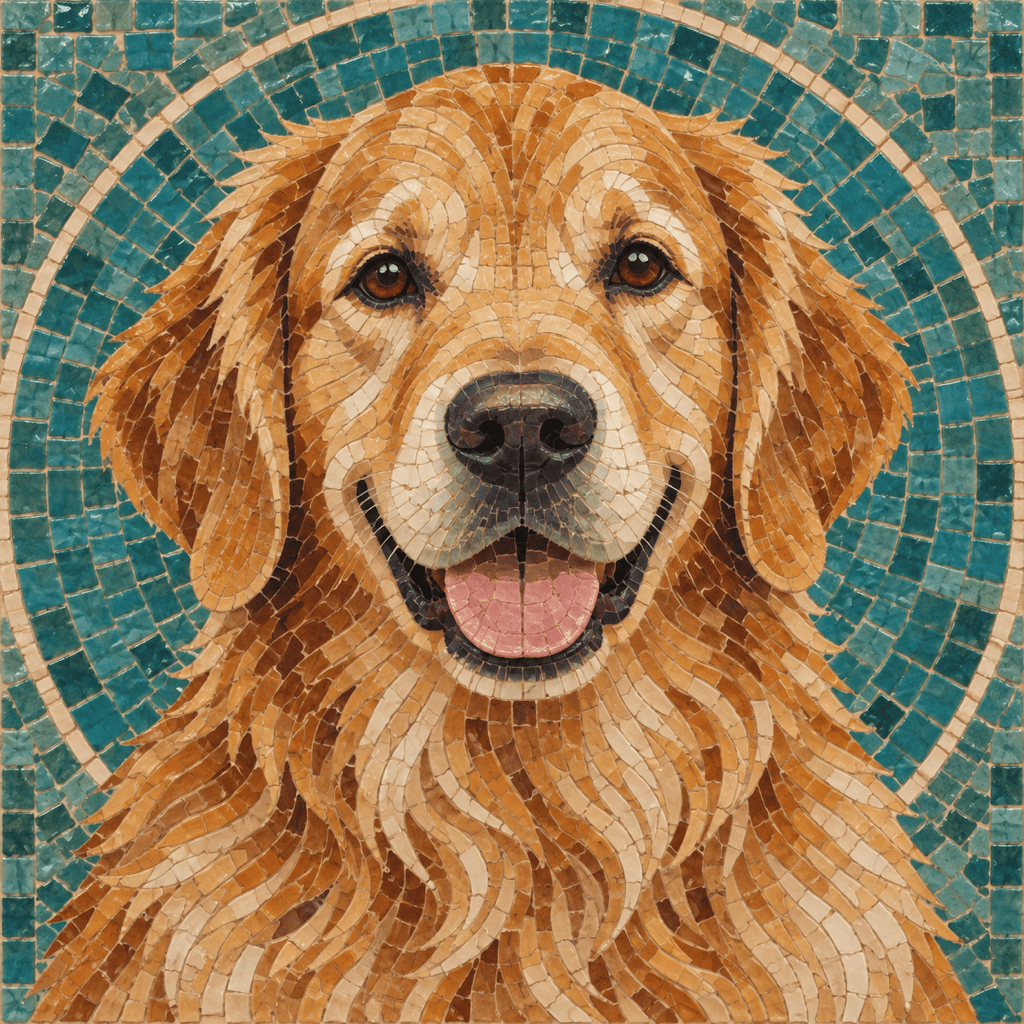
Turn my uploaded dog photo into a square ceramic mosaic portrait. Preserve the exact head shape, ear position, eye color, and distinctive facial markings; simplify the fur into medium-size cream, honey, brown, and charcoal tesserae with curved tile flow, subtle beige grout, plain circular background, no collar text or extra objects.
Create a wide contemporary mosaic mural concept inspired by ocean currents. Use irregular recycled-glass tesserae in deep blue, turquoise, seafoam, clear, and sparse amber, sweeping directional bands, varied reflectivity, controlled dark grout, strong movement with no literal fish, typography, room mockup, logo, or watermark.





