Free OnlineAI Monkey Generator
How to Create Monkey Images with AI
Describe Your Monkey
Build the First Scene
Adjust the Face and Pose
Export for Your Destination

Give Your Monkey a Look of Its Own
Explore Fur or Flat Color
Use the AI monkey art generator to explore wildlife-inspired portraits or playful cartoons. Describe the finish you want without hunting for a matching preset.
Start from a Character Reference
Upload your sketch or an image you can use. Ask Mew Design to carry its face markings, colors, or clothing into a new monkey illustration.
Make an Avatar That Reads Small
Use Mew Design as a monkey avatar maker: ask for a simple backdrop, a clear silhouette, and room around the ears for a profile crop.
Turn a Character into a Cutout
Ask to remove the background for a monkey PNG with a transparent background. Check the fur edges before placing it on a sticker or social graphic.
Change the Mood in Chat
Use Chat Edit to swap a puzzled look for a cheeky smile or change the outfit. Request one change at a time to make revisions easier to assess.
Reuse Your Character Direction
For a recurring monkey mascot, save its visual rules and design workflow as a Mew Skill. Reuse that approach for new scenes, then review each result for continuity.
Get the Species, Expression, and Framing Right
- Name the Species: Choose a capuchin, macaque, or spider monkey when anatomy matters. For realistic work, use a clear reference and check the species-specific face, proportions, and tail.
- Choose One Visual Style: Natural fur and soft daylight suit realistic monkey images. Rounded shapes and a simple palette suit cute cartoon characters. Avoid asking for both at once.
- Frame for the Final Use: A profile picture needs a clear face and space around the ears. A full-body sticker needs the hands, feet, and tail inside the frame.
- Review Before You Export: Look for extra fingers, merged limbs, or a tail that joins the body incorrectly. Ask for a local correction, and inspect transparent edges against light and dark backgrounds.
Monkey Avatars, Stickers, and Scenes to Try
Create a square cartoon monkey avatar with a curious expression, warm brown fur, and a teal background. Center the face and keep the ears inside a circular crop. Use bold shapes that stay clear at a small size. No text.
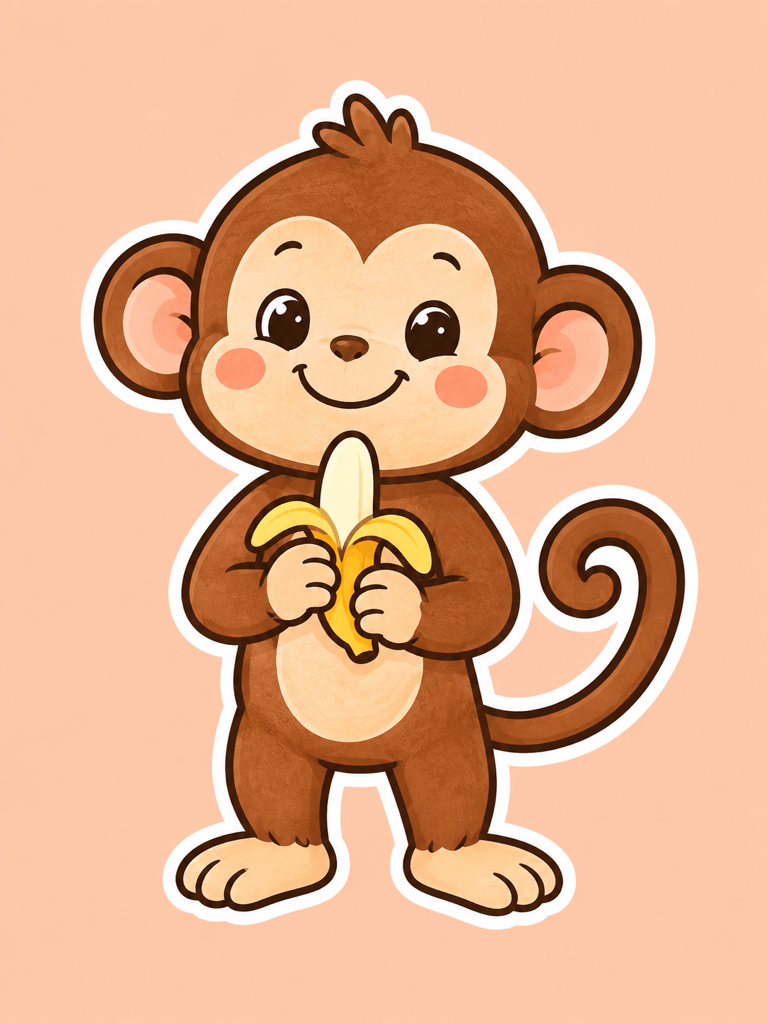
Create a cute monkey sticker holding a small banana, with rounded shapes and a cheerful expression. Show the entire body, hands, feet, and one curled tail. Add a clean white outline and a transparent background. No text.
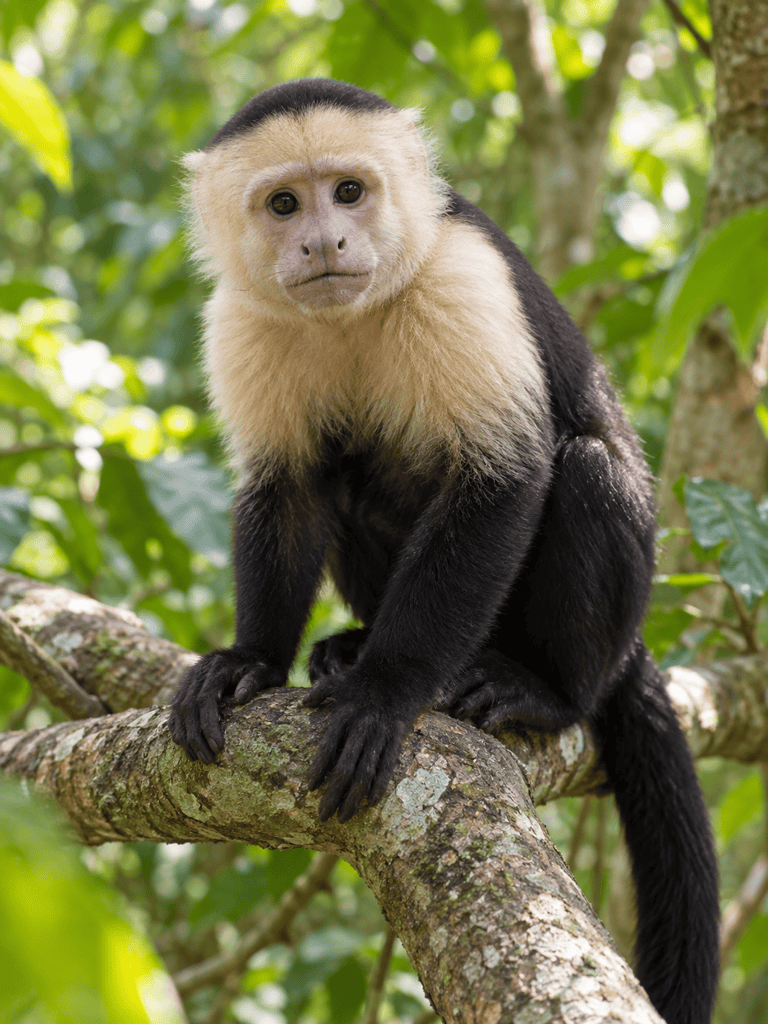
Generate a realistic capuchin monkey portrait on a rainforest branch. Use natural fur texture, soft daylight, a relaxed mouth, and an out-of-focus green background. Keep the face sharp and avoid clothing or human-like teeth.
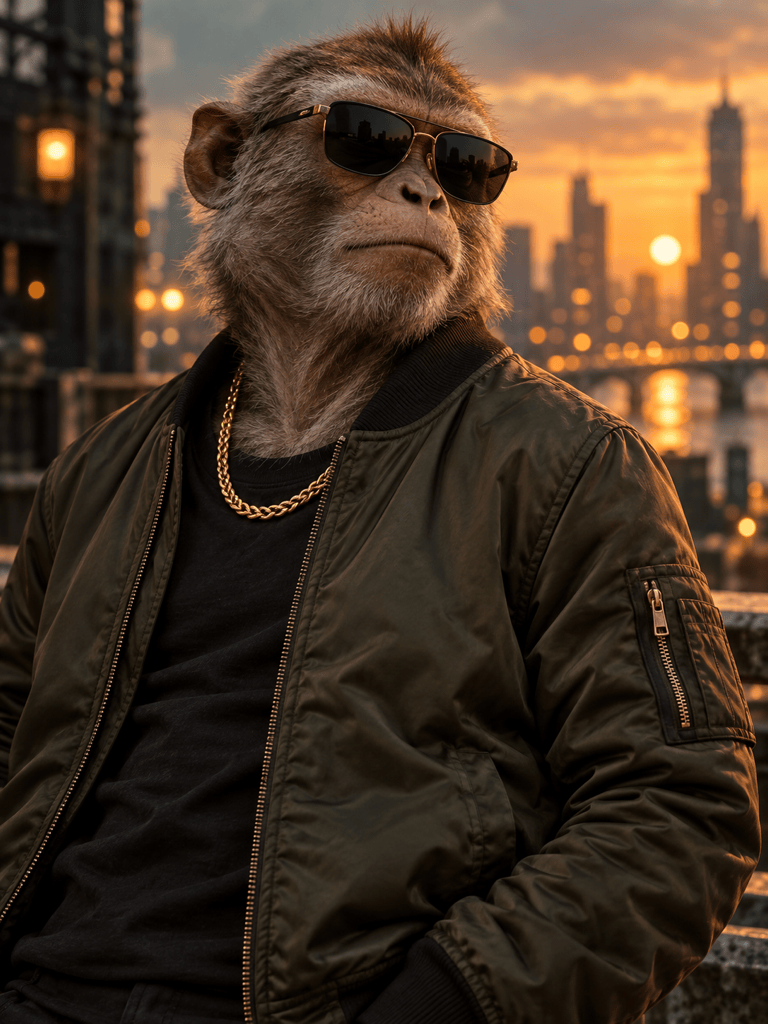
Create a gangster monkey AI character: a confident macaque wearing a bomber jacket, dark sunglasses, and a gold chain. Use a stylized cinematic look, warm city lights, and a clean portrait composition. No logos or text.
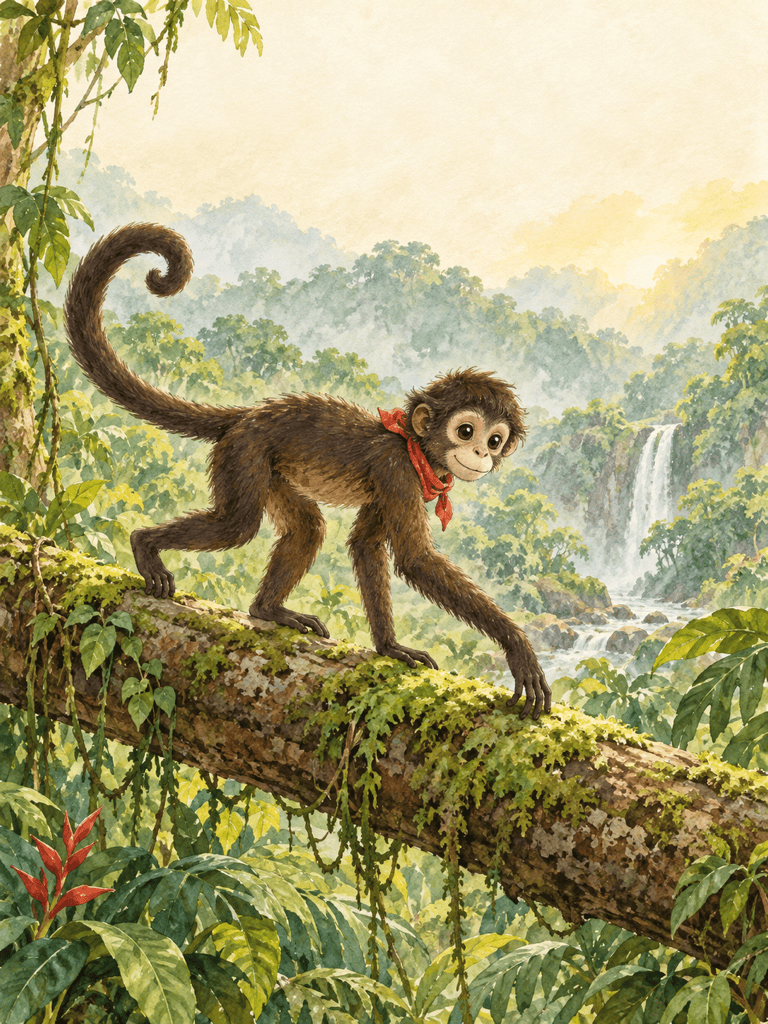
Using my uploaded monkey character as a reference, create a new storybook scene of it crossing a fallen log. Keep the face markings, red scarf, and watercolor palette close to the reference. Leave open space above for text I will add later.
Review this monkey image and correct any extra fingers, fused limbs, or misplaced tail. Keep the species, expression, clothing, colors, and background as close to the original as possible. Keep the full silhouette inside the frame.





