Free OnlineAI Mirror Image Generator
How to Make a Mirror Image with AI
Upload and Reference Your Photo
Describe the Reflection
Generate the Mirrored Photo
Check, Refine, and Download

Why Use Mew Design for AI Mirror Images
Go Beyond a One-Click Flip
A basic tool only reverses pixels. This AI mirror image maker also follows requests for twin compositions, natural surfaces, custom symmetry axes, and social-ready mirror scenes.
Keep the Original Subject Recognizable
Upload your source photo and tell Mew Design which identity, product shape, label, color, background, or crop must remain stable while the reflection changes.
Build Reflections with Depth
Create more than a duplicated layer. Ask the online AI reflection generator for glass falloff, water ripples, surface blur, perspective, or a clean central seam that suits the scene.
Repair One Detail Through Chat
If a face drifts, a logo reverses, or the reflection feels too strong, use Chat Edit to target that problem while preserving the parts that already work.
Compare Mirror Styles in One Workflow
Generate several treatments from the same source—clean flip, symmetrical portrait, water reflection, or kaleidoscope art—so you can choose the right image for a post, cover, ad, or product page.
Reuse a Successful Reflection Look
For a recurring campaign or visual series, turn the approved direction into a Mew Skill that remembers the style, preservation rules, and output conventions for later images.
How to Get a Clean Mirror Effect
- Start with a Clean Source: Use a sharp image with enough room around the subject. Centered or near-centered portraits make a cleaner symmetry seam; landscapes need space below for a water reflection.
- Name the Mirror Behavior: Say horizontal flip, vertical flip, centered twin, glass reflection, calm-water reflection, kaleidoscope, or mirror selfie instead of asking for a vague mirror effect.
- Lock Important Details: List what must not change, such as the face, pose, product label, silhouette, background, crop, colors, and aspect ratio. A true flip reverses text, so request readable reconstructed text when needed.
- Inspect the Seam and Physics: Zoom in on faces, hands, logos, horizon lines, duplicated objects, ripple direction, and contact shadows. Ask for one focused correction at a time.
Six Mirror Effects to Try on Your Photo
Correct a Mirrored Selfie: Flip @[uploaded image] horizontally. Preserve the exact crop, face, pose, lighting, colors, background, and resolution. Do not add, remove, or restyle anything.
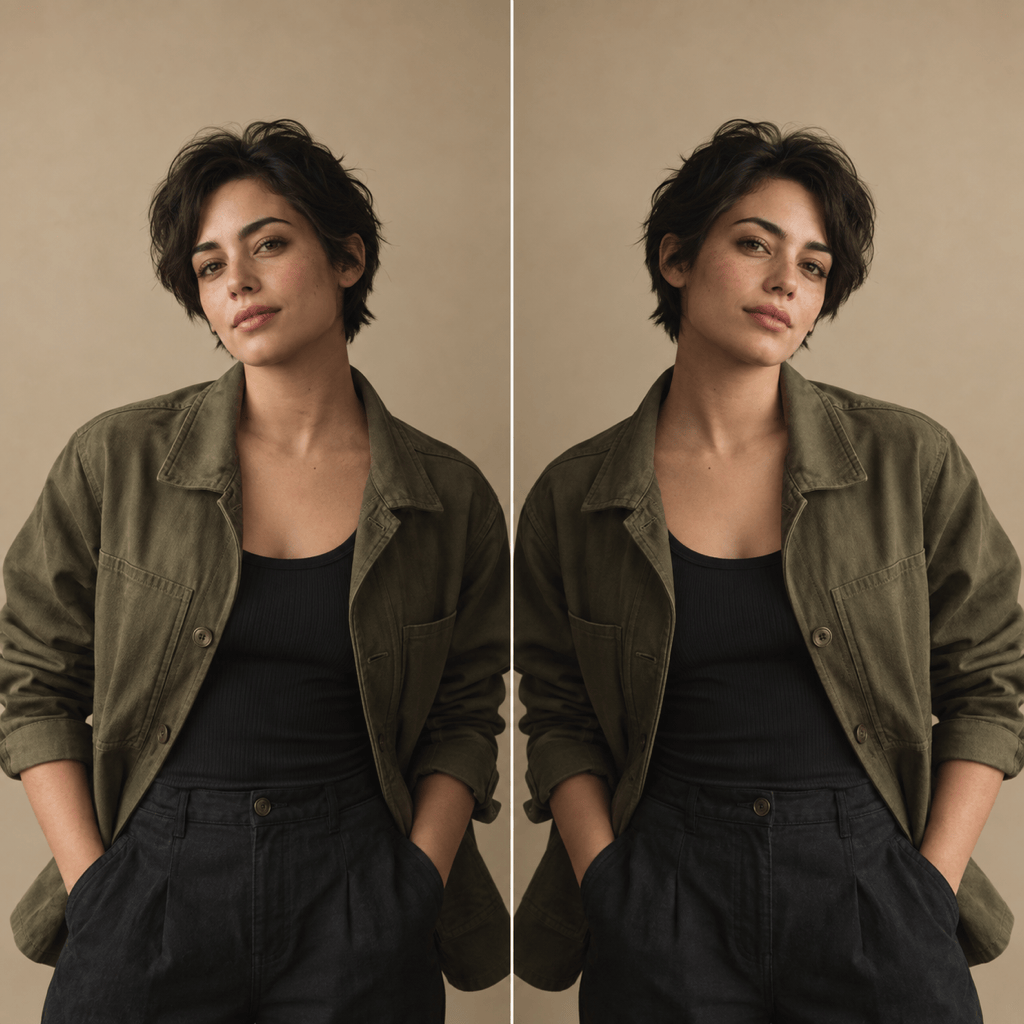
Create a Symmetrical Portrait: Turn @[uploaded portrait] into a balanced twin-reflection composition with one clean vertical symmetry axis. Keep the same identity, expression, outfit, and natural skin texture; do not add extra people.
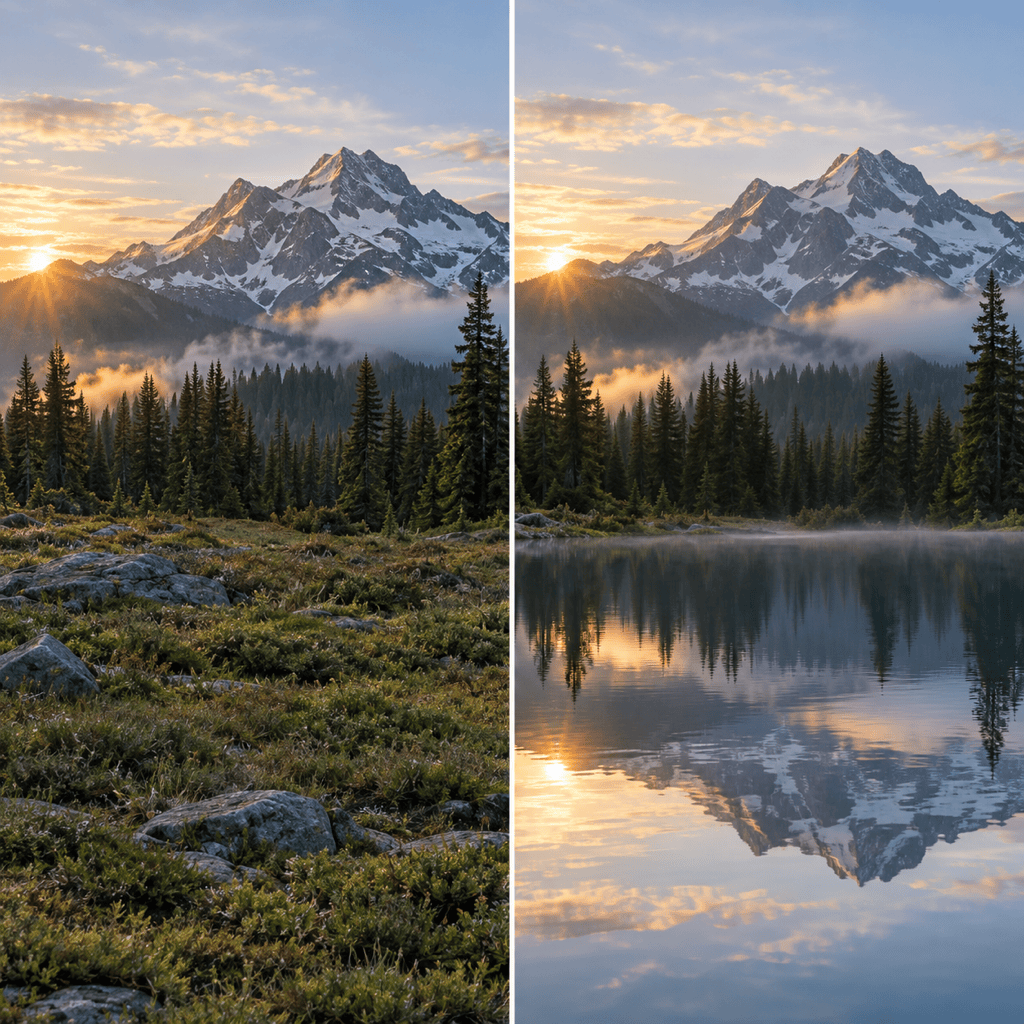
Add a Water Reflection: Extend @[uploaded landscape] downward with a realistic calm-water reflection. Match the horizon, light, color, and perspective, then add subtle ripples and softer detail below the waterline.
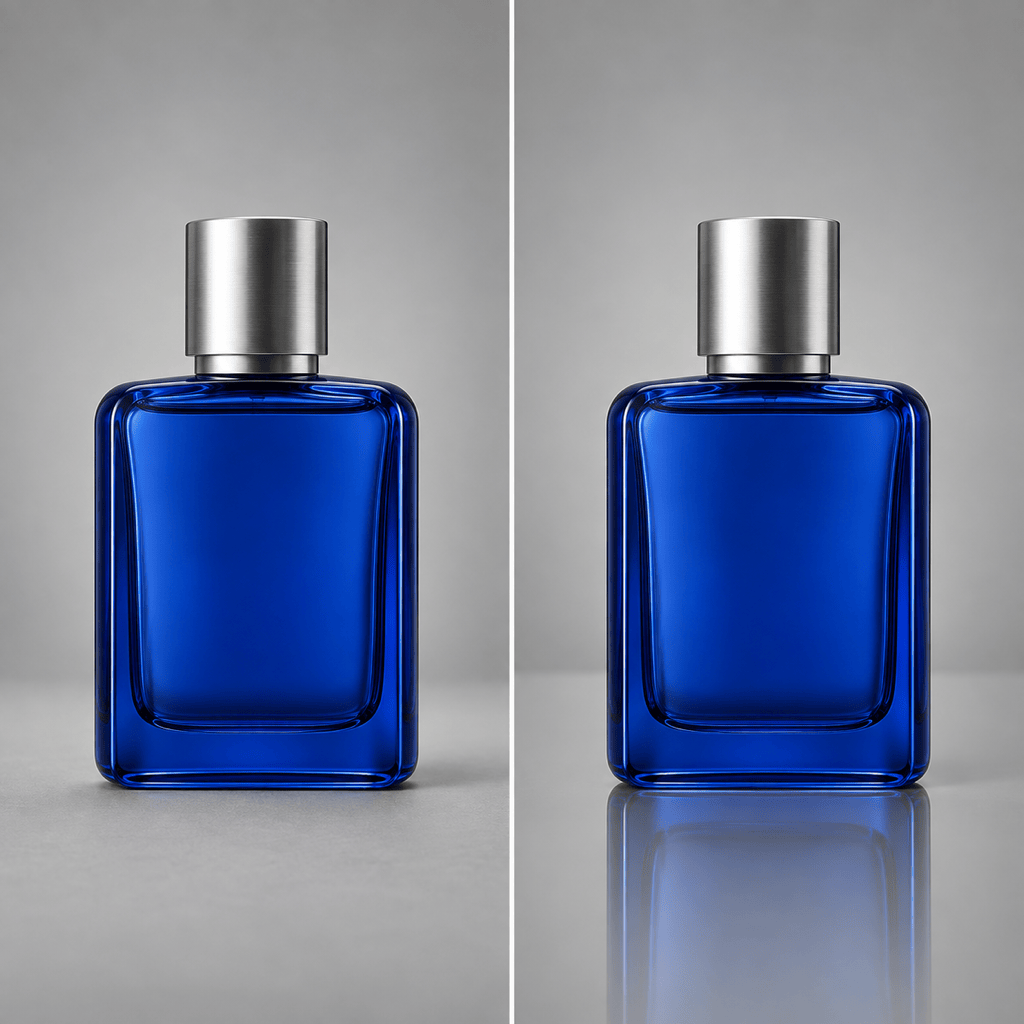
Make a Glass Product Reflection: Place the product in @[uploaded image] on a glossy neutral studio surface with a subtle reflection beneath it. Keep the product shape, label, colors, and camera angle unchanged.
Generate Kaleidoscope Cover Art: Rework @[uploaded image] into four-way mirrored kaleidoscope art with a clean center and balanced repetition. Keep the original palette and main subject recognizable; use a square album-cover composition.
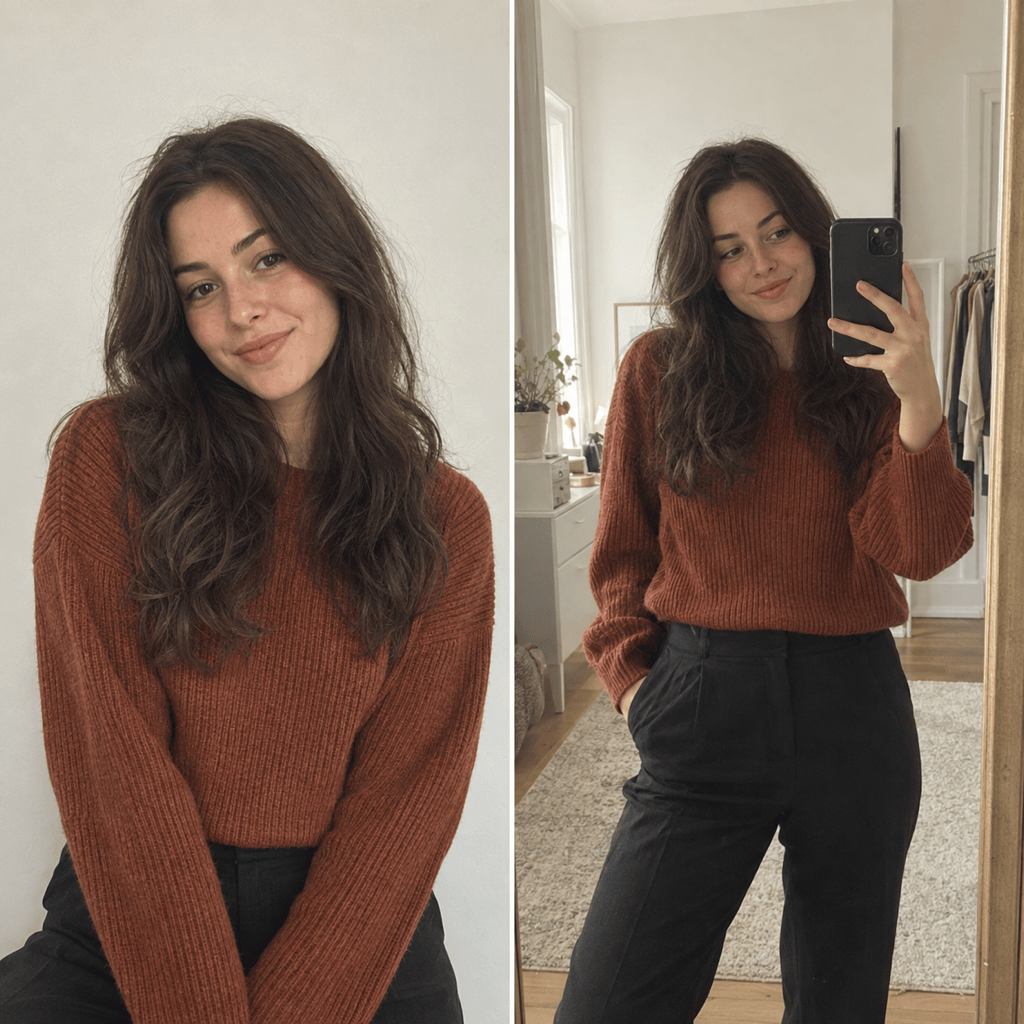
Create a Natural Mirror Selfie: Transform @[uploaded portrait] into a realistic smartphone mirror selfie in a simple indoor space. Keep the face, hair, body proportions, and outfit recognizable; use believable phone placement, reflection geometry, and natural window light.





