Free OnlineAI Material Generator
How to Create a Material Texture with AI
Define the Surface and Its Use
Generate a Texture Concept
Inspect and Refine the Surface
Export and Validate the Texture

Why Use Mew Design for Material Look Development
Explore Surfaces in Plain Language
Describe pale travertine, rain-darkened timber, hammered brass, or a stylized alien panel. Our AI material generator helps you turn that direction into a concrete visual starting point without building shader nodes first.
Guide Results with a Reference Image
Upload a photo, swatch, or concept image to steer color, pattern, and finish. The image-to-image workflow makes this an effective AI material generator from image references when a verbal description is not enough.
Compare Useful Surface Variations
Use the AI texture generator to explore clean, worn, wet, dusty, polished, and aged versions of one material direction. Compare options before committing time to a final shader or texture set.
Refine Grain, Wear, and Finish in Chat
Keep the surface direction and ask for focused edits: tighten the weave, reduce contrast, remove directional shadows, soften scratches, or make the pattern less regular. You do not need to restart after every change.
Reuse a Proven Material Art Direction
Turn a successful texture approach into a reusable Mew Skill. Package preferred scale, lighting, palette, wear, and delivery conventions so future material studies begin with less repeated briefing.
Hand Off Clean Texture Concepts
Export source images as PNG or JPG for moodboards, mockups, backgrounds, or further processing. Start with free credits and watermark-free exports, then verify seams, resolution, rights, and PBR behavior for the final destination.
How to Describe a Material Texture
- Name the Surface and Pattern: Distinguish oak planks from wood grain, poured concrete from terrazzo, or knitted boucle from flat fabric so the structure is clear.
- Set Scale and Finish: Specify board width, stone-chip size, weave density, matte or glossy response, and whether the material is clean, aged, chipped, wet, or dusty.
- Control the View and Lighting: Ask for a straight-on orthographic view with even neutral illumination, no perspective, and no directional shadows to reduce baked-in lighting.
- State Constraints and Destination: Mention a game environment, archviz scene, product mockup, or web background. Exclude objects, borders, text, strong highlights, and large focal marks when they would break repetition.
Material Texture Prompts for Real Projects
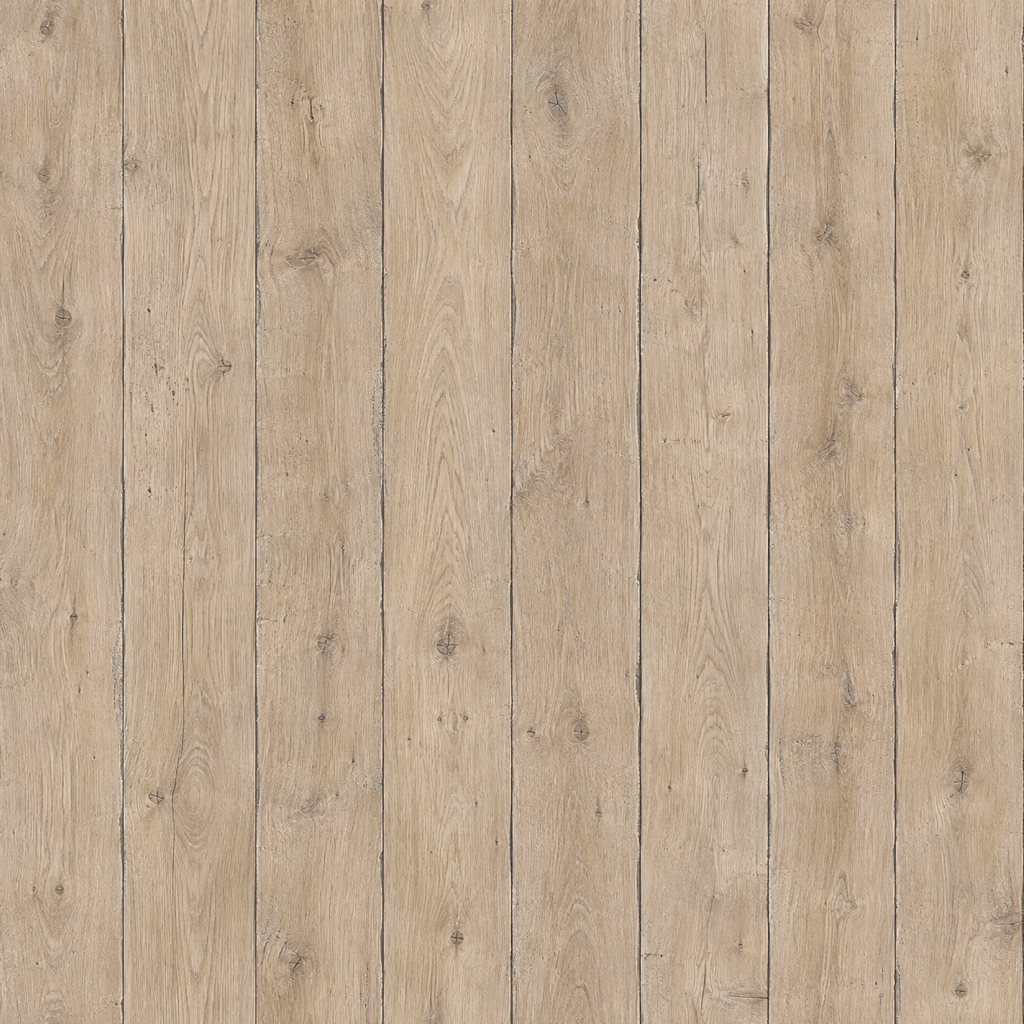
Create a square weathered oak plank texture concept for a Blender cabin interior. Medium-width boards, pale brown grain, scattered knots, subtle edge wear, dry matte finish, straight-on orthographic view, even neutral lighting, consistent scale, edge-to-edge surface, no furniture, no perspective, no text, and no directional shadows.
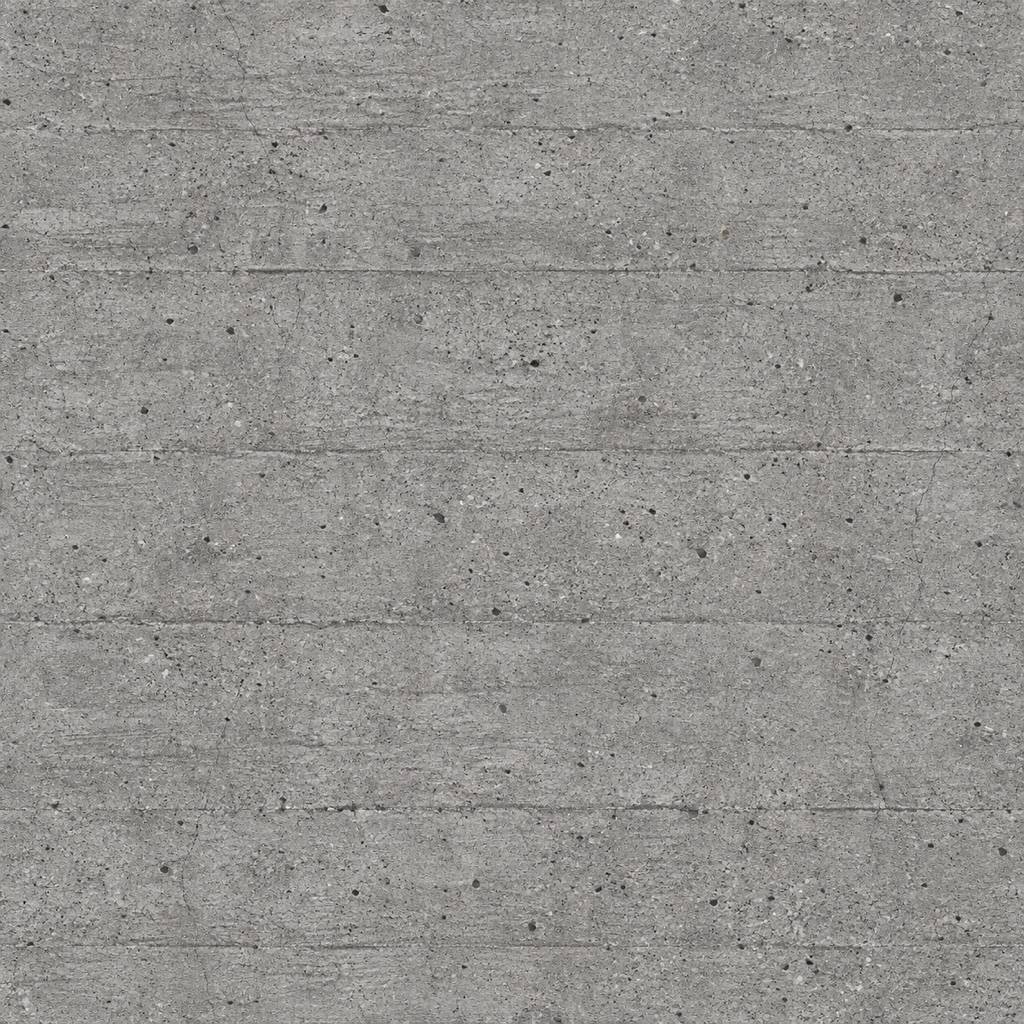
Generate an edge-to-edge brutalist concrete texture for an architectural visualization. Fine mineral aggregate, faint formwork lines, a few hairline cracks, cool gray palette, low contrast, dry rough finish, front-facing orthographic view, uniform lighting, no objects, no deep shadows, and no obvious center focal point.
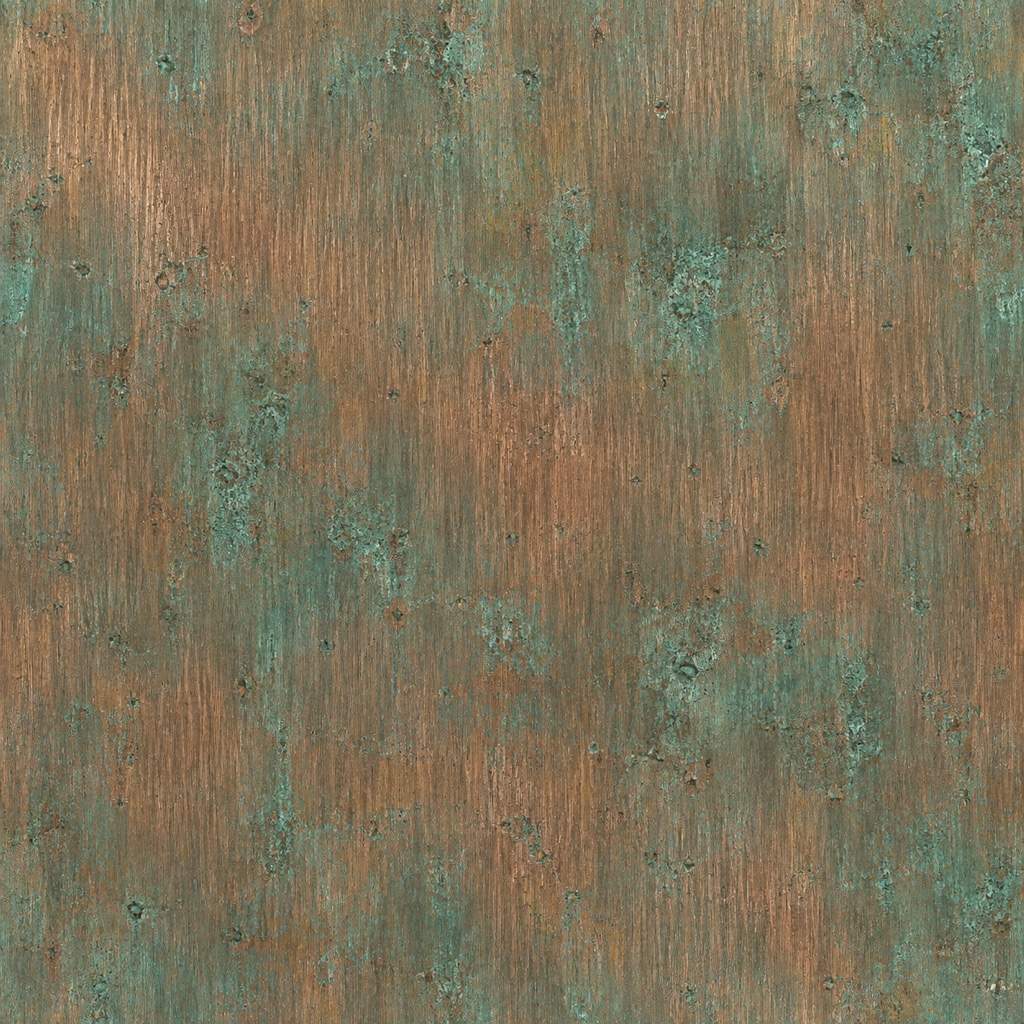
Create a brushed oxidized copper material texture for a premium product render. Fine vertical brushing, muted teal patina around subtle imperfections, warm copper undertone, satin finish, small-scale detail, straight-on view, flat studio illumination, no product, no perspective, no lettering, and no bright glare.
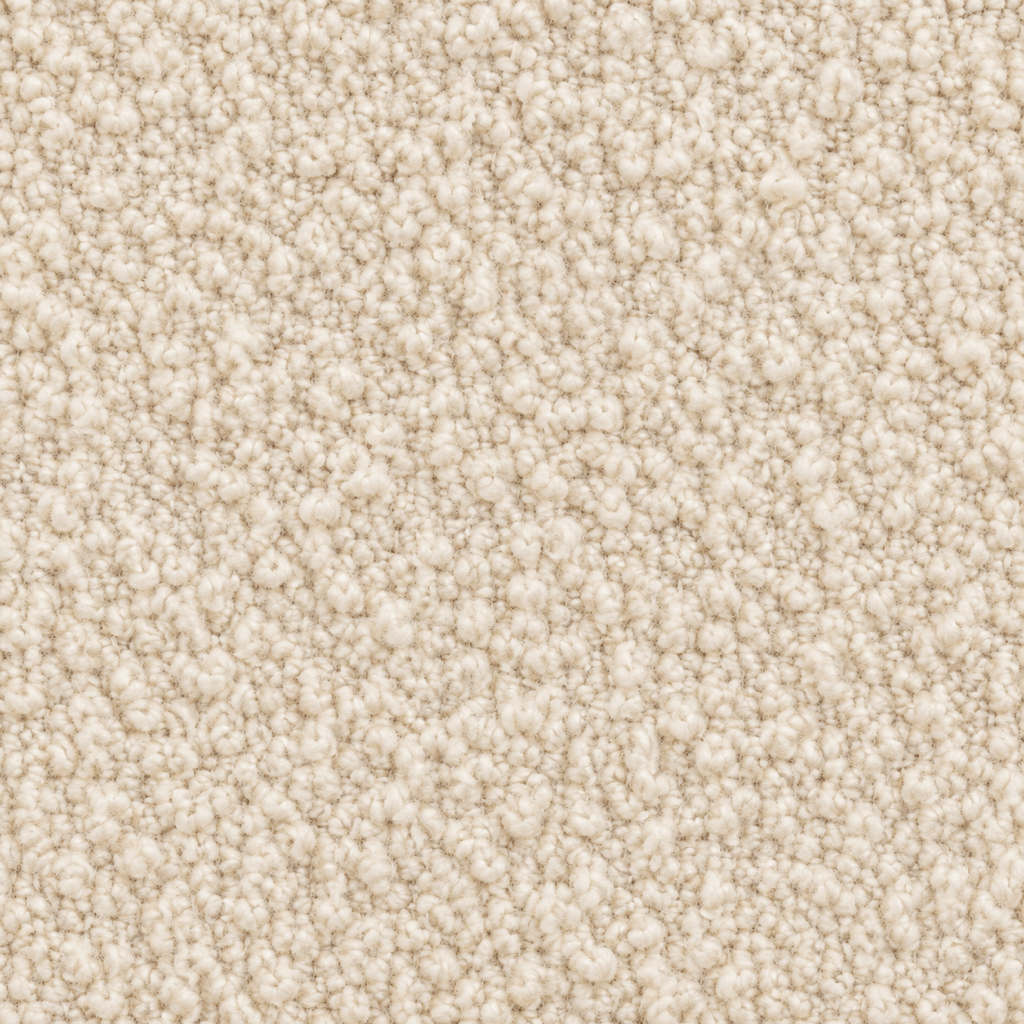
Generate a cream boucle fabric texture concept for an upholstery mockup. Dense looped yarn, soft irregular weave, warm ivory color, gentle micro-contrast, clean new condition, close but consistent real-world scale, orthographic view, edge-to-edge fabric, diffuse neutral lighting, no folds, no furniture, and no shadows.
Create a handmade blue-green zellige tile texture for a kitchen visualization. Small square tiles, slightly uneven edges, narrow warm-gray grout, subtle glaze variation, restrained reflections, repeating edge-to-edge layout, straight-on view, even lighting, no fixtures, no perspective, and no text.
Generate a stylized sci-fi wall panel texture for an indie game environment. Modular hexagonal plates, dark graphite metal, narrow rubber seams, sparse amber emissive accents, light edge wear, readable medium-scale pattern, orthographic front view, uniform lighting, no machinery, no logos, and no perspective.





