Free OnlineAI Mario Generator
How to Create a Mario-Inspired Game Art Concept with AI
Define the Reference and Use
Describe the Character and Format
Generate Variants and Check Distinctiveness
Refine, Export, and Review Rights

Why Use Mew Design for AI Mario Fan Concepts
Prompt-Led Character Exploration
Turn a short brief into original platform-hero directions with a readable silhouette, costume logic, expression, pose, and color system instead of relying on a random one-shot.
Pixel Sprites and Pose Sheets
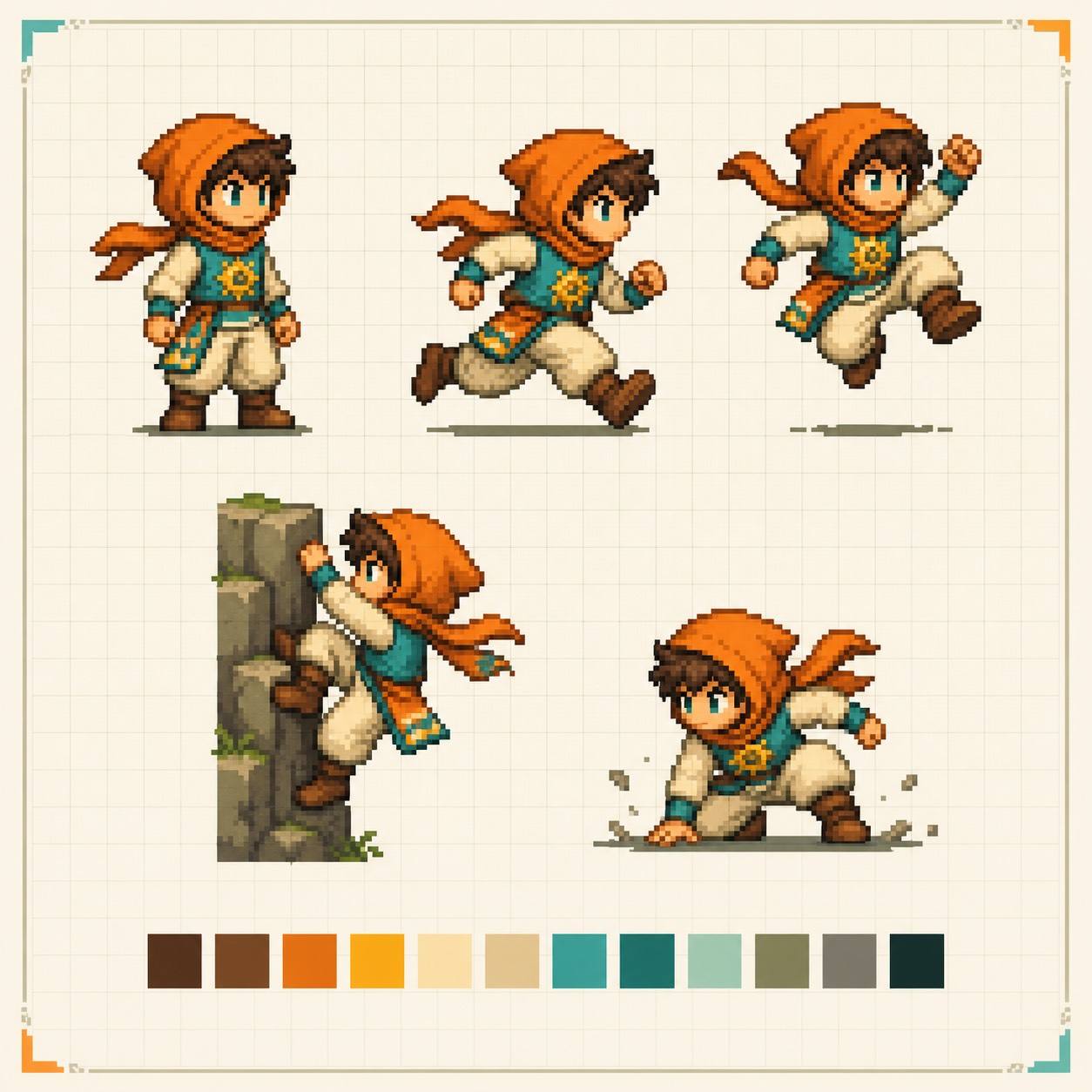
Request a sprite-sheet layout, idle/run/jump poses, clean pixel clusters, and a limited palette for a retro game-art study or a new character prototype.
Scenes and Wallpaper Concepts
Build a platforming landscape, title-card composition, level mood board, or desktop wallpaper with a clear focal point, depth layers, and action direction.
Controlled Reference Iteration
Use reference images and Chat Edit to preserve composition while changing costume, camera, season, lighting, or environment. Keep the creative decisions visible in the prompt.
Original Variants by Design
Explore new colorways, tools, companions, and worlds that capture an upbeat platformer feeling without copying a protected logo, exact costume, or familiar franchise landmark.
Export with a Rights-Aware Handoff
Download PNG, JPG, or PDF for a personal board, pitch, or prototype, then label fan concepts and verify character, trademark, and commercial-use permissions before release.
How to Write an Effective AI Mario Generator Prompt
- Set the format: Name pixel art, 3D render, watercolor, comic panel, poster, sprite sheet, wallpaper, aspect ratio, and output size. Format constraints are more useful than a vague request for a cool image.
- Direct the action: Add a pose, camera angle, movement, environment, and lighting cue. A jump toward the viewer reads differently from a side-scrolling run cycle or a quiet character portrait.
- Build an original system: Choose a distinct palette, emblem, companion, power-up idea, and world rule. Avoid copying a famous logo, exact outfit pattern, named item, or recognizable level landmark when you want an independent design.
- Plan the rights handoff: Keep the prompt and source notes, inspect generated text and symbols, label fan art clearly, and confirm trademark, copyright, and commercial-use permissions before posting or selling the result.
AI Mario Generator Prompts for Fan Art, Sprites, and Game Concepts
Create a retro pixel-art sprite sheet for an original red-cap platform hero. Show idle, run, jump, climb, and victory poses, a warm red-and-teal palette, chunky readable pixels, a 4-by-2 grid, and no text, logos, or recognizable franchise costume details.
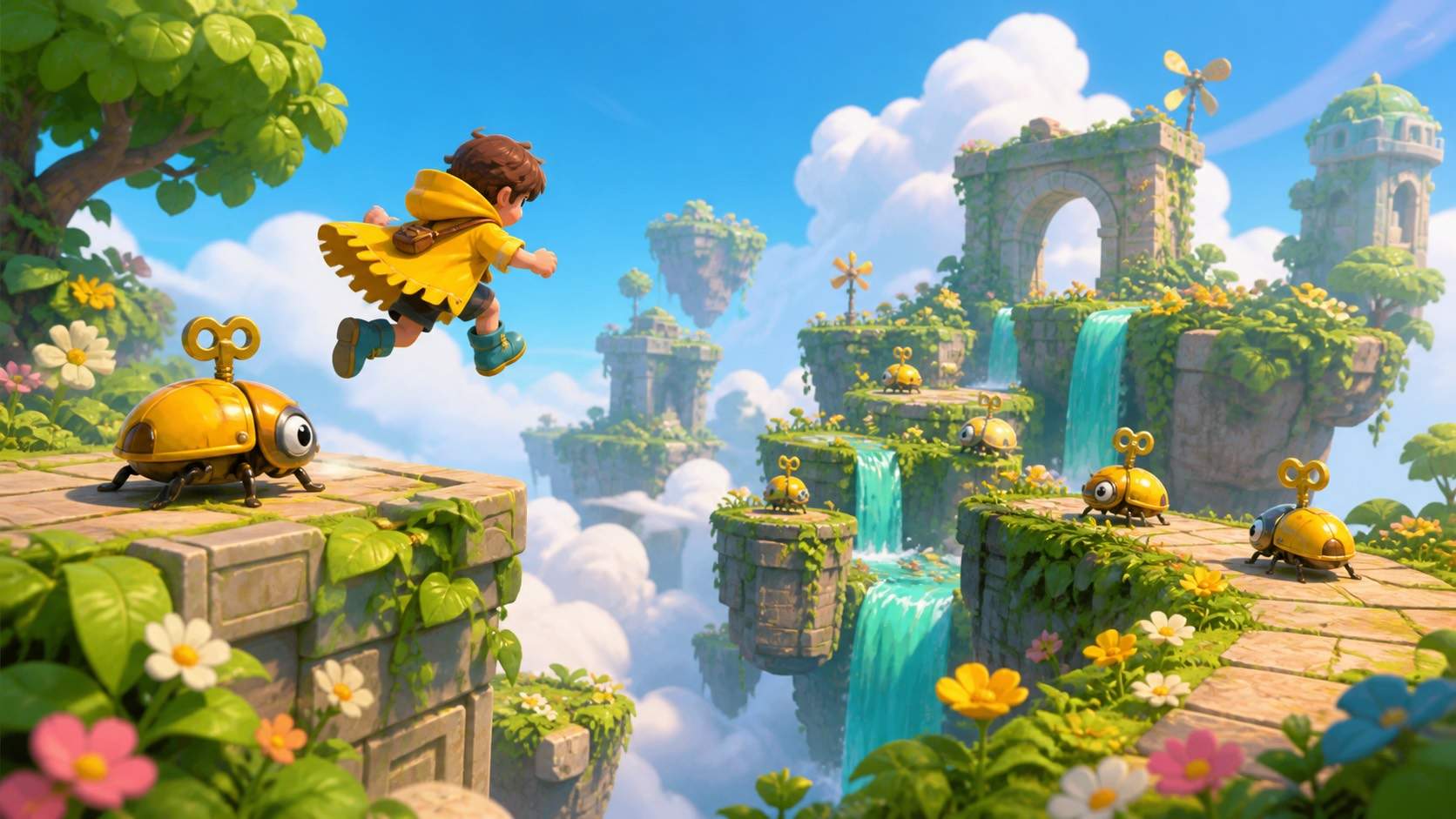
Design an upbeat 3D platforming scene with an original mustached adventurer in a yellow rain cape, leaping between floating garden ruins while friendly wind-up beetles guide the route. Use toy-like materials, strong depth layers, cinematic sunlight, and a wide 16:9 composition.
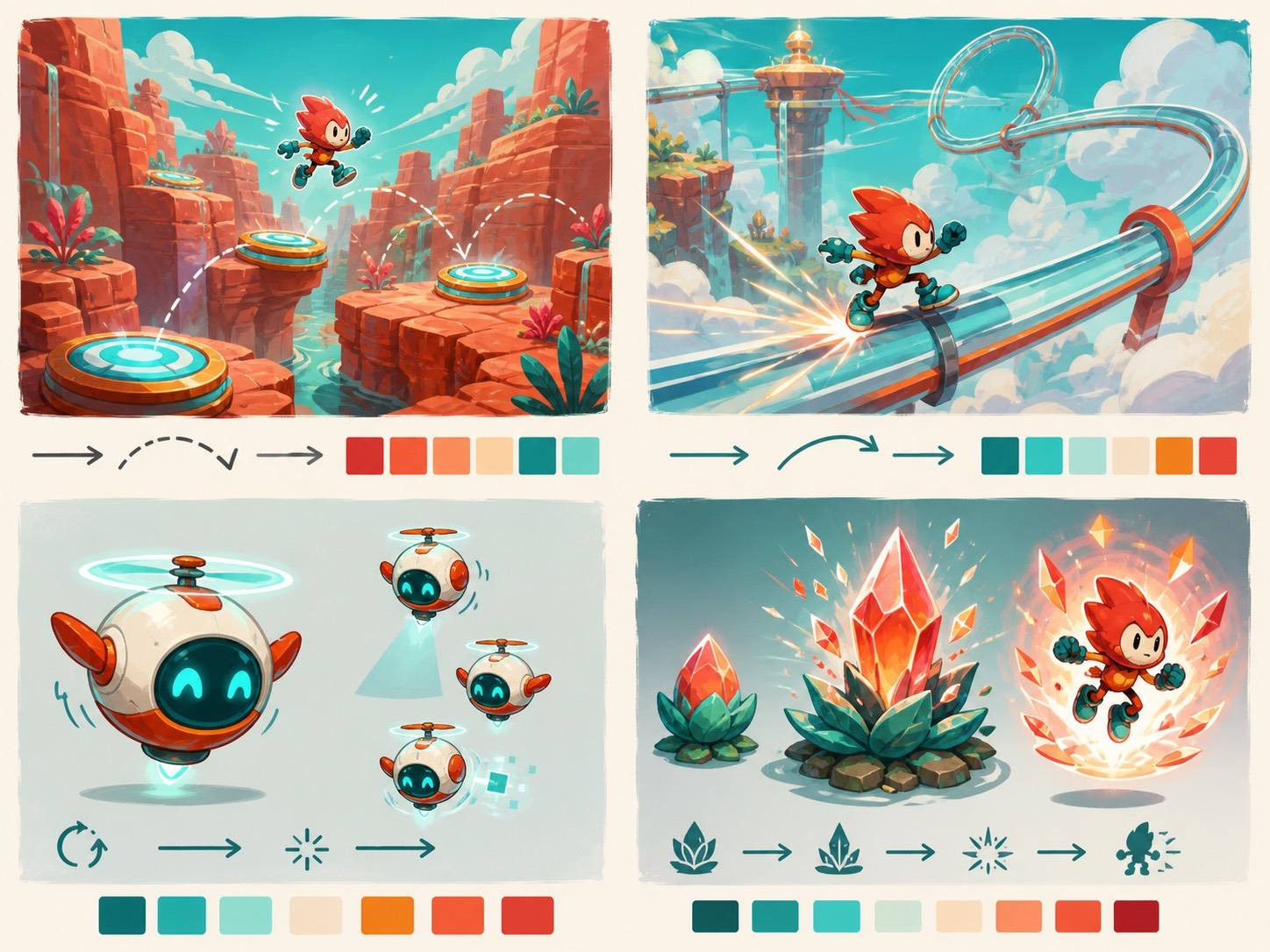
Make a colorful fan-art mood board for a classic mascot platformer tribute, but invent the character, emblem, power-up, and world. Include a coral canyon, a glassy sky rail, a tiny companion drone, and four thumbnail compositions with notes for pose and camera direction.
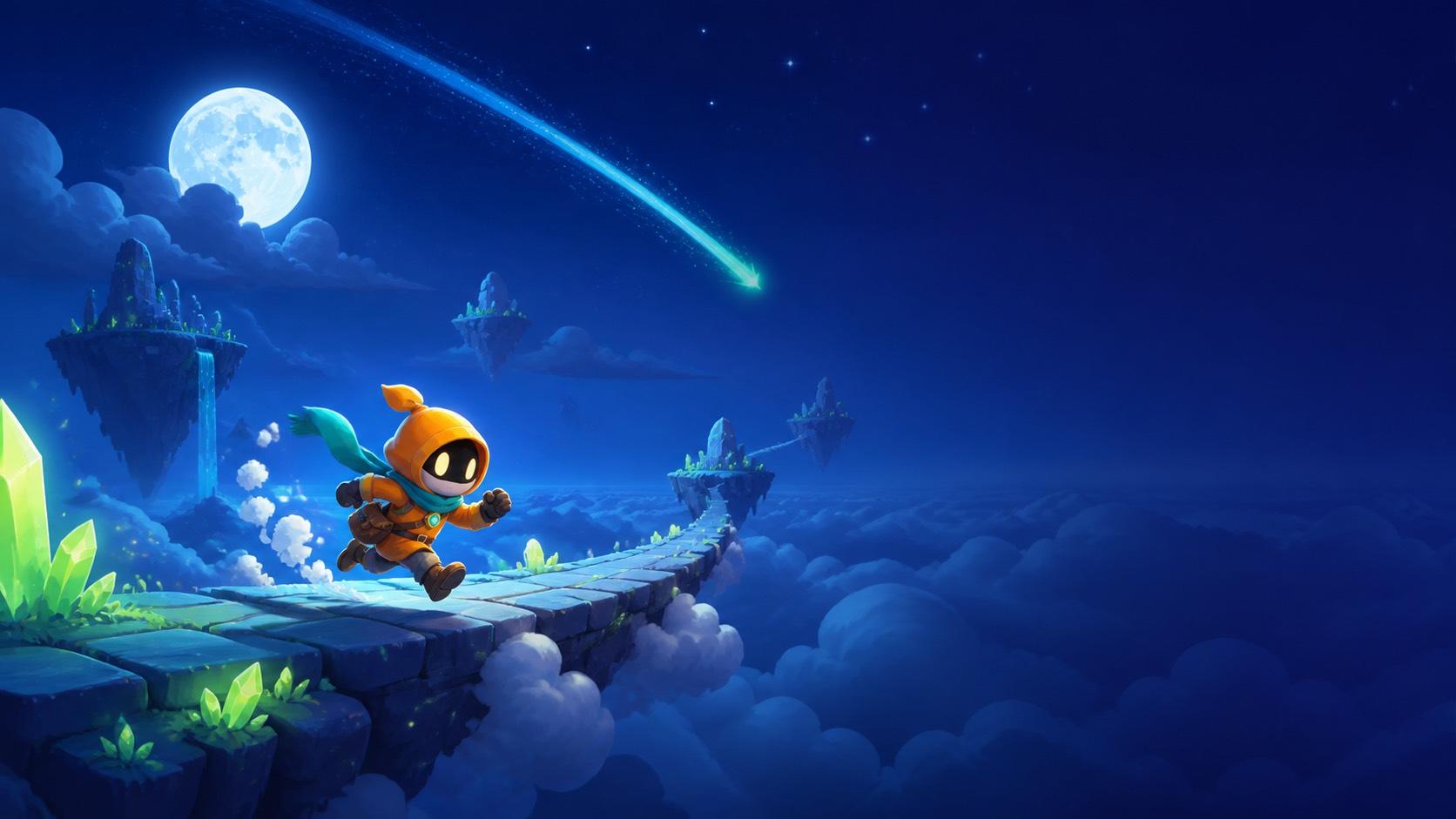
Create a desktop wallpaper featuring an original cheerful platform hero sprinting across a moonlit cloud bridge. Use a deep indigo sky, lime crystal plants, a comet trail leading the eye, generous negative space for icons, and no franchise logos or copied character marks.





