Free OnlineAI Manga Filter
How to Turn a Photo into Manga with AI
Upload a Clear Photo
Choose Ink or Color
Refine the Resemblance
Download Your Manga Image

Your Photo, Your Manga Direction
Start with Your Own Features
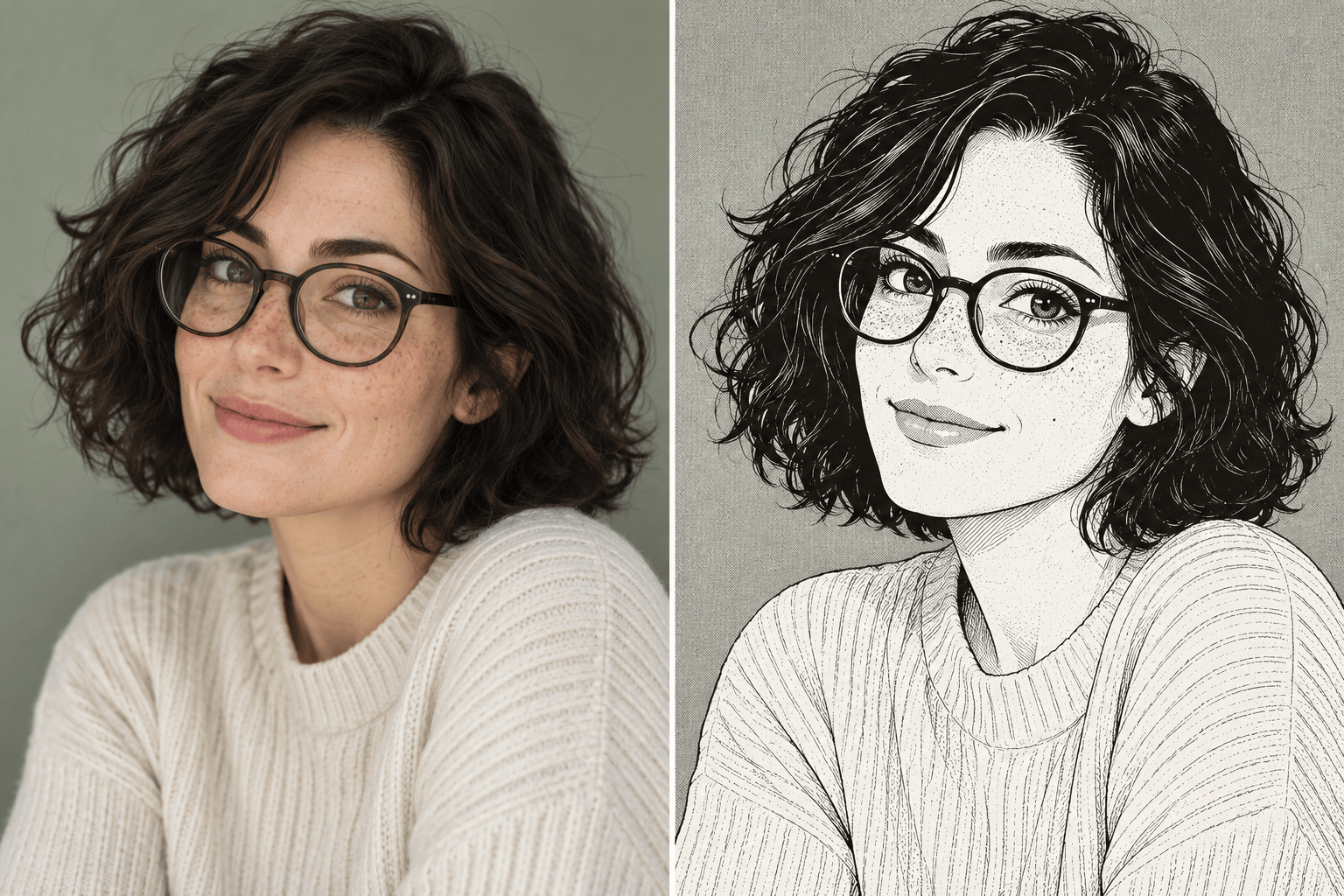
Use an uploaded photo as the reference for a selfie-to-manga portrait. Specify the hairstyle, expression and outfit you want to retain.
Go Beyond a Color Overlay
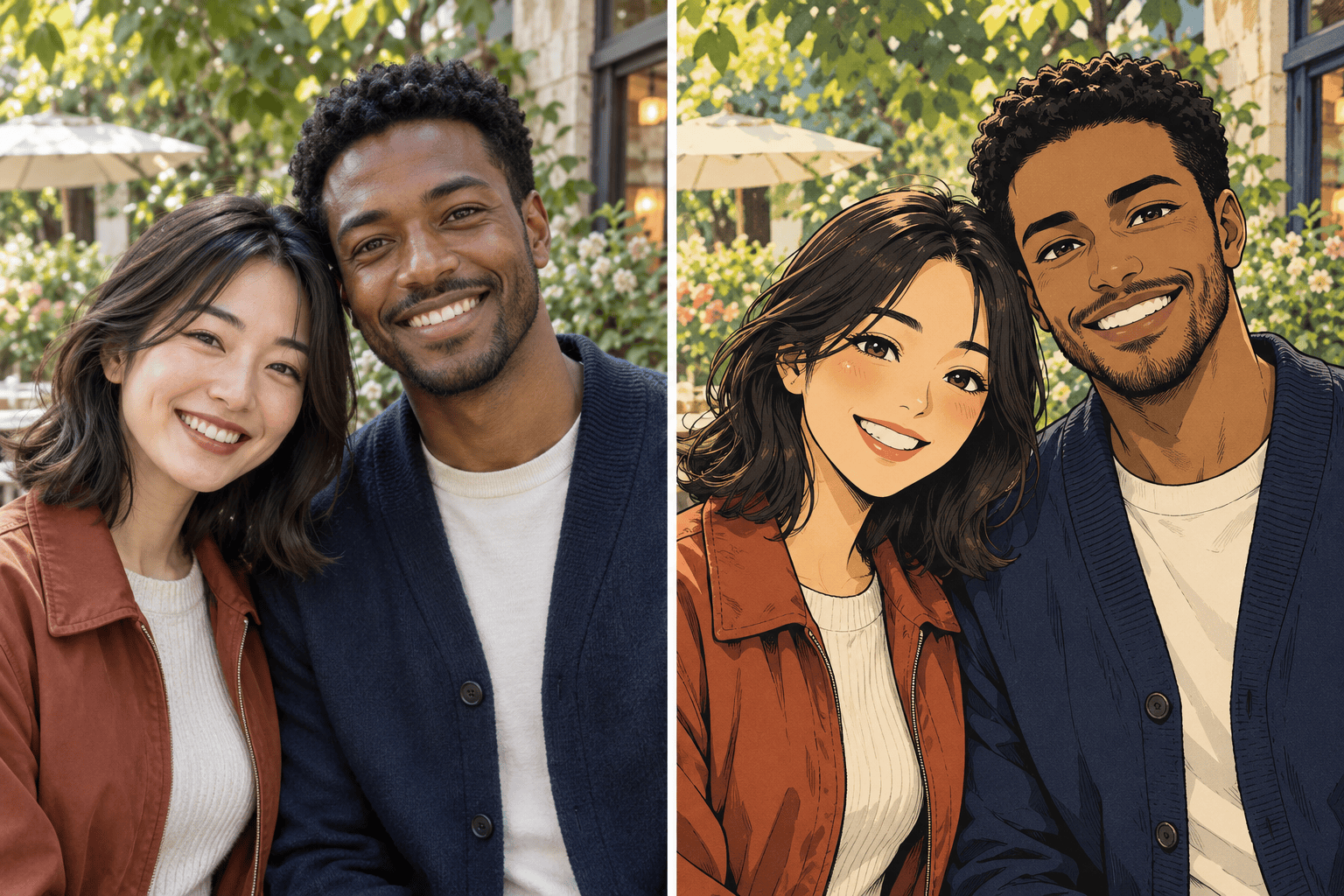
Request a black-and-white manga filter look with bold ink, white highlights and screentones, or explore a colorful illustrated finish.
Correct Details Through Chat
A face too stylized or a missing accessory can change the whole portrait. Ask for a focused correction with Chat Edit.
Guide the Look with References
Upload a visual reference to communicate fine linework, softer shading or dramatic contrast. Explain which traits to apply to your photo.
Compare Different Treatments
Try an ink version and a color version of the same photo. Choose the result that fits your avatar, keepsake or travel post.
Try Online with Free Credits
New users receive free AI credits after signup. Generate and edit in your browser, then export watermark-free images; further use depends on your credits.
How to Keep Your Manga Portrait Recognizable
- Choose a Clear Source:Avoid blur, deep face shadows and heavy beauty filters. For a group, make sure each face is large enough to see.
- Name the Features That Matter:Mention freckles, glasses, a hair part or a pet’s markings. Ask to retain these details instead of simply requesting “anime.”
- Define the Manga Finish:Black ink and dotted screentones suggest printed manga. Cel shading and a limited color palette suggest a color illustration.
- Check Small Details:Review eyes, hands, earrings and background text. Correct one issue at a time while asking to keep the rest unchanged.
Fix Common Photo-to-Manga Problems
The face looks too different. Use my original photo to bring back the face shape, hair part and expression while keeping the manga linework.
Make the eyes less exaggerated. Keep the original gaze and eyebrow shape, and leave the rest of the portrait unchanged.
The shadows are too heavy. Replace dense gray areas with lighter screentones and preserve clear white highlights on the face.
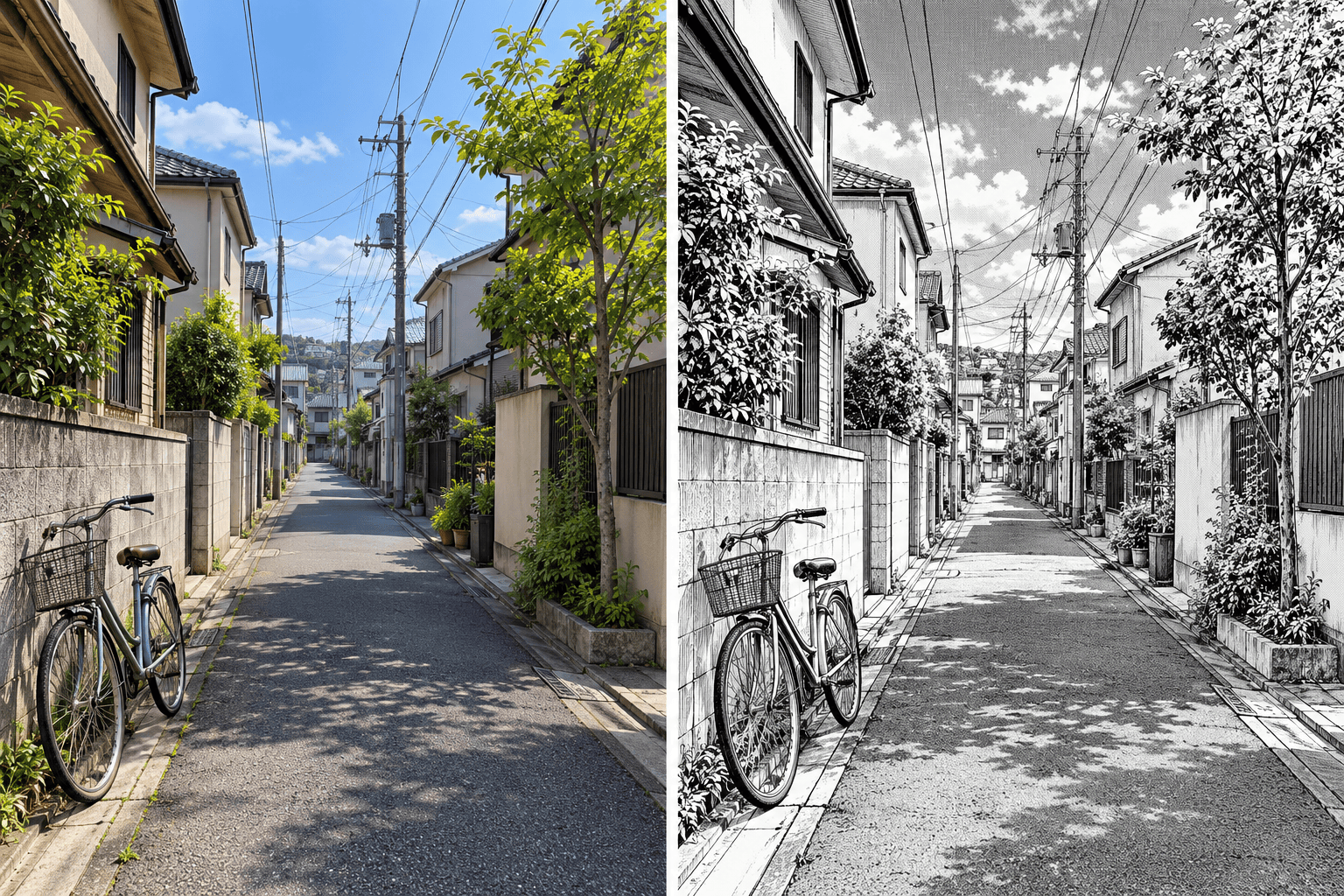
Simplify the busy background into clean manga lines. Keep the original setting and perspective, with fewer details behind the subject.
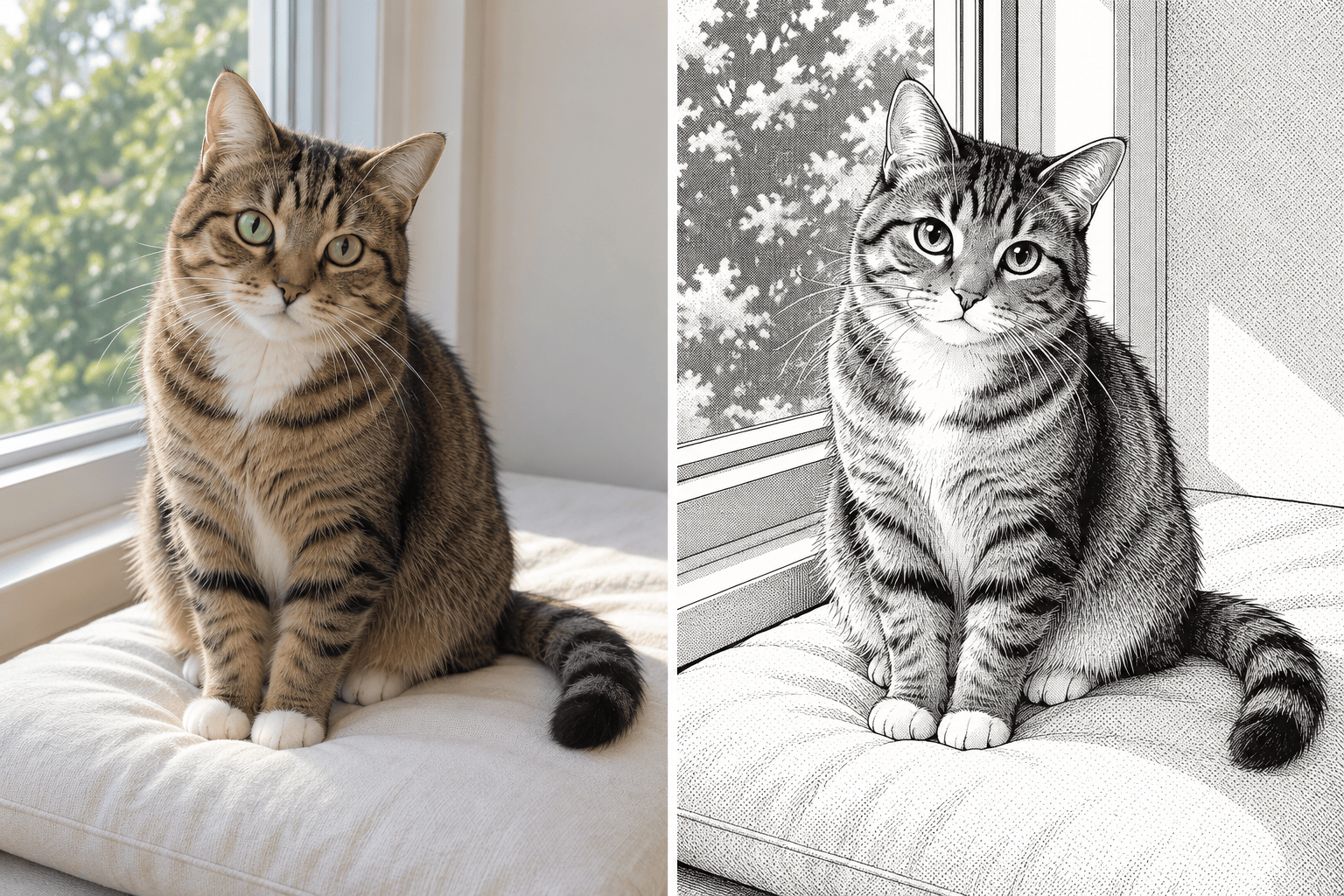
Restore my pet’s fur markings and ear shape from the uploaded photo. Keep the ink style without turning the animal into a human character.
Make this manga portrait a square profile picture. Center the face, leave space around the hair and keep the background simple.





