Free OnlineAI Male Model Generator
How to Generate Male Model Photos with AI
Define the Model and Use Case
Add Garment and Style References
Generate the Male Model Shot
Review, Refine, and Export

Why Mew Design Fits Male Fashion Image Workflows
Cast for the Customer You Serve
Describe a fictional male model by age range, body type, skin tone, hairstyle, facial hair, and expression. This makes it easier to explore inclusive casting directions for different menswear audiences without relying on one generic look.
Start from a Garment or Product Photo
Upload a flat lay, mannequin image, or existing product shot and explain how it should appear on a male model. This image-to-image workflow helps the AI male model generator for clothing follow the source item instead of inventing the whole look from text alone.
Direct the Entire Photoshoot in Chat
Specify a confident standing pose, a natural walking frame, a clean studio sweep, or an outdoor lifestyle scene. You can also guide the crop, camera angle, lens feel, lighting, and amount of negative space for marketplace or ad layouts.
Build a More Cohesive Image Series
Reuse visual references, repeat key model traits, and generate coordinated variations for several products or channels. The virtual male model generator can explore catalog, lookbook, and campaign directions while you review each result for consistency.
Refine Details Without Reshooting
If the first image misses the brief, use Chat Edit to adjust the pose, expression, garment styling, background, or lighting. You can keep the useful parts of the concept and request focused changes in plain language.
Try Ideas Before a Full Production
New users receive free AI credits after signup, and exports are watermark-free. Use the online AI male model maker to test casting and art direction, compare concepts, or create production-ready supporting visuals without committing to a studio day first.
How to Prompt AI for Better Male Model Photos
- Describe the Casting: Include an age range, build, skin tone, hair, facial hair, expression, and any audience cues. Use a fictional identity unless you have permission to use a real person's likeness.
- Protect Product Details: Reference the uploaded garment and name the color, pattern, fabric, cut, hardware, and fit that should remain recognizable. Review the result carefully before using it as a product image.
- Direct the Camera and Pose: Choose full-body, three-quarter, waist-up, or headshot framing. Add a natural action, camera angle, lens feel, lighting setup, and vertical or square crop when the channel requires it.
- Set the Scene and Brand Mood: Name the backdrop, palette, styling era, and emotional tone. Attach a campaign reference or brand asset when you need the new image to sit naturally beside existing creative.
Male Model Prompts for Ecommerce and Campaigns
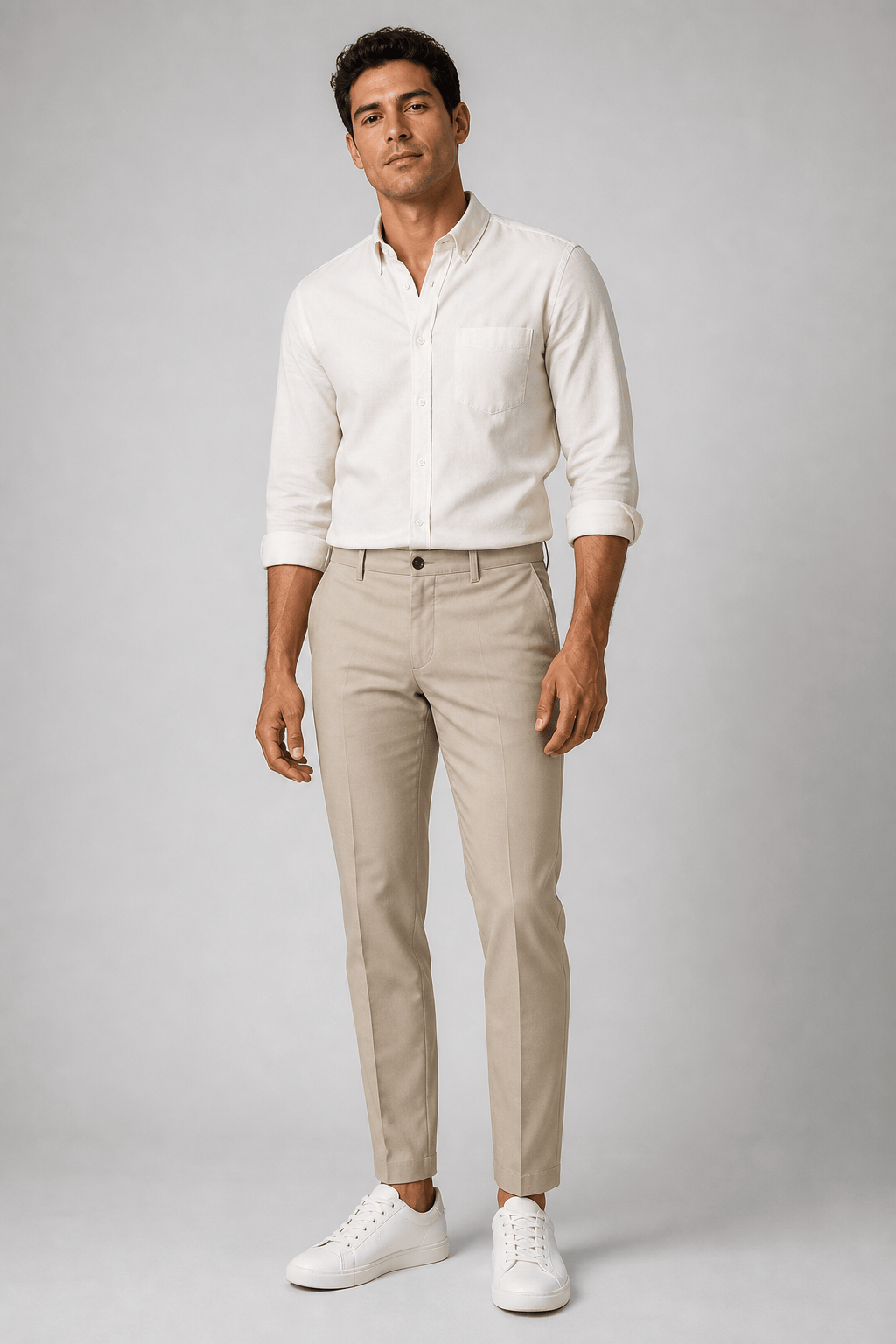
Ecommerce Studio: Create a photorealistic full-body male model photo for a Shopify menswear listing. Use the uploaded cream Oxford shirt as the clothing reference and preserve its button placement, collar shape, fabric texture, and color. Cast a fictional male model in his late 20s with an average build, short dark hair, and a friendly neutral expression. Natural standing pose, light gray seamless background, soft studio lighting, vertical 3:4 crop, no extra accessories or text.
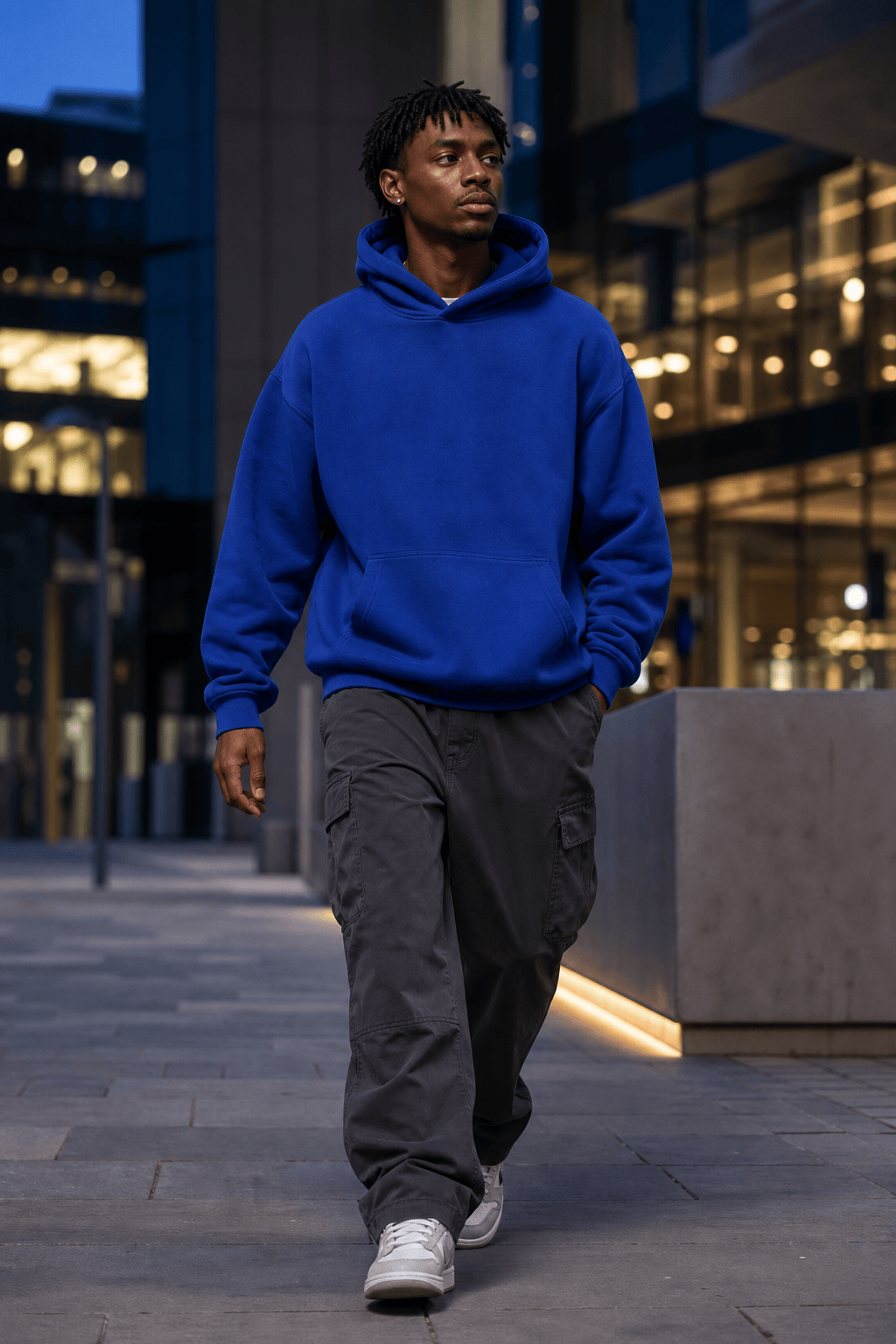
Streetwear Social Ad: Generate a Black male fashion model in his mid-20s wearing the uploaded oversized hoodie and cargo trousers. Place him in a clean contemporary city setting at blue hour, walking naturally with relaxed shoulders. Keep the hoodie graphic and colors recognizable. Editorial streetwear photography, subtle motion, crisp fabric texture, vertical 4:5 composition with clean space for ad copy, no added text.
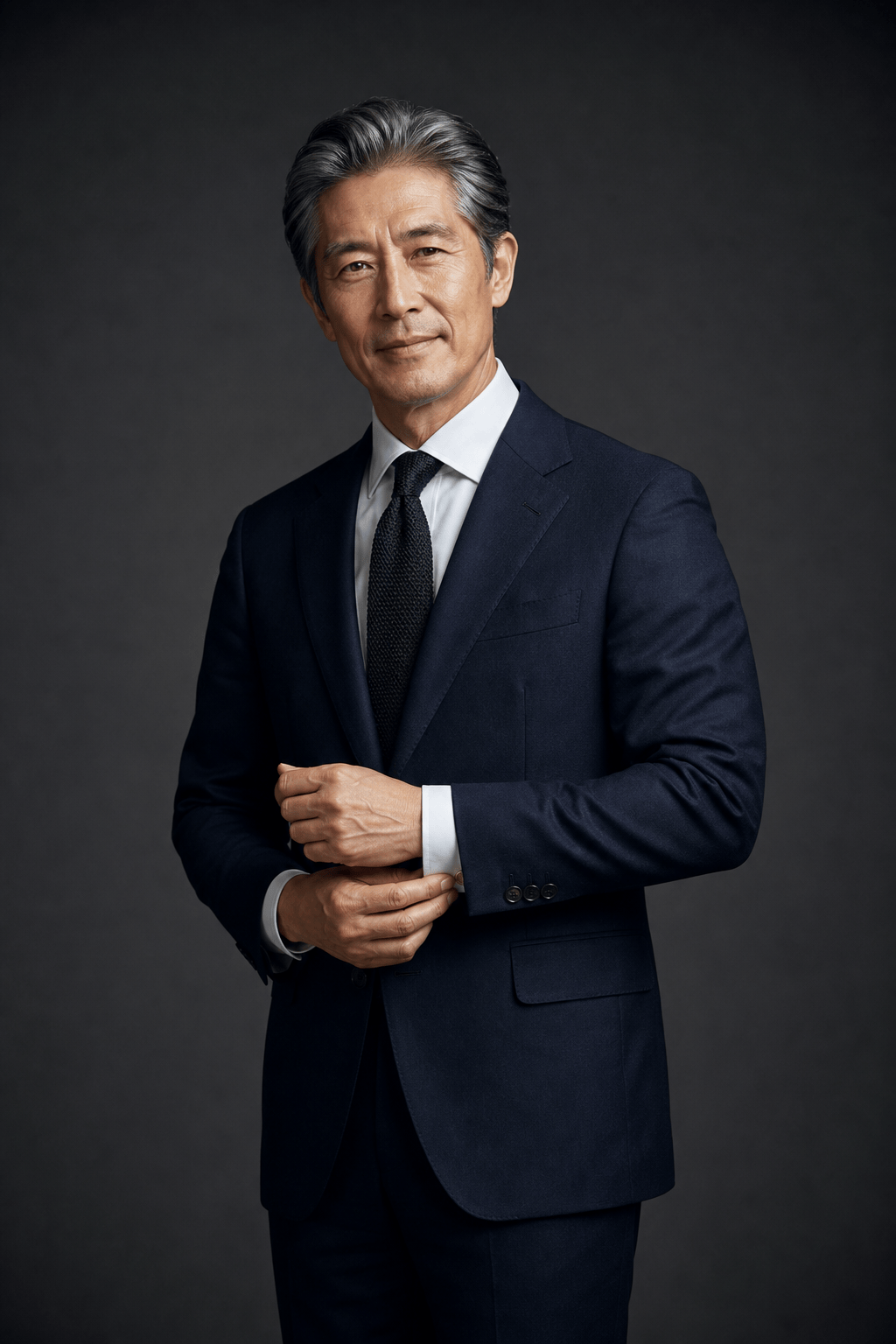
Premium Tailoring Lookbook: Create a refined three-quarter portrait of a fictional East Asian male model, age 45-55, wearing a tailored navy suit, white shirt, and dark knitted tie. Confident but approachable expression, one hand lightly adjusting the cuff, charcoal studio backdrop, soft rim light, realistic skin texture, luxury menswear lookbook photography, vertical crop, no visible brand logos.
Inclusive Casualwear Catalog: Create a realistic plus-size South Asian male model in his early 30s wearing the uploaded terracotta overshirt, white tee, and dark denim. Preserve the overshirt's exact color and pocket details. Use a relaxed seated pose in a bright minimal studio, natural smile, soft daylight feel, full outfit visible, vertical 3:4 ecommerce composition.
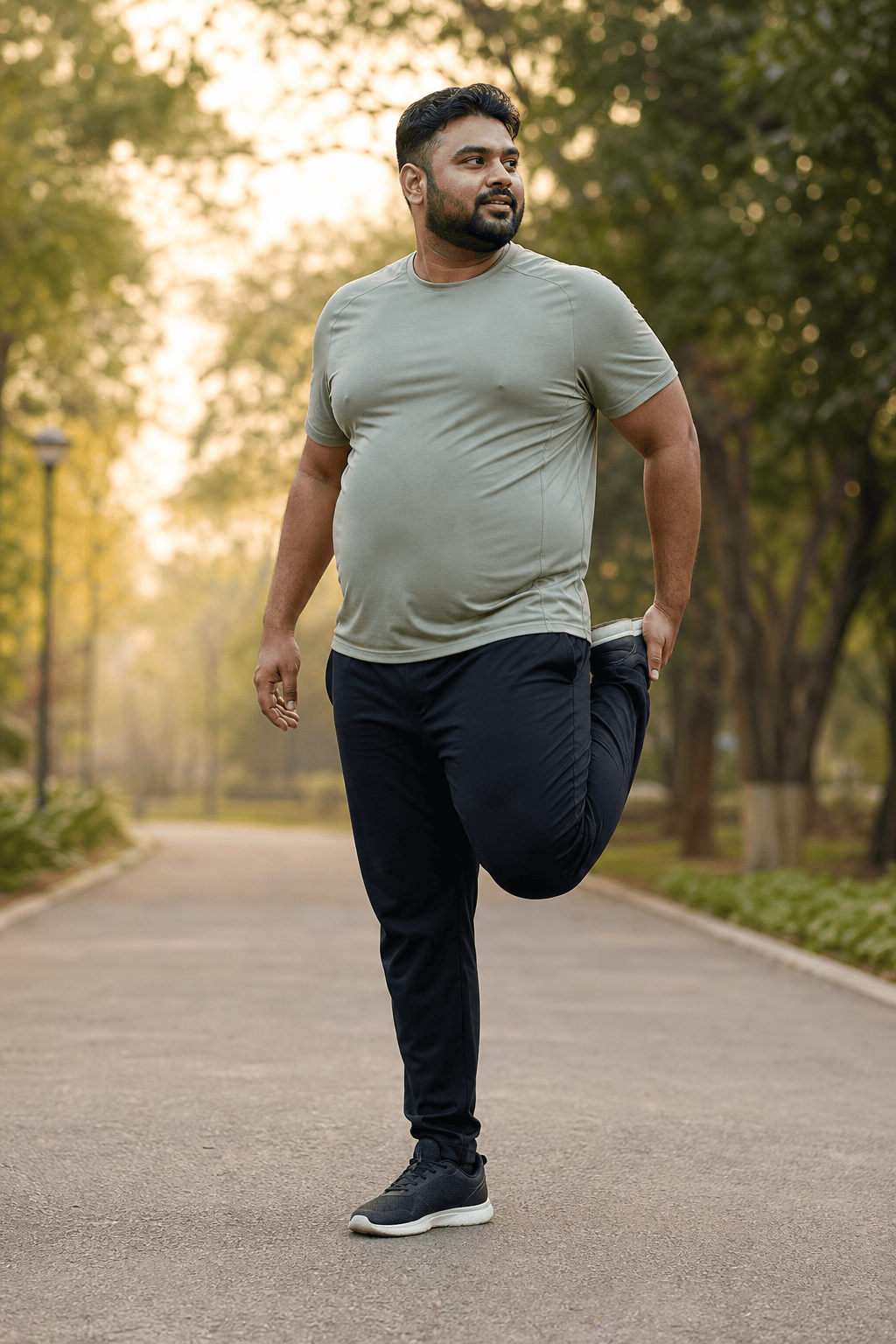
Activewear Lifestyle Campaign: Generate a fictional male fitness model in his late 30s with a sturdy athletic build wearing neutral running apparel. Show him stretching beside an urban park path just after sunrise. Natural movement, believable muscle definition, light perspiration, realistic technical fabric, warm directional sunlight, commercial lifestyle photography, vertical 3:4 crop, no text or logos.
Accessories and Grooming Ad: Create a close three-quarter portrait of a mature male model with salt-and-pepper hair and a neat beard, wearing a black crew-neck shirt and the uploaded watch. Keep the watch face, metal finish, and strap design accurate and visible. Dark premium studio background, controlled highlights, sophisticated grooming campaign mood, sharp focus on face and wrist, no added text.





