Free OnlineAI Makeup Generator
How to Try On Makeup with AI
Upload a Clear Portrait
Describe or Reference the Look
Generate and Fine-Tune
Compare and Download

Makeup Exploration That Still Looks Like You
Keep Your Identity Recognizable
Ask Mew Design to preserve facial proportions, expression, hairstyle, pose, and natural skin texture while changing only the makeup. This keeps the portrait useful for a personal AI makeup try-on.
Prompt a Complete Look
Describe a no-makeup makeup look, radiant bridal glam, Y2K color, goth makeup, or an editorial concept in plain language. The AI makeup editor interprets the full direction instead of limiting you to one fixed filter.
Transfer a Reference Direction
Upload a permitted inspiration photo and specify the parts you like—such as smoked liner, gradient lips, glass-skin finish, or draped blush. Reference images guide the visual direction without requiring manual brush work.
Refine One Detail at a Time
Use Chat Edit to make the eyeliner thinner, reduce foundation coverage, shift lipstick from berry to rose, or keep freckles visible. Targeted follow-ups give you more control than a one-tap AI makeup filter.
Compare Looks for Real Occasions
Create coordinated variations for work, weddings, date nights, parties, headshots, or beauty content. This online AI makeup generator helps you evaluate the overall style before recreating it with cosmetics.
Try It Free and Export Cleanly
New users receive free AI credits after signup. Test makeup directions online, refine the strongest result, and download a watermark-free PNG or JPG when it is ready.
How to Prompt AI for a Realistic Makeup Look
- Set the Complexion Finish: Choose natural, matte, satin, dewy, or luminous coverage, and say whether freckles and real skin texture should remain visible.
- Direct Eyes and Brows: Name the liner shape, shadow colors, lash intensity, brow finish, and whether the look should feel soft, lifted, smoky, graphic, or editorial.
- Specify Cheeks and Lips: Include blush color and placement, contour strength, highlighter finish, plus the lip shade and texture—matte, satin, gloss, stain, or gradient.
- Protect Identity and Context: Ask the AI to keep facial structure, expression, hair, pose, jewelry, background, and lighting unchanged unless you deliberately want a broader makeover.
Makeup Prompts for Looks You Can Actually Compare
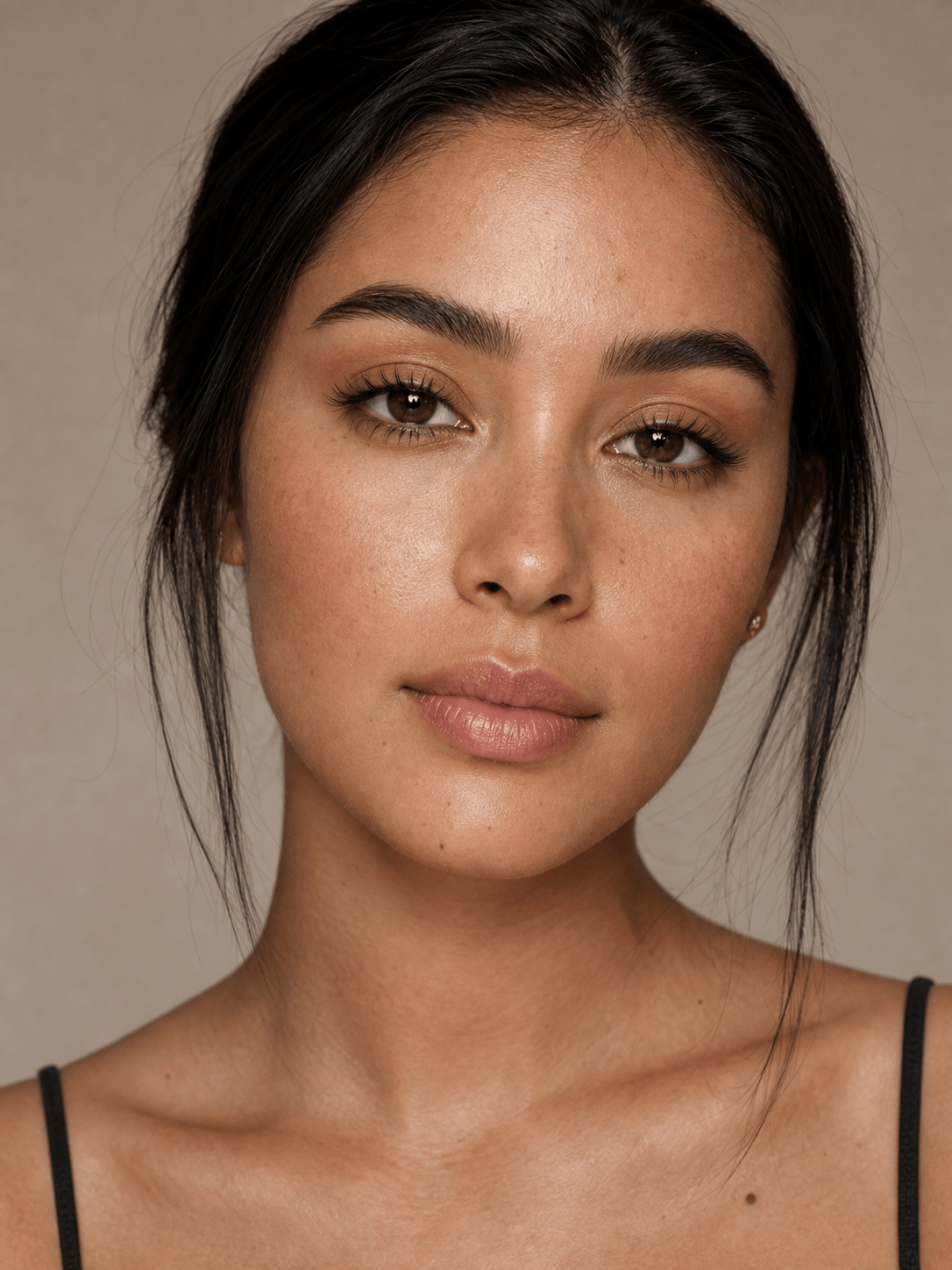
Natural Everyday Makeup: Add a fresh no-makeup makeup look to my selfie. Preserve my identity and real skin texture. Use sheer satin coverage, spot concealing, brushed natural brows, soft brown tightlining, curled lashes, muted peach blush, and a rose-beige tinted lip balm. Keep freckles visible and do not reshape any facial features.
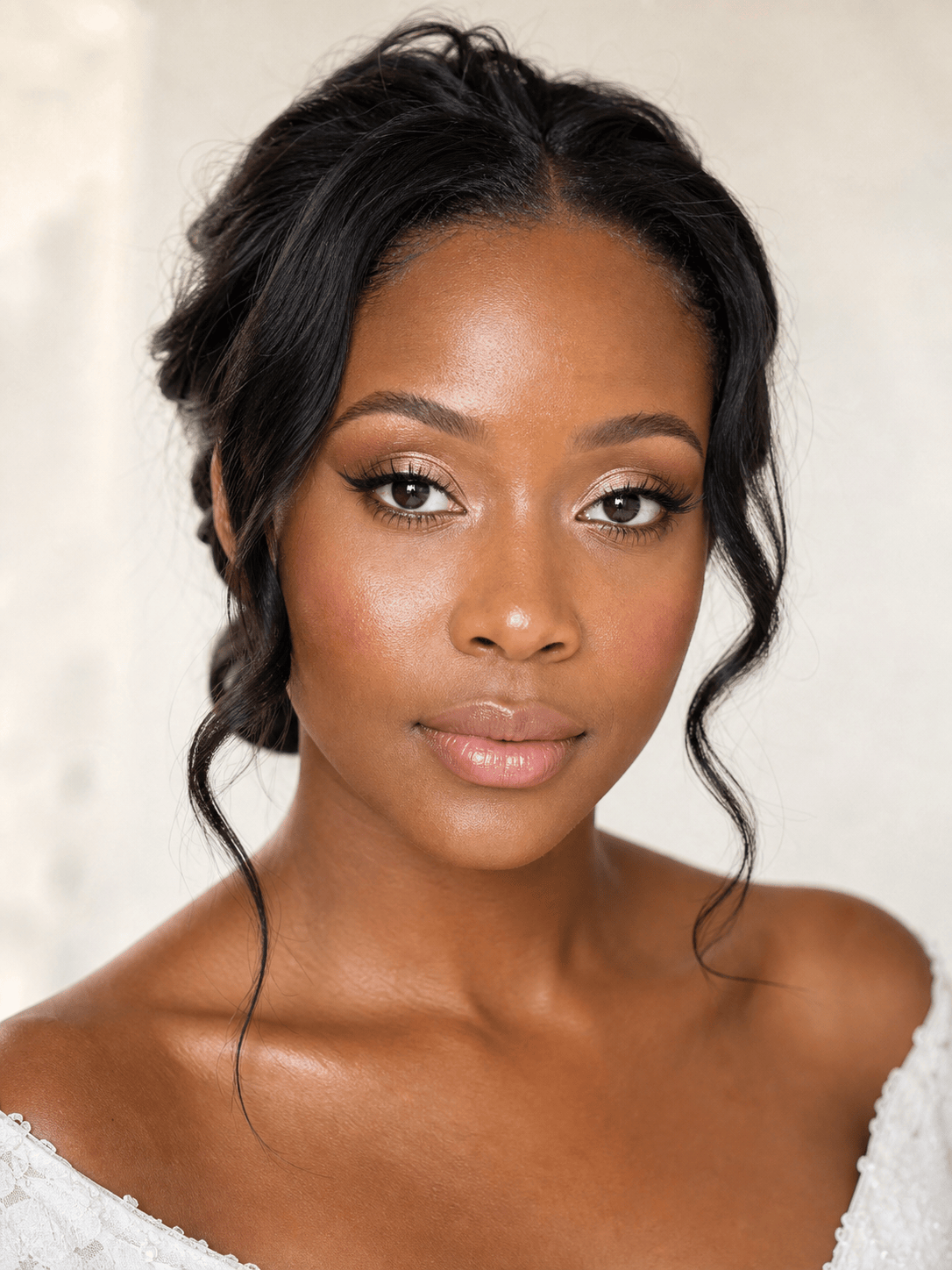
Bridal Soft Glam: Create a radiant bridal makeup try on for an outdoor afternoon wedding. Keep my face, hairstyle, expression, and lighting unchanged. Add a luminous base, champagne lids, softly winged brown liner, defined lashes, rose blush, subtle pearl highlight, and a long-wear pink-nude satin lip. Elegant and camera-ready, never heavy.
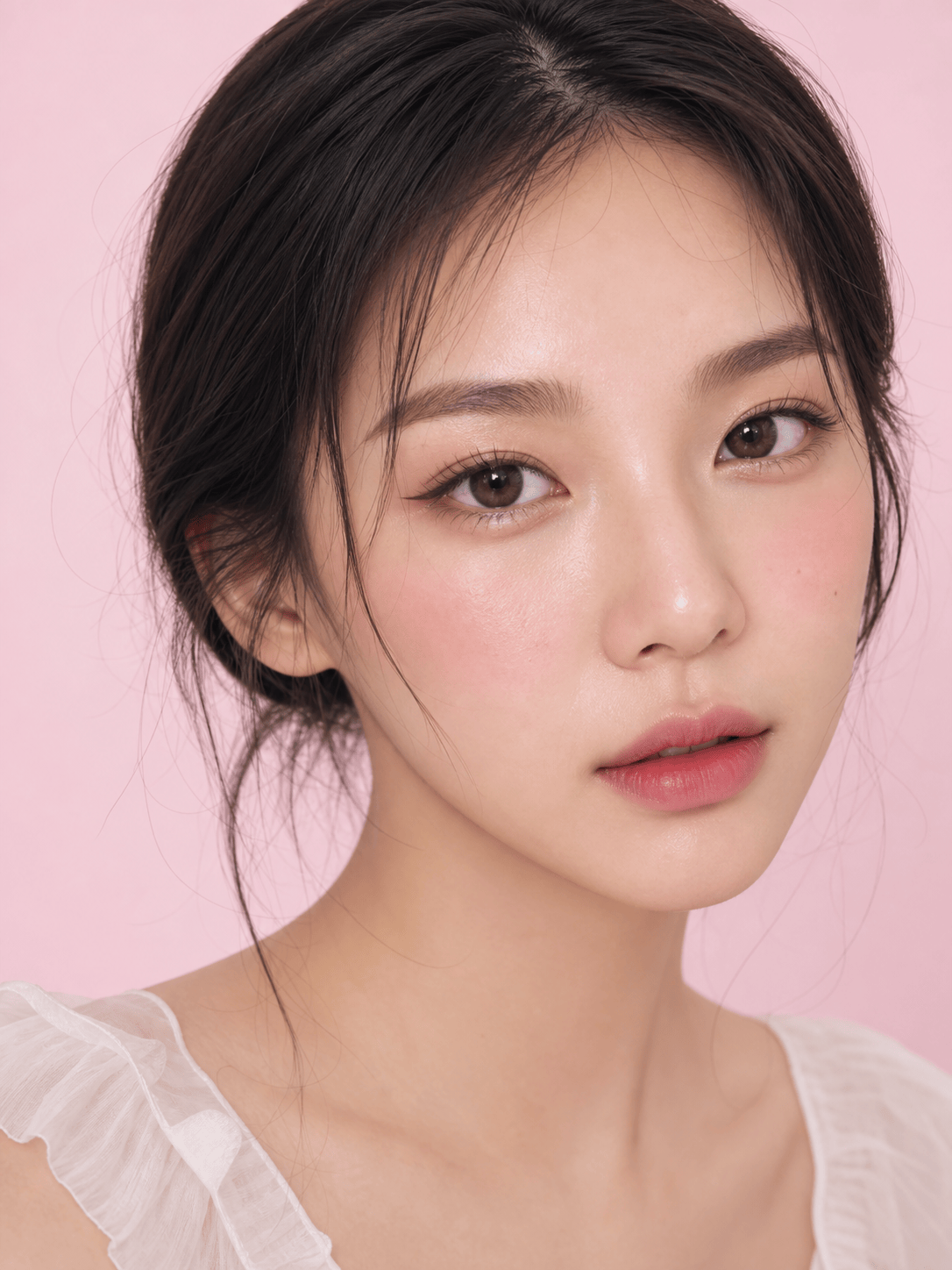
Dewy K-Beauty-Inspired Look: Apply a fresh dewy makeup direction with translucent skin, straight softly filled brows, taupe-beige shadow, a thin puppy-eye liner, delicate under-eye highlight, pink blush across the upper cheeks, and a blurred berry gradient lip. Preserve pores and identity; no face reshaping or plastic skin.
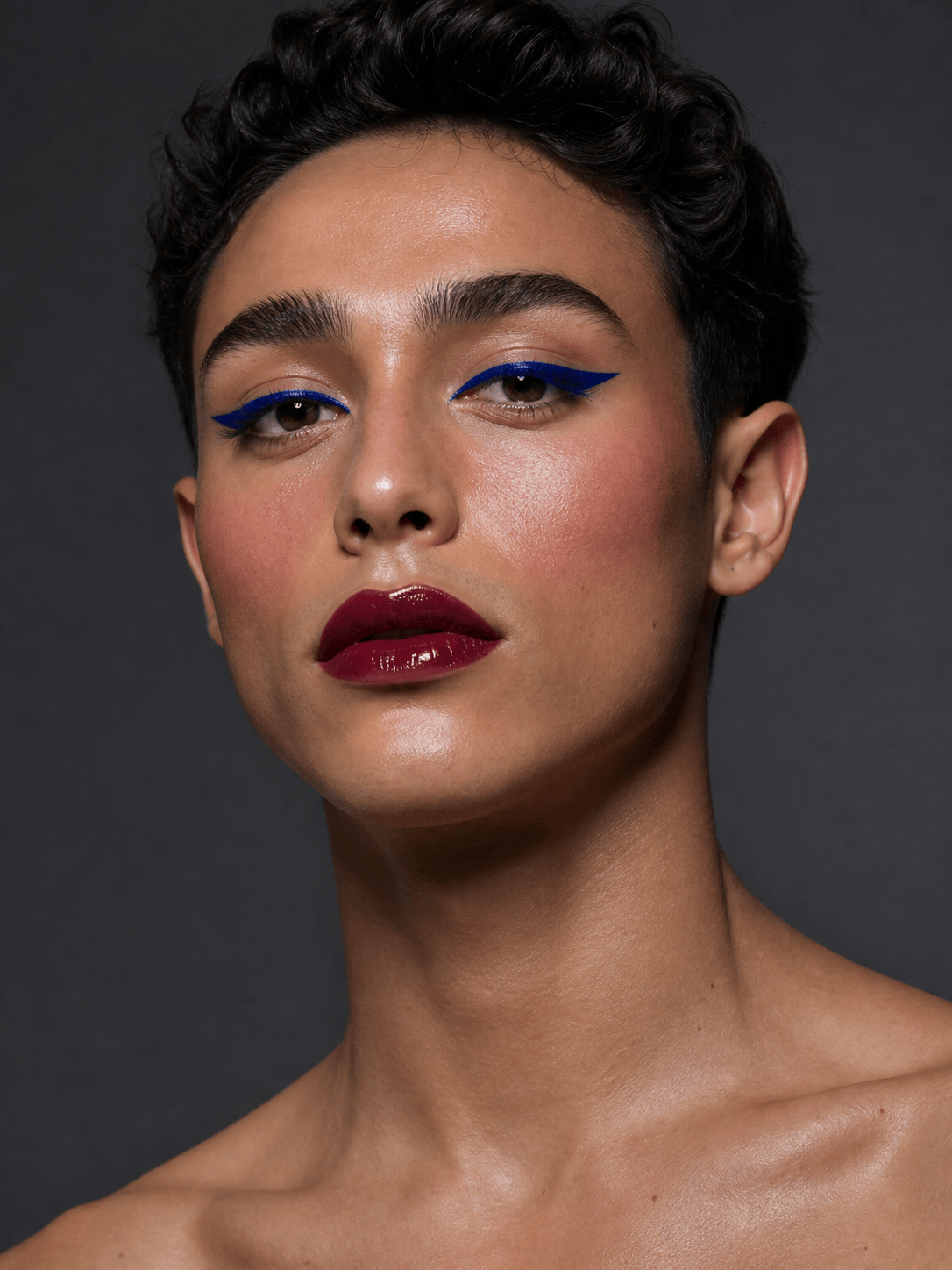
Bold Editorial Makeup: Turn my portrait into a high-fashion beauty look while keeping the person and background unchanged. Add graphic cobalt eyeliner, clean luminous skin, sculpted cool-rose cheeks, brushed-up brows, and a deep wine vinyl lip. Make the color placement precise and photographic, with no extra accessories or text.
Lip Color Comparison: Create four separate versions of my front-facing selfie with the same lighting and unchanged face. Apply these lip finishes only: warm terracotta matte, cool berry satin, neutral rose gloss, and classic blue-red velvet. Keep all other makeup minimal so I can compare how each color works with my complexion.
Reference Makeup Transfer for a Headshot: Use my first image as the portrait and my second permitted image as makeup inspiration. Transfer only the softly smoked brown eyes, peach blush placement, and muted mauve lip direction. Preserve my identity, hair, clothes, pose, office background, and professional headshot lighting.





