Free OnlineAI Lookbook Generator
How to Create a Fashion Lookbook with AI
Set the collection direction
Add garments and references
Generate a connected lookbook series
Curate, refine, and export

Why Use Mew Design for AI Fashion Lookbooks
Build One Visual Language
Carry a shared model direction, lighting setup, palette, backdrop, and framing across a series so separate looks feel like one considered collection.
Start from Real Garment References
Upload product photos, flat lays, sketches, or moodboards and use them to guide the clothing, styling, and art direction instead of starting from an empty canvas.
Show More Than One Angle
Create variations that help shoppers and buyers understand a garment: full-body, three-quarter, walking, seated, side, back, and close-up views.
Refine Looks through Chat
If a pose, crop, background, or styling choice misses the brief, ask for a focused change in Chat Edit and keep developing the approved direction.
Design Covers and Branded Spreads
Use your collection name, color system, logo, and product notes to create readable cover or presentation layouts that support the imagery without overwhelming it.
Reuse Assets across Channels
Prepare AI-generated fashion visuals for ecommerce pages, seasonal campaigns, social carousels, line sheets, and client or buyer presentations from the same creative direction.
How to Write a Good Fashion Lookbook Prompt
- Lock the visual system: Name the model direction, hair, makeup, lighting, backdrop, lens feel, crop, and color palette. Reuse those choices across looks to keep the series connected.
- Describe the garment precisely: Include silhouette, fabric, color, pattern, hardware, seams, fit, and any logo. Upload a clear product photo or sketch when those details matter.
- Plan useful views: Ask for full-body, three-quarter, walking, seated, side, back, or detail shots according to what shoppers, stylists, or buyers need to see.
- Name the destination: Mention product pages, a seasonal PDF, Instagram carousel, wholesale presentation, or campaign landing page so the composition fits the channel.
AI Lookbook Prompt Examples for Fashion Brands
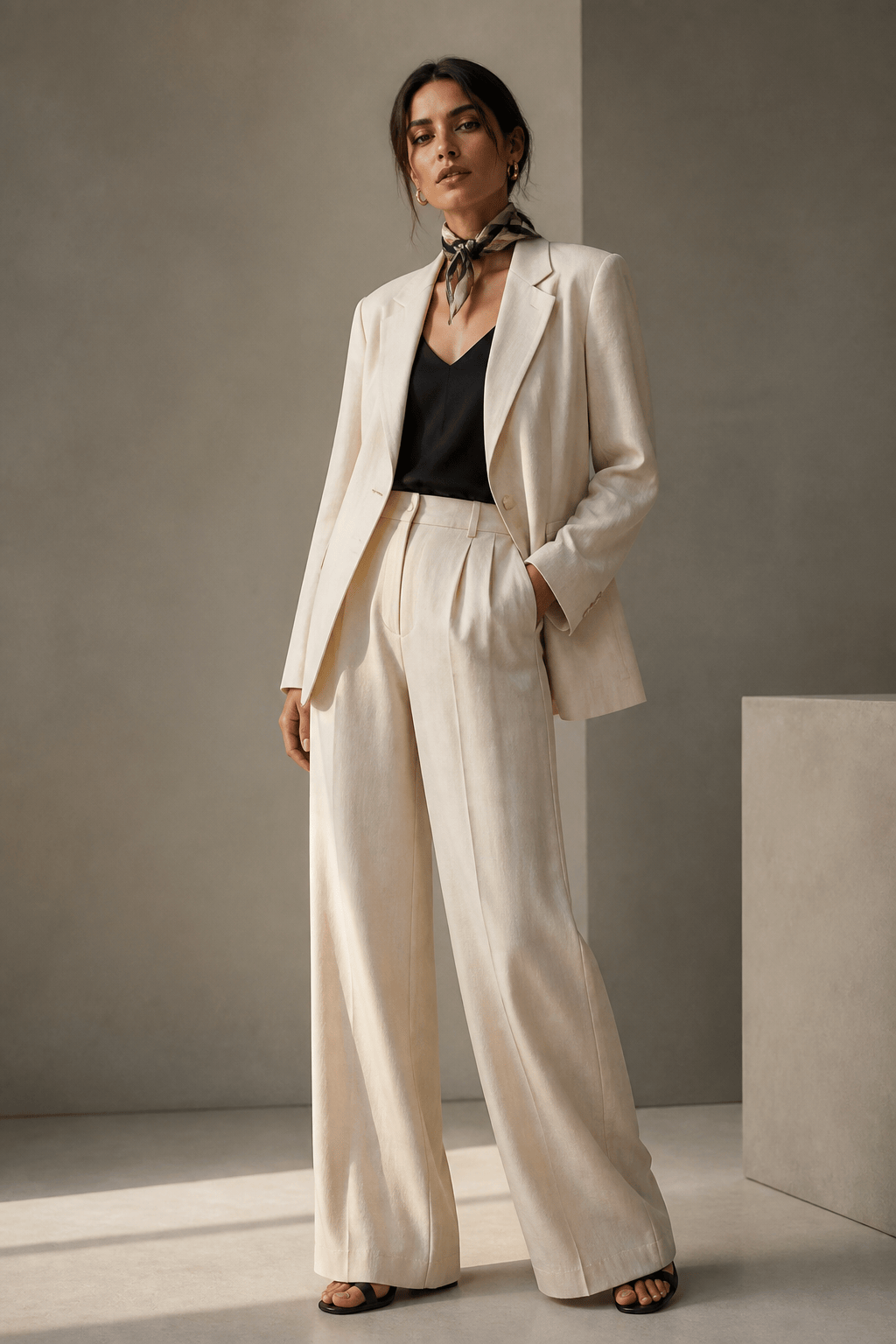
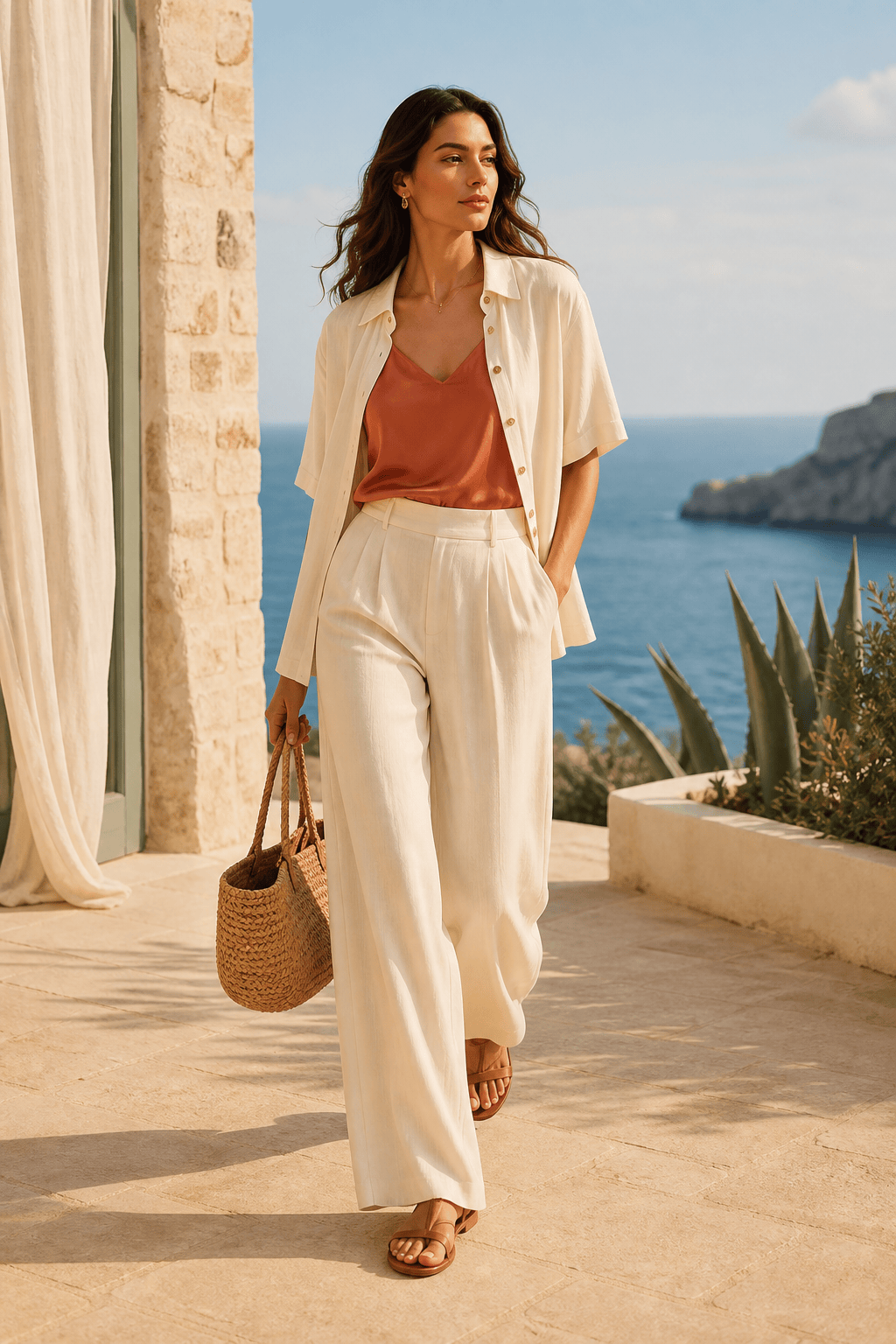
Create a spring/summer capsule lookbook for a linen womenswear collection. Use the uploaded cream blazer, wide-leg trousers, and silk scarf as references. Create six relaxed full-body looks with a consistent model direction, sunlit Mediterranean courtyard, natural shadows, quiet luxury styling, and enough negative space for product names on a seasonal collection page.
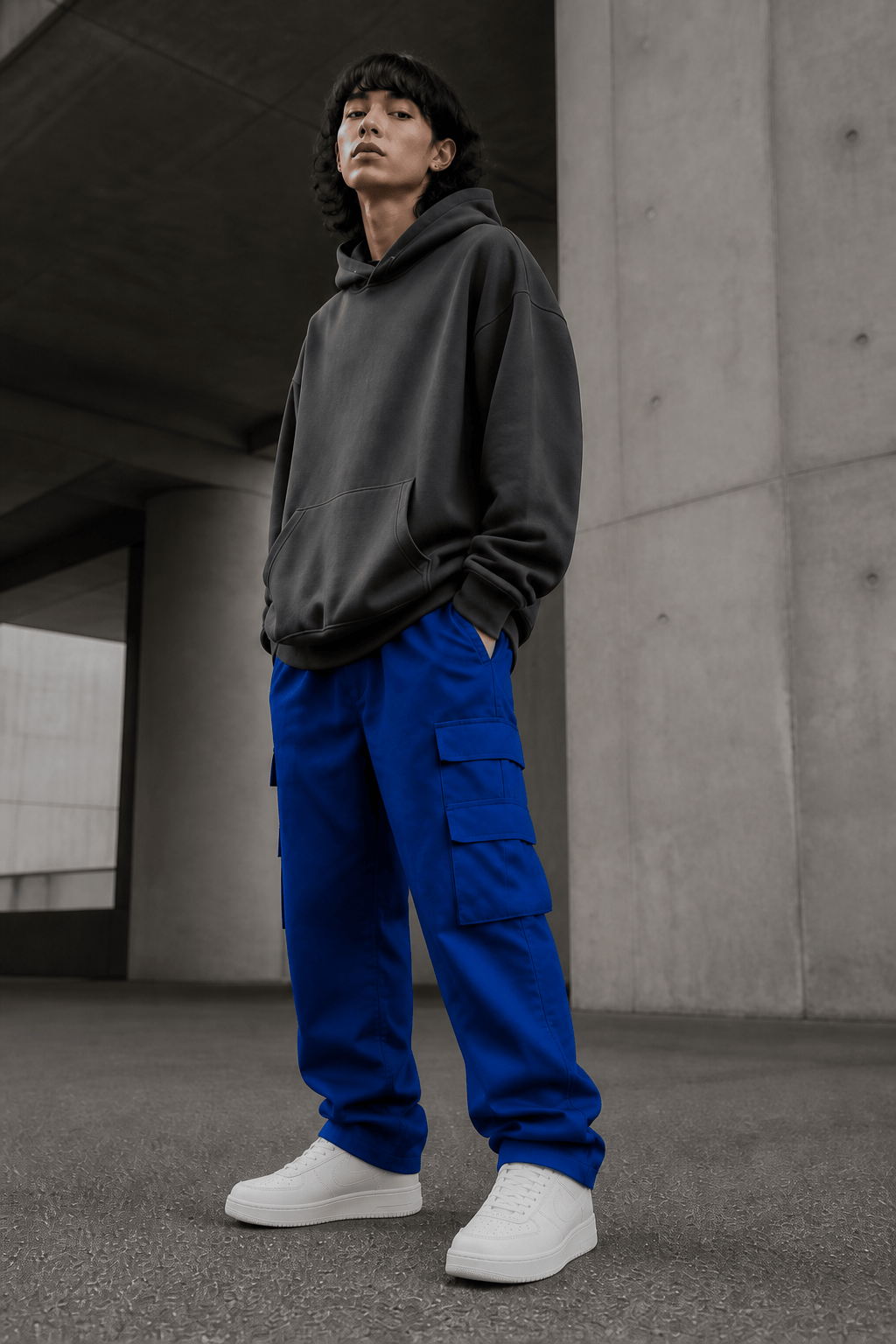
Turn these uploaded hoodie, cargo trouser, and sneaker references into an urban streetwear lookbook. Use an androgynous model direction, concrete underpass, overcast daylight, low-angle and three-quarter poses, close-ups for the woven label, and a graphite, cobalt, and white art direction. Do not invent graphics or change the garment colors.
Create an eco-fashion accessories lookbook from the uploaded recycled-fabric tote, cap, and crossbody bag photos. Use a warm natural studio, diverse styling across three outfits, soft daylight, visible material texture, clean compositions for an online shop, and a small detail view for each strap, clasp, or woven label.
Create an ecommerce lookbook from these flat-lay garments for a small clothing brand. Generate clear front, side, back, and full-length views with consistent lighting and neutral background. Keep the original colors, prints, proportions, and hardware. Make the framing easy to crop for product pages and social posts.
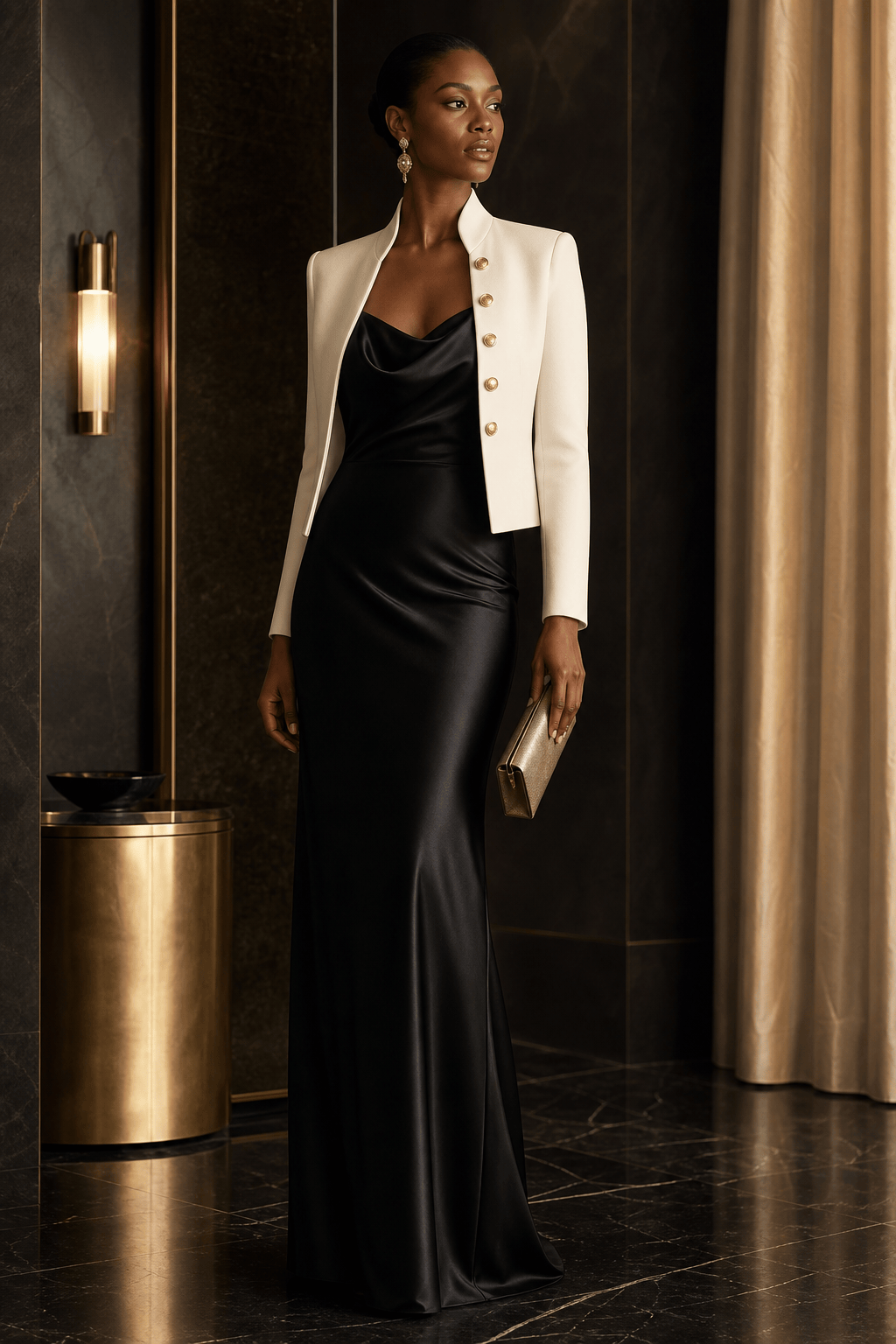
Design a premium eveningwear lookbook for a black satin dress, tailored tuxedo, and metallic clutch. Use a consistent editorial direction in a quiet art-deco interior, deep black and champagne palette, controlled highlights, elegant standing and seated poses, full-body silhouettes, and close-up details of the fabric and fastening.
Reference @collection_brief.pdf and the uploaded fashion sketches to create a concept lookbook for a resort collection. Keep the product names and collection order from the brief, translate the silhouettes into realistic visual studies, use a coastal terrace setting with one coherent palette, and label each look clearly. Verify all text and garment details before publishing.





