Free OnlineAI List Generator
How to Create a List with AI
Define the List's Job
Add Items or Source Material
Generate a Structured Design
Review, Refine, and Export

Why Use Mew Design as Your AI List Maker
From a Goal to Organized Items
Describe a trip, project, lesson, routine, or content theme. The AI list generator drafts relevant items and arranges them into a useful starting structure.
A Format That Fits the Task
Ask for checkboxes, numbering, priority groups, columns, or compact bullet points. This online AI list maker shapes the layout around how the list will be used.
Turn Files into Visual Lists
Upload source material to the file library, reference it with @ in the design conversation, and ask Mew to extract the relevant points into a checklist or categorized list.
Readable, Design-Aware Layouts
Keep headings, labels, and list items easy to scan. Mew Design balances typography, spacing, icons, and color instead of returning an unformatted wall of text.
Revise the List Through Chat
Click Chat Edit and request focused changes such as “group these by priority,” “shorten every item,” or “make this an A4 printable checklist” without rebuilding the design.
Ready for Print or Sharing
Create printable task lists, mobile-friendly checklists, or branded idea lists, then export the reviewed design as PNG, JPG, or PDF for the destination that fits your workflow.
What to Include in an AI List Request
- Name the Goal and Audience: Explain whether the list is for a traveler, student, project team, customer, or social audience so the items match the context.
- Supply Must-Have Content: Paste required items or reference a source file with @. Mark any wording, values, or categories that must stay exact.
- Choose the List Structure: Ask for checkboxes, numbered steps, categories, priorities, or columns, and say roughly how many items you need.
- Set the Output Format: Mention A4 print, mobile sharing, a presentation slide, or a branded handout so the AI can plan the size, density, and visual hierarchy.
AI List Ideas You Can Generate
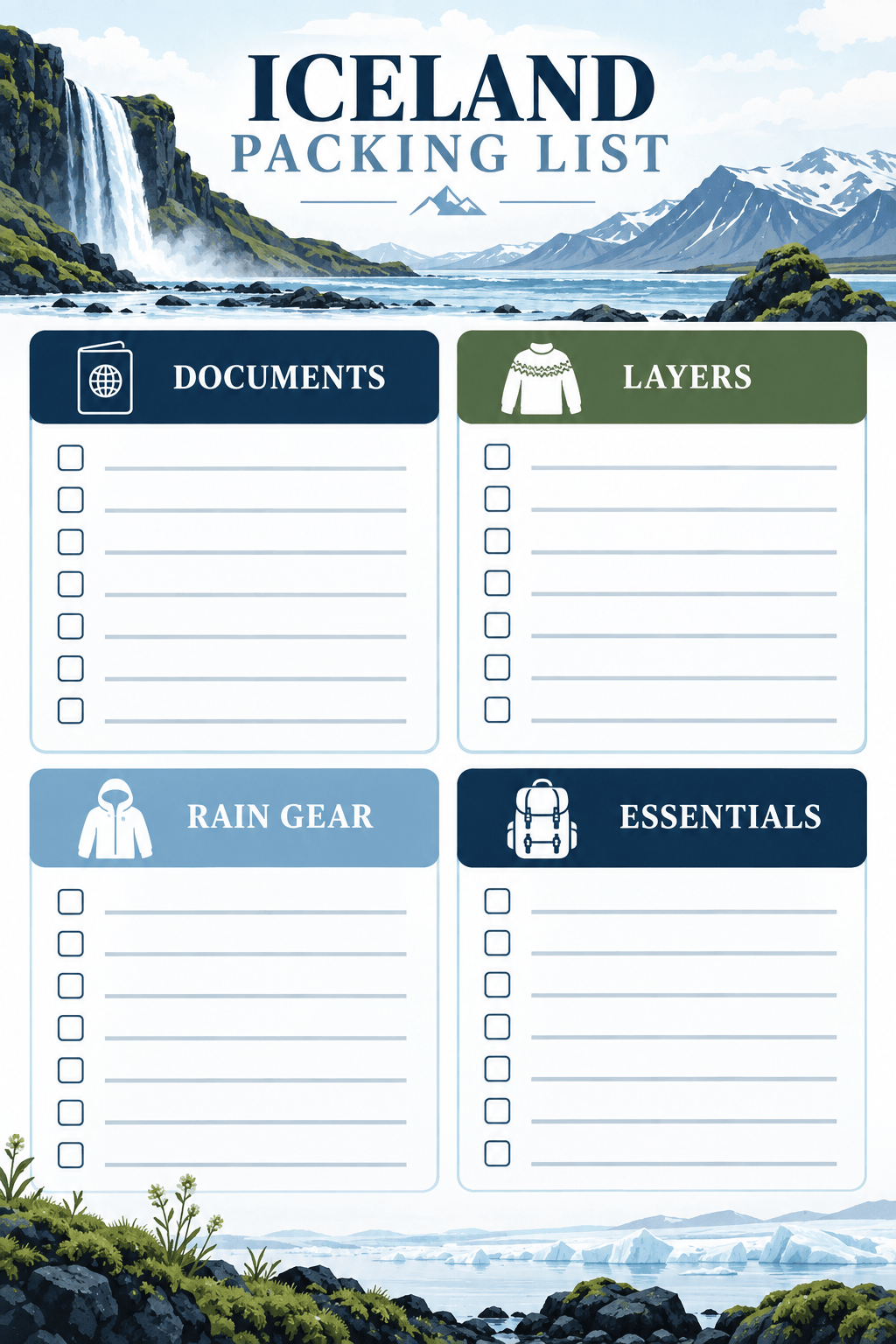
Create a printable packing list for a 7-day trip to Iceland in October. Group items by documents, layers, rain gear, electronics, toiletries, and driving essentials. Use checkboxes and a compact A4 portrait layout.
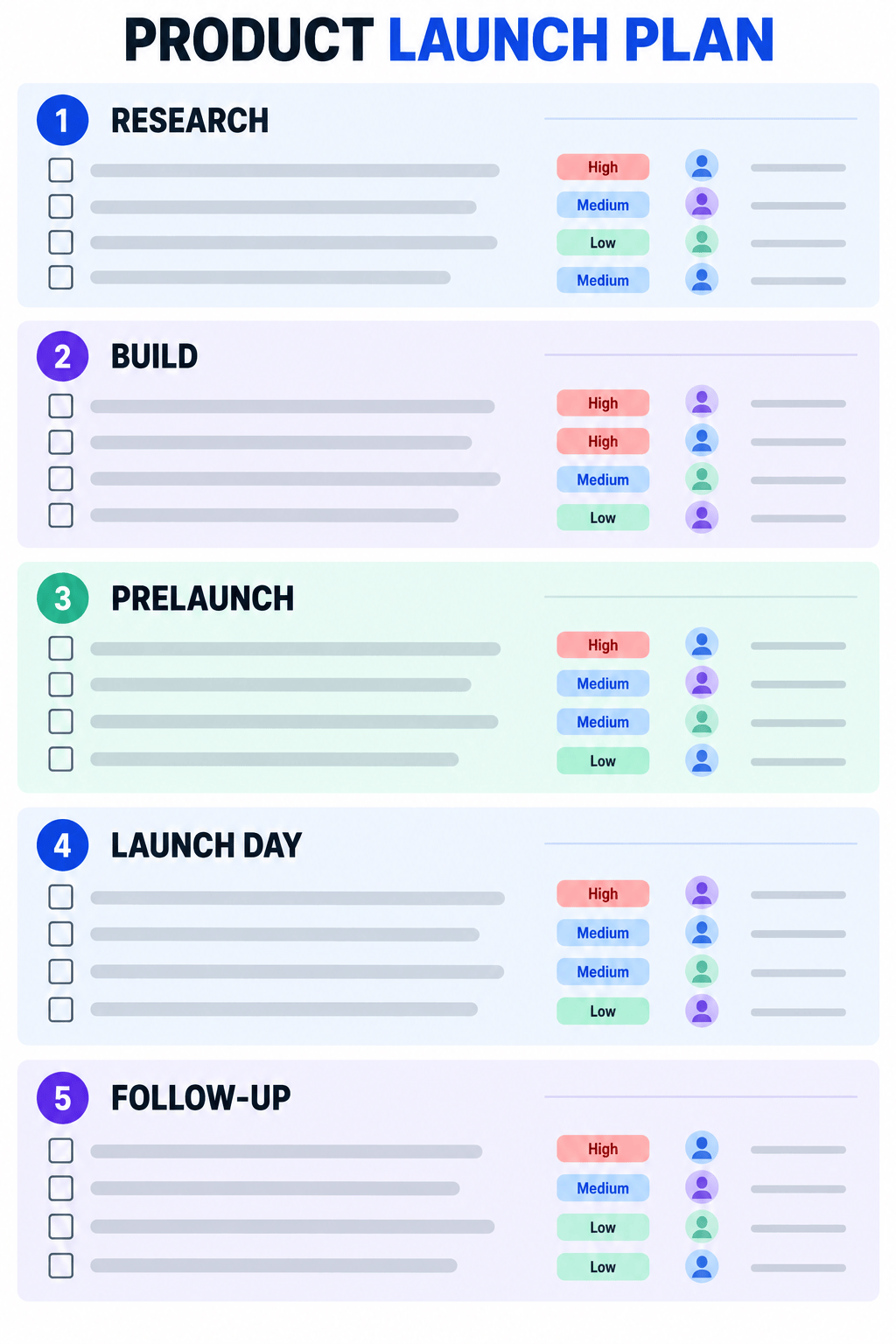
Make a product launch task list for a five-person startup. Organize tasks by Research, Build, Prelaunch, Launch Day, and Follow-up. Add an owner placeholder and priority label to each item.
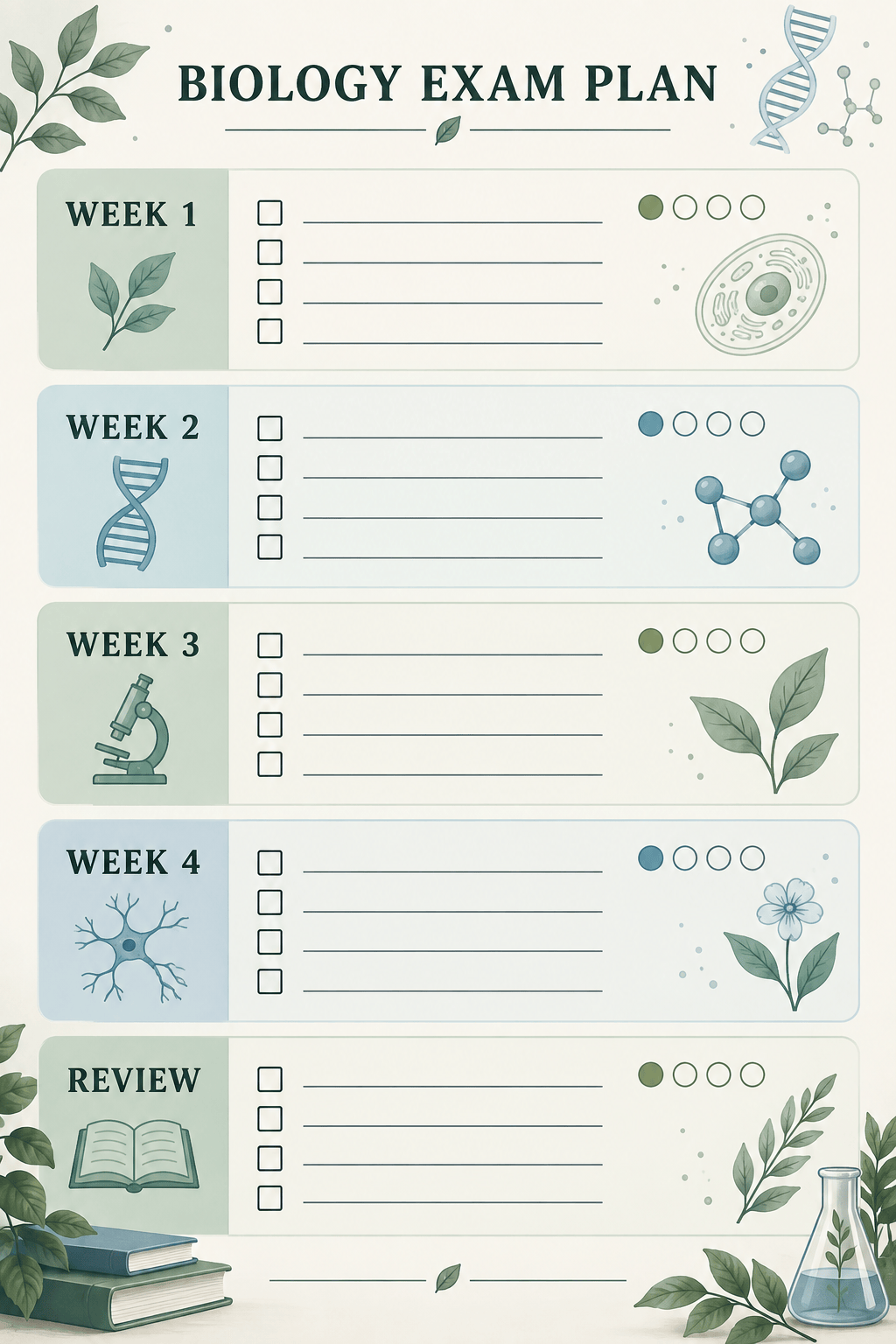
Generate a four-week biology exam study checklist. Divide the topics by week, include review and practice-test tasks, and use a calm, student-friendly design with checkboxes and progress markers.
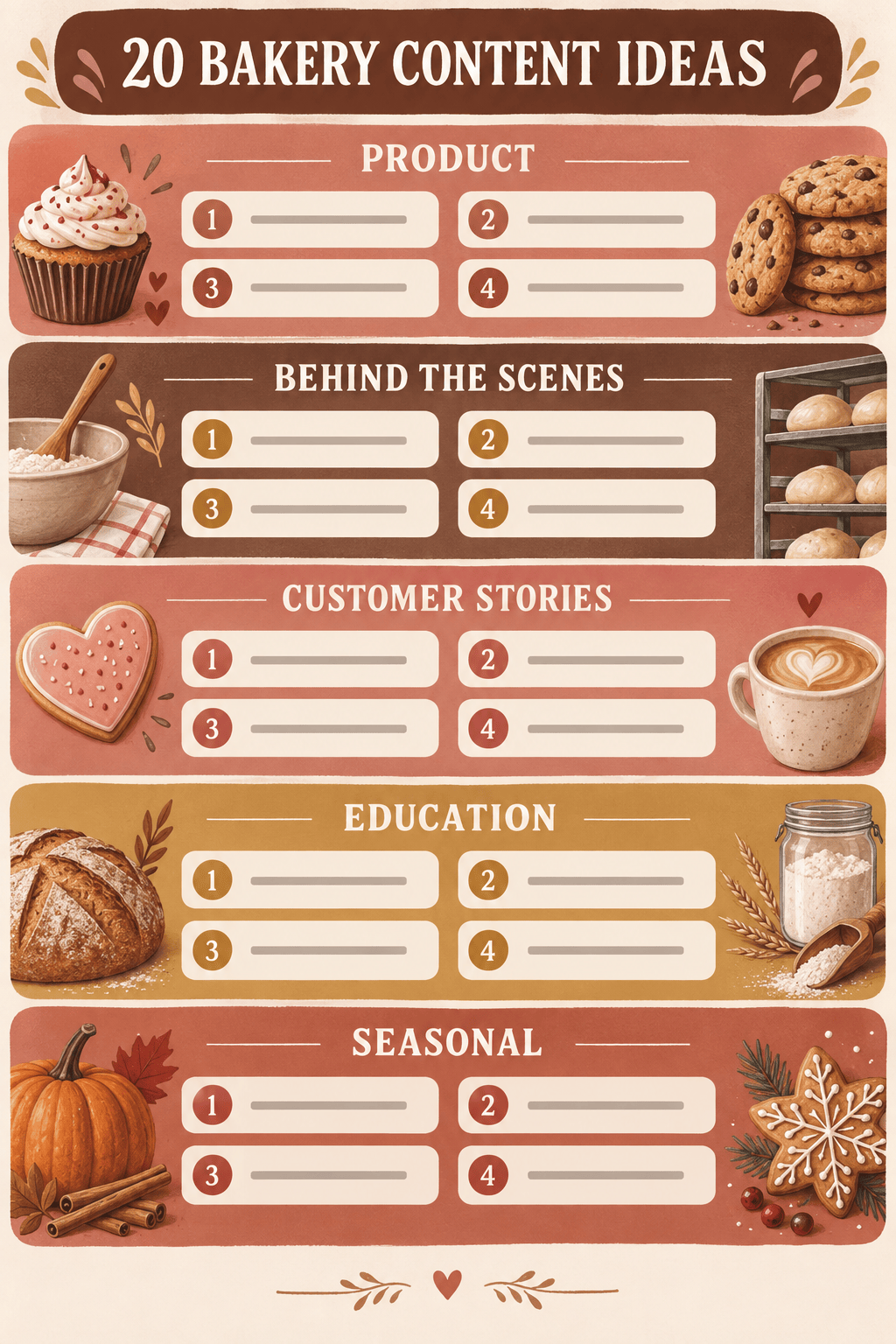
Create a visual list of 20 social media content ideas for a neighborhood bakery. Group them into Product, Behind the Scenes, Customer Stories, Education, and Seasonal Posts. Use warm brand colors and short descriptions.
Build a one-week grocery list for two adults using a Mediterranean meal plan. Group ingredients by produce, protein, pantry, dairy, and frozen foods, combine duplicates, and format it for mobile viewing.
Turn the safety procedures in @[workplace-handbook.pdf] into a daily opening checklist. Keep the source wording for mandatory steps, group tasks by area, add empty checkboxes, and flag any unclear instruction for review.





