Free OnlineAI Lip Filler Simulator
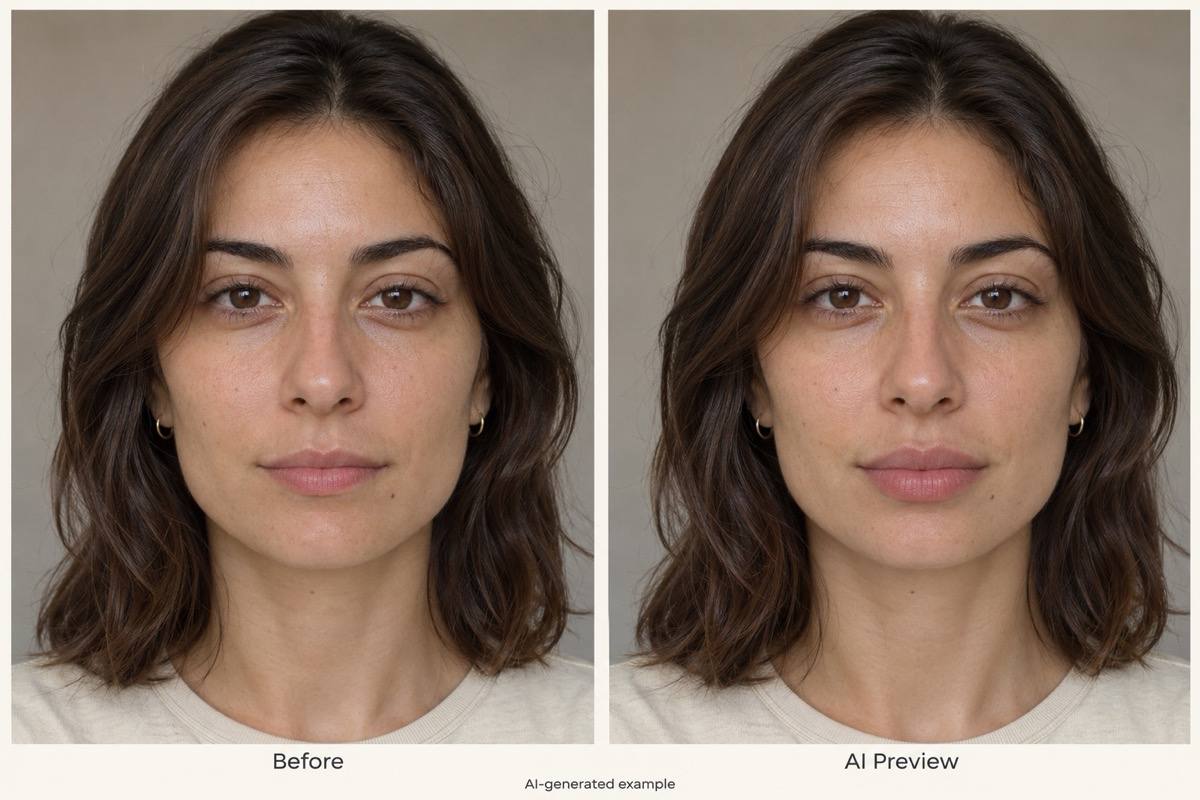
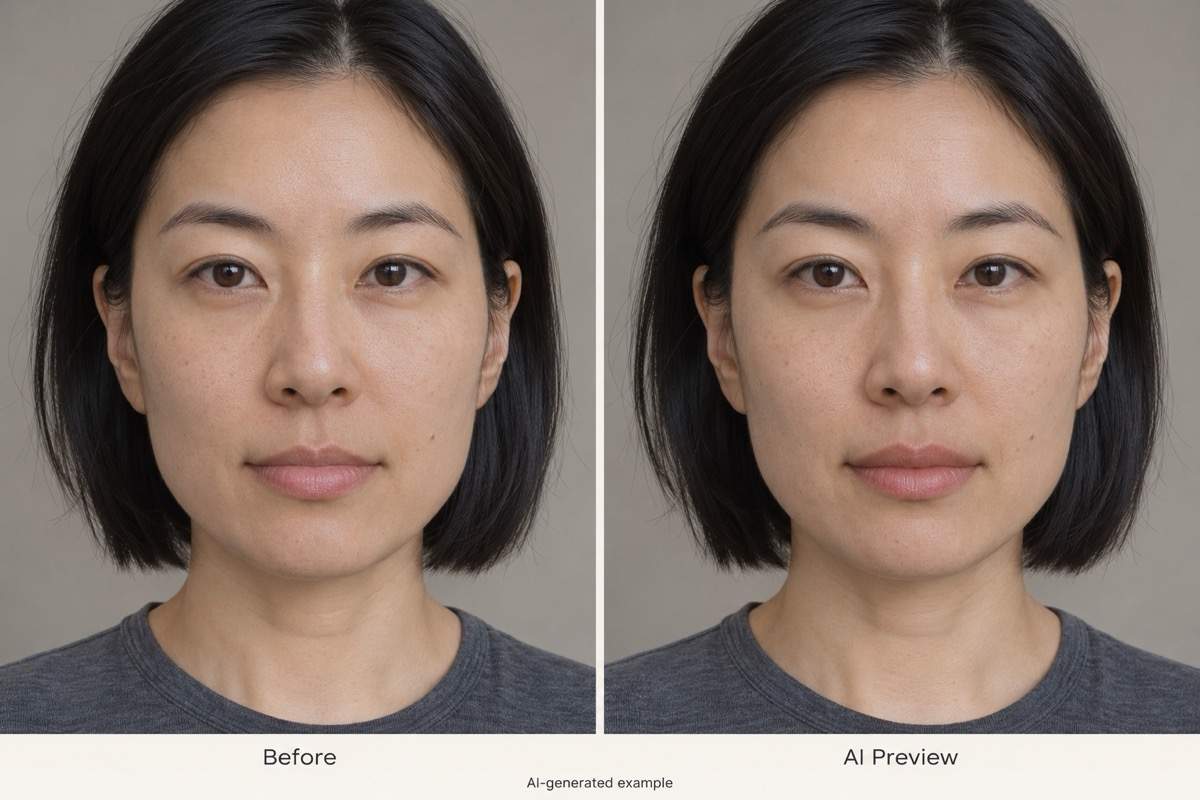
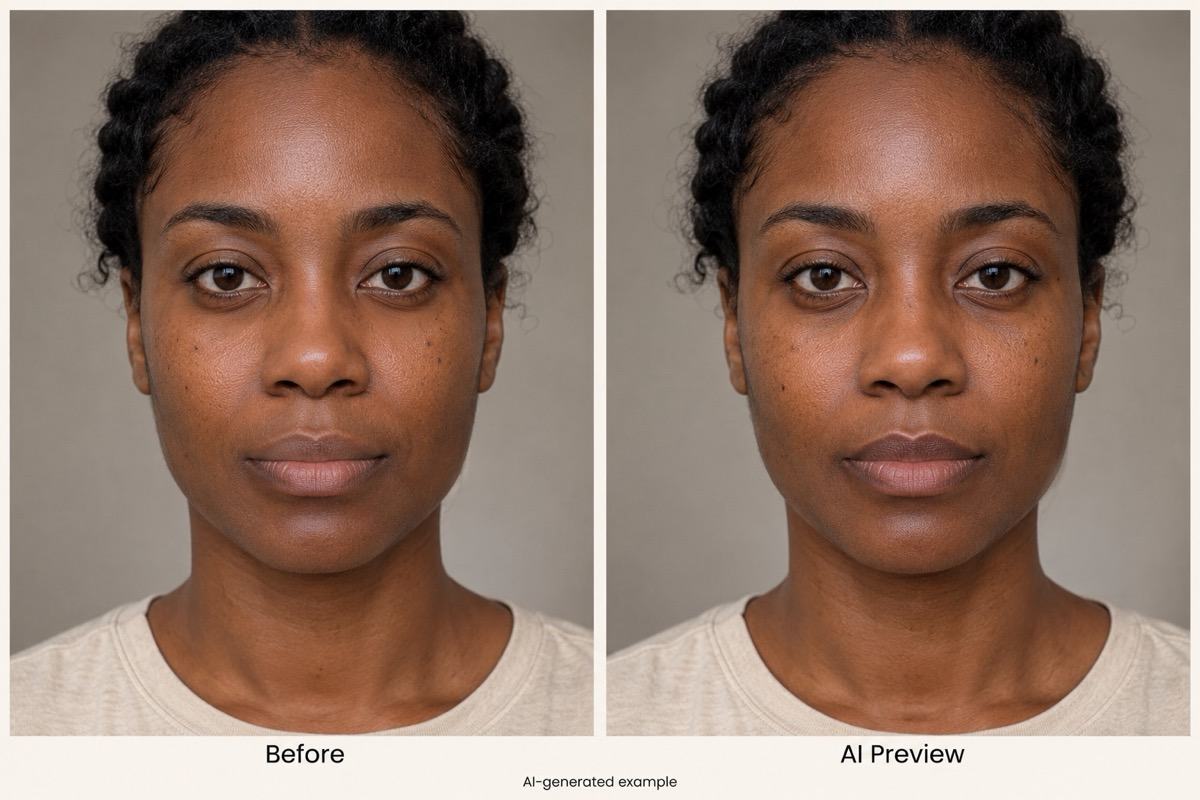
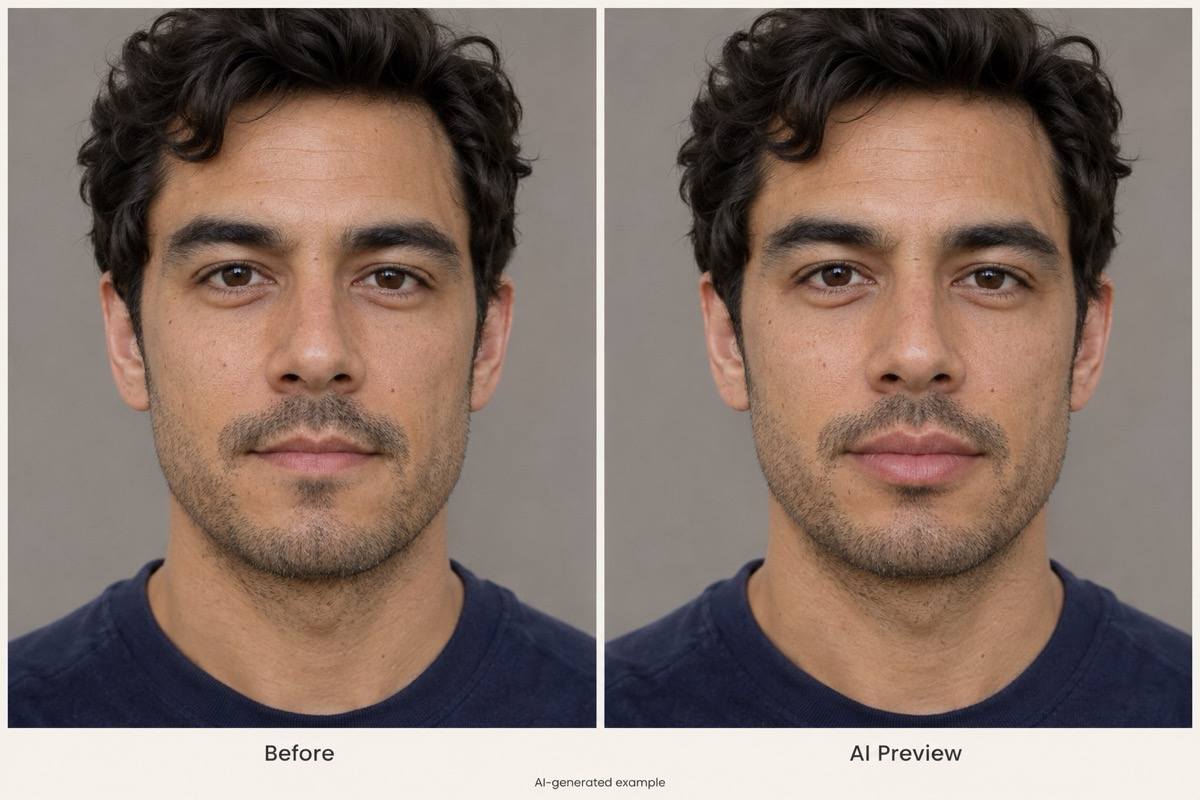
How to Create a Lip Filler Preview with AI
Upload a Clear Portrait
Describe the Lip Change
Refine and Compare
Save Your Preview

Why Use Mew Design for Virtual Lip Filler Previews
A Preview on Your Own Photo
This online lip filler simulator starts from your portrait, so you can explore fuller-looking lips in the context of your own face.
More Than a Bigger-Lips Filter
Describe the upper lip, lower lip, or cupid’s bow separately. A conversational lip editor lets you ask for a particular shape instead of only a larger mouth.
Compare Lip Filler Before and After
Request subtle and fuller versions from the same photo, then ask for a side-by-side comparison. Keep the original as your reference and assess shape and proportion, without assigning injection amounts to the edits.
Small Corrections Through Chat
Use Chat Edit to soften an edge or reduce an exaggerated result. Ask to preserve lip texture, facial features, and the original expression.
Choose a Model or Use Mew Auto
Choose an available image model or let Mew Auto select one for your photo and requested edit. Access leading image models, with new releases added promptly.
Try Online and Save the Result
Use free AI credits after signup to test a natural lip filler preview in your browser. Download watermark-free images when you are ready.
How to Get a Natural-Looking Lip Filler Preview
- Keep the Input Neutral: Use even light and a relaxed mouth. Heavy lip liner, pouting, and beauty filters can obscure the starting shape.
- Describe the Look, Not a Dose: Ask for subtle fullness or a softer contour. A photo edit cannot show exactly what 0.5 ml or 1 ml of filler would do.
- Check the Rest of the Face: Compare the eyes, nose, chin, skin texture, and background. If they changed, ask for a lip-only revision using the original photo.
- Keep Expectations Clear: Use the image to explore preferences. A qualified clinician must assess treatment suitability and likely outcomes.
Lip Filler Preview Ideas and Fixes to Try
Natural fullness: Edit my uploaded portrait with a subtle increase in both lips. Preserve their original outline, color, and texture, and leave the rest of my face unchanged.
Thin upper lip: Add a little visible fullness to the upper lip only. Keep the lower lip, mouth width, expression, and facial proportions as in my original photo.
Cupid’s bow definition: Gently define the central curve of my upper lip without sharply increasing volume. Keep the lip color and surrounding skin unchanged.
Compare two looks: Create a subtle version and a fuller version from my uploaded photo, using the same crop and lighting. Label both as AI previews, without injection amounts.
Reduce an overdone edit: Use my original photo as the reference and make the edited lips less full. Restore the natural texture and keep my original expression.
Restore facial details: Revise the preview so only the lips change. Restore the eyes, nose, chin, skin texture, hair, and background from my original portrait.





