Free OnlineAI Line Art Coloring
How to Color Line Art with AI
Upload Clean Line Art
Set the Color Direction
Generate a Color Pass
Refine and Export

A Practical AI Line Art Colorizer for Creative Work
Start from Your Own Drawing
Upload original or authorized line art and use image-to-image generation to build the color pass from its subject, pose, framing, and ink structure instead of starting from a blank prompt.
Direct the Palette in Plain Language
Tell the AI line art colorizer which colors matter, where the light comes from, and whether the finish should feel like cel shading, watercolor, webtoon art, or print comics.
Guide Style with Reference Images
Upload a palette or character reference when words are not enough. Ask Mew Design to follow its color relationships while treating your line drawing as the composition to color.
Fix Local Details Through Chat
If the first result changes a color or detail you wanted to keep, click Chat Edit and request a focused correction. This makes AI coloring for sketches easier to review and refine.
Explore More Than One Color Story
Try warm daylight, cool night, pastel, vintage, or high-contrast directions from the same source. Compare variations before choosing a finished look for your illustration or panel.
Try Line Art Coloring Online
Sign up for free AI credits and test this online AI line art colorizer in your browser. Approved images can be exported without a watermark for the next step in your workflow.
Prepare Line Art for Better AI Coloring
- Clean the Source: Use crisp, high-contrast lines on a white or light background. Crop scanner borders, reduce heavy paper texture, and avoid blurry or extremely faint marks.
- Name Locked Details: List the colors that must stay consistent, especially hair, eyes, clothing, logos, props, or recurring character features.
- Describe Light and Finish: Specify cel shading, soft watercolor, flat comic color, or another finish, then add the time of day, mood, and light direction.
- Review Before Reusing: Check faces, hands, panel borders, small props, and recurring colors. Refine one issue at a time before applying the look across a series.
Line Art Coloring Requests for Popular Styles
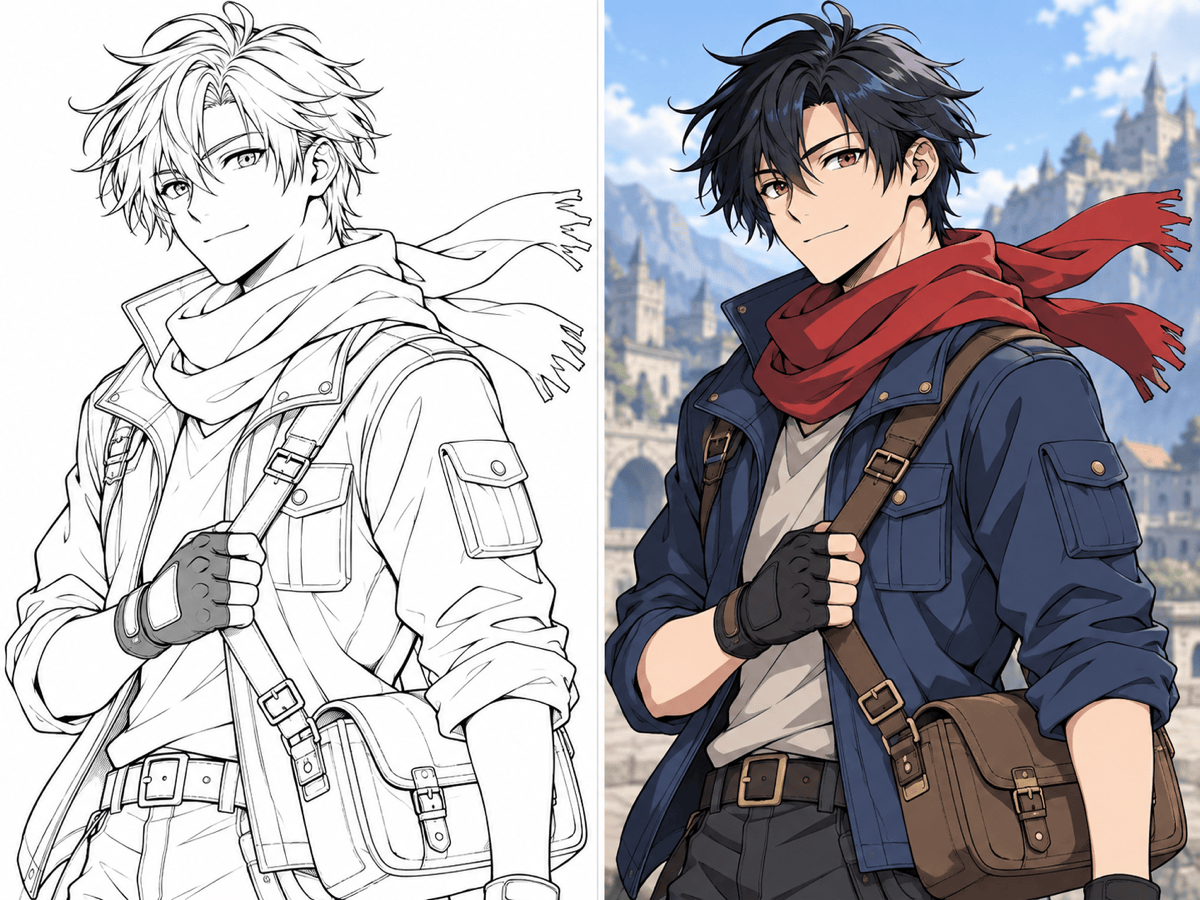
Anime Cel Shading: Colorize @[anime-line-art] with crisp two-tone cel shading. Preserve the pose, facial expression, costume shapes, and black outlines. Use black hair with blue highlights, amber eyes, a red scarf, cool daylight, and no added objects.
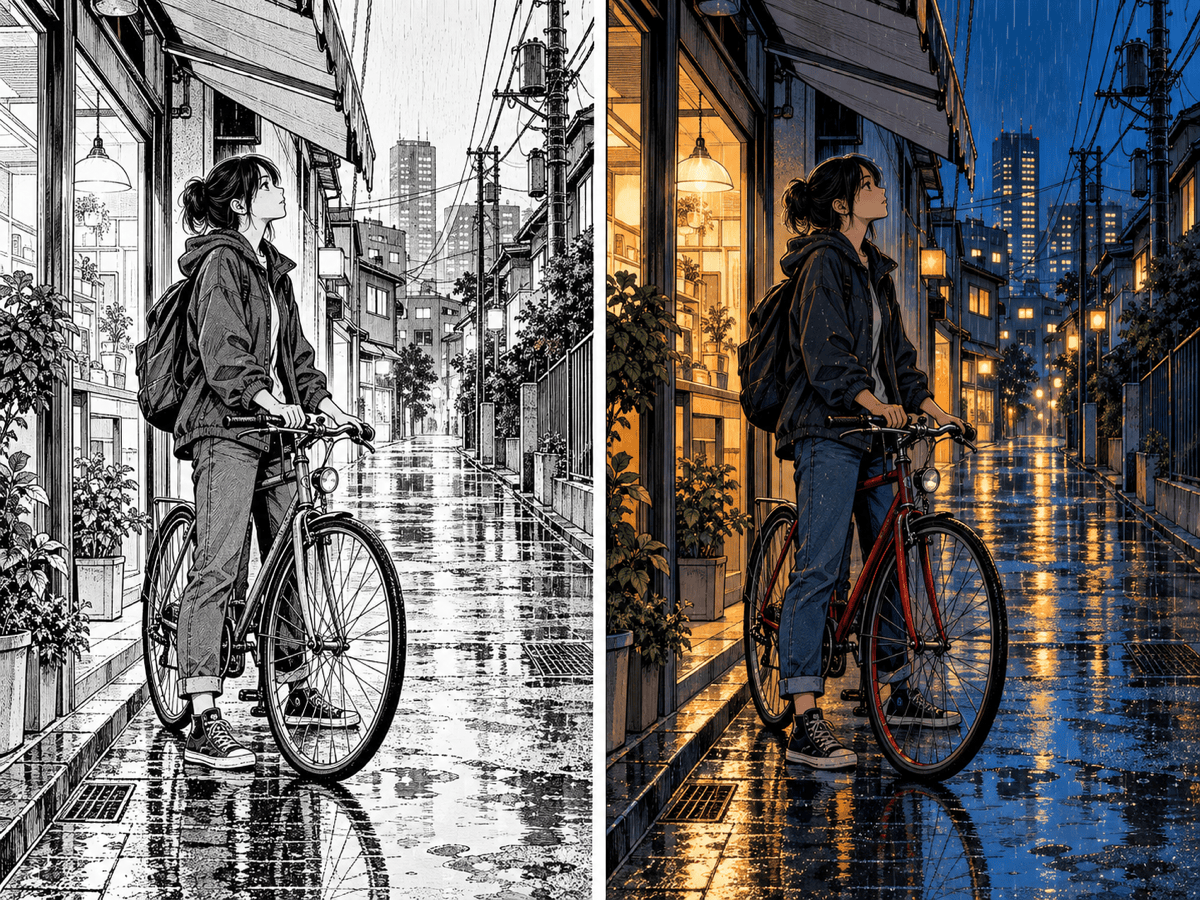
Manga Night Scene: Add color to @[manga-panel] while keeping the ink, panel layout, speech bubbles, and composition as close to the source as possible. Use deep blue shadows, amber shop windows, wet-street reflections, and restrained skin tones.
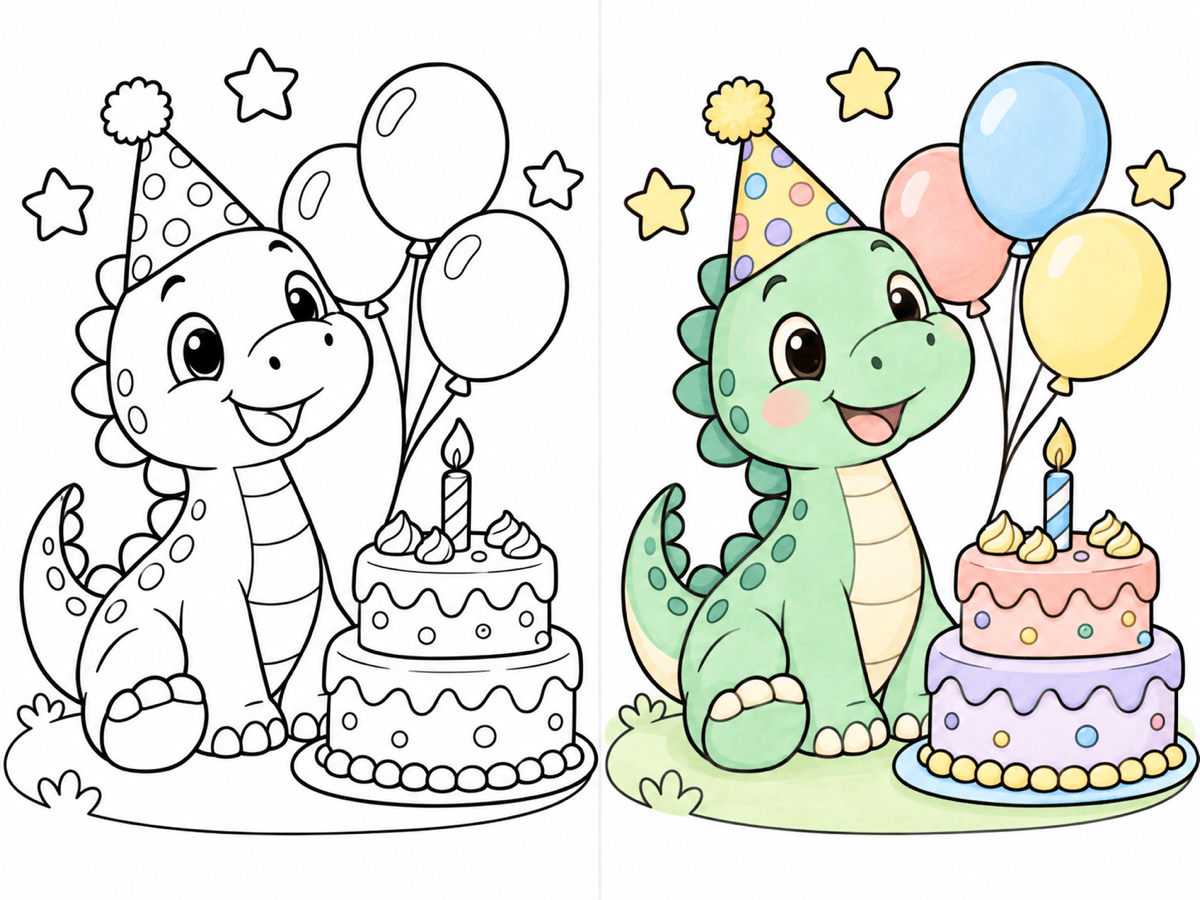
Children's Coloring Page: Color @[coloring-page] with a cheerful pastel palette. Keep the thick outlines and simple shapes readable. Use mint, peach, sky blue, and lavender with soft shading; do not add text or extra characters.
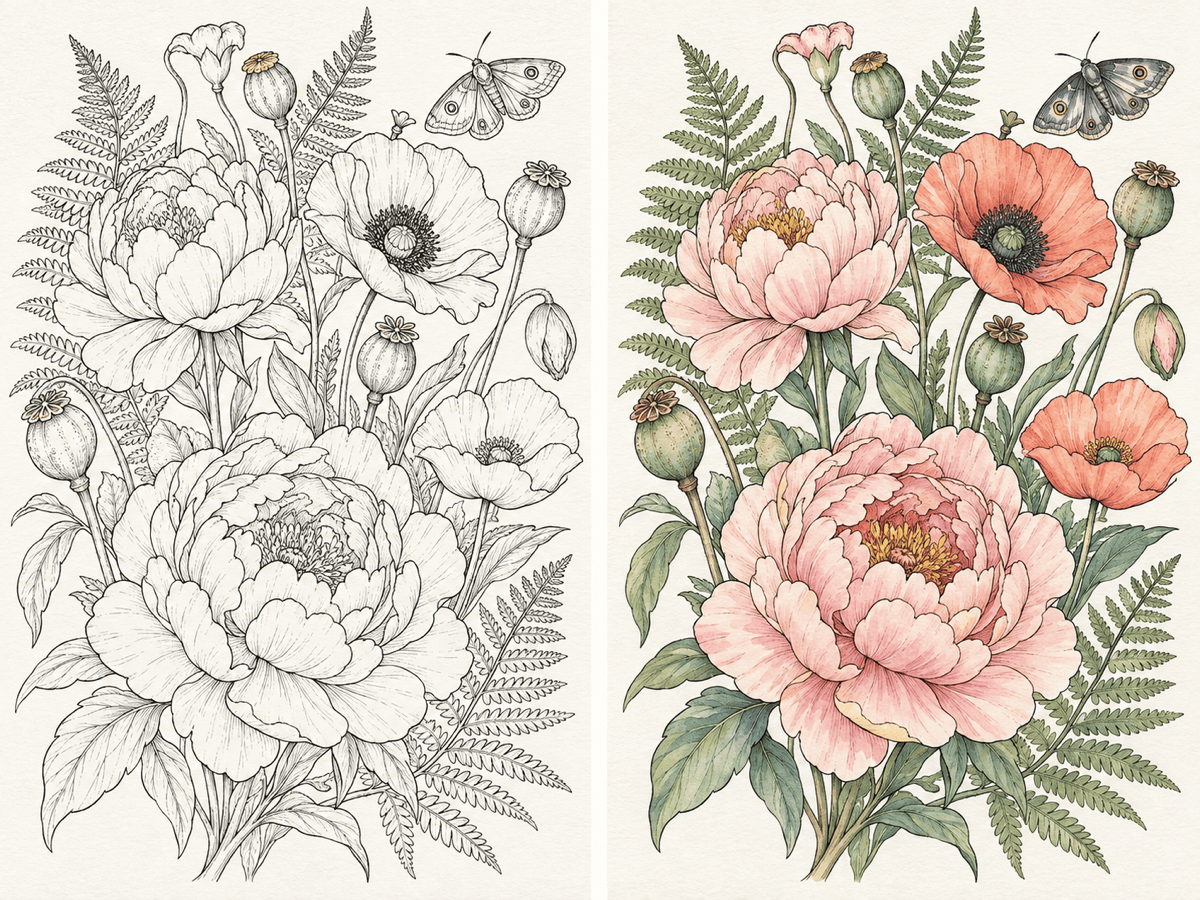
Botanical Watercolor: Turn @[botanical-line-art] into a soft watercolor illustration. Keep the leaf and flower contours clear, use sage green, dusty rose, pale yellow, and natural paper-white gaps, with gentle pigment variation.
Print Comic Color: Colorize @[comic-ink] with flat base colors, bold shadows, and a limited print-comic palette. Preserve panel borders, character silhouettes, and important ink texture; avoid glossy 3D rendering.
Reference-Guided Character: Use @[line-art] as the drawing to color and @[character-reference] only for hair, eye, clothing, and accessory colors. Keep the source pose and line-art composition; match the reference palette without copying its background.





