Free OnlineAI Letter Tattoo Generator
Turn meaningful letters into considered tattoo concepts with Mew Design - AI Design Agent. Our free online AI letter tattoo generator creates original initials, names, dates, monograms, script lettering, blackletter, and minimalist letter tattoo ideas as clean design references or placement previews—so you can compare directions before reviewing one with a professional tattoo artist.

How to Make a Letter Tattoo Design with AI

A strong letter tattoo begins with correct text and ends with a design that suits its scale, placement, and future readability. Generate a concept, then let an experienced tattoo artist adapt it for your body and skin.
1

Verify Every Letter and Meaning

Put the exact text in quotation marks and confirm spelling, capitalization, initials, dates, and translations before styling. State whether letters must remain separate, overlap as a monogram, or read in a specific direction.
2

Map the Placement and Scale

Name the body area, approximate dimensions, orientation, and viewing angle. A wrist, rib, shoulder, forearm, or ankle has a different curve and visual flow, so request both a flat master and a placement preview when useful.
3

Generate a Clean Lettering Master

Choose fine-line serif, script, blackletter, monoline, ornamental, geometric, or another original direction. Ask for black ink on white, open counters, deliberate spacing, and no skin texture when you need a clear reference for review.
4

Review It with a Tattoo Artist

Inspect the design at intended size, correct any letter or orientation with Chat Edit, and compare a few line-weight options. Take the preferred concept to a licensed professional who can adjust spacing, stencil construction, and placement for real skin.
How to create a letter tattoo concept with AI

Design Tattoo Lettering for Meaning, Placement, and Clarity

Lock Exact Spelling and Direction

A beautiful misspelling is still permanent. Quote the letters or name, specify uppercase and lowercase, and state whether the design should read to you or to an observer. Correct only the faulty region before changing the overall style.

Leave Space for the Design to Breathe

Tiny counters, tight overlaps, and hairline gaps can lose definition over time. Generate alternatives with wider internal spaces and simpler joins, then ask your artist which version suits the chosen size and placement.

Preview the Body's Natural Flow

A straight word on a flat canvas may feel awkward on a curved forearm or shoulder. Use a permitted, non-identifying body photo to compare angle, baseline, scale, and orientation without treating the mockup as a final stencil.

Separate Master Art from Mockups

Keep one high-contrast black-on-white version for design review and a separate realistic preview for placement decisions. Skin shadows and texture should never obscure the letterforms in the clean reference.

Compare Line-Weight Options

Fine-line, medium-weight script, and bold blackletter behave differently at small sizes. Generate the same composition at several weights and evaluate it at actual print size rather than only zoomed in on a screen.

Prepare a Clear Artist Handoff

Share the exact copy, intended dimensions, placement photo, clean master, and what elements may or may not change. The AI tattoo lettering generator supplies a visual direction; your tattoo artist determines the executable stencil and technique.

How to Prompt an AI Tattoo Lettering Generator

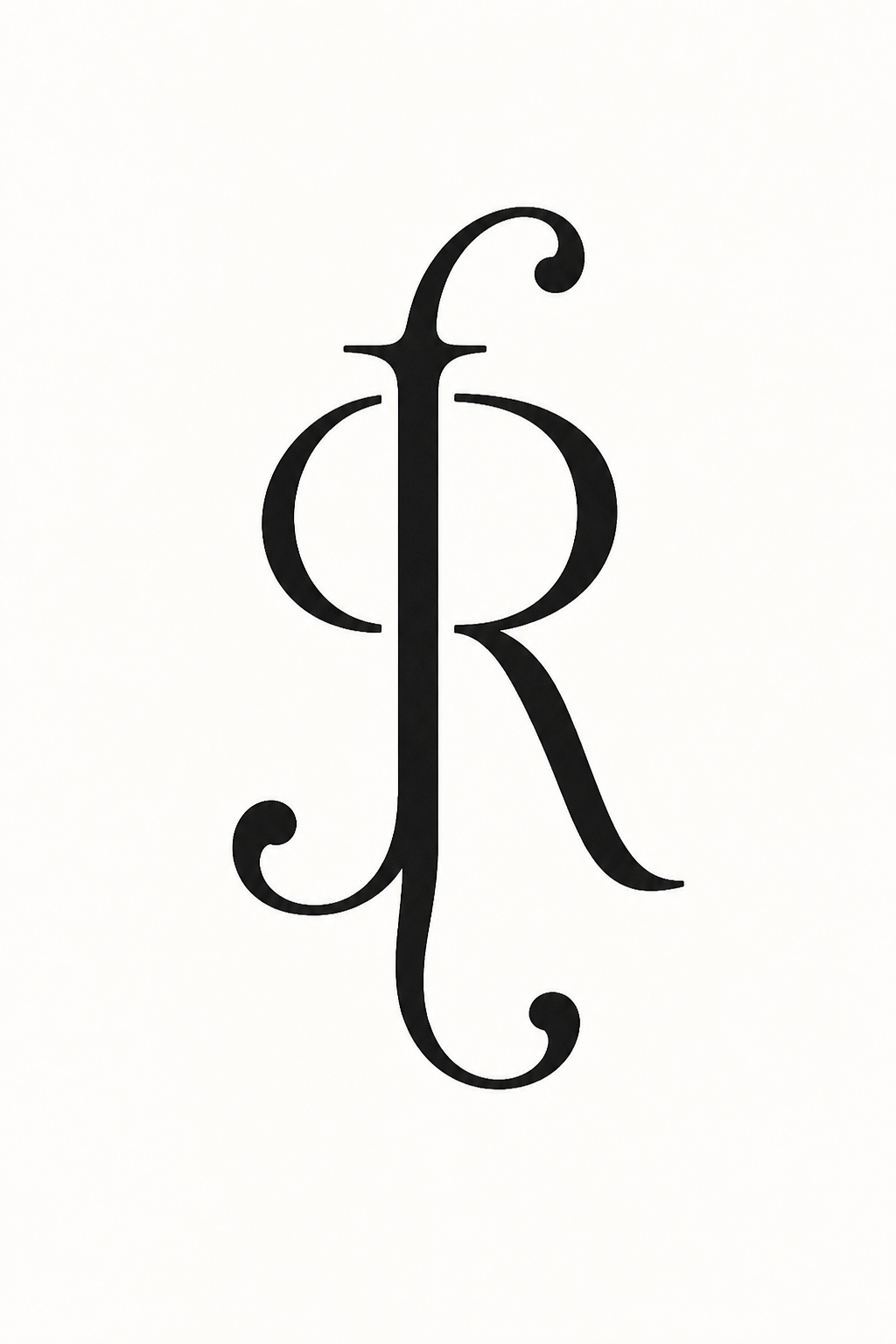
Create a clean letter tattoo concept for the exact initials "J + R" as an original intertwined monogram for the outer upper arm, approximately 8 cm tall. Elegant blackwork with medium-weight lines, readable J and R, one shared central stem, open counters, generous negative space, balanced oval silhouette, and two restrained ornamental terminals. Show the design as solid black ink on plain white with no skin, needle, studio scene, extra letters, dates, flowers, crown, copied logo, watermark, blur, hairline gaps, or tangled strokes. This is concept art for professional tattoo-artist review, not a final stencil.
Quote the exact letter, name, date, or short phrase. Include capitalization, punctuation, reading direction, and any translation that has already been checked.
  • Describe placement and physical scale: Name the body area, approximate centimeters or inches, vertical or horizontal orientation, and whether you want flat artwork, a placement mockup, or both.
  • Choose a lettering structure: Ask for script, blackletter, serif, monoline, ornamental, geometric, or a custom monogram; then define stroke weight, slant, spacing, counters, joins, and hierarchy.
  • Protect small-scale readability: Request open counters, clear separation, limited overlap, and an alternate simplified version. Let a tattoo artist decide what line weight and spacing are suitable for the actual skin and placement.
  • Separate concept from procedure: For review art, request black on white with no skin texture. Exclude extra letters, mirrored text, spelling errors, copied marks, needles, blood, studio scenes, watermarks, and claims that the output is tattoo-ready.

Letter Tattoo Prompts for Initials, Names, Monograms, and Scripts

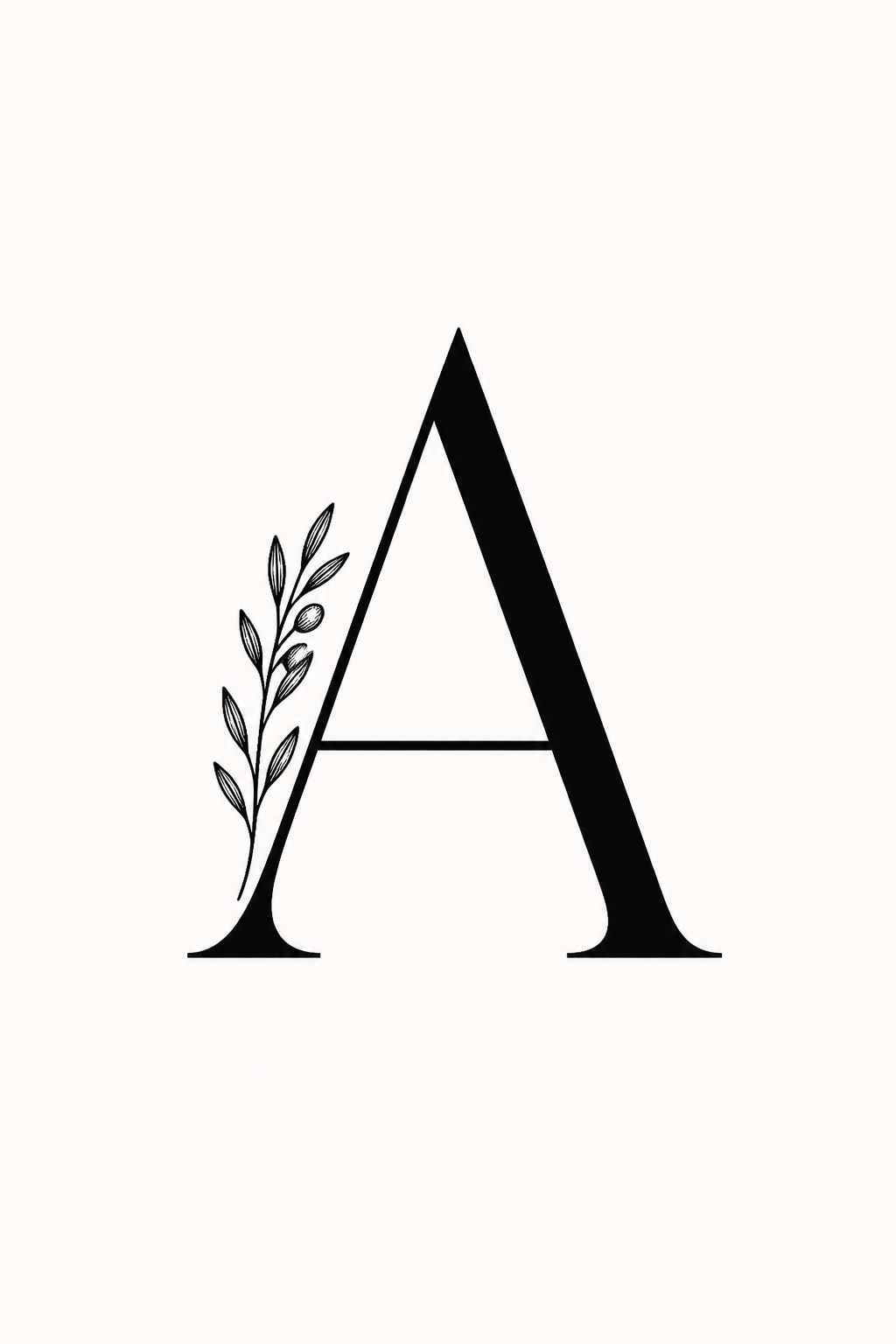
Fine-Line Initial: Create the exact capital letter "A" in a refined high-contrast serif, with one small original olive sprig following the left stroke, open counter, black ink on white, 5 cm vertical inner-wrist concept, no skin, extra letters, date, heart, or watermark.

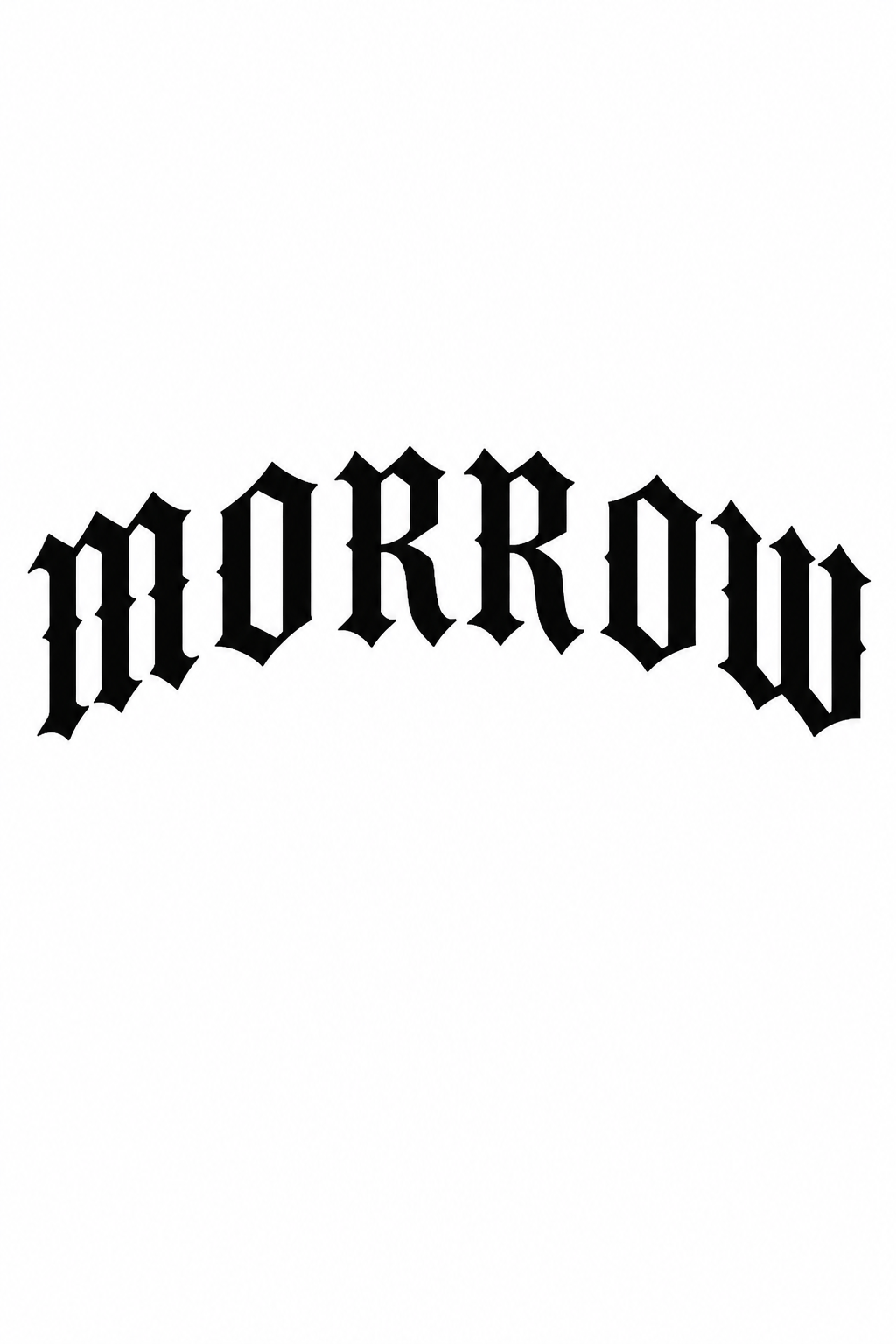
Blackletter Surname: Draw the exact surname "MORROW" in bold original blackletter capitals for an upper-back concept, broad strokes, clear counters, moderate spacing, slight arch, solid black on white, no medieval crest, texture, extra words, or copied typeface specimen.

Intertwined Initials: Combine the exact initials "J + R" into an elegant medium-weight blackwork monogram, one shared stem but fully readable letters, open oval silhouette, restrained terminals, upper-arm placement concept, clean white background, no crown or date.

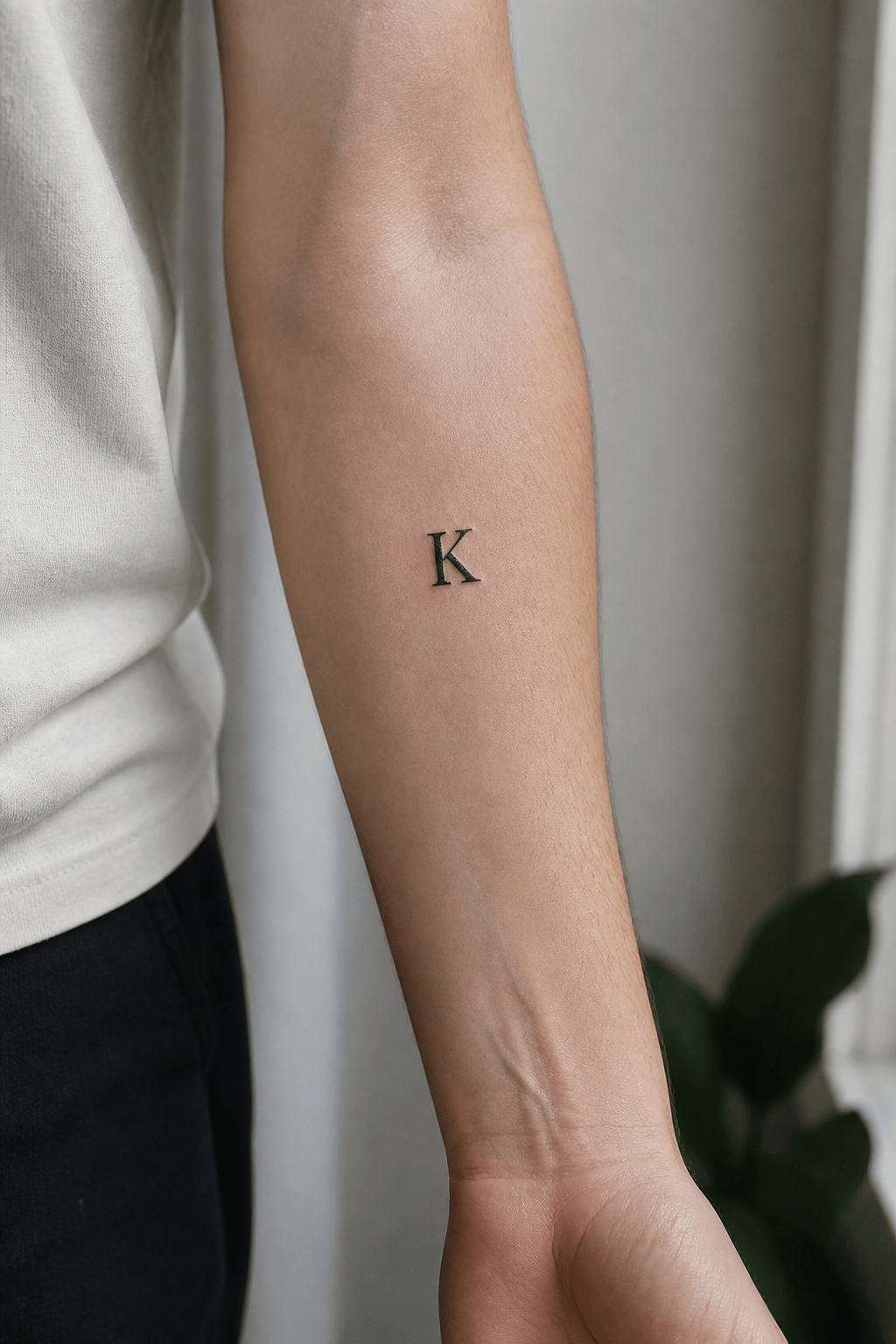
Minimal Serif Letter: Design the exact capital "K" as a small modern serif tattoo, sturdy rather than hairline strokes, generous interior spacing, vertical inner-forearm placement preview on a consenting adult model with no face visible, neutral light, no jewelry or extra tattoos.

Botanical Name: Letter the exact name "Elena" in calm monoline script with consistent spacing and one subtle lavender stem below rather than through the letters, 9 cm forearm concept, clean black-on-white master, no extra name, butterfly, color fill, or mockup.

Geometric Short Word: Build the exact word "NORTH" from custom angular capitals in a compact vertical stack, medium black lines, open negative space, 10 cm calf concept, two versions—flat master and simplified outline—no compass icon, mountains, coordinates, or background.


AI Letter Tattoo Generator FAQs

Yes. You can sign up for free AI credits, create initial tattoo, name tattoo, monogram, or script lettering concepts, refine selected details with Chat Edit, and download images without a watermark.
Put the exact text in quotation marks, spell it again in the negative constraints, and keep the first composition simple. Zoom in to inspect every character, then select and correct only the wrong letter. Independently verify dates, names, non-English scripts, and translations before any permanent use.
Yes. Upload only a photo you have permission to use, preferably an anonymous crop without a face or identifying marks. State the body area, dimensions, direction, and angle. Treat the result as a placement visualization, not proof of how the tattoo will heal or age.
It creates visual concepts and clean reference art, but it cannot assess your skin or guarantee an executable stencil. A licensed professional tattoo artist should redraw or adapt the line weight, spacing, dimensions, and stencil for your placement and technique.
There is no universal guarantee. In general, adequate size, clear counters, sufficient space between strokes, and simpler forms are easier to read than tiny, crowded details. Healing, skin, placement, sun exposure, technique, and aftercare also matter, so review the final choice with an experienced lettering tattoo artist.
Yes, but verify meaning and letter order with a fluent reader for any language you do not know. Avoid copying protected logos, gang identifiers, culturally restricted symbols, or a living artist's signature style. Use the generated image as an original direction for discussion.
No. Mew Design helps visualize artwork only. For skin suitability, hygiene, placement, technique, healing, and aftercare, consult a reputable licensed tattoo professional and follow applicable local health guidance.

Ready to Generate Designs With AI?

Get Started - 50 Free Credits
No credit card required
© 2025 - 2026 Mew Design, MAGOAI LTD.All rights reserved.
Mew Design - Your AI design partner, now with full control. | Product Hunt