Free OnlineAI Lego Generator
How to Create Brick-Style Art with AI
Choose a Photo or Describe an Idea
Define What Should Stay Recognizable
Generate and Inspect the Brick Look
Refine and Export

Why Use Mew Design for Brick-Style Image Generation
Start from a Photo or a Prompt
Use our AI Lego generator as a photo-to-brick converter or a text-to-image creator. The same workspace supports recognizable transformations and entirely new toy-brick concepts.
Preserve the Details That Identify the Subject
Reference-image guidance helps carry over visible cues such as hairstyle, glasses, outfit colors, pose, and group arrangement instead of applying a generic block filter.
Rebuild the Whole Scene, Not Just the Face
Ask the online brick-style image generator to reinterpret furniture, streets, vehicles, plants, and scenery along with the subject so the result feels like one coherent miniature world.
Correct Small Details Through Chat
If the first draft misses a hat, changes an outfit, or simplifies the background too far, use Chat Edit to request a focused revision while keeping the rest of the image direction intact.
Explore a Consistent Series
Create several related avatars, team portraits, or scene variations with shared colors and rendering direction. This is useful when an AI Lego character generator needs to serve a group or content series.
Prepare Avatars and Shareable Images
Remove the background for a cleaner character cutout when needed, then export watermark-free PNG or JPG results after generation. New users can try the workflow with free AI credits after signup.
How to Get a Recognizable Brick-Style Result
- Choose a Readable Source: Use a sharp, well-lit image where faces, clothing, pets, and important objects are not heavily covered or cropped.
- Name the Identity Cues: List the visible details that make the subject recognizable, such as hair color, glasses, beard, hat, outfit palette, and pose.
- Set the Transformation Scope: Say whether the background should remain photographic, become fully brick-built, or be removed for a clean avatar cutout.
- Describe the Physical Finish: Request crisp studs, molded-plastic surfaces, subtle seams, believable scale, and studio or scene lighting instead of a flat pixel effect.
Photo-to-Brick and Text-to-Scene Ideas
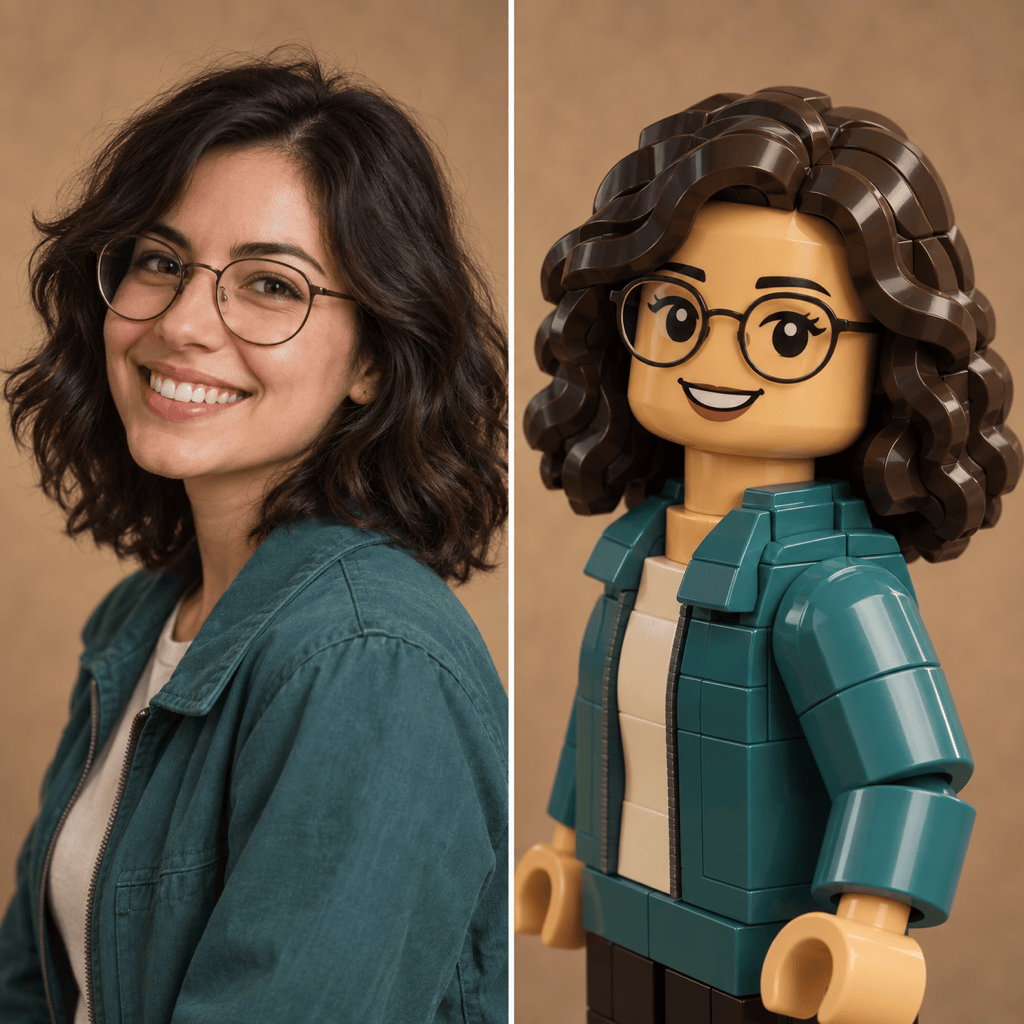
Turn my uploaded selfie into a friendly brick-style character avatar. Keep my hairstyle, glasses, smile, jacket colors, and face direction recognizable. Use a clean square composition, soft studio lighting, molded-plastic texture, no logo, and no text.
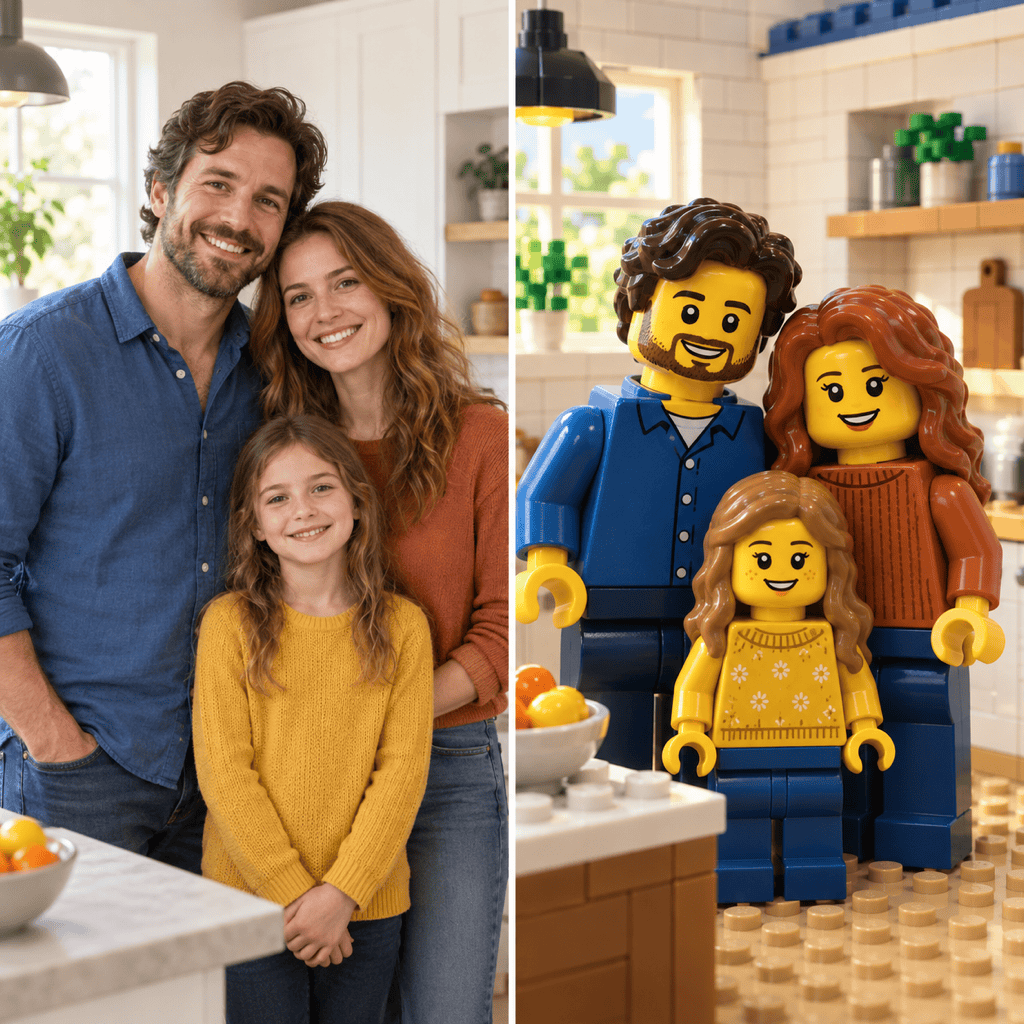
Rebuild this family photo as a colorful brick-built group portrait. Keep the same number of people, their positions, approximate height differences, hair colors, and outfits. Convert the room into a coherent miniature brick set without adding anyone.
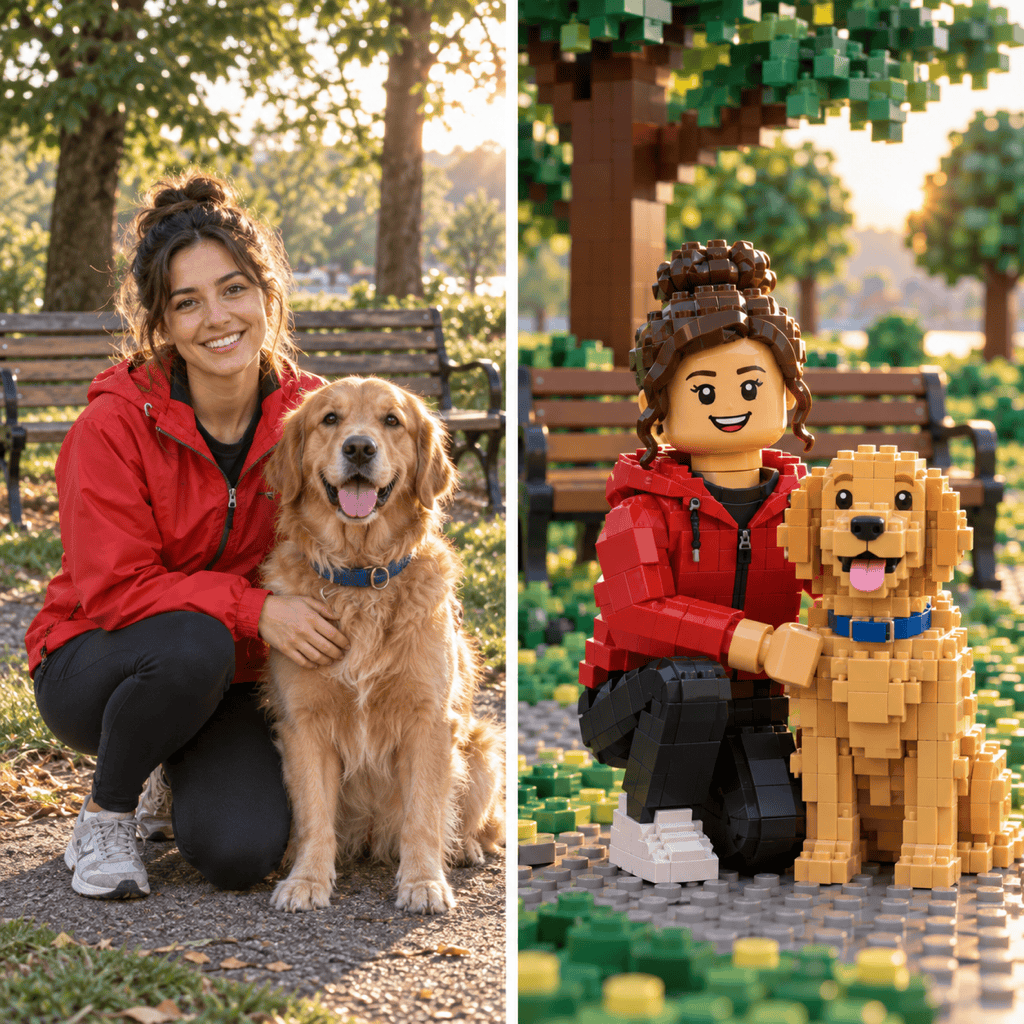
Transform my dog and me into matching brick-style figures in a park. Preserve the dog's coat pattern, collar color, my clothing, our pose, and the camera angle. Rebuild the grass, bench, and trees from interlocking toy bricks.
Convert this travel photo into a brick-built street scene. Keep the composition, building colors, bicycle, and two people in the same places. Use detailed studs, realistic plastic reflections, and warm late-afternoon light.
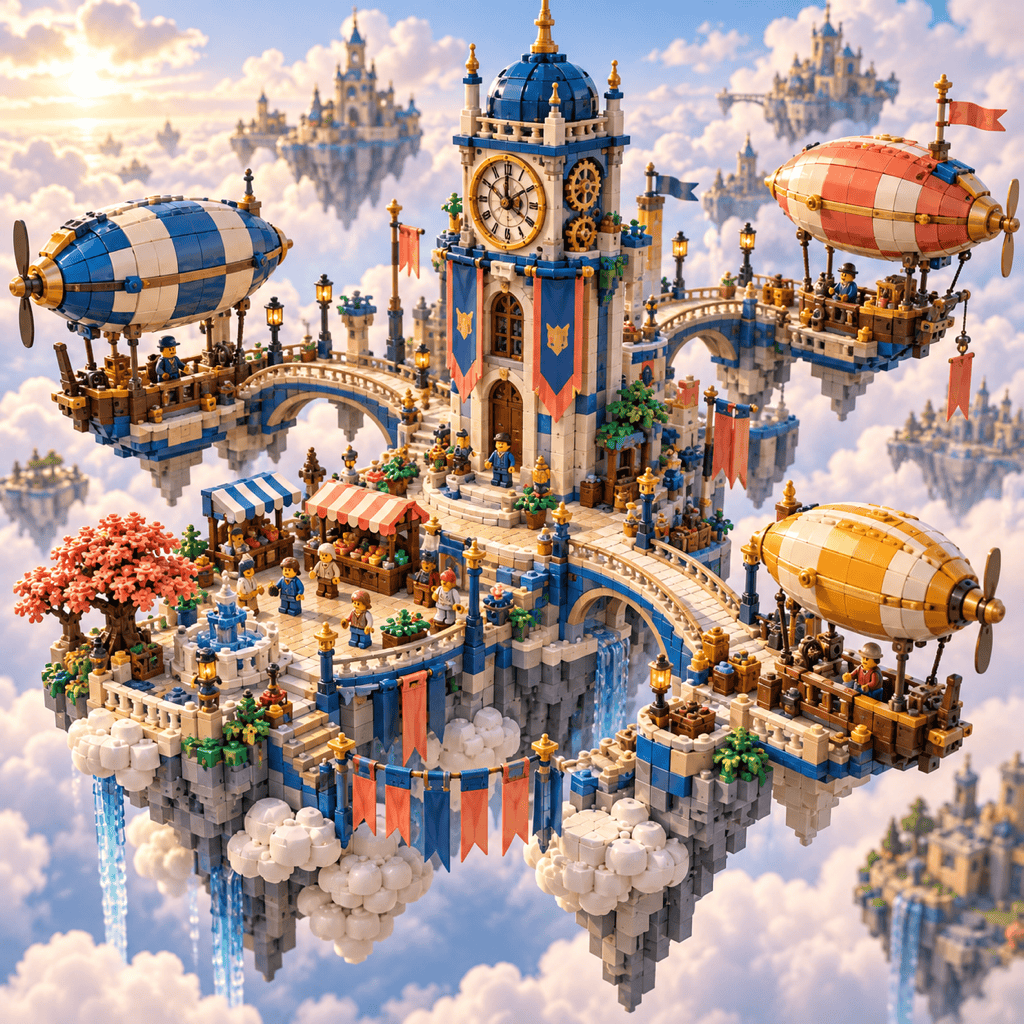
Create an original floating sky-port made from colorful interlocking toy bricks, with airships, bridges, market stalls, and small generic block figures. Use an isometric three-quarter view, cinematic cloud light, no branded packaging, no logo, and no protected characters.
Turn my uploaded portrait into a clean brick-style profile avatar on a transparent background. Keep my hair, glasses, and shirt colors recognizable. Center one character with generous padding, crisp edges, no text, and no extra props.





