Free OnlineAI Korean Filter
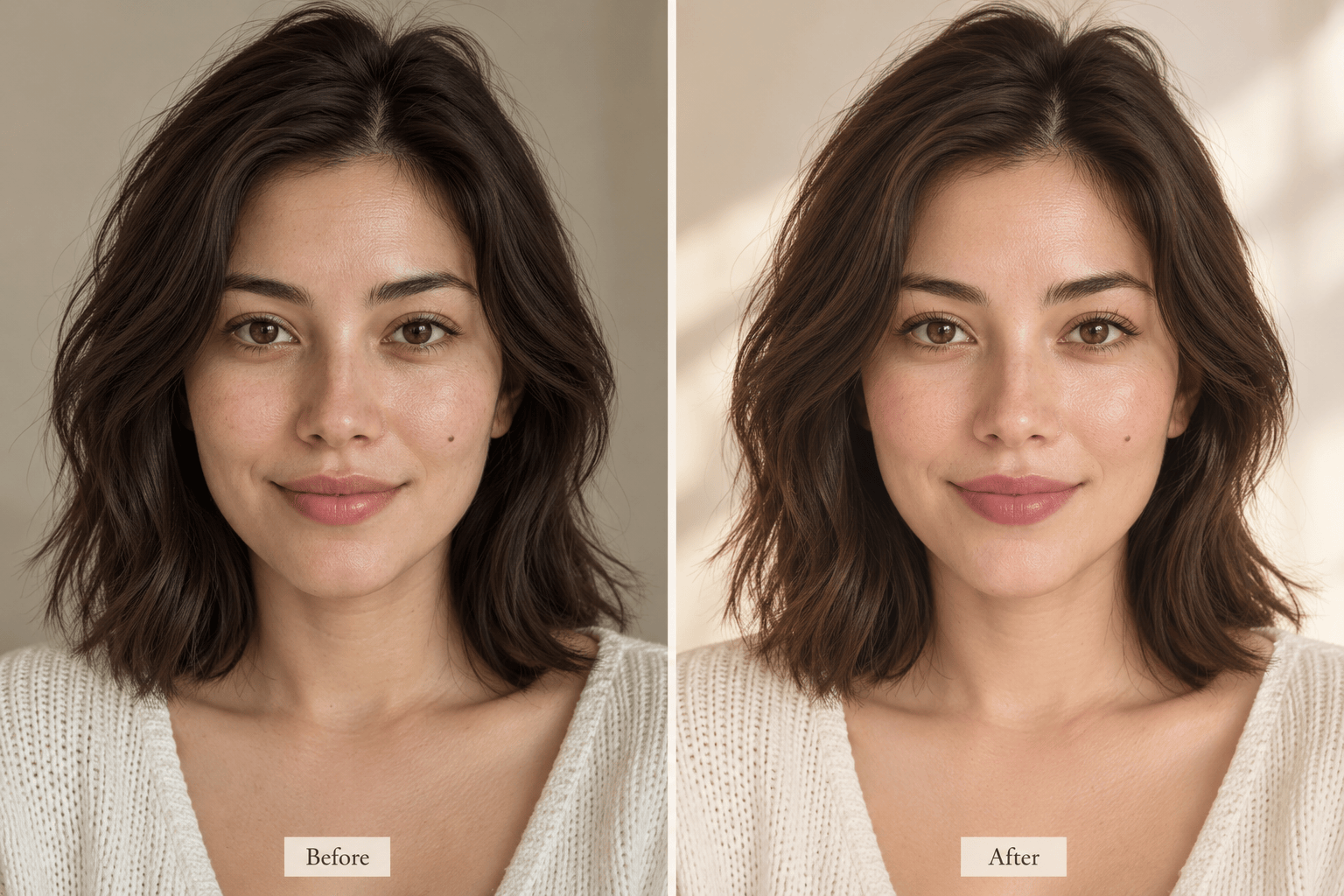
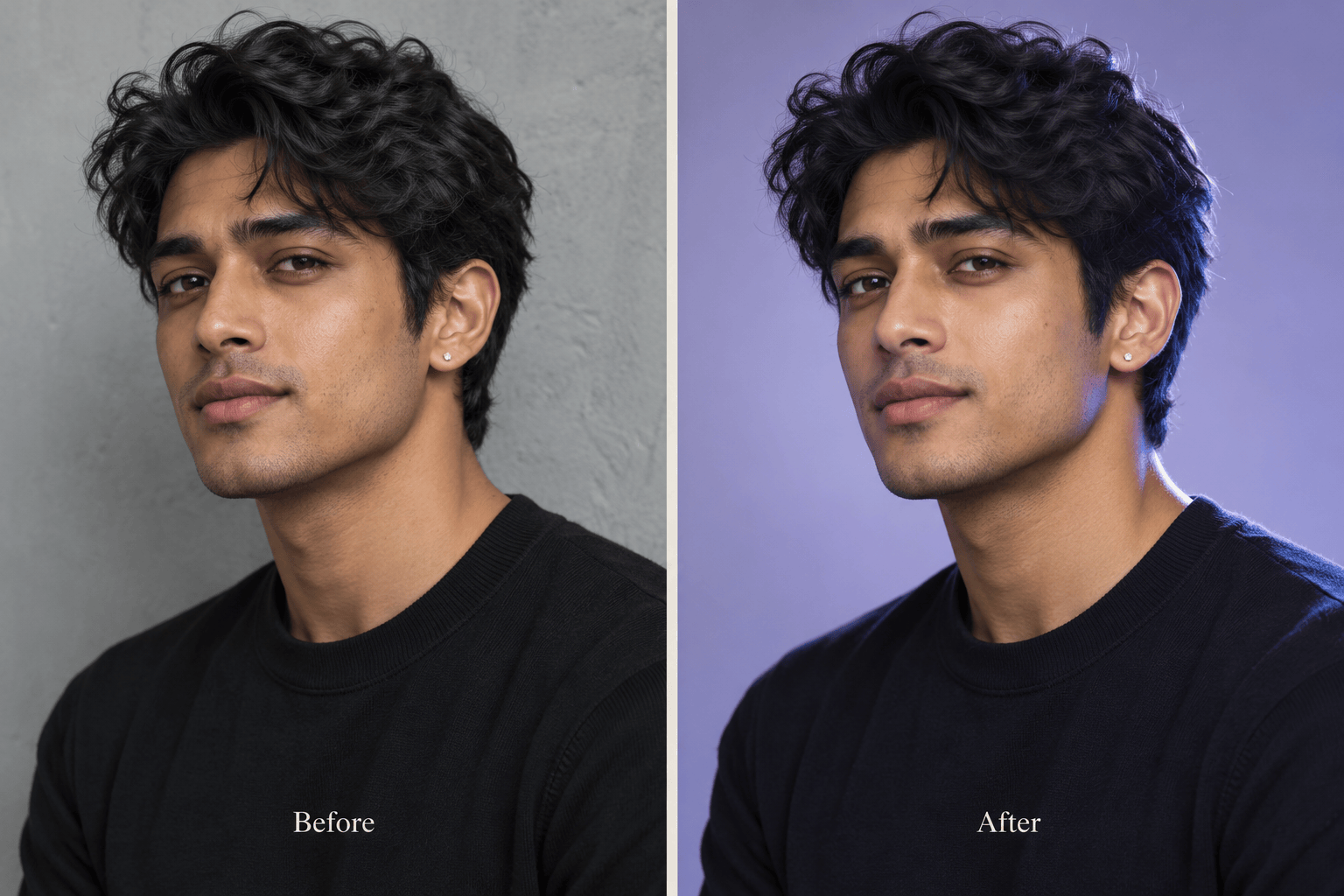
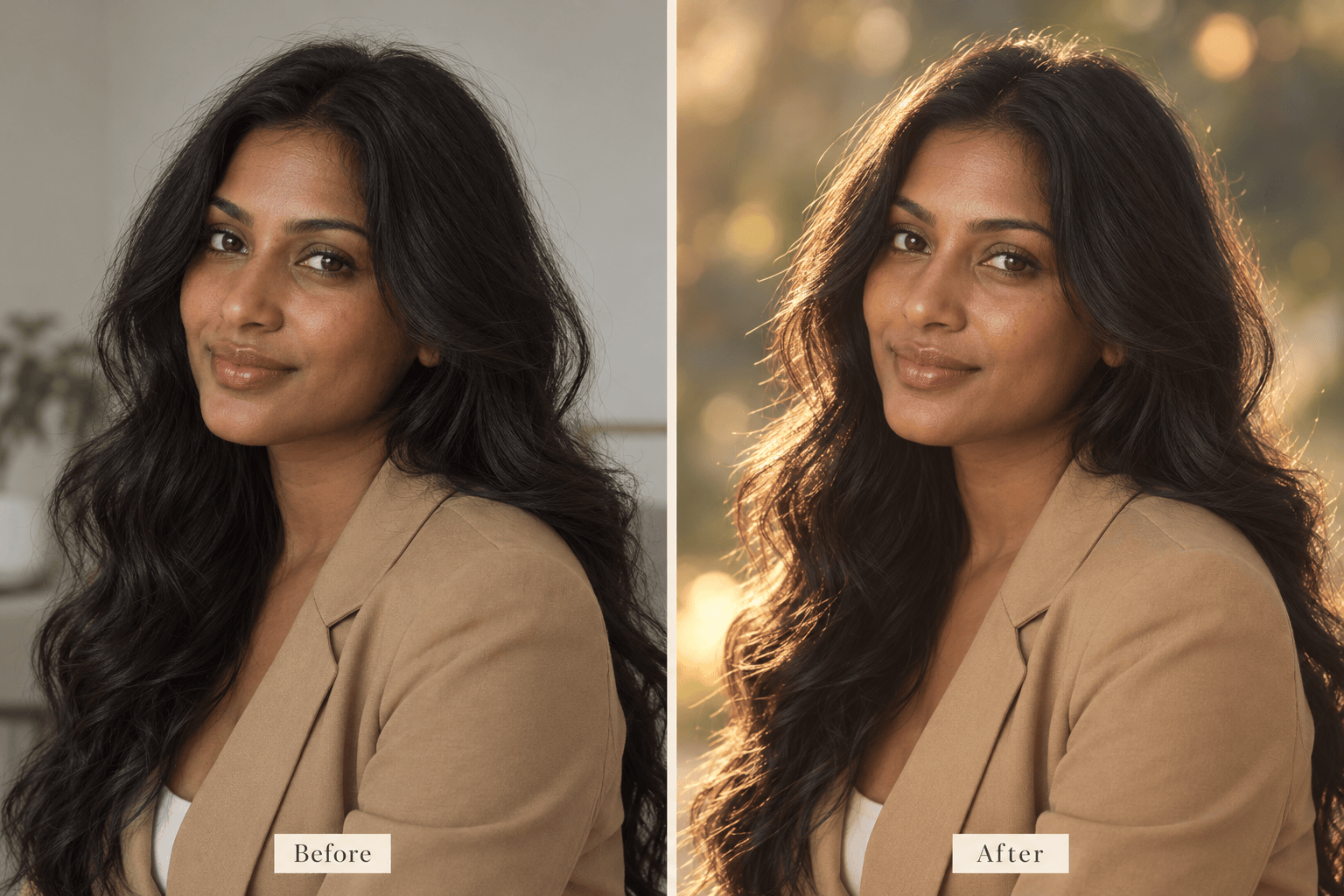
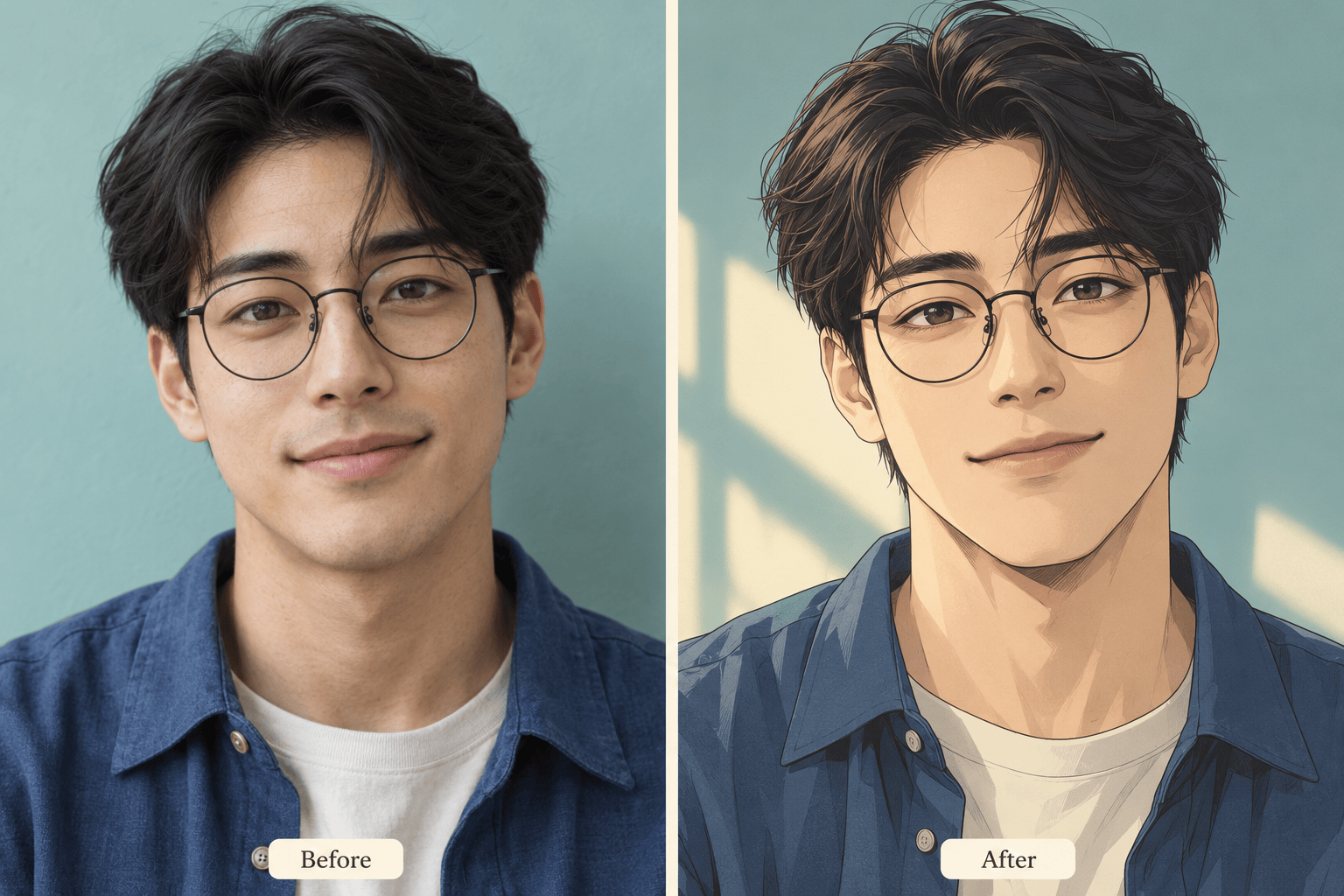
How to Create a Korean-Style Portrait with AI
Upload a Clear Portrait
Choose Your Korean Photo Effect
Generate and Check the Face
Refine and Download

Shape the Look, Down to the Light and Texture
Your Photo Guides the Portrait
Upload your own selfie and specify which features should stay recognizable. This Korean AI filter uses image references; review every result for unwanted changes.
Choose Photography or Webtoon Art
Request a realistic Korean beauty filter or an illustrated finish with clean lines and soft shading. Make the style explicit before generating.
Control the Glow in Words
Ask for lighter makeup, gentler highlights, or visible skin texture. Adjust the treatment without learning retouching tools.
Bring a Style Reference
Upload a reference for its lighting, palette, or backdrop. Explain which image supplies your identity and which supplies the visual direction.
Compare Different Moods
Try a warm K-drama photo effect and a cooler studio version of the same portrait. Choose the direction that suits your profile or post.
Try Online and Export Cleanly
Use free AI credits after signup to explore a look. Download watermark-free PNG or JPG images when ready; generation and revisions use credits.
Start with a Selfie That Still Looks Like You
- Keep the Face Visible: Use a sharp photo without sunglasses, heavy shadows, or an existing strong filter.
- Separate the Two Styles: Choose photographic texture for a realistic portrait, or drawn outlines and shading for a Korean webtoon filter.
- Name What Must Stay: Mention facial proportions, skin tone, expression, and any distinctive details you want to retain.
- Check Before Sharing: Compare eyes, teeth, hair edges, and accessories. Request one focused correction at a time.
Quick Fixes for Your Korean Filter Photo
Less Smoothing: Revise my generated portrait to restore natural skin texture. Reduce the blurred finish while keeping the soft lighting and current composition.
Closer Likeness: Use my original uploaded photo to correct changes to my eyes, nose, and jaw. Keep my expression and the chosen Korean-inspired lighting.
True Skin Tone: Match the skin tone to my original photo. Remove the pale cast while keeping gentle highlights and the current background.
Softer Makeup: Reduce the blush, lip color, and eye makeup in this portrait. Keep the K-beauty mood subtle and preserve my facial proportions.
Clearer Webtoon Style: Turn my uploaded portrait into a Korean webtoon illustration with clean linework and soft cel shading. Preserve the hairstyle, expression, and recognizable facial details.
Profile-Ready Crop: Reframe this portrait as a square profile picture. Center the face, leave space around the hair, and simplify the background without changing the expression.





