Free OnlineAI Kodak Photo Generator
How to Create a Kodak-Inspired Film Photo with AI
Upload a Clear Source Photo
Describe the Film Character
Generate the Kodak-Inspired Edit
Refine the Look in Chat
Export for Social or Print

Why Use Mew Design for a Kodak Film Look
Prompt the Look, Not Just a Preset
Describe the feeling and photographic behavior you want—warm skin, gentle contrast, faded blacks, direct flash, or a 35mm snapshot—instead of settling for one fixed filter.
Keep the Original Moment Recognizable
Upload a photo and tell the AI what must stay unchanged, such as the subject, pose, clothing, background, and number of people. Review the result for any generative changes before sharing.
Explore Kodak-Inspired Film Moods
Use natural language to explore a Portra 400-inspired portrait, a Gold 200 summer frame, an Ektachrome-inspired travel color grade, or a Tri-X-inspired black-and-white finish.
Tune Grain, Halation, and Warmth
Control the character of an AI Kodak photo effect by asking for fine or coarse grain, subtle halation, warmer highlights, lifted shadows, a light leak, or a restrained vignette.
Build a Consistent Photo Set
Generate related variations for a travel album, wedding gallery, fashion mood board, or product story, then refine each image so the color and texture feel connected.
Refine and Export Editable Results
Keep iterating through Chat Edit rather than returning to a blank canvas. When the film look is ready, export practical PNG or JPG files for digital sharing and print workflows.
How to Write a Strong AI Kodak Photo Prompt
- Name the film mood: Try Portra 400-inspired warmth for portraits, Gold 200-inspired sunny color for everyday photos, or a Tri-X-inspired monochrome finish for street scenes.
- Set the texture: Ask for fine or heavy grain, halation around highlights, faded blacks, a light leak, flash bloom, or a clean scan with minimal texture.
- Protect the source: Say to preserve identity, pose, clothing, composition, and the exact number of people. Add exclusions such as no extra objects, text, logos, or distorted hands.
- State the destination: Mention a square profile photo, 3:4 portrait, 4:5 social post, album print, or product campaign so the framing matches where you will use it.
AI Kodak Photo Effect Prompts to Try
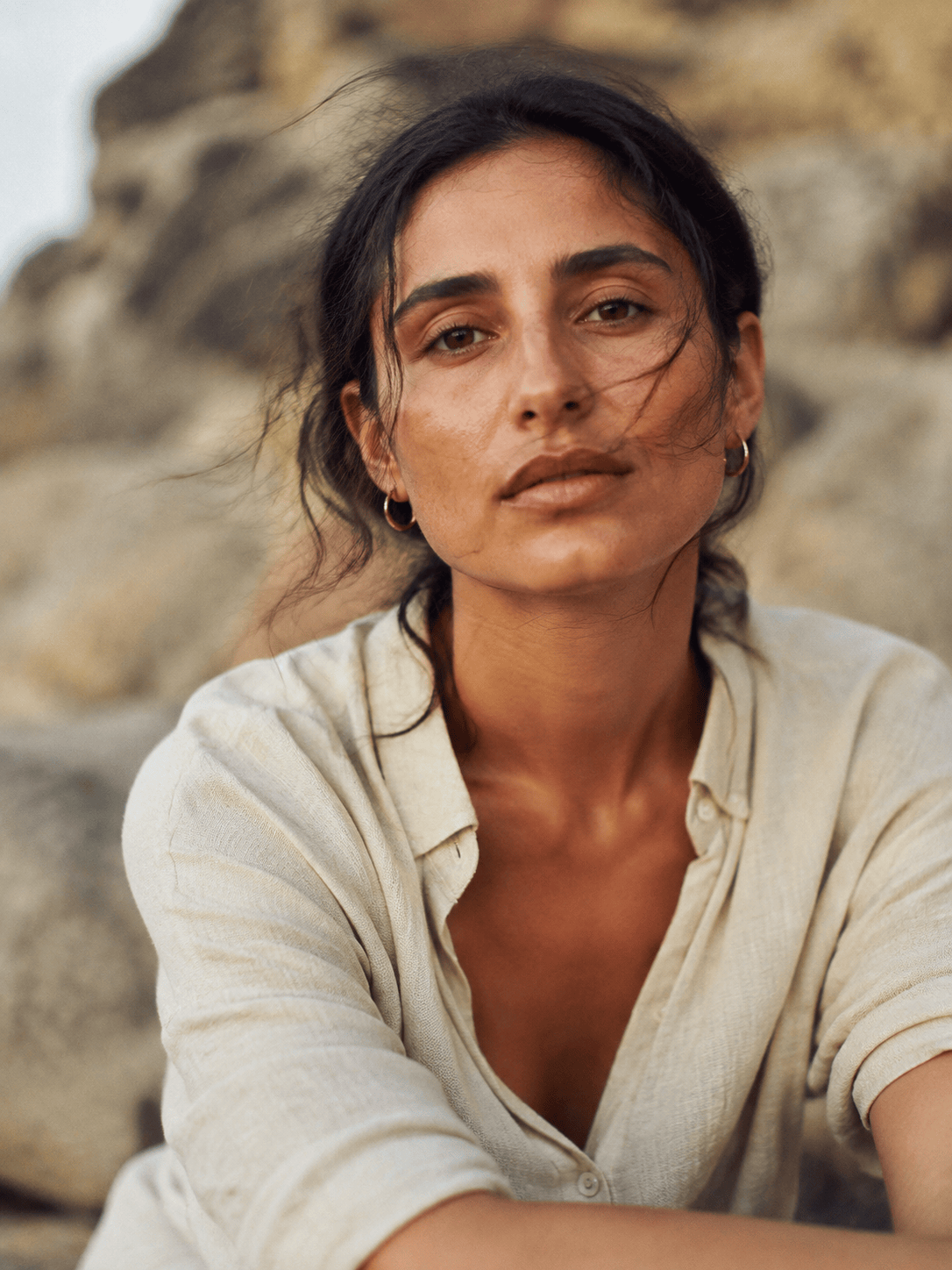
Portrait: Use the uploaded photo as the subject and create a Kodak Portra 400-inspired portrait. Keep the face, hair, pose, and background recognizable. Add warm natural skin tones, soft contrast, fine 35mm grain, creamy highlights, and a subtle editorial finish.
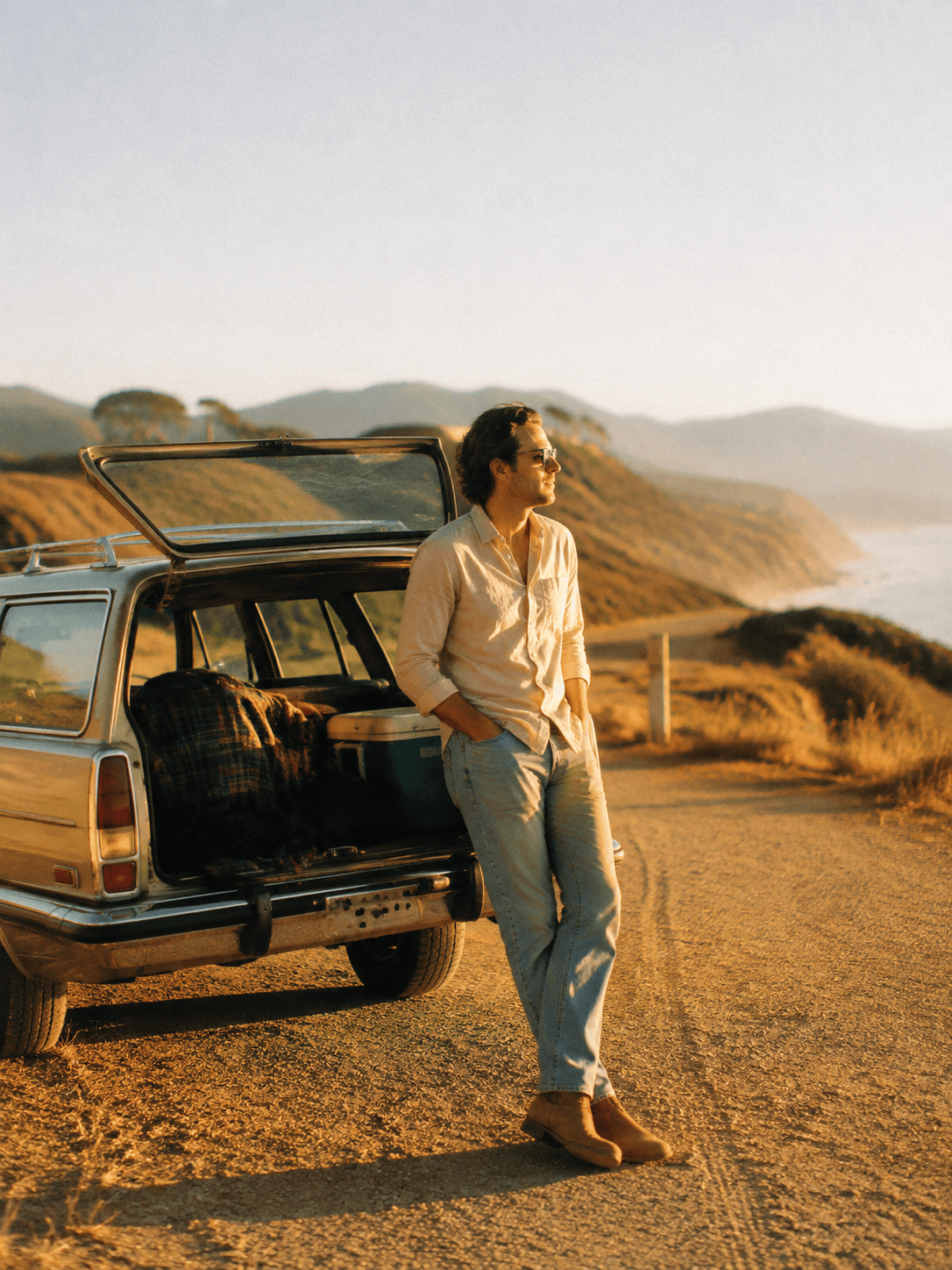
Summer travel: Turn this road-trip photo into a Kodak Gold 200-inspired 35mm snapshot. Add sunny yellow warmth, relaxed contrast, lightly faded blacks, medium grain, and soft afternoon highlights. Preserve the landmarks, people, and original composition.
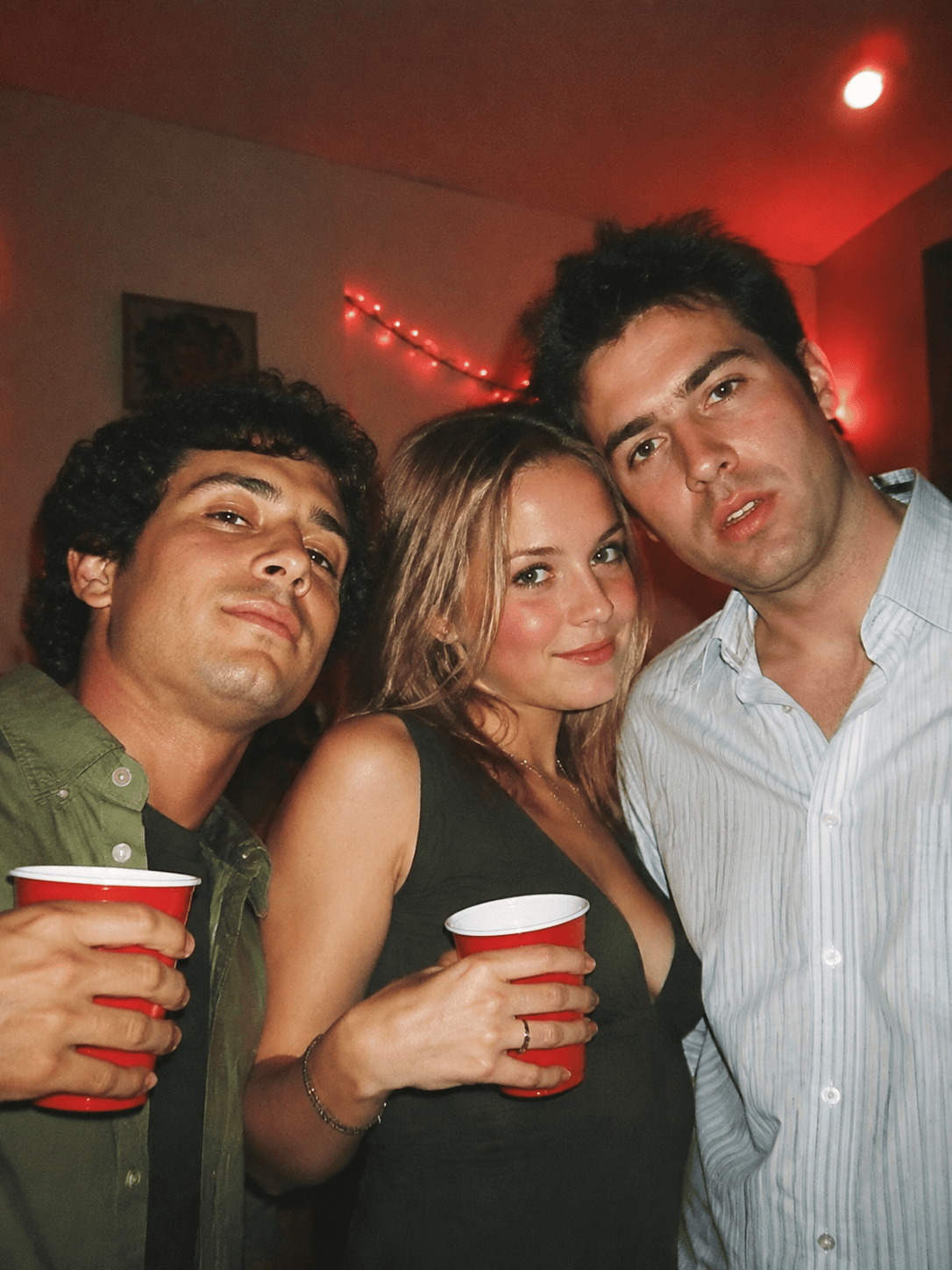
Disposable flash party: Restyle the uploaded group photo as an early-2000s disposable-camera snapshot. Use direct on-camera flash, warm red and amber halation, visible but natural grain, slight motion softness, and candid framing. Keep exactly the same people and facial features.
Vibrant street scene: Apply an Ektachrome-inspired film look to this city photo with clear color separation, punchy blue and red tones, fine grain, crisp detail, and restrained highlight bloom. Do not invent signs, cars, or pedestrians.
Black-and-white documentary: Convert this street portrait into a Tri-X-inspired monochrome photograph with expressive grain, strong but readable contrast, soft highlight roll-off, and a classic 35mm frame. Keep the subject's expression and clothing unchanged.
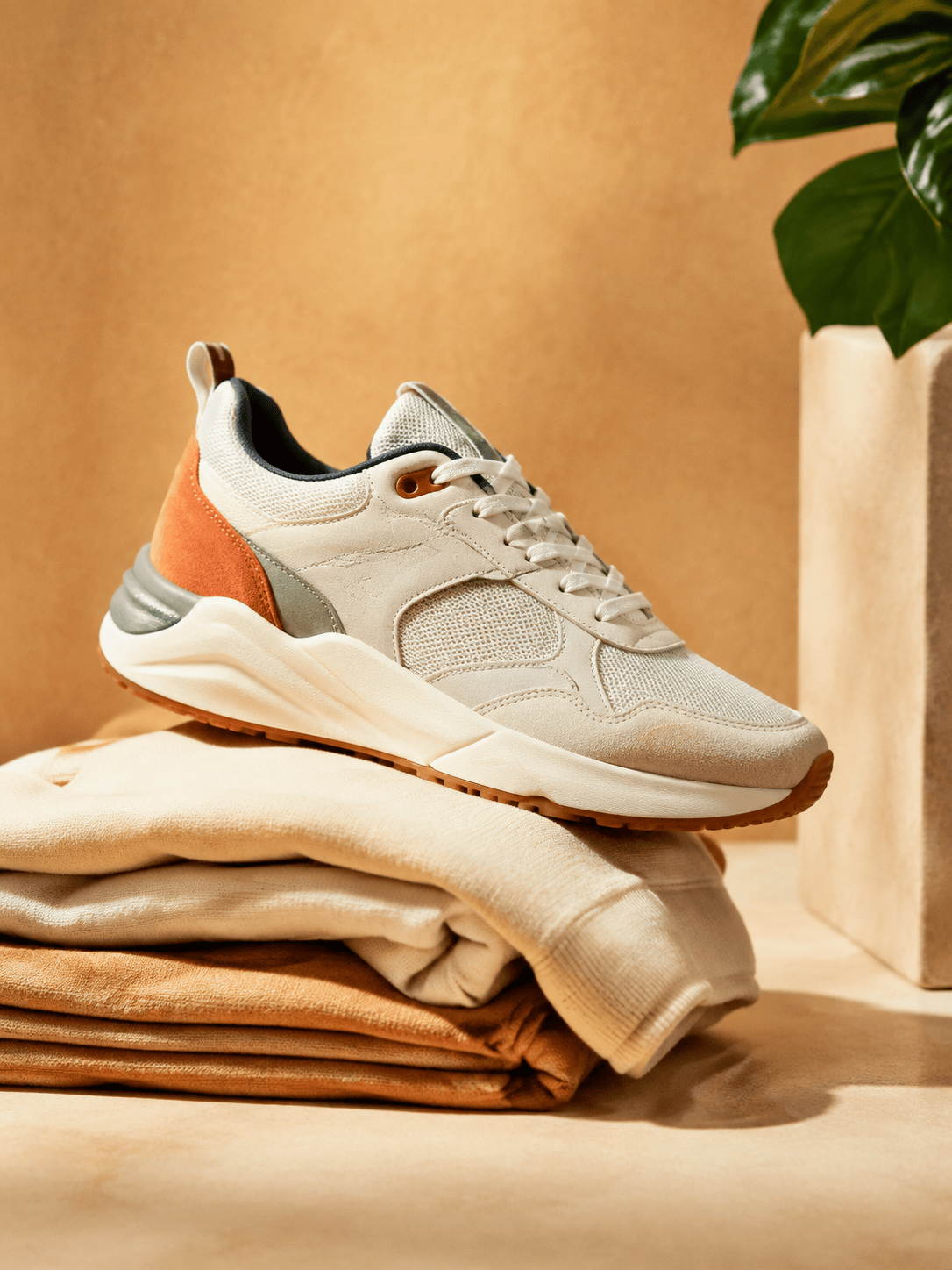
Product editorial: Give this sneaker still life a Kodak-inspired studio film look for a campaign mood board. Use warm neutral color, fine grain, subtle halation, soft directional light, and clean negative space. Preserve the product shape, colors, logo placement, and background; create three consistent variations.





