Free OnlineAI Jawline Editor
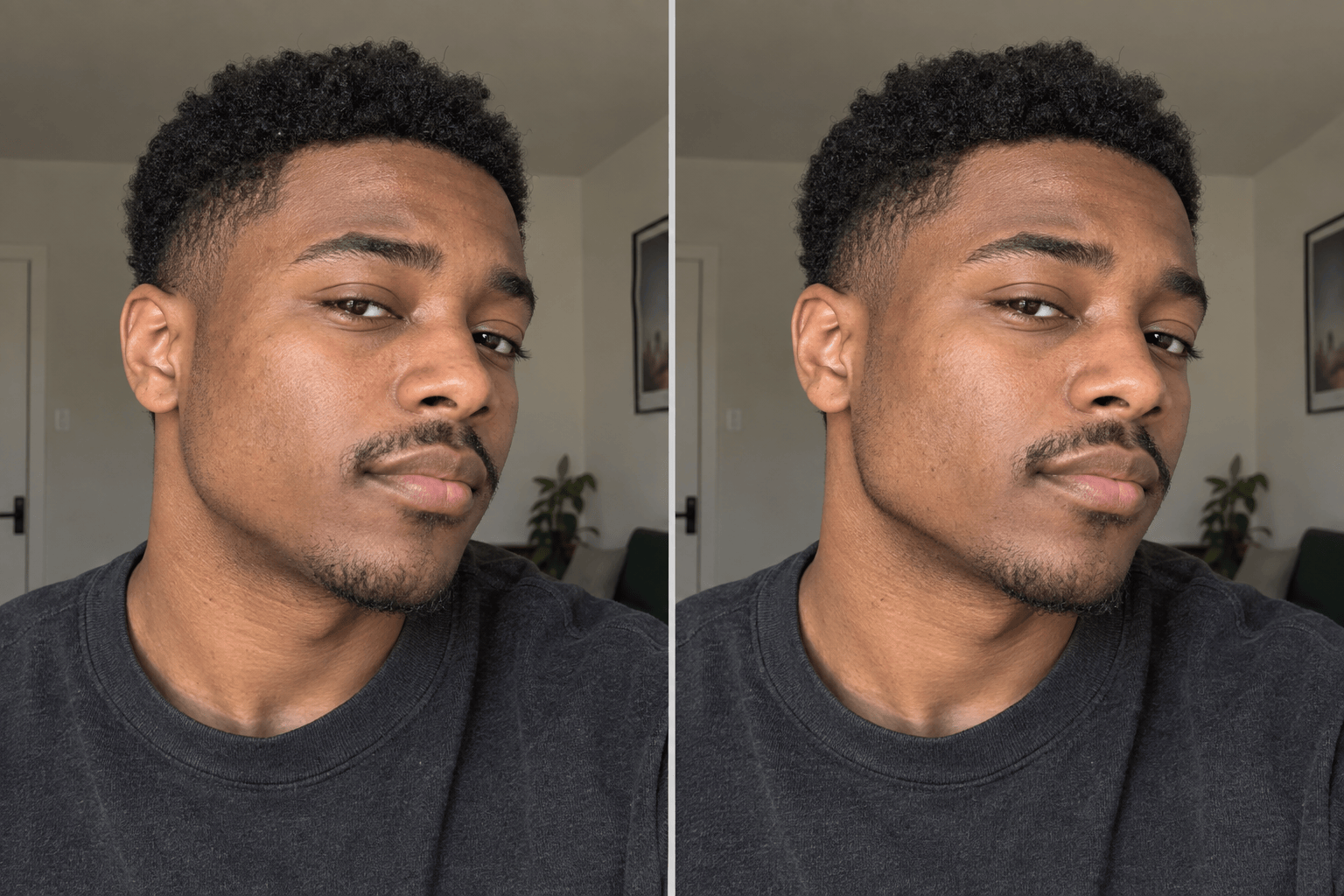
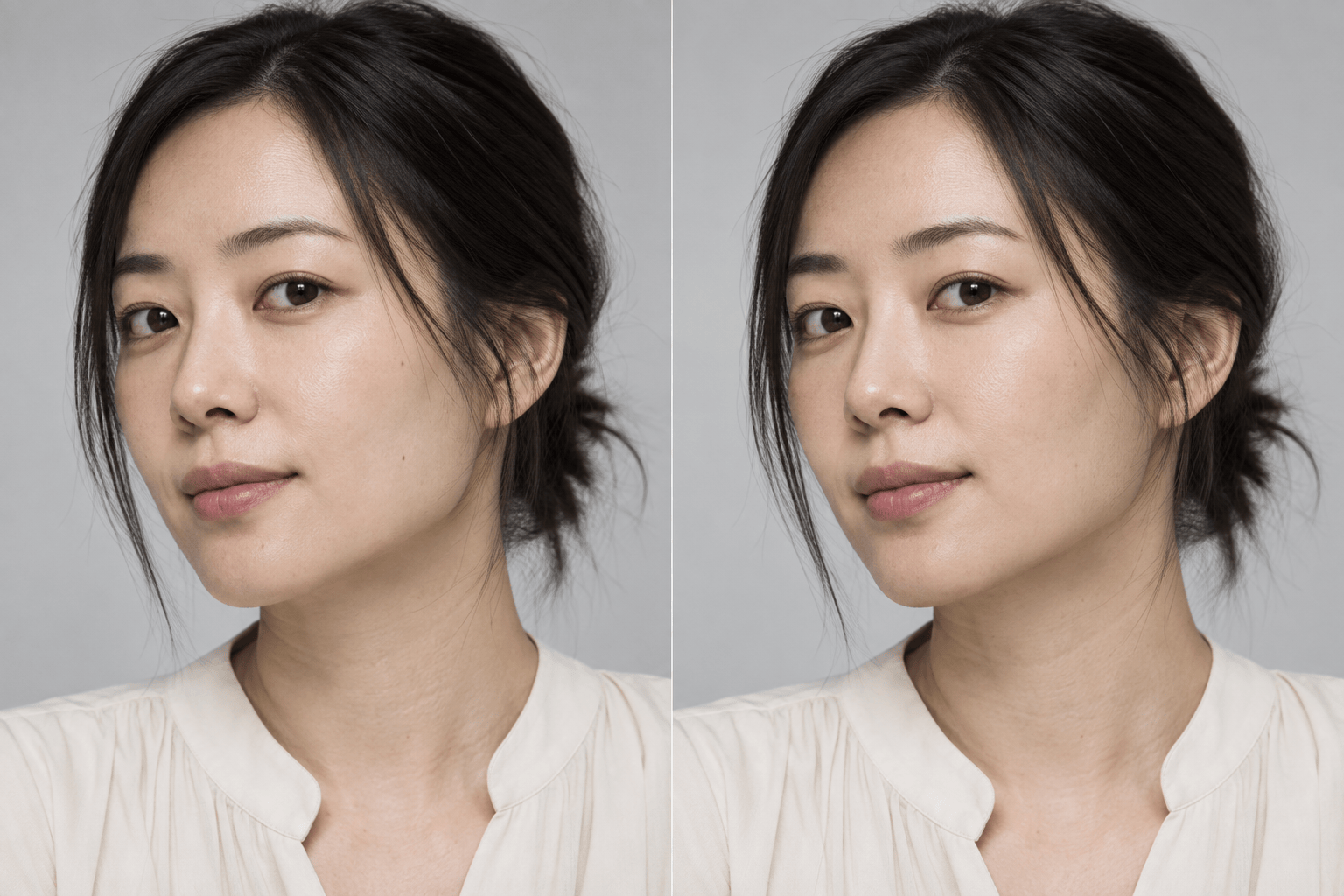
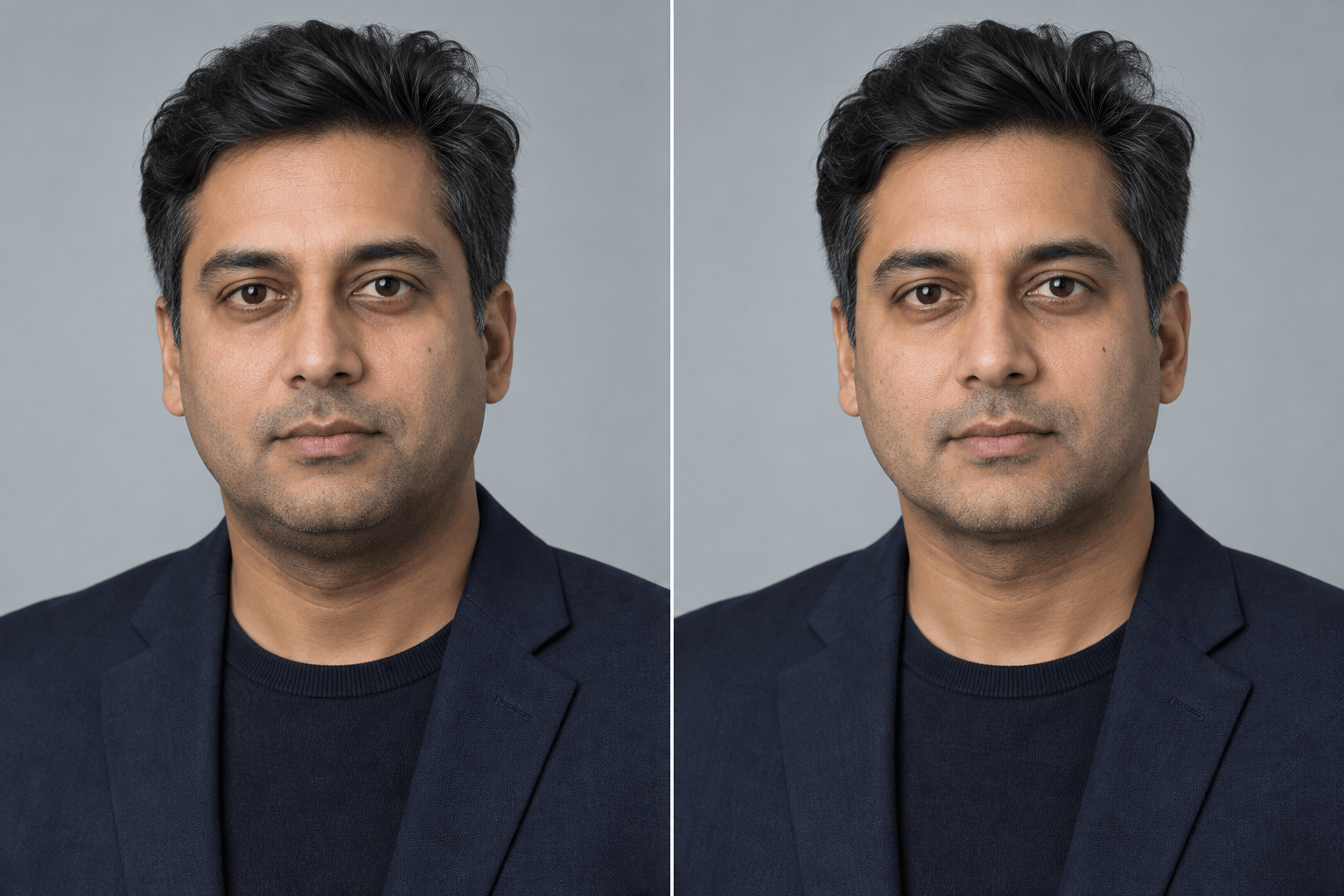
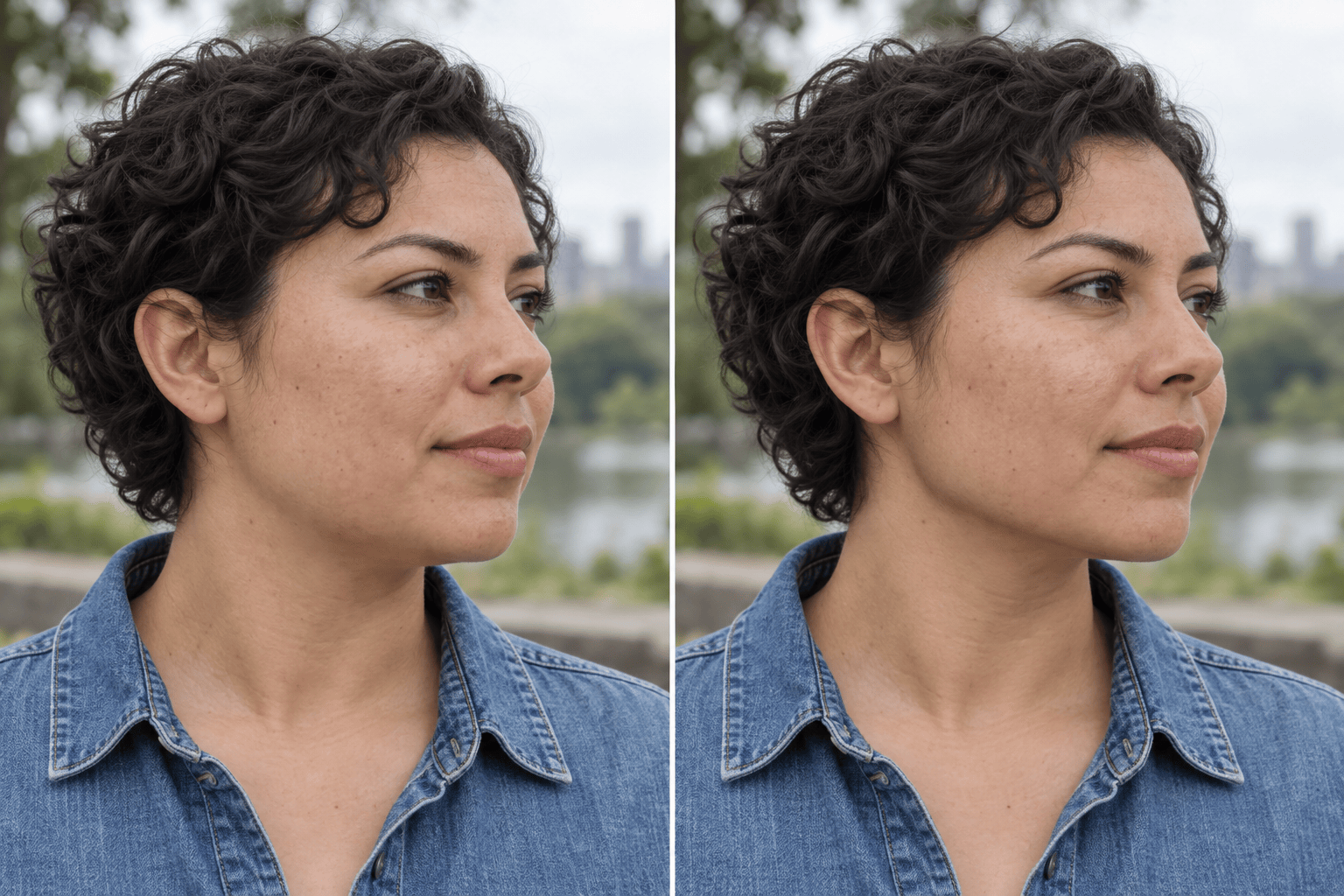
How to Edit Your Jawline in a Photo with AI
Upload a Clear Portrait
Describe the Jawline Change
Check and Refine the Edit
Download Your Portrait

Photo Edits That Still Look Like You
Start with Your Own Photo
Upload the portrait you want to use. This AI jawline enhancer works from your image, so the task is a targeted photo edit rather than a new face generated from scratch.
Choose the Direction in Words
Ask for more definition or a gentler lower-face outline. The jawline photo editor accepts ordinary language, so you can describe a subtle change without learning reshaping tools.
Keep the Rest of the Portrait in View
State what should stay the same: eyes, nose, expression, hair, skin texture, and background. Inspect the output and correct any drift with a focused follow-up.
Make Smaller Revisions Through Chat
If the first edit is too pronounced, use Chat Edit to reduce the strength or limit the change to the jaw edge and under-chin area.
Fit the Photo You Need
Try a restrained edit for a work headshot or a clearer contour for a casual selfie. Save a version that fits the context instead of applying one look to every portrait.
Try It with Free Credits
Sign up for Mew Design to test an online jawline edit with free AI credits. Credit use depends on the generation you choose.
How to Get a Natural Jawline Edit
- Name the area: Say whether you mean the jaw edge, chin transition, or under-chin shadow. “Sharpen my whole face” can invite broader changes than you want.
- Set the strength: Start with “slightly” or “subtly.” You can ask for a stronger result after reviewing the first version.
- Protect your likeness: Ask to preserve facial features, expression, skin detail, pose, and lighting. Check the result because an AI edit may still affect nearby areas.
- Compare at normal size: View the original and edited photo side by side. Watch for warped necklines, mismatched shadows, or a jaw shape that no longer fits the face.
Jawline Edits for Real Portraits
In my uploaded selfie, sharpen the existing jaw edge slightly. Keep the same person, camera angle, expression, skin texture, and background.
In this professional headshot, make the jawline a little more defined while keeping the edit understated and the lighting consistent.
In my portrait, soften the angular corners of the jaw for a gentler outline. Keep the chin, cheeks, eyes, and expression recognizable.
Reduce the appearance of the under-chin shadow in this photo without changing my neck, pose, skin texture, or overall face shape.
Refine the visible jaw edge in this three-quarter profile. Follow the original facial structure and preserve the ear, hairline, and background.
The previous jawline edit looks too strong. Make it more subtle and restore the original proportions everywhere outside the lower-face contour.





