Free OnlineAI Jacket Design Generator
How to Design a Jacket with AI
Set the Jacket Direction
Add Materials and References
Generate and Direct the Details
Build Views and Export

A Jacket Concept Studio Built Around Your Brief
Describe Construction in Plain Language
Start with the details you know and let the AI clothing design generator interpret the silhouette, fit, fabric, collar, pockets, closure, trim, and presentation style without complex design software.
Develop Sketches into Visual Concepts
Upload a rough drawing or reference image to guide proportion, paneling, and style. Image-to-image creation helps translate an early idea into a more polished jacket render while keeping your visual direction in view.
Place Graphics with Better Context
Add an owned logo, patch, print, or embroidery reference and explain whether it belongs on the chest, sleeve, or back. The AI jacket mockup generator can visualize placement for review, but you should confirm final scale and production tolerances.
Compare Colorways and Product Views
Create a coherent series of front, back, detail, or alternate-color concepts. This makes it easier to compare one AI jacket across a capsule collection, team range, or merchandise proposal.
Revise One Decision at a Time
Use Chat Edit when the first draft is close. Ask for matte nylon instead of leather, fewer quilt lines, a boxier body, new hardware, or a cleaner studio background without rebuilding the whole brief.
Create Presentation-Ready Visuals
Start with free AI credits after signup and export watermark-free PNG or JPG concepts for pitches, mood boards, ecommerce planning, and campaign exploration. These visuals support ideation; they are not a substitute for a verified tech pack.
How to Brief AI for a Better Jacket Design
- Define the Silhouette: Specify cropped, fitted, boxy, oversized, longline, or relaxed, plus the wearer and season when relevant.
- Describe Materials and Build: Mention nylon, wool, denim, leather, canvas, quilting, lining, panel seams, topstitching, cuffs, hem, pockets, zipper, snaps, or hood.
- Map Color and Graphics: State the body, sleeve, trim, and hardware colors. Identify where an owned logo, patch, print, or embroidery should appear and ask for no extra text.
- Choose the Presentation: Request front, back, three-quarter, detail, flat-lay, ghost-mannequin, editorial, or clean ecommerce views, and explain whether the image is for a pitch, catalog, POD preview, or social campaign.
Jacket Design Prompts for Different Outerwear Ideas
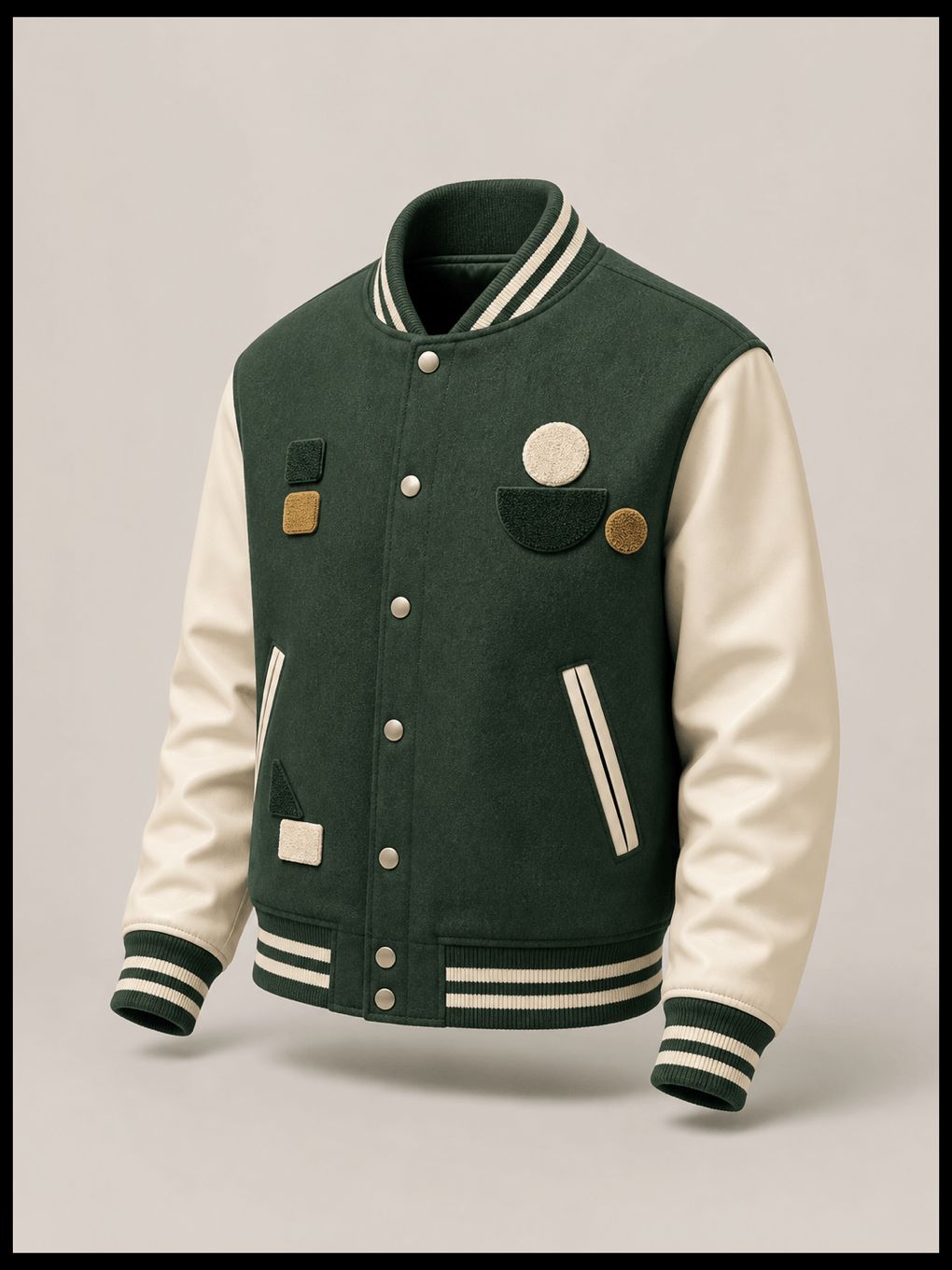
Design a unisex varsity jacket for a creative club. Use a forest-green wool body, cream faux-leather sleeves, striped ribbed collar and cuffs, snap front, two welt pockets, and abstract chenille-style patches with no letters or trademarks. Show coordinated front and back ghost-mannequin views on a light gray background.
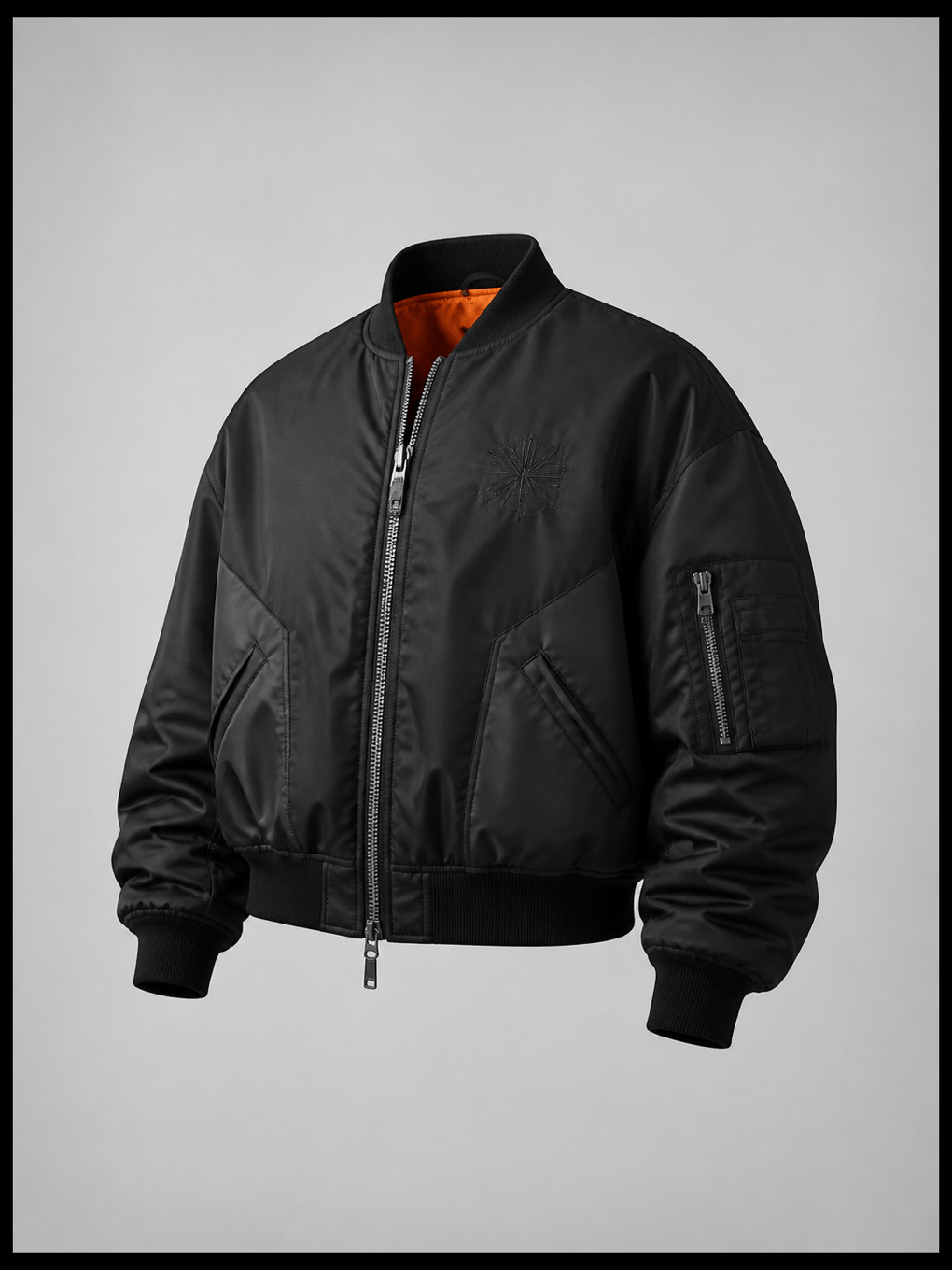
Create an oversized streetwear bomber jacket in matte black nylon with a cropped boxy fit, orange lining, two-way silver zipper, utility sleeve pocket, ribbed hem, and small tonal embroidery on the chest. Present it as a premium three-quarter ecommerce product image.
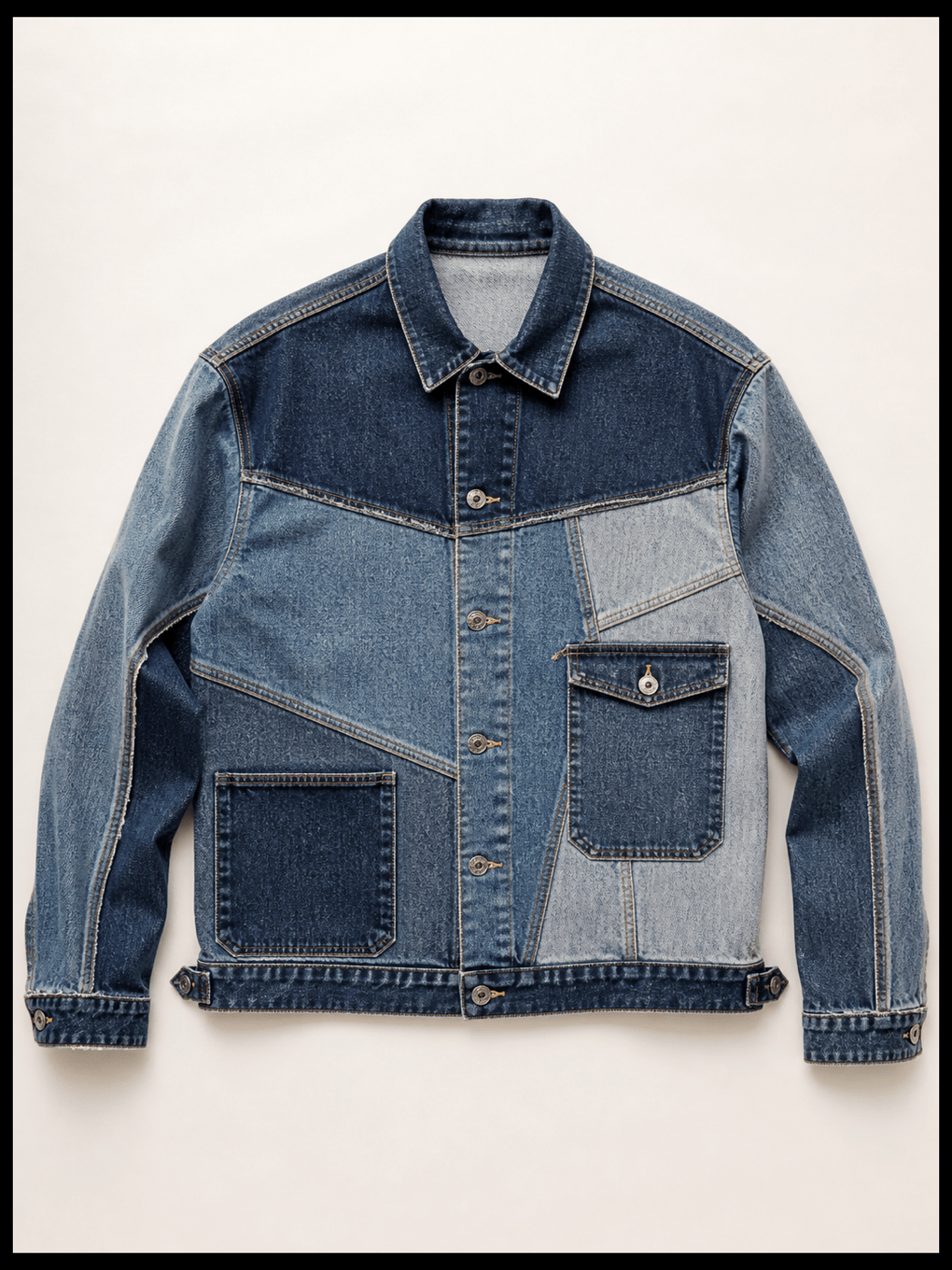
Generate a reconstructed denim jacket concept using three shades of washed indigo, asymmetrical panel seams, contrast tobacco topstitching, oversized patch pockets, metal shank buttons, and a relaxed trucker fit. Show a clean flat lay with the full garment visible.
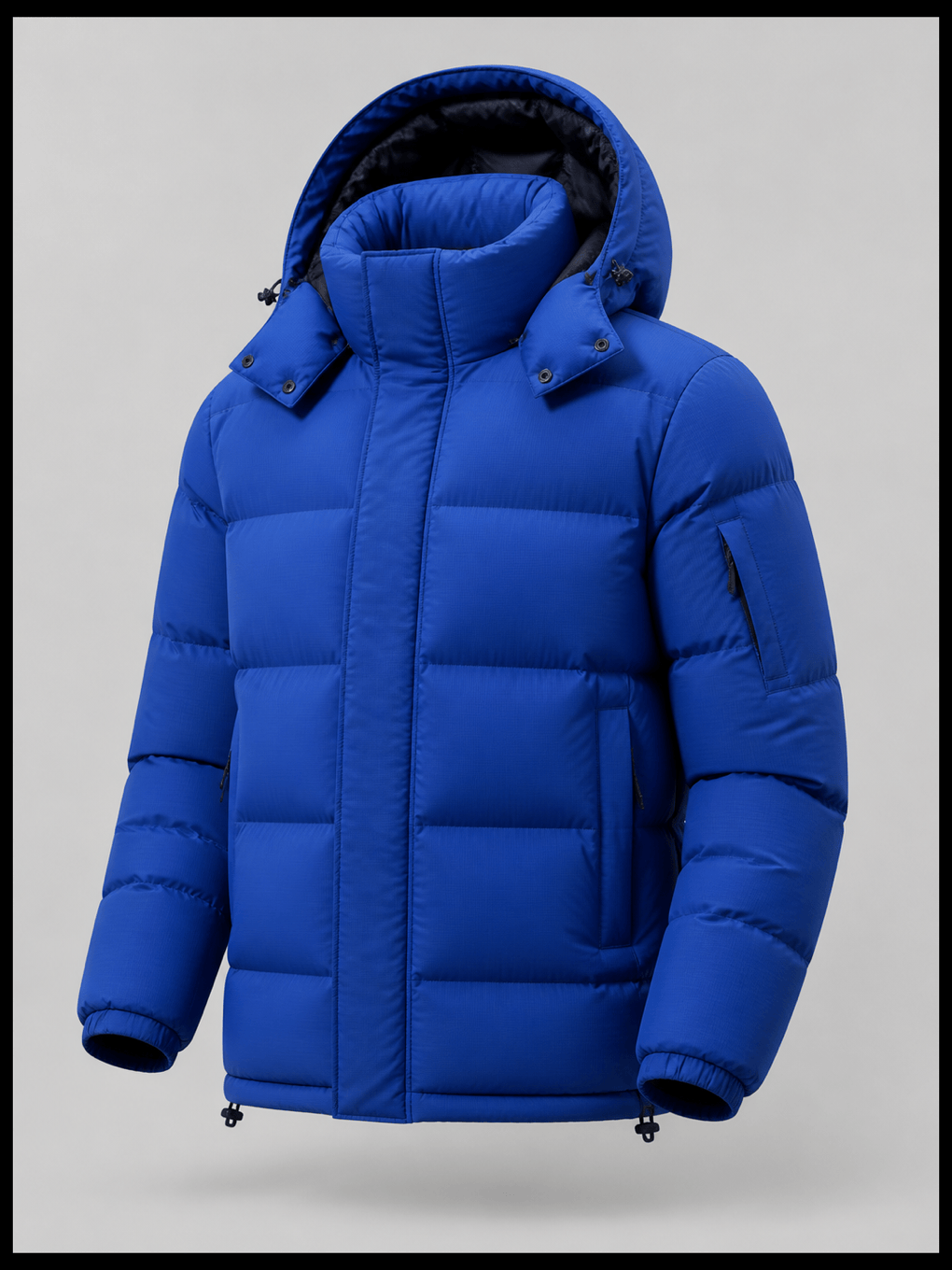
Create a technical alpine puffer jacket with wide horizontal baffles, a high insulated collar, detachable hood, concealed zip pockets, adjustable hem, matte cobalt ripstop shell, and dark navy hardware. Use a centered ghost-mannequin studio view with realistic quilting and fabric texture.
Design a minimalist leather moto jacket in deep espresso brown with a slightly cropped fit, asymmetric front zipper, narrow lapels, zipped cuffs, two low-profile pockets, and antique brass hardware. Show front, back, and one close-up detail as a consistent product concept series.
Create a durable custom workwear jacket for a small coffee roaster. Use sand-colored canvas, a dark brown corduroy collar, blanket lining, reinforced elbow panels, large patch pockets, and a small uploaded emblem on the left chest. Make two colorways for a merchandise proposal and keep the emblem shape unchanged.





