Free OnlineAI Invert Color
How to Invert Image Colors with AI
Upload the Original Image
Define What to Invert
Generate and Compare
Refine and Download

Why Use Mew Design as an AI Color Inverter
Describe the Exact Inversion
A fixed filter flips everything. Mew Design lets you request a full negative, black-to-white reversal, or a more specific color-inversion direction in plain language.
Invert Only the Area You Want
Tell the online AI color inverter to change the subject, background, logo, or another named area while preserving the rest of the image.
Protect the Original Composition
State what must not move or change, including the crop, pose, text, proportions, and key objects. Clear preservation instructions keep the edit focused.
Refine Without Starting Over
If one edge or color feels wrong, use Chat Edit and request a targeted correction. You can iterate on the same image instead of rebuilding the effect.
Handle More Than Photo Negatives
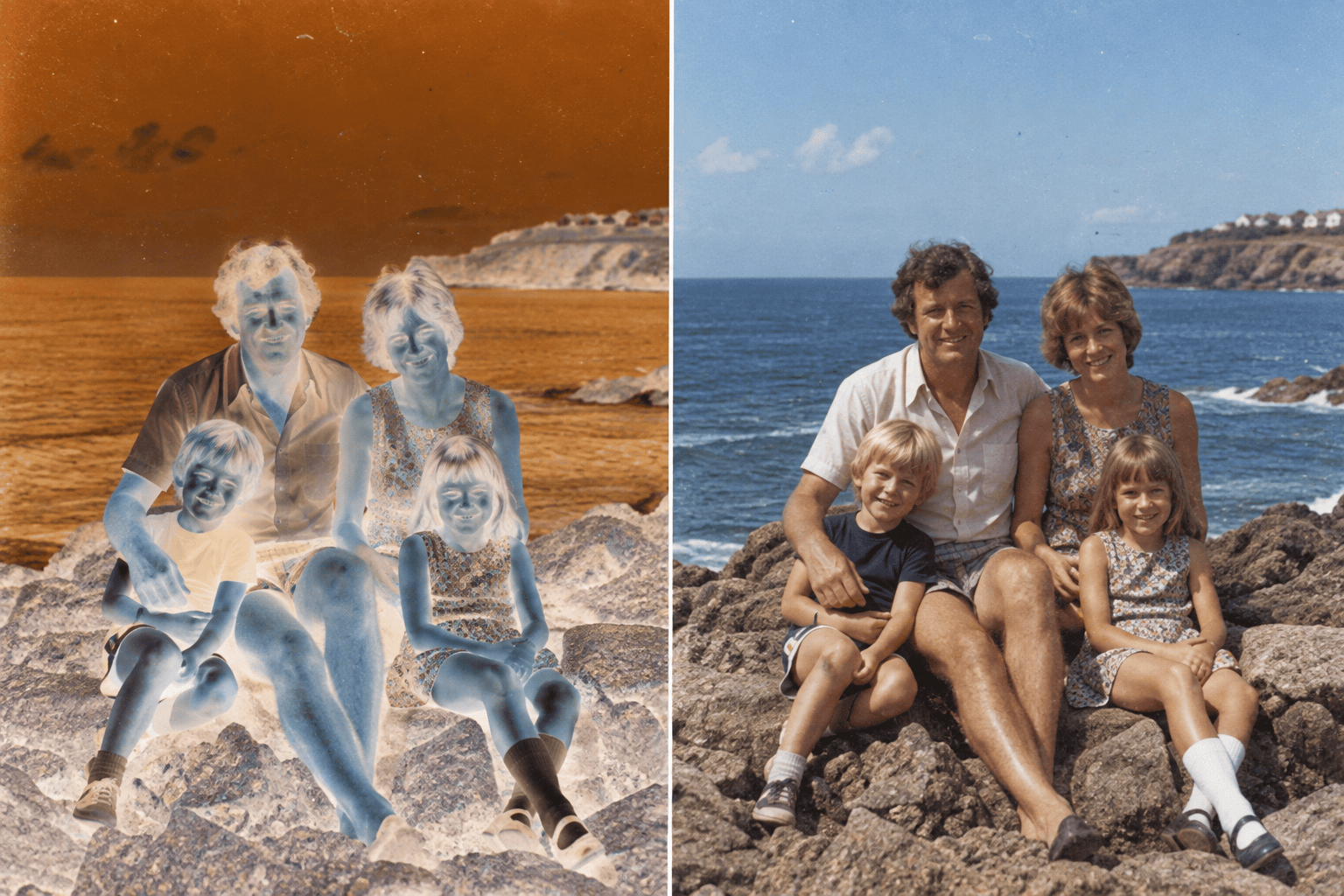
Reverse black-and-white artwork, prepare a light logo for a dark background, explore surreal poster colors, or turn a scanned negative into a usable starting point.
Try It Free and Export Cleanly
Use free AI credits after signup to test an inverted-color idea. Download watermark-free PNG or JPG files for design, social, and creative projects.
Before You Invert Image Colors
- Use a Clear Source: Upload the highest-quality version you have, especially for small text, line art, hair, product edges, or transparent PNGs.
- Name the Scope: Say whether to reverse every color, invert only black and white, or change just the subject, background, or selected object.
- List What Must Stay: Protect the crop, dimensions, pose, text, layout, transparency, and any brand elements that should not be redesigned.
- Choose the Output: Request PNG for line art or transparency and JPG for a compact photo. Review the final result at full size before using it.
AI Color Inversion Requests for Common Jobs
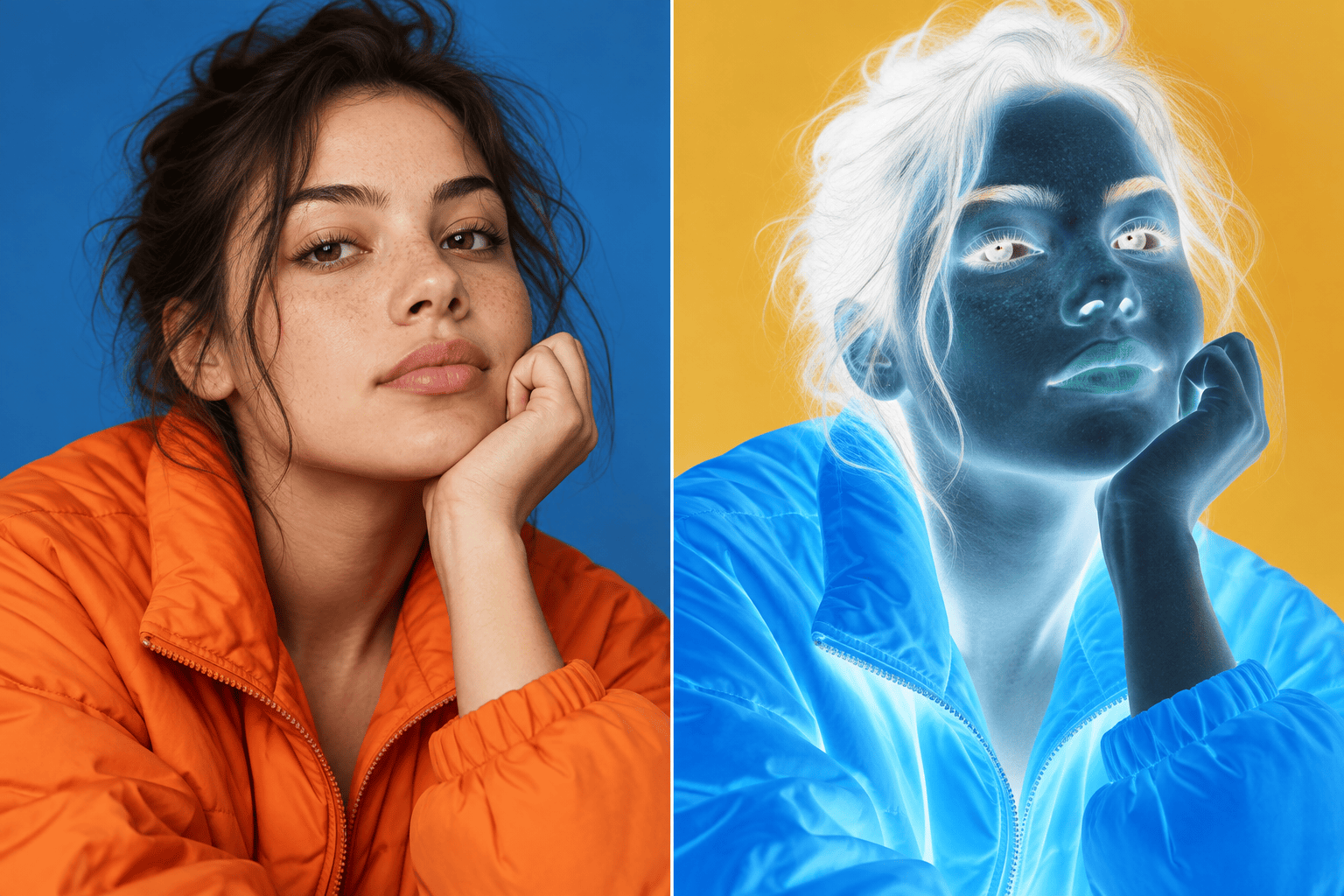
Create a full color negative of my uploaded photo. Reverse the visible colors while preserving the crop, subject, facial features, lighting detail, and image dimensions.
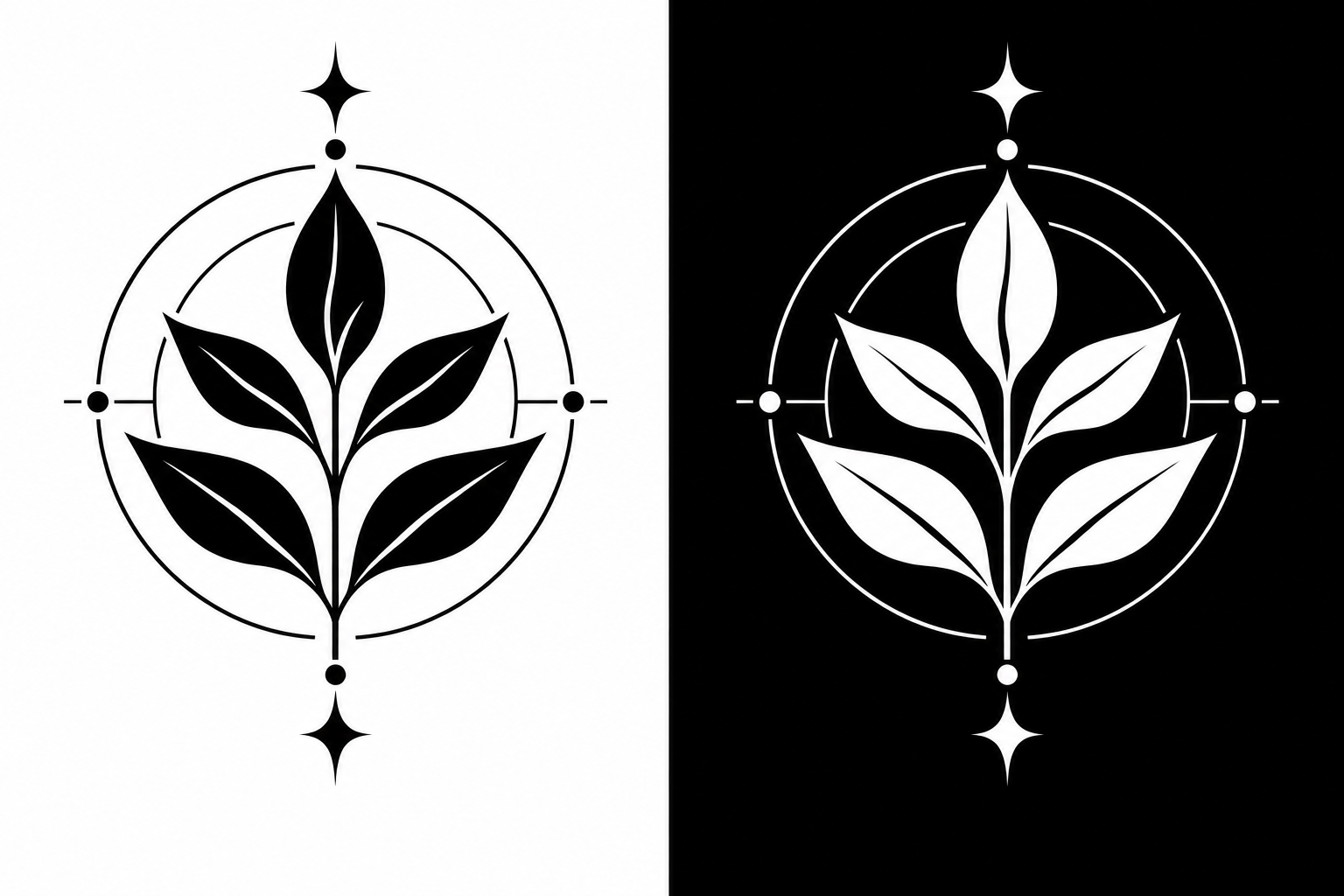
Invert this black-and-white image so every black area becomes white and every white area becomes black. Keep all lines, spacing, edges, and transparency unchanged.
Create a light version of my dark logo for a black background. Reverse only the visible logo colors, preserve the transparent background, and do not alter the shape or lettering.
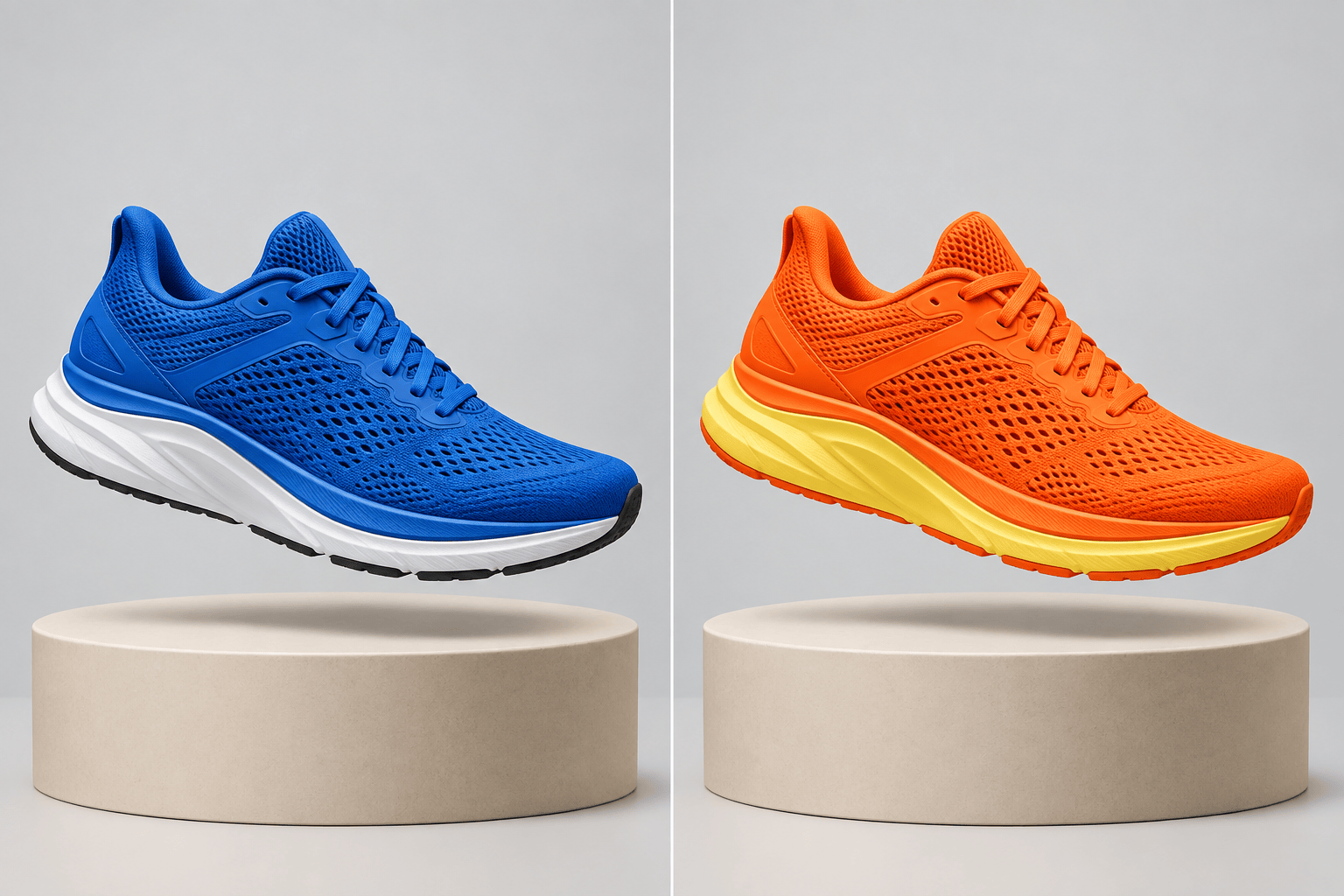
Apply selective color inversion to the main subject only. Keep the background, composition, shadows, and all other objects exactly as they are.
Invert only the background colors to their opposites. Preserve the person, skin tone, clothing, pose, and foreground edges without changes.
Turn this scanned film negative into a natural-looking positive image. Reverse the tones, then correct any blue or cyan cast while preserving grain and original framing.





