Free OnlineAI Image Variation Generator
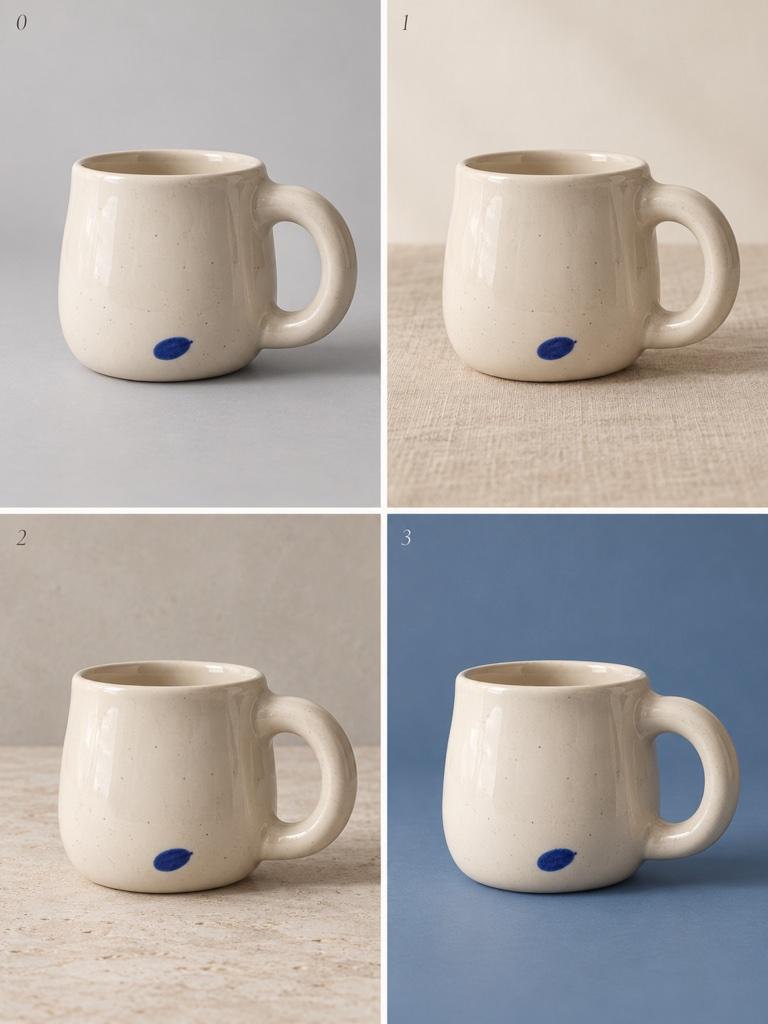
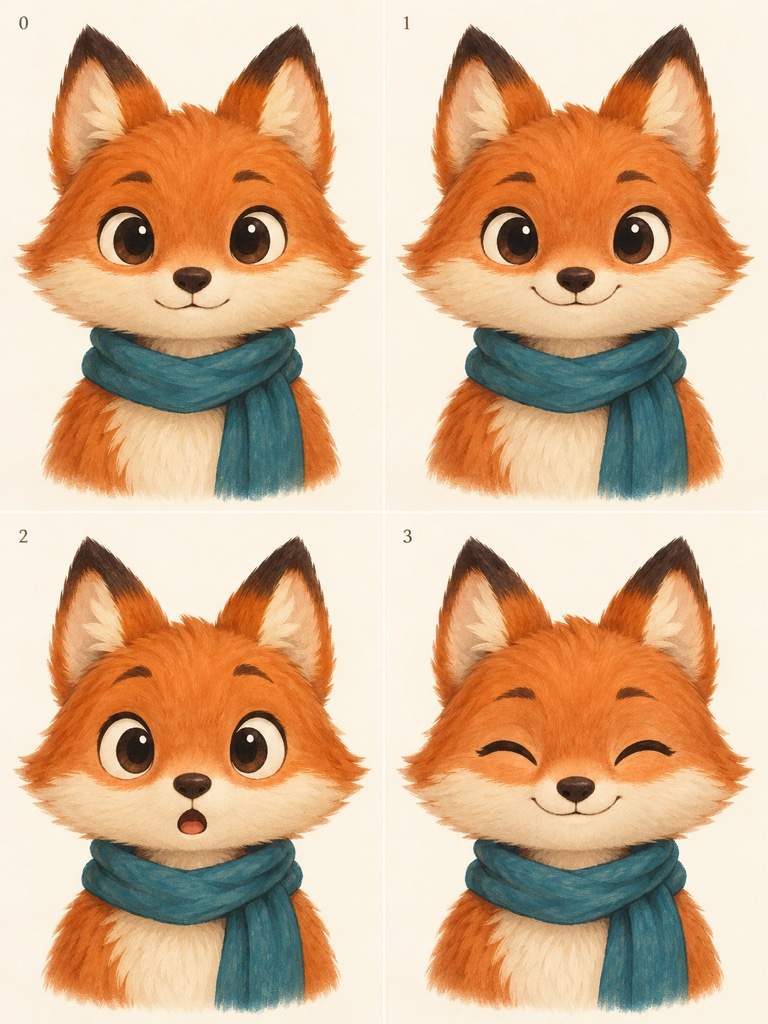
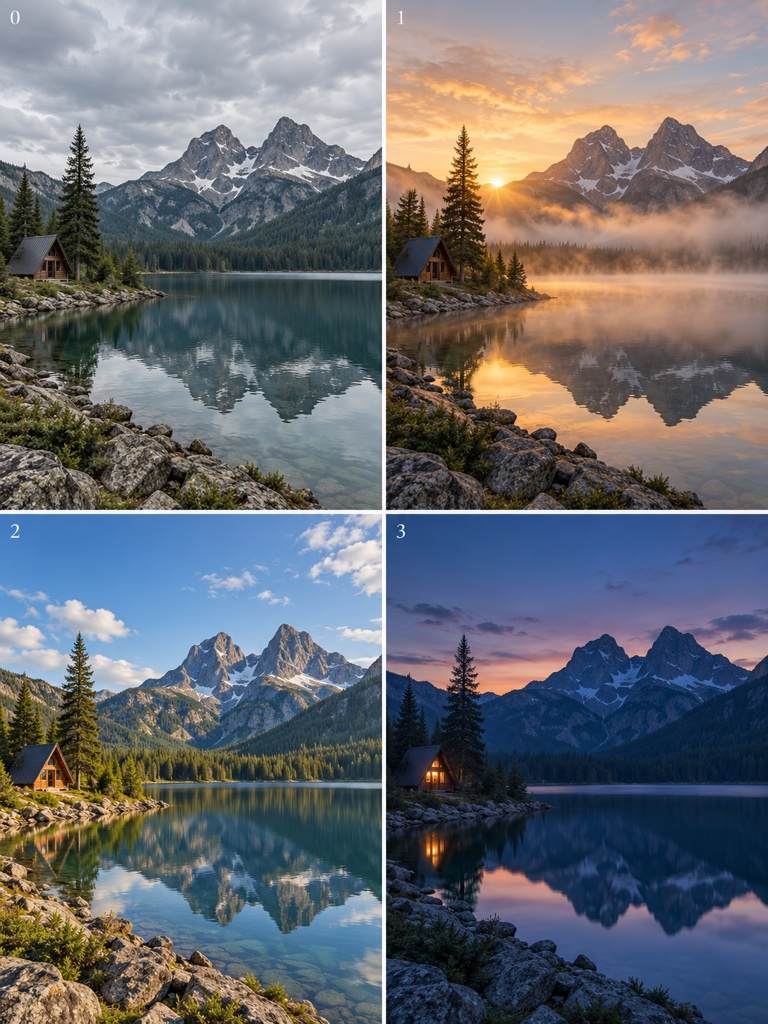
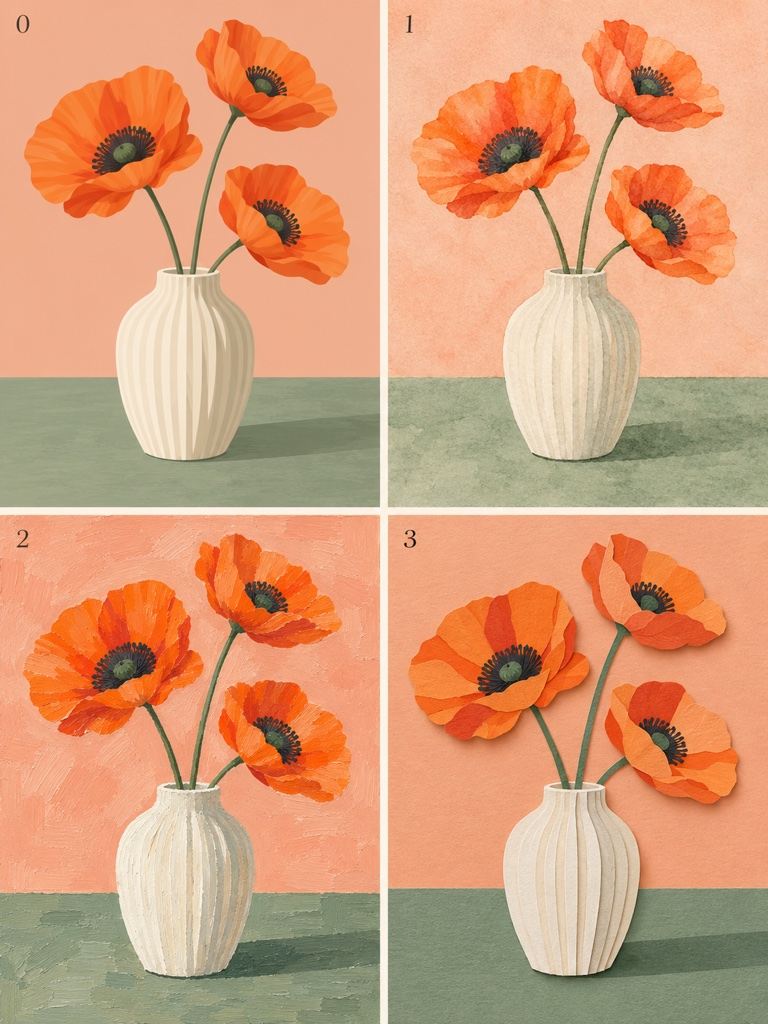
How to Generate Image Variations with AI
Choose Your Starting Image
Explore a Few Directions
Compare and Refine
Download Your Selected Versions

More Options from the Image You Already Like
Build on Your Own Images
Upload a product shot, character drawing, or artwork instead of describing it from scratch. Image-to-image generation gives your next version a visual starting point.
Direct the Amount of Change
Use this online image variation generator to request a subtle lighting adjustment or a larger style shift. Say what should stay recognizable and what can change.
Compare Related Creative Options
Generate product photo variations or alternate campaign visuals from one reference. Ask for a shared composition so the differences are easier to judge.
Keep Refining in Chat
A promising version can become your next reference. Use Chat Edit to simplify a background, soften a shadow, or correct a detail without rebuilding the brief.
Reuse Your Visual Direction
Save a successful approach as a Mew Skill, including brand colors, style rules, and output preferences. Reuse that workflow for future image series with less repeated briefing.
Take Your Favorites into Real Projects
Download watermark-free PNG or JPG files for web and social use. Create AI image variations for ads, presentations, or content collections, then select the versions that fit.
Keep the Details That Make It Your Image
- Choose a Clear SourceUse an image where the main subject is visible and sharp. A heavily cropped or blurry reference makes small details harder to reproduce.
- Name the Essential DetailsSpecify the face, silhouette, product proportions, palette, or viewpoint that matters most. Avoid asking for a complete redesign when you only need a small change.
- Change One Variable FirstTry a new background before changing the pose, lighting, and style together. Use the same source for each candidate when you want a fair comparison.
- Check Before ContinuingCompare faces, hands, product edges, logos, and text with the original. A variation can redraw details; use an approved result as the next reference only after checking it.
Fix Common Problems with AI Image Variations
The result changed too much. Use my original image again. Keep the subject, framing, colors, and background. Change only the lighting to a softer, warmer look.
The versions are too similar. Use my original artwork and keep the main subject, but create three separate interpretations with clearly different color palettes. Keep the composition comparable.
The product shape changed. Return to my original product photo. Preserve its proportions, edges, material, and markings. Replace only the background with a clean pale stone setting.
The character looks different. Use my original character drawing. Keep the face shape, hairstyle, outfit, and illustration style. Change only the expression to a gentle smile.
The new art style hides too much detail. Use my original illustration and apply a lighter watercolor treatment. Keep the subject outline and arrangement clear; reduce loose brushwork around important features.
These ad concepts are hard to compare. Use my original campaign image to create three separate variations with the same product scale, framing, and text. Change only the background color between versions.





