Free OnlineAI Icon Set Generator
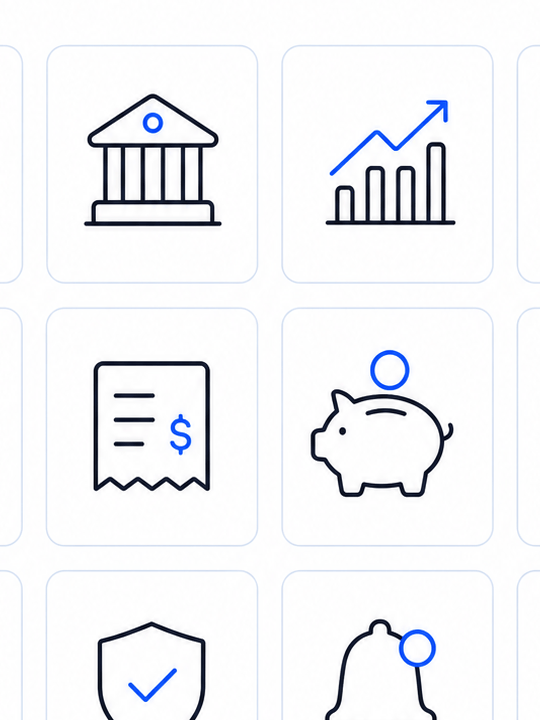
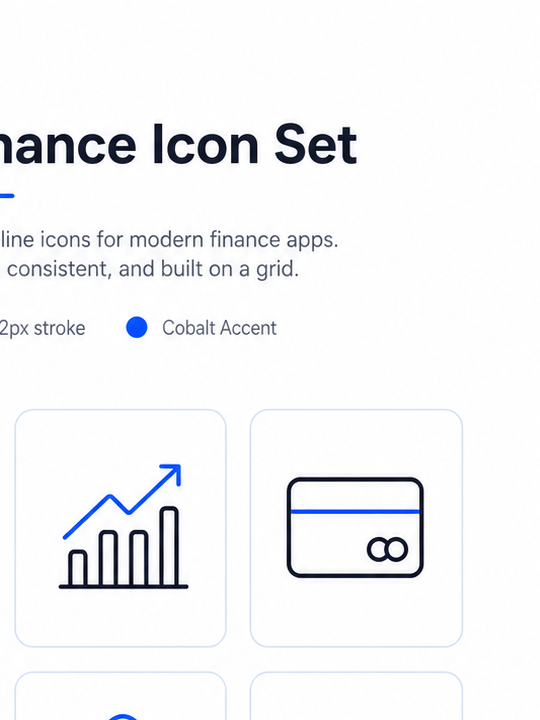
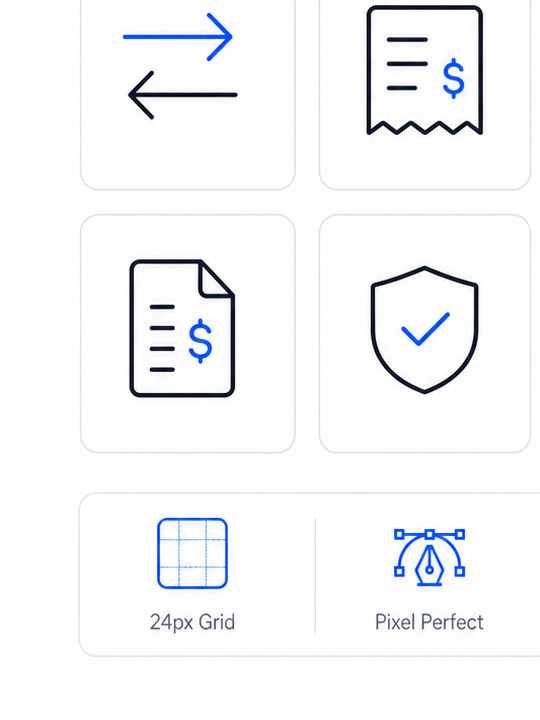
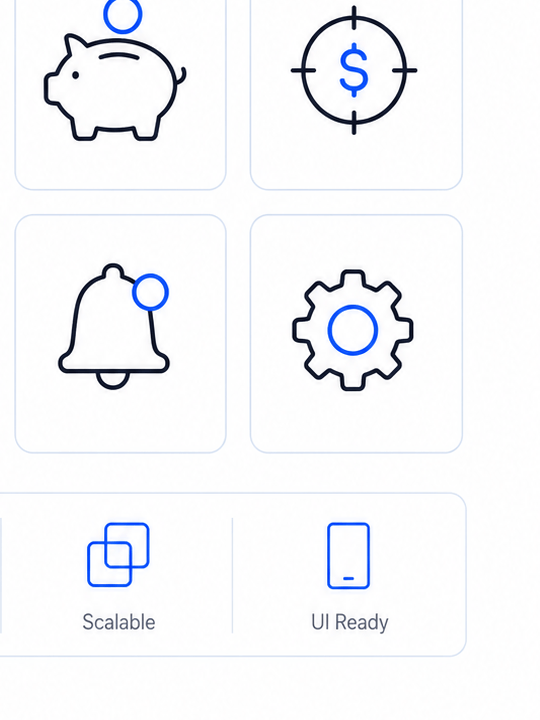
How to Create a Consistent Icon Set with AI
List the icon concepts
Set the visual rules
Generate the family
Tighten and export

Build Consistent Icon Systems with Mew Design’s AI Icon Set Generator
System before symbols
The agent turns style constraints into a repeatable family instead of unrelated one-off icons.
Grid and stroke consistency
Describe a 24px grid, 2px stroke, or rounded joins and keep those rules visible across the set.
Product context
Generate icons for navigation, finance, healthcare, ecommerce, or education with the right level of literal clarity.
Reference matching
Upload an existing icon or brand mark and ask for new symbols that fit its geometry.
State variations
Create active, inactive, hover, warning, and dark-mode versions from one visual direction.
Fast set expansion
Add the next ten icons through chat while preserving the visual language you approved.
How to Write an Effective AI Icon Set Prompt
- Icon concepts: List the icons in parallel language so the set has a clear semantic scope.
- Size and context: State whether icons must remain legible at 16px, work in navigation, or scale for marketing.
- Reference style: Upload a reference icon or brand mark when extending an existing system.
- Review the full set: Review the family together and request one consistent correction at a time.
Customizable AI Icon Set Prompt Examples
Create a rounded outline icon set for a telehealth app: appointment, doctor, prescription, lab result, chat, video call, insurance, and emergency.
Design a filled ecommerce icon family for cart, wishlist, delivery, returns, discount, gift, store, and pickup using a two-color palette.
Make monochrome navigation icons for a writing app with files, folders, search, comments, history, share, publish, and settings.
Generate playful but legible education icons for lesson, quiz, certificate, progress, bookmark, community, calendar, and streak.
Create a premium hospitality icon set for room service, spa, pool, dining, wifi, parking, concierge, and accessibility.
Extend this uploaded three-icon reference into a 20-symbol product family with the same optical weight and corner language.





