Free OnlineAI Hand Generator
How to Generate Hand Images with AI
Describe the Hand and Pose
Generate Your First Hand Image
Customize the Pose and Hand Details
Download for Your Creative Project
Why Use Mew Design as Your AI Hand Generator
Create Hand References for Drawing
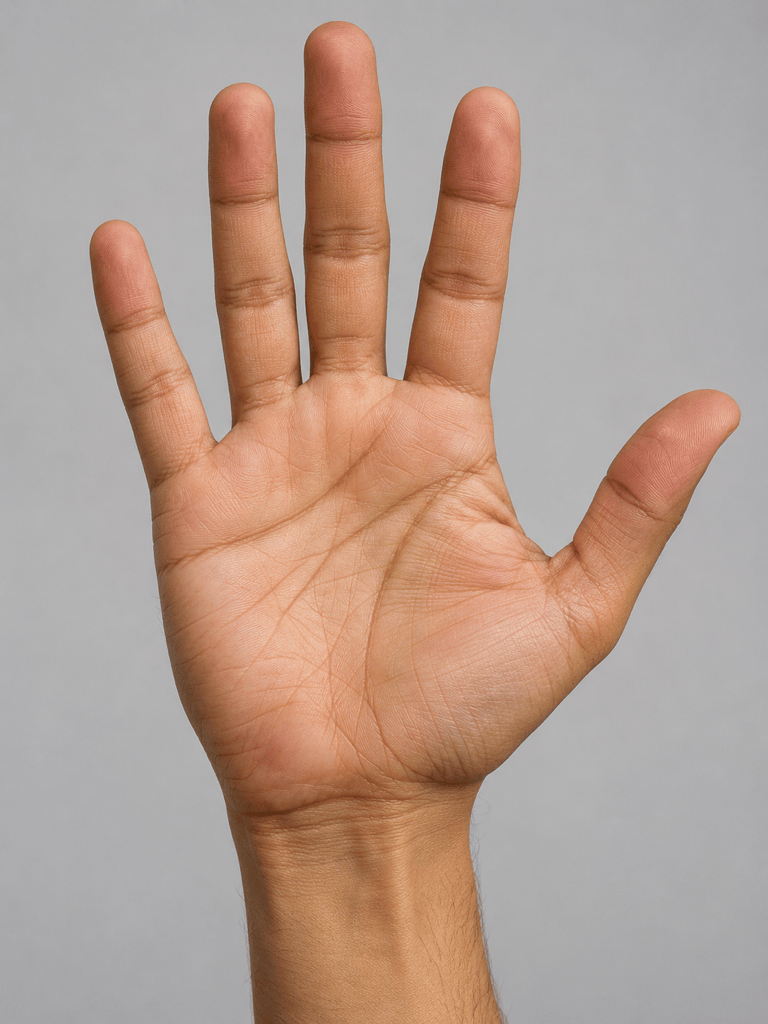
Use our AI hand pose generator to explore palm, back, and side views for character sketches and illustrations. Describe the gesture and lighting to create a reference that fits your scene.
Generate Hand Images from Text or Photos
Start from a written description or upload a reference photo to guide a particular pose. Specify the angle, skin tone, and details you want to keep.
Create Hands Holding Products
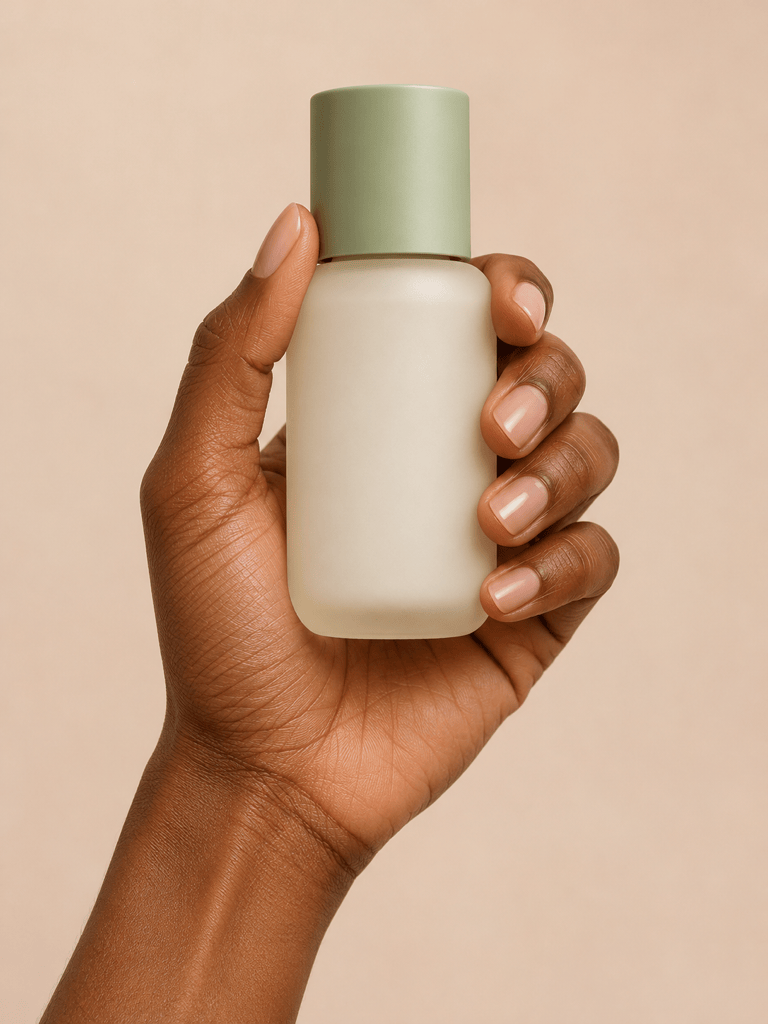
Upload a product photo and describe how the hand should hold it. Use Chat Edit to refine the grip, product visibility, or lighting for ecommerce and campaign visuals.
Generate Realistic and Anime Hand Poses
Generate realistic hand images or try anime linework, painted studies, and 3D-style illustrations. Adjust skin tone, nails, and lighting to suit the scene.
Download Transparent Hand PNG Images
Ask to remove the background for a transparent hand PNG. Use isolated gestures in slides, social graphics, or sticker designs.
Create Matching Hand Gesture Variations
Explore pointing hands, open palms, and other gestures with a shared palette and style. Reuse a reference image to guide a related set for slides, stickers, or social posts.
How to Get More Natural AI-Generated Hands
- Name the View:State left or right hand and whether the camera sees the palm, back, or side. Keep the wrist in frame.
- Explain the Contact:For hands holding objects, say where the thumb rests and how the fingers wrap around the object. A reference photo helps clarify the grip.
- Check Visible Anatomy:Look for extra or merged fingers, odd joints, and broken wrist connections. Hidden fingers may be natural in a grip; do not force every finger into view.
- Correct One Issue at a Time:Name the problem and the intended pose in Chat Edit. Request preservation of the surrounding image, then compare results; edits can affect other details.
AI Hand Prompts for Drawing, Products, and Gestures
Generate a hand reference for drawing: one relaxed open hand seen from the palm side, with the wrist visible, softly separated fingers, and gentle shadows on a neutral background.
Create a realistic close-up of a hand holding a small skincare bottle. Place the thumb on one side and the fingers around the other, with believable contact shadows and the front label area visible.
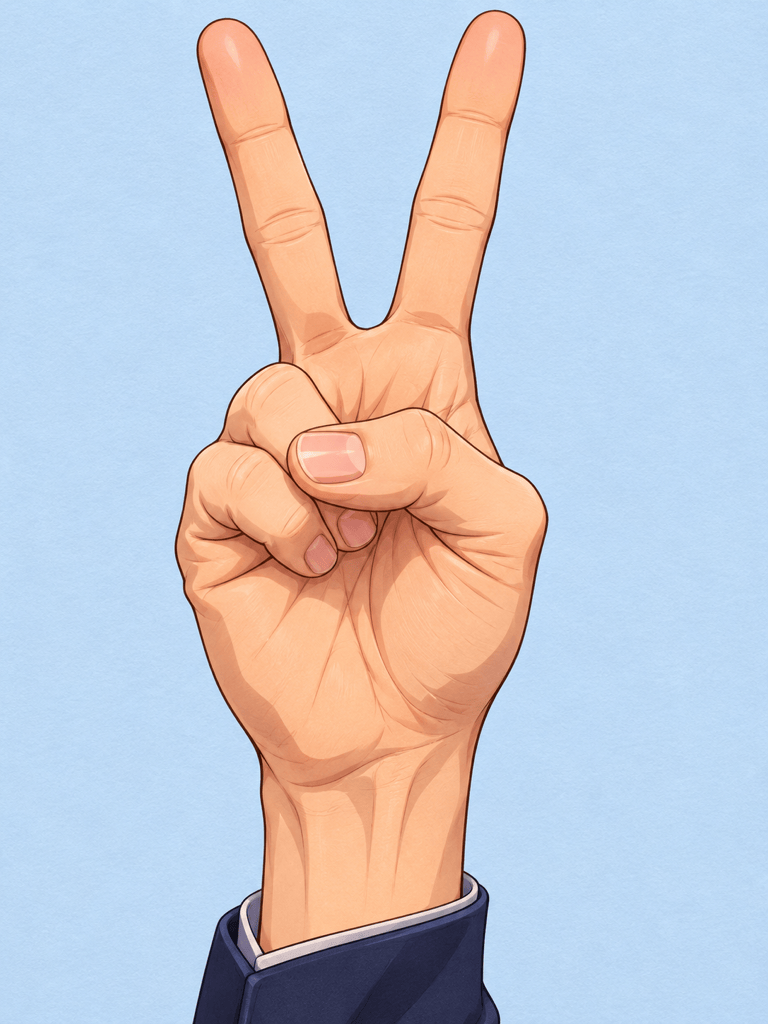
Draw an anime hand making a peace sign. Extend the index and middle fingers, fold the ring and little fingers beneath the thumb, and use clean linework with cel shading.
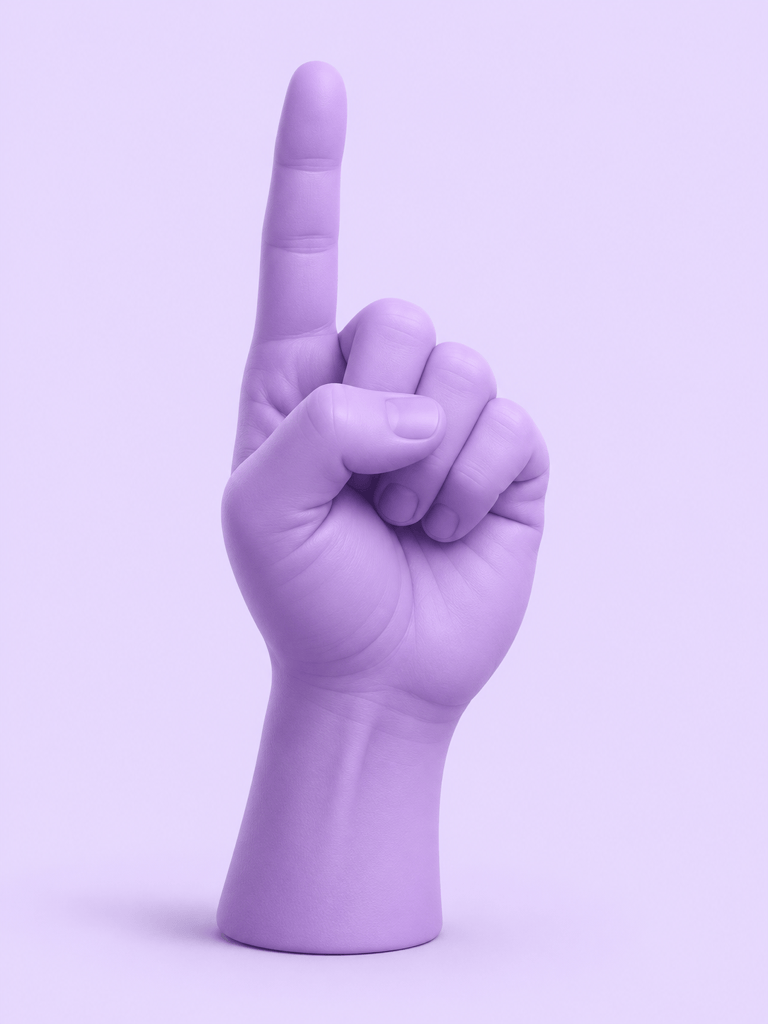
Create a rounded purple 3D-style hand pointing upward, with the other fingers curled naturally. Use a transparent background for a presentation graphic.
Create a beauty close-up of a relaxed hand resting on cream fabric, showing short oval nails with a muted rose manicure. Use soft daylight and realistic skin texture.
Generate a foreshortened hand reaching toward the viewer for a character sketch. Show the wrist, use soft directional light, and keep overlapping fingers readable.