Create YourAI Halloween Family Photo
How to Create a Halloween Family Photo with AI
Choose Your Photo and Costumes
Build Your Halloween Scene
Check Every Face and Refine
Download Your Family Portrait

A Halloween Look That Fits Your Family
Start with the People You Know
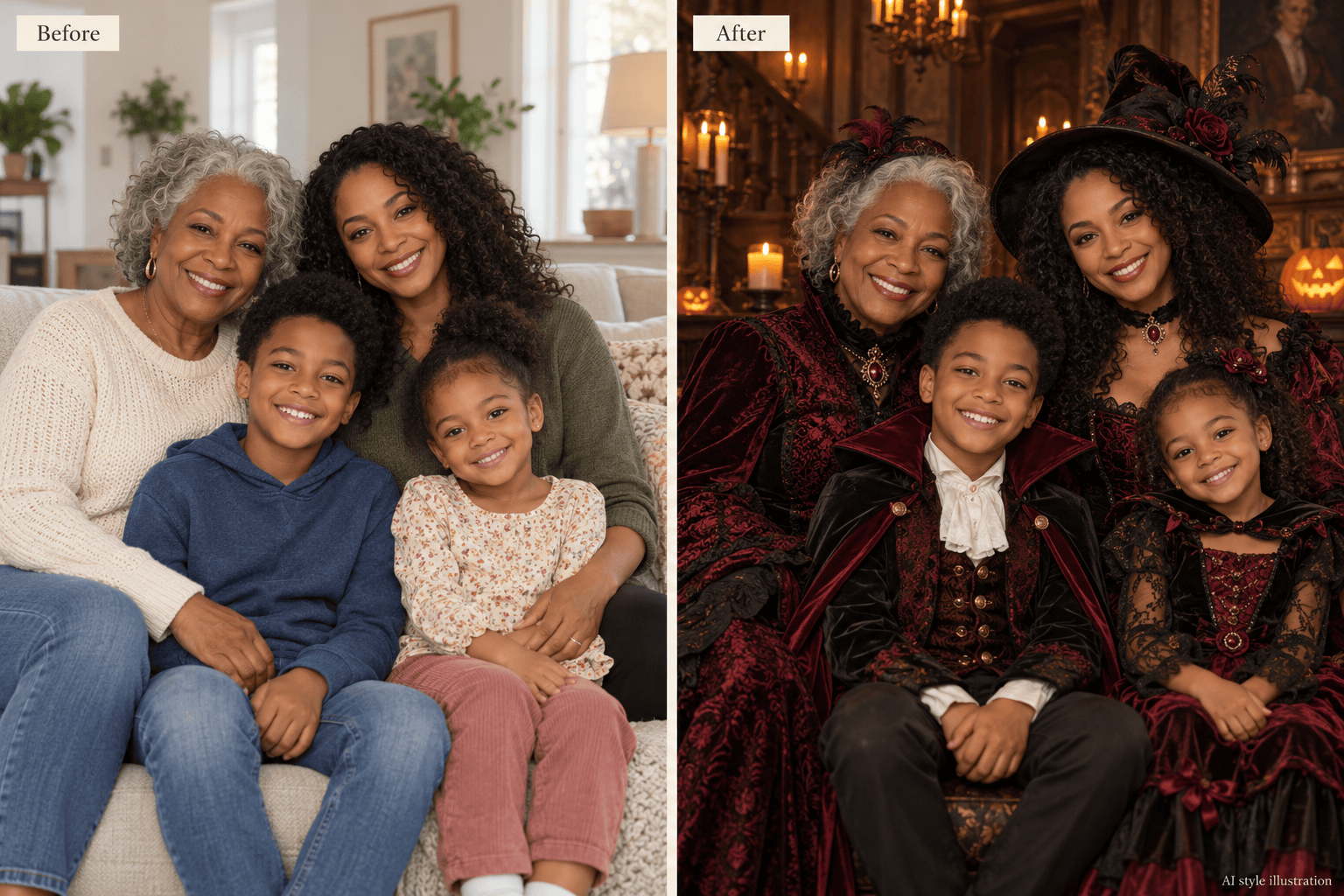
Use your own picture as the reference for an AI Halloween family photo. Describe which faces, hairstyles and expressions should stay recognizable, then review the result against the original.
Coordinate Costumes Without Shopping
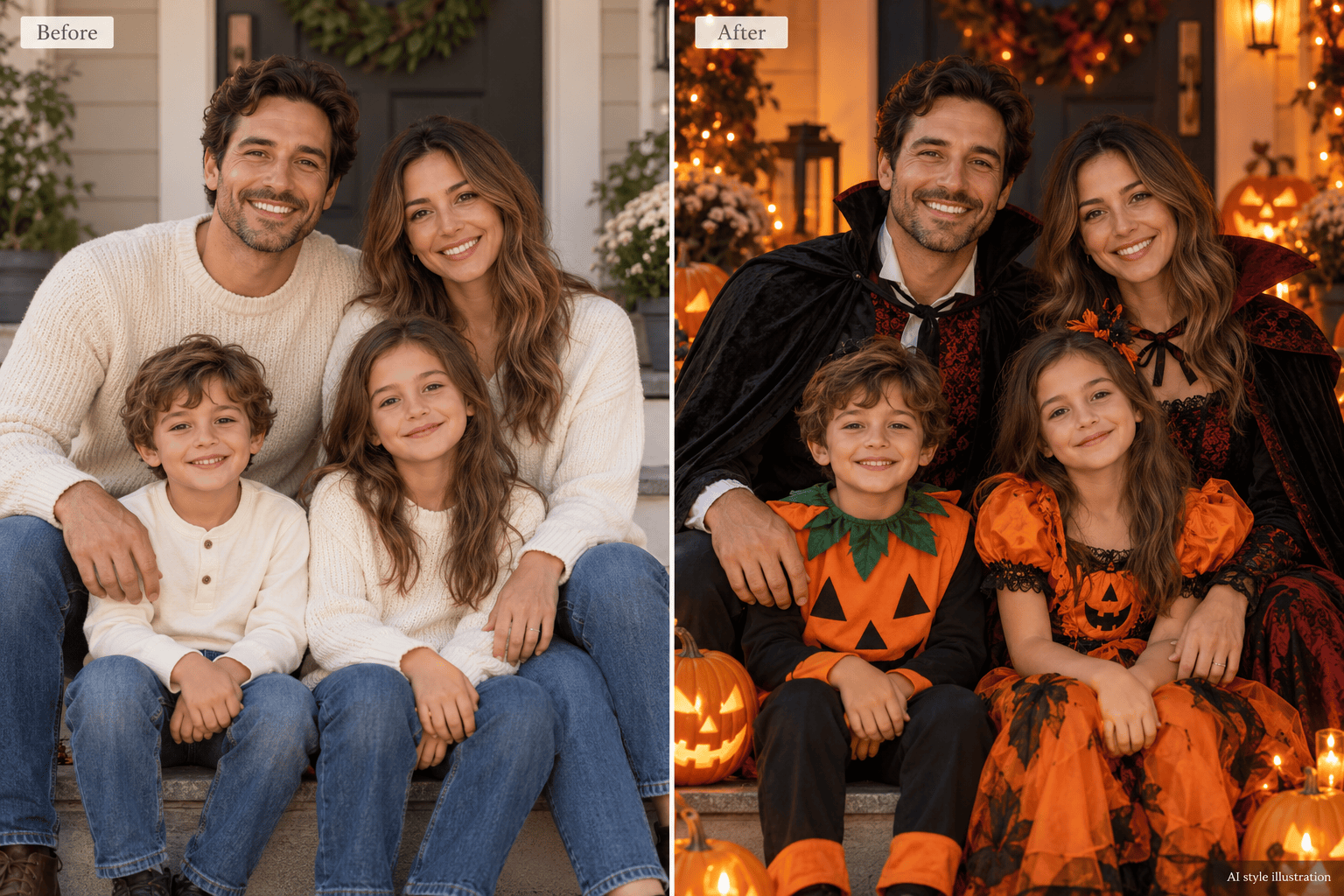
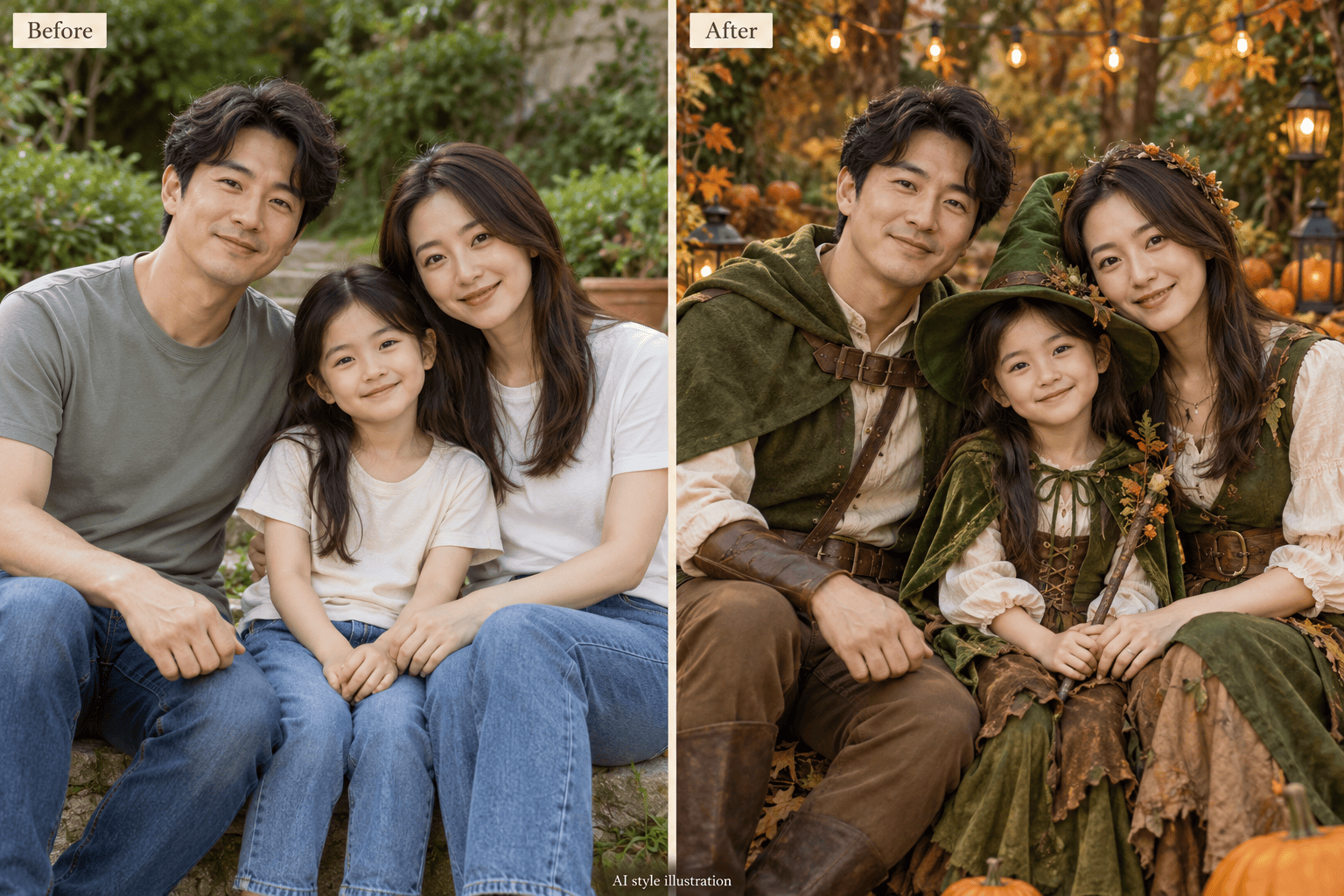
Try matching family Halloween costumes through a simple request. Assign a woodland explorer, little wizard or pumpkin outfit to each person before committing to a look.
Set a Mood the Kids Will Enjoy
Ask for kid-friendly Halloween family portraits with smiling pumpkins, soft light and playful props. Make the scene festive or gently spooky without heavy face paint.
Bring the Pet into the Picture
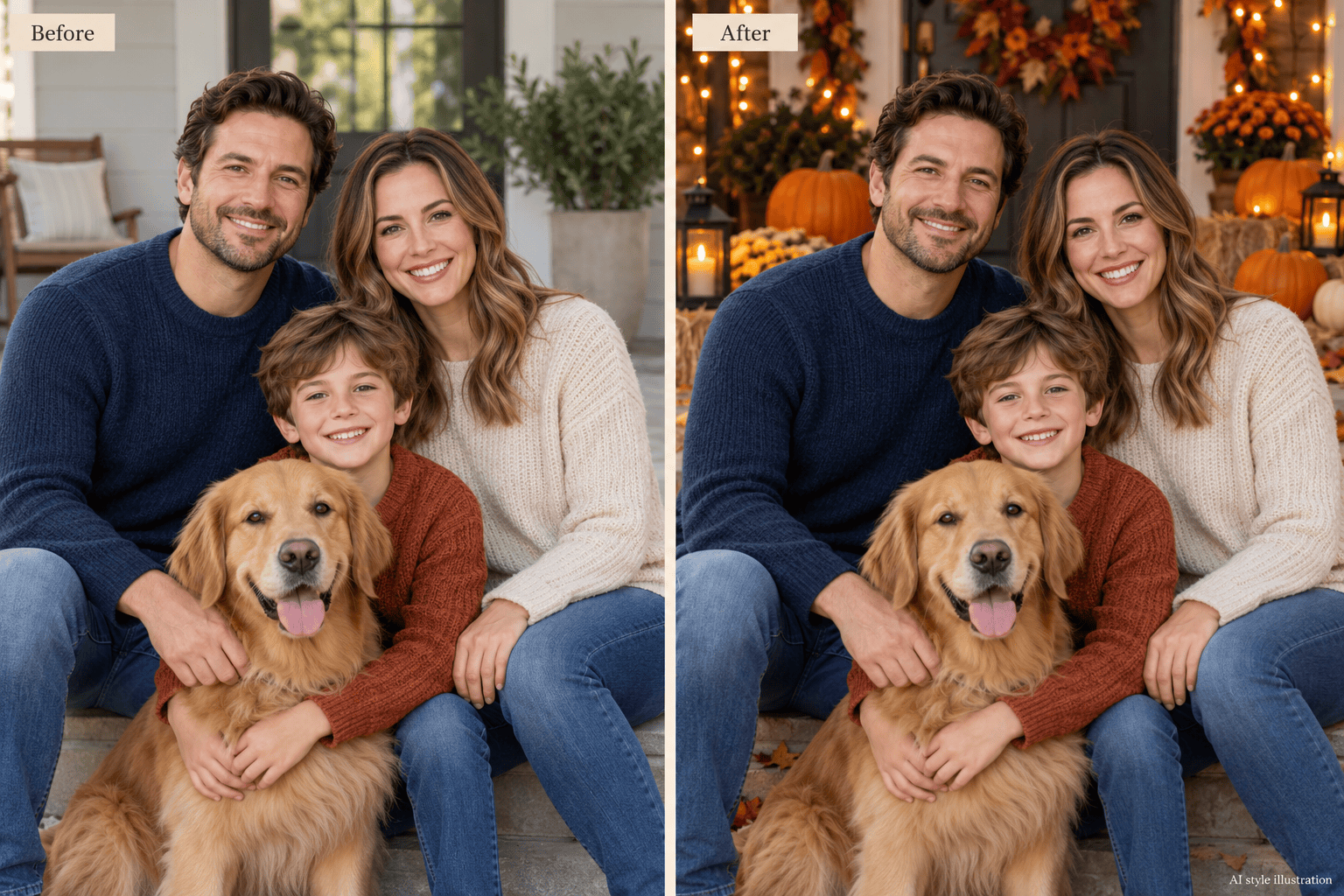
Include a clear pet reference and describe its coat markings and position. This online Halloween family portrait maker can use those details when creating your group scene.
Keep the Outfits, Change the Setting
Already have a great costume photo? Ask to replace the background with an autumn porch while retaining the outfits and pose. Review faces and edges after the edit.
Make Changes in Plain Language
Use Chat Edit to soften the lighting, simplify props or create another version. Download watermark-free images once you are happy; generation and edits use credits.
Help Your Halloween Portrait Look Like Your Family
- Choose Visible Faces: Use a sharp, evenly lit picture without masks or strong beauty filters. A group photo helps establish who belongs in the scene.
- Name Each Person: Identify people by position or clothing and assign costumes individually. State the total number of people and pets.
- Keep Faces in the Light: Ask for soft light on faces, even in a night scene. Put fog, hats and Halloween decorations away from eyes and mouths.
- Review Before Sharing: Check likeness, hands, headcount and pet markings at full size. AI can change details; request one focused correction at a time.
Fine-Tune Your Halloween Family Photo
Background only: Use my uploaded family photo. Replace the setting with a pumpkin-decorated porch at dusk. Retain the current outfits, faces, expressions and pose. Keep the lighting on our faces soft and natural.
Matching costumes: Use the family in my uploaded photo. Give everyone coordinated forest-adventure outfits in moss green and warm brown, with a distinct outfit for each person. Keep faces uncovered and retain the original group size.
Less scary for kids: Make this Halloween portrait more playful. Remove threatening props and heavy makeup. Use smiling pumpkins, warm fairy lights and gentle autumn colors while keeping the same people and composition.
Include our pet: Use my uploaded family and pet references for a Halloween portrait together. Place the pet beside us, with its face and coat markings visible. Add a small seasonal bandana and match the lighting across the group.
Clearer faces: Refine this Halloween family portrait using the original photo as reference. Lift the shadows on faces and move hats or fog away from eyes. Keep the costumes and background direction, and avoid smoothing away facial detail.
Room for a greeting: Adapt this family portrait for a Halloween photo card. Keep everyone in the frame and leave uncluttered space above the group for a greeting I will supply. Do not add text yet.





