Free OnlineAI Halftone Generator
Turn a portrait, product shot, or illustration into bold dot art with Mew Design - AI Design Agent. Our AI halftone generator works as an online halftone maker for comic panels, newsprint portraits, poster graphics, and social artwork—without manual masks or complicated filter stacks.

How to Turn a Photo Into Halftone Art with AI

Upload a clear source image, describe the print character you want, and refine the dots, contrast, and palette through chat.
1

Upload a Clear Source Image

Start with a portrait, product shot, illustration, or logo with a readable subject and useful contrast. A simple background gives the AI halftone photo effect cleaner structure.
2

Describe the Print Treatment

Ask for fine newspaper dots, bold comic texture, black-and-white screening, CMYK-style color, or a duotone palette. Natural language is enough; you do not need a complex filter recipe.
3

Generate and Inspect the Dots

Our online AI halftone maker interprets the subject, shading, and intended style to create a first draft. Check important edges, faces, highlights, and shadow detail at the size where you will use it.
4

Chat Edit and Export

Click Chat Edit to request larger dots, stronger contrast, a cleaner background, or a different ink color while preserving what already works. Export as PNG or JPG for posters, covers, social graphics, or print testing.
How to create halftone art with AI

Why Use Mew Design for AI Halftone Effects

Transform the Image You Already Have

Upload a photo or illustration and tell Mew Design what to change. The image-to-image workflow is built for creators who want a recognizable subject with a new printed texture.

Direct the Look in Plain Language

Ask the AI halftone effect generator for coarse dots, fine newsprint grain, a single ink color, or comic-style separation without building channels, masks, and filter layers by hand.

Explore More Than One Dot Style

Use the free AI halftone generator to compare black-and-white, duotone, CMYK-inspired, pop-art, and zine directions before choosing the version that fits your layout.

Refine One Visual Issue at a Time

Keep the face, pose, product shape, or composition while asking Chat Edit to simplify the background, open the shadows, or make the dot pattern more visible.

Prepare Flexible Design Elements

Ask Mew Design to remove the background when you need a transparent halftone element for a poster, cover, social layout, or apparel mockup. Review fine edges before final use.

Reuse a Successful Print Direction

Turn a proven halftone workflow into a reusable Mew Skill for related campaign images, music artwork, or branded content with less repeated setup and better visual continuity.

How to Get a Clean Halftone Effect From a Photo

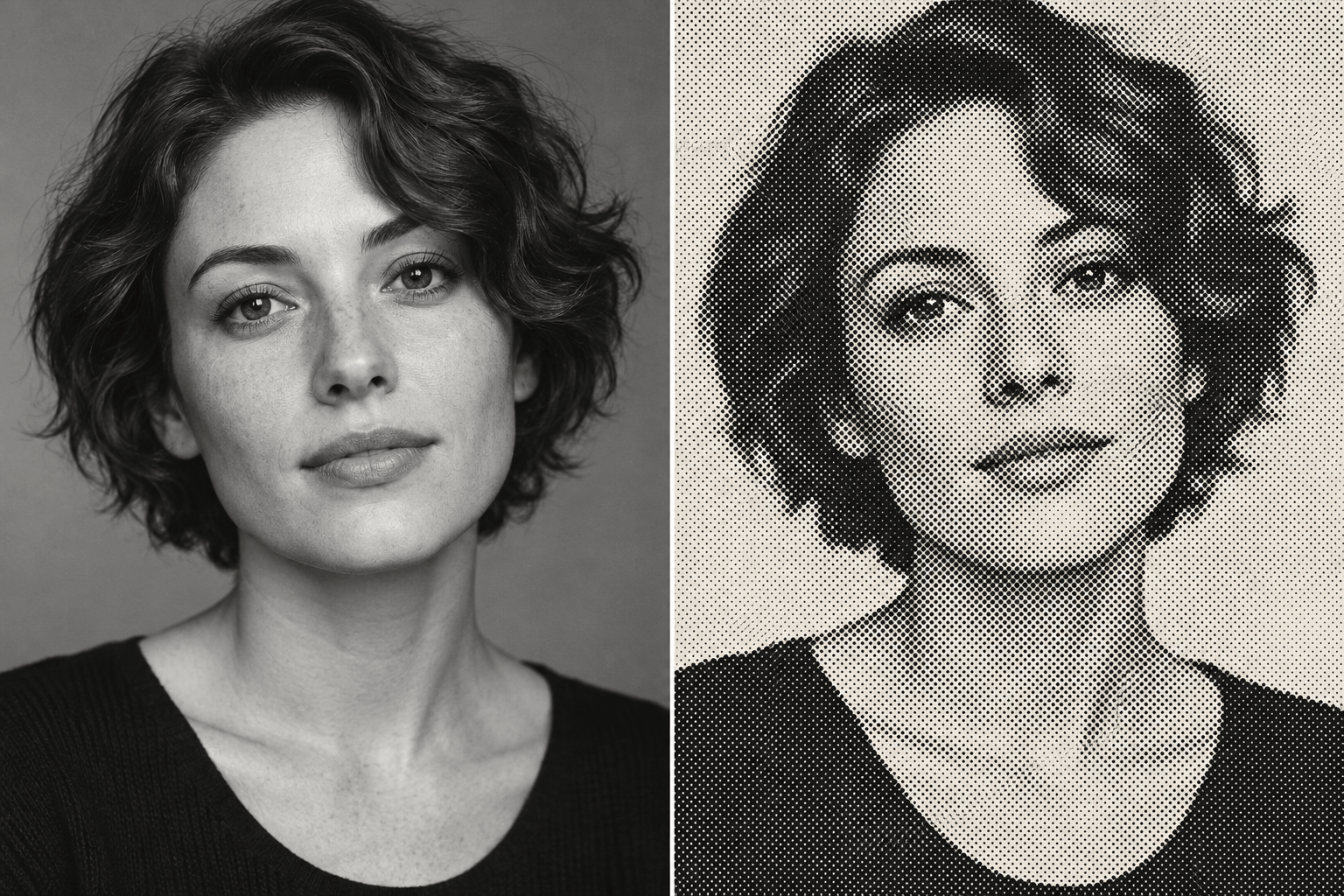
Transform @portrait into a high-contrast black-and-white newspaper halftone. Keep the face, expression, crop, and lighting direction recognizable. Use clearly visible round dots, preserve highlight detail, simplify the background, and create a bold editorial result for an A3 poster.
A strong source and a clear preservation request matter more than technical jargon. Tell the AI what the image is for, which details must stay recognizable, and how bold the printed texture should feel.
  • Start With a Readable Subject: Choose a sharp image with clear separation between the subject and background. Very dark, blurry, or crowded photos can lose detail once dots replace smooth tones.
  • Name the Dot Character: Ask for fine newsprint texture when detail matters, or coarse dots when you want a louder comic, pop-art, zine, or poster effect.
  • Protect the Important Details: State what must remain unchanged, such as the face, product silhouette, pose, crop, logo shape, or overall composition.
  • Design for the Destination: Name the palette, final ratio, and intended use. For screen printing, DTF, or DTG, inspect the result at final size and confirm production settings with your printer.

AI Halftone Styles for Real Creative Projects

Newspaper Portrait: Transform @photo into a black-and-white newspaper halftone with fine round dots and crisp facial contours. Keep the expression, crop, and lighting direction unchanged; simplify background distractions for an editorial portrait.

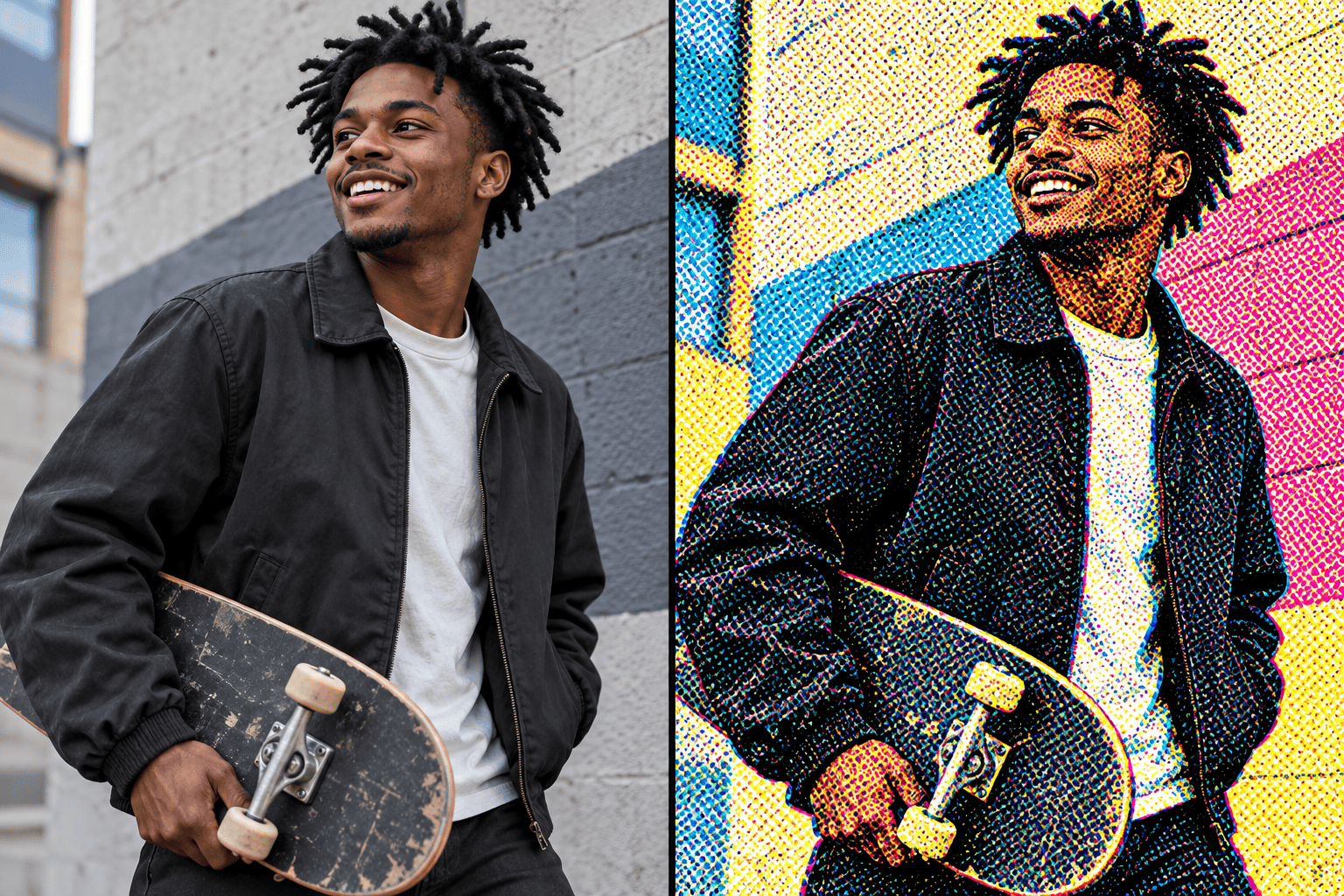
Comic Book Color: Turn @portrait into a bold CMYK-inspired comic halftone with visible cyan, magenta, yellow, and black dot texture. Preserve the person and pose; add strong ink contrast without adding speech bubbles or extra text.

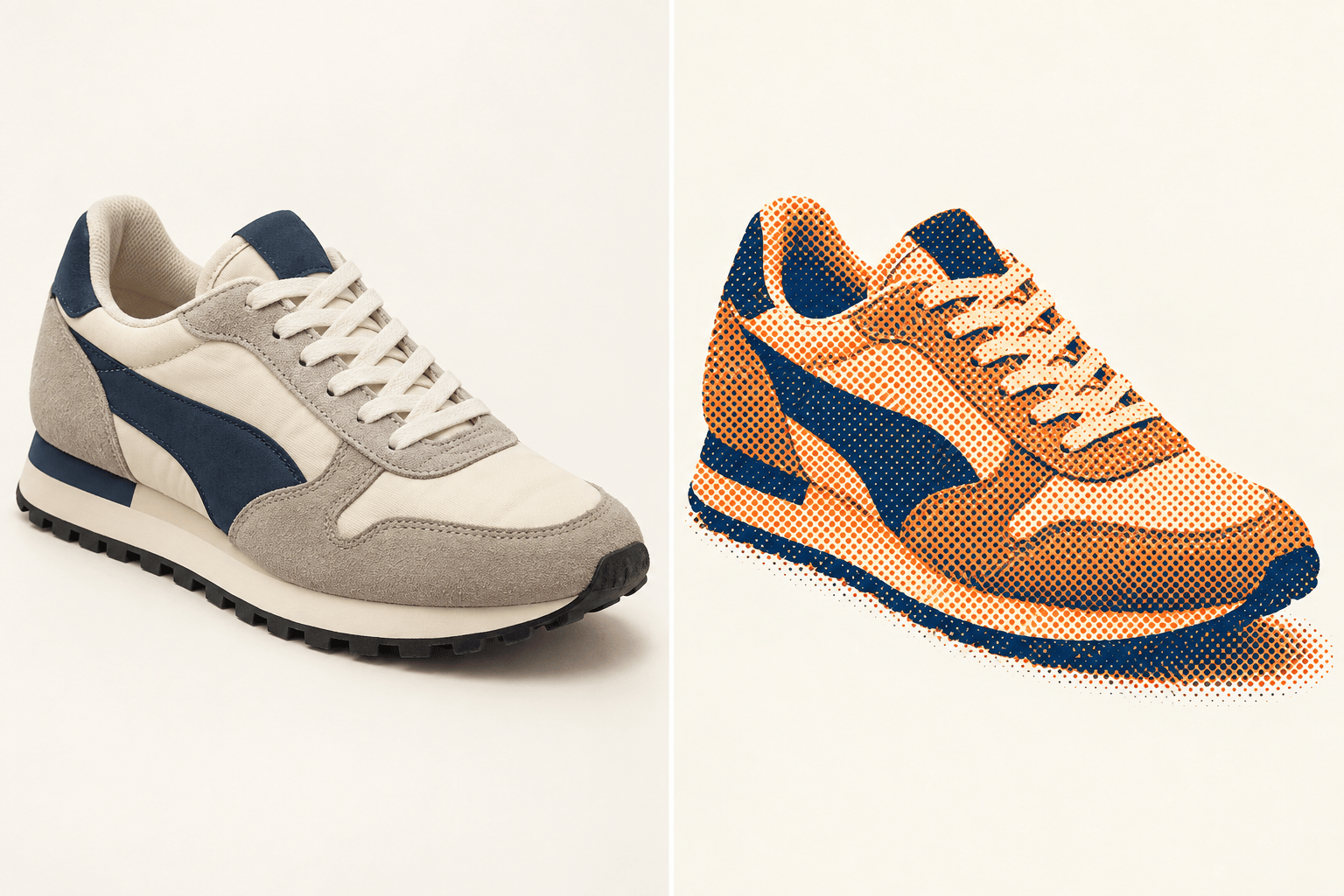
Duotone Poster: Restyle @image as a two-color halftone poster in deep navy and warm orange. Keep the original composition recognizable, use medium-size dots, open the highlights, and leave clean space for poster typography.

Product Graphic: Convert @product-photo into a high-contrast halftone product image with coarse single-color dots. Preserve the exact product shape and key details; remove the background and create a clean graphic element for a social ad.

Indie Zine Cover: Apply a rough photocopied halftone texture to @band-photo. Keep every person recognizable, use uneven black ink and off-white paper tones, and create a gritty vertical cover with no added words or logos.

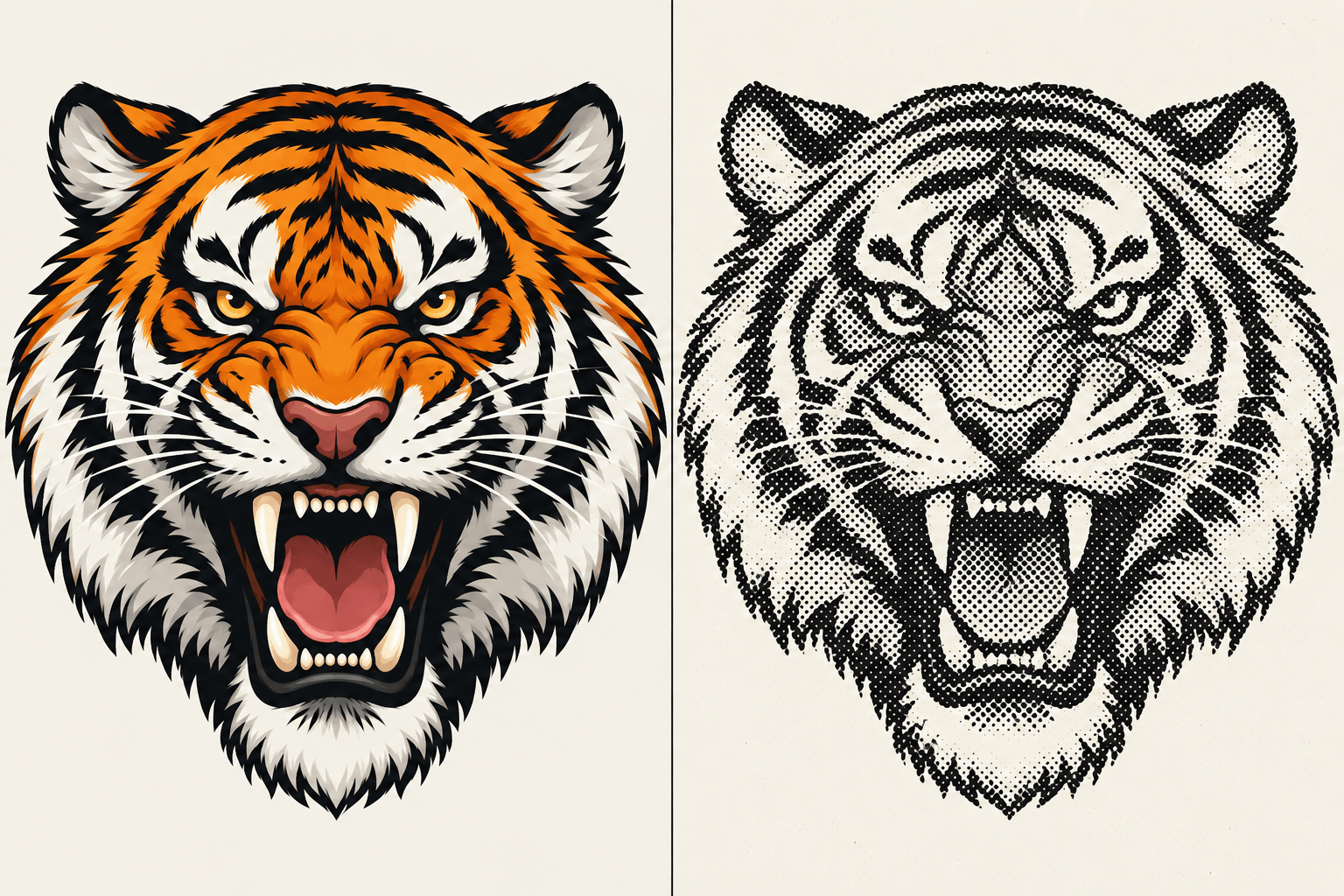
Apparel Concept: Turn @mascot-art into a bold one-ink halftone graphic with a transparent background and durable-looking coarse dots. Preserve the silhouette and simplify tiny details for a T-shirt mockup; treat this as a design concept to test with the printer.


FAQs About the AI Halftone Generator

It is an image tool that uses AI to create or transform artwork with visible dots that simulate tone and shading. Mew Design lets you describe the desired print character in natural language and refine the result through chat.
Yes. You can sign up to receive free AI credits, try the halftone workflow online, refine the result, and export without a watermark. Credit use depends on the generation task.
Yes. Upload a portrait, product shot, pet photo, illustration, or other image, then describe the dot size, contrast, color direction, and details you want to preserve. Clear, high-contrast source images usually produce the most readable results.
Yes. If you do not have a source image, describe the subject, composition, palette, dot style, and final use. Uploading a reference image is still helpful when you need a particular pose, product, or visual direction.
You can request black-and-white newspaper dots, comic-inspired color dots, duotone or riso-like treatments, pop-art textures, and coarse one-ink graphics. You can continue refining contrast, background, and dot character through chat.
Yes. Ask Mew Design to remove the background and keep the halftone subject as a transparent design element. Review hair, fur, soft shadows, and other fine edges before placing it into another layout.
It can be a strong creative starting point for apparel and print graphics, but Mew Design is not a calibrated RIP or color-separation tool. Inspect dots at final size, check transparency, and confirm LPI, screen angle, ink, mesh, and file requirements with your printer.
You can export designs as PNG or JPG, and use PDF when the finished work is part of a printable design. Choose PNG when you need transparency, then verify the final resolution for the intended output size.

Ready to Generate Designs With AI?

Get Started - 50 Free Credits
No credit card required
© 2025 - 2026 Mew Design, MAGOAI LTD.All rights reserved.