Free OnlineAI Haircut Simulator
How to Try a Haircut on Your Photo with AI
Upload a Clear Selfie
Describe the Cut
Review and Refine
Save a Stylist Reference

Why Try Haircuts with Mew Design
Try Styles on Your Own Face
Upload your portrait and ask Mew Design to edit the hair in that image. This virtual hairstyle try-on is more useful for a haircut decision than browsing styles on someone else.
Control the Details That Matter
Specify where bangs fall, how short the sides should be, or how much curl and volume to keep. The AI haircut try-on follows a plain-language description.
Bring a Reference Photo
Found a cut you like? Upload it alongside your selfie and describe which details to borrow, such as the silhouette, fringe, or taper.
Compare More Than One Cut
Explore a subtle trim and a dramatic change from the same starting photo. Compare the options before committing to a bob, pixie, fringe, or fade.
Correct the First Preview
If the hairline or face framing looks off, use Chat Edit for a focused revision. Ask for a softer fringe or a lower fade while keeping the rest of the portrait steady.
Start with Free Credits
Sign up to try the online haircut preview with free AI credits. Export a result without a watermark when you have a look worth discussing with your stylist.
Get a Better Haircut Preview From Your Selfie
- Name the cut: Describe length, fringe, part, texture, and side or back shape instead of asking for a “better hairstyle.”
- Keep the comparison fair: Ask to preserve your face, expression, color, pose, and background so you can judge the haircut itself.
- Change one thing at a time: Try the cut in your natural color first; test highlights or a new shade in a separate version.
- Check real-world fit: Discuss hair density, curl pattern, styling time, and upkeep with a professional; an AI preview is a visual guide, not a guaranteed salon result.
Haircut Looks to Try on Your Photo
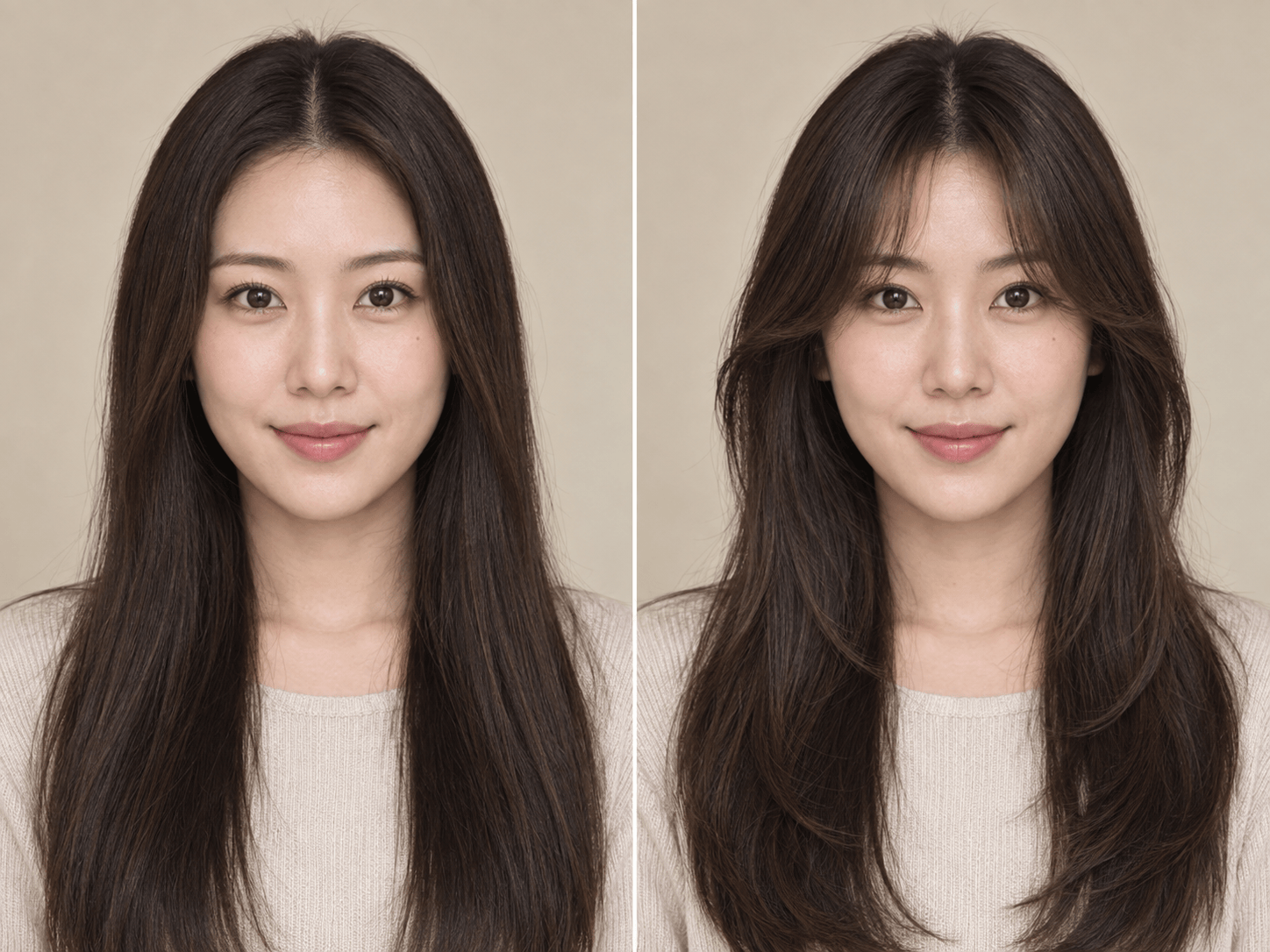
Using my uploaded photo, try soft curtain bangs that part in the center and blend into face-framing layers. Keep my face, pose, lighting, and natural hair color unchanged.
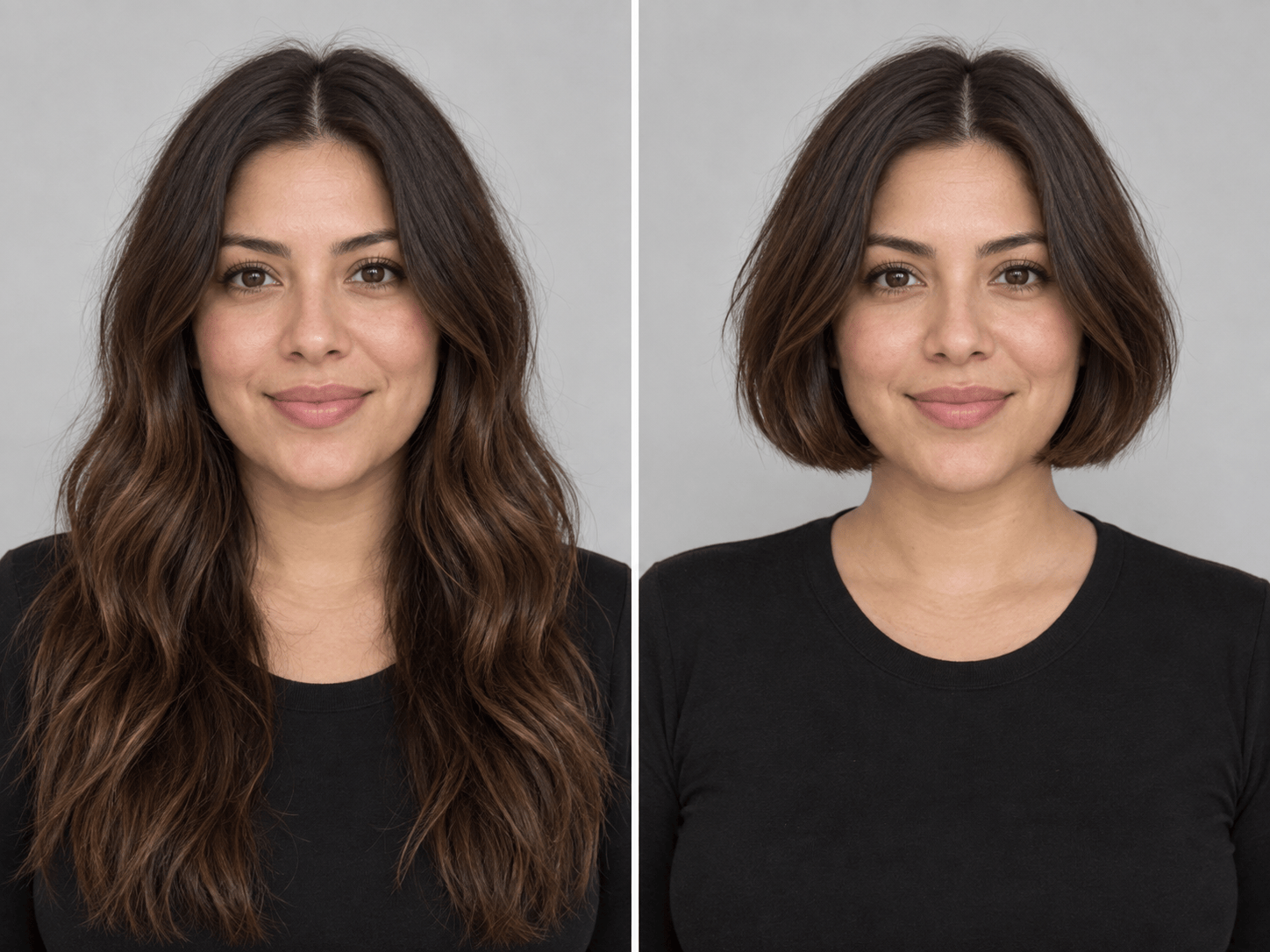
Show me a chin-length blunt bob on my uploaded portrait, with the ends at jaw level and my current hair color. Preserve my facial features, expression, clothing, and background.
Try a short pixie cut on my photo with a soft textured top and neat sides. Keep the same face and camera angle so I can judge how short hair frames me.
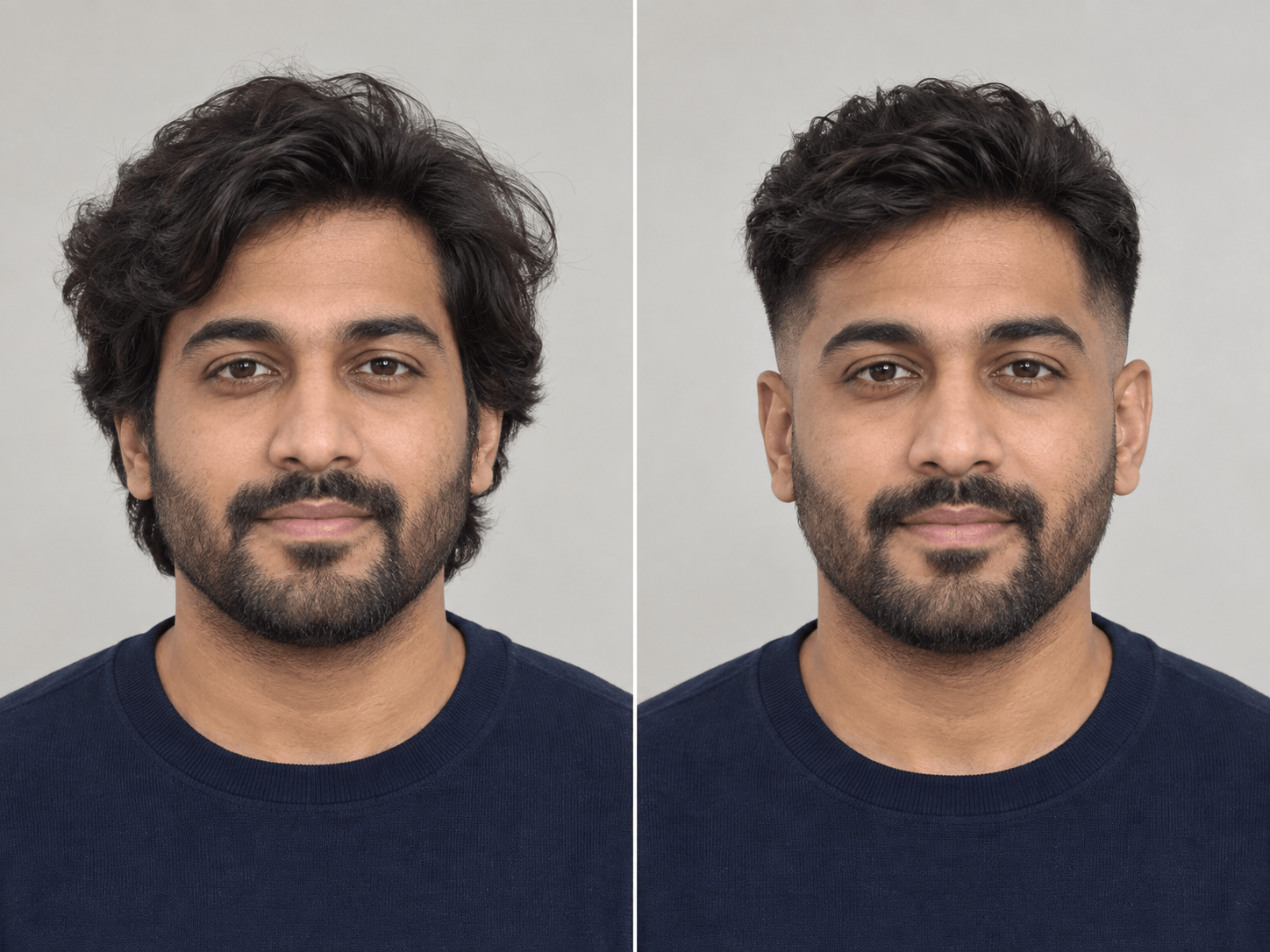
On my uploaded selfie, preview a low taper fade with a textured top. Keep the fade low around the temples and neckline, and preserve my face, beard, pose, and lighting.
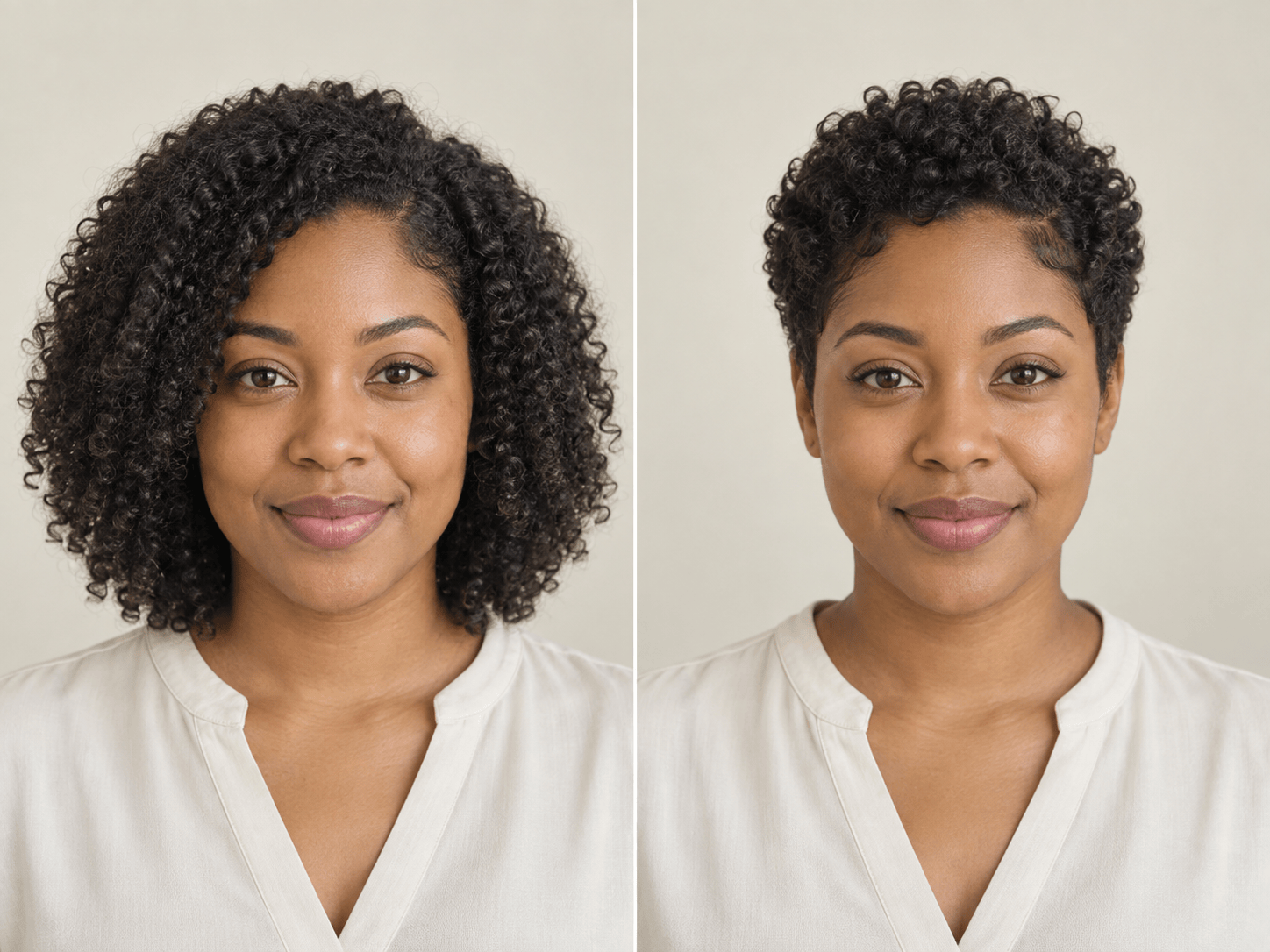
Show a short curly cut on my uploaded photo, keeping my natural curl pattern and hair color. Shape the sides and add light volume on top without changing my face.
Revise my haircut preview: make the fringe lighter and the hairline more natural. Keep the chosen cut, my facial features, expression, skin tone, clothing, and background unchanged.





