Free OnlineAI Grinch Filter
How to Create a Grinch Photo with AI
Upload a Clear Portrait
Generate Your Green Alter Ego
Fine-Tune the Face and Fur
Save Your Holiday Photo

Your Grinch Look, Your Way
Start with Your Own Face
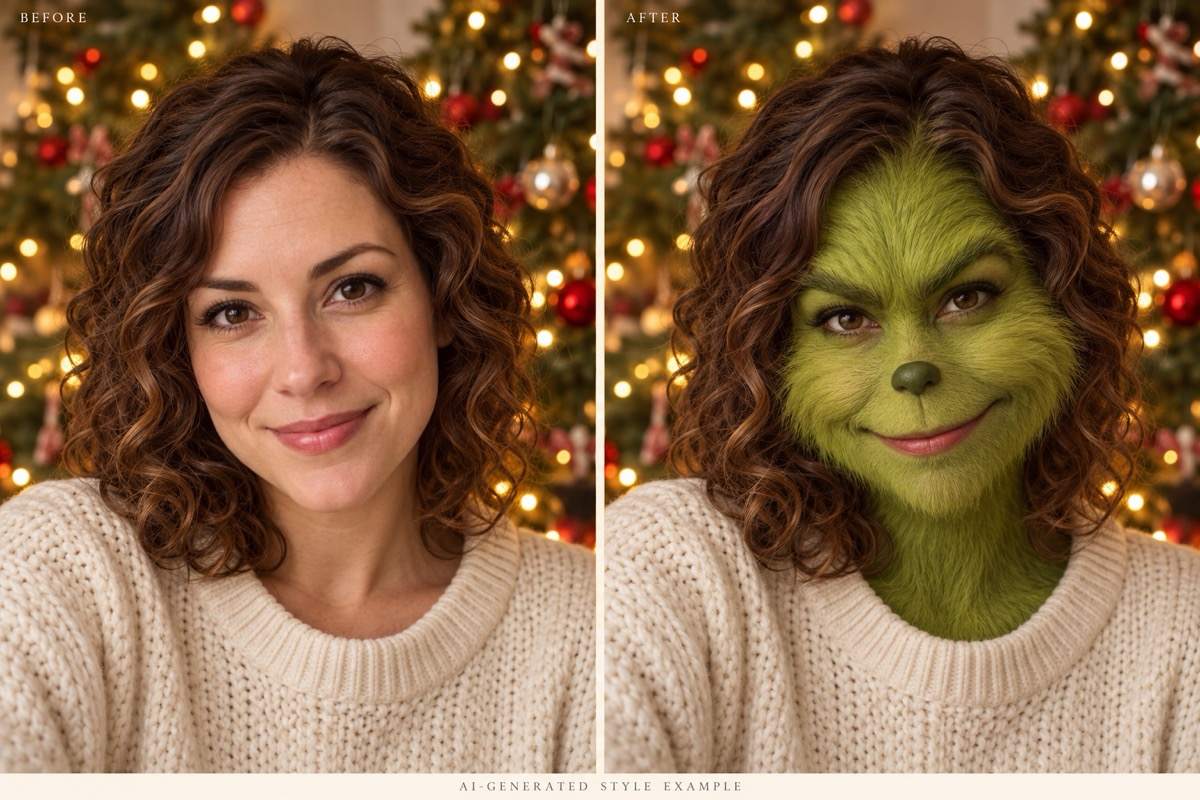
Use your selfie as the visual reference. Ask the Grinch photo filter to retain your face shape and pose while changing the color and texture; review the likeness before sharing.
Choose Cute or Realistic
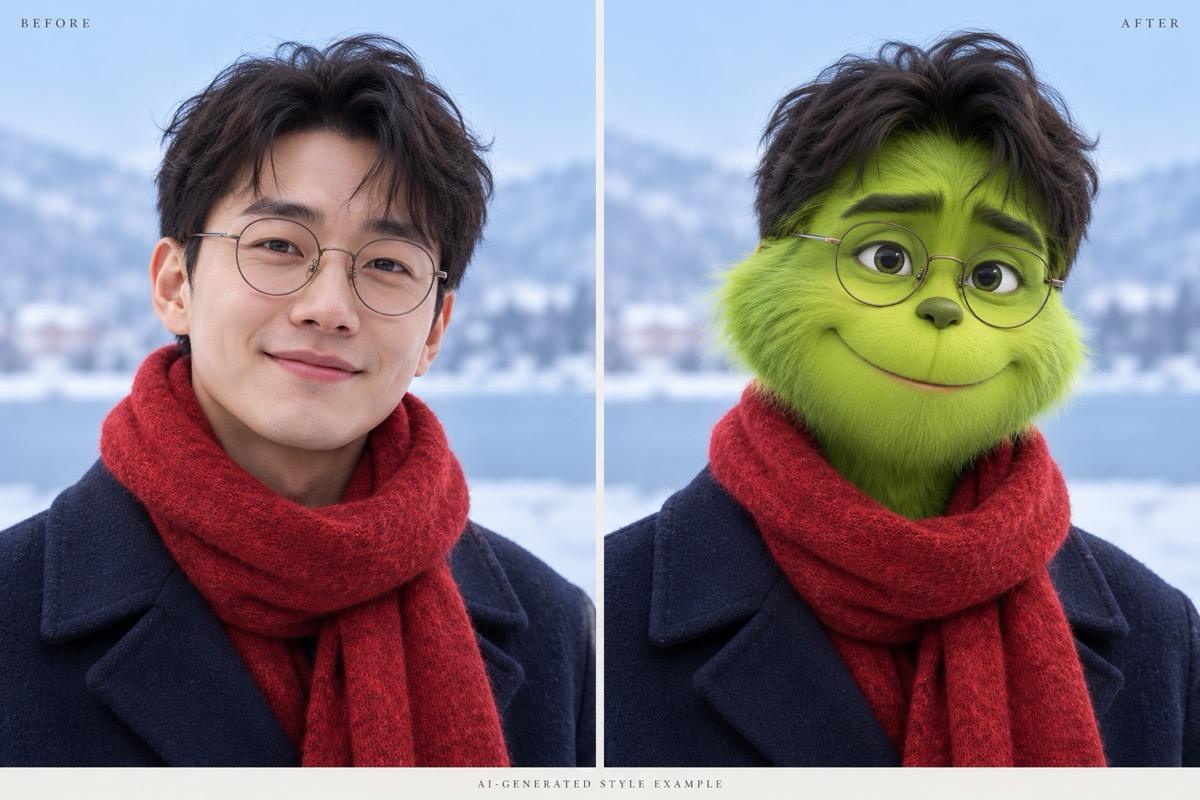
Explore a soft cartoon avatar or a portrait with textured green fur. This AI Grinch generator lets you describe the style instead of relying on one fixed preset.
Keep the Background You Like
Keep your Christmas tree, sofa, or snowy scene as part of the request. You can also ask for a new festive setting or remove the background.
Give Couples and Pets a Turn
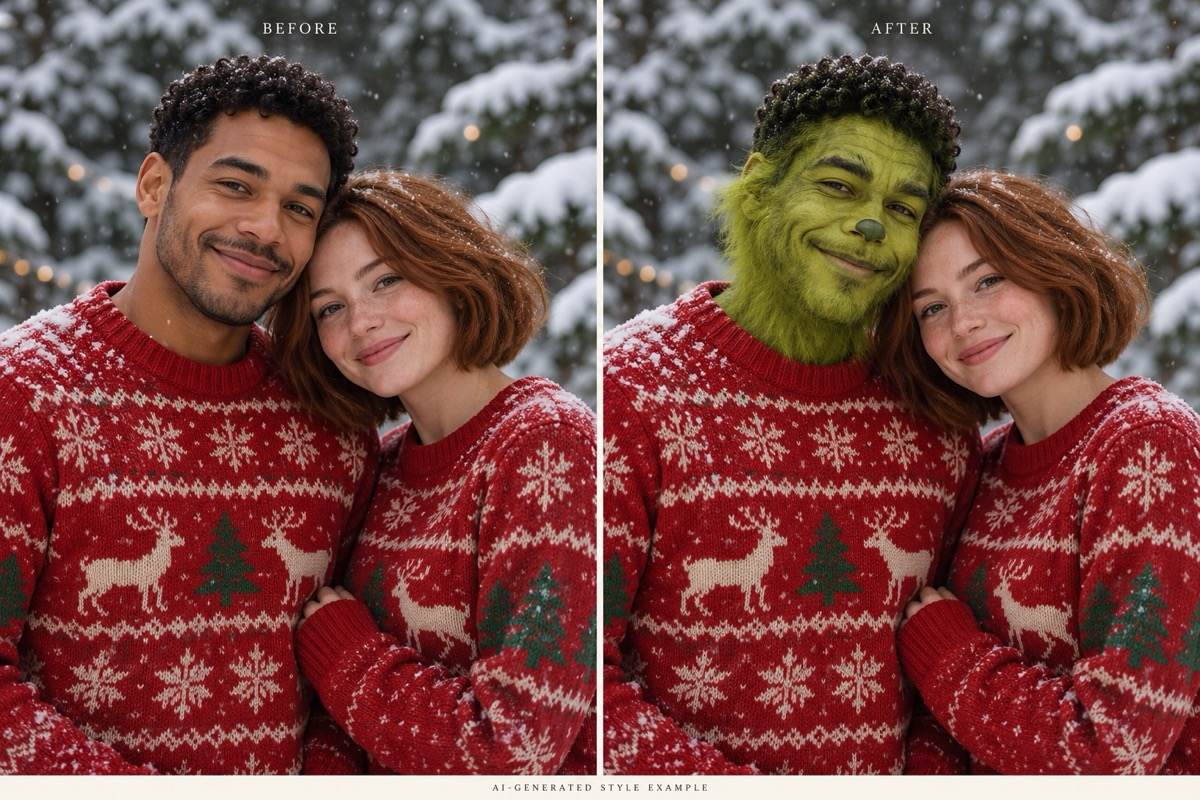
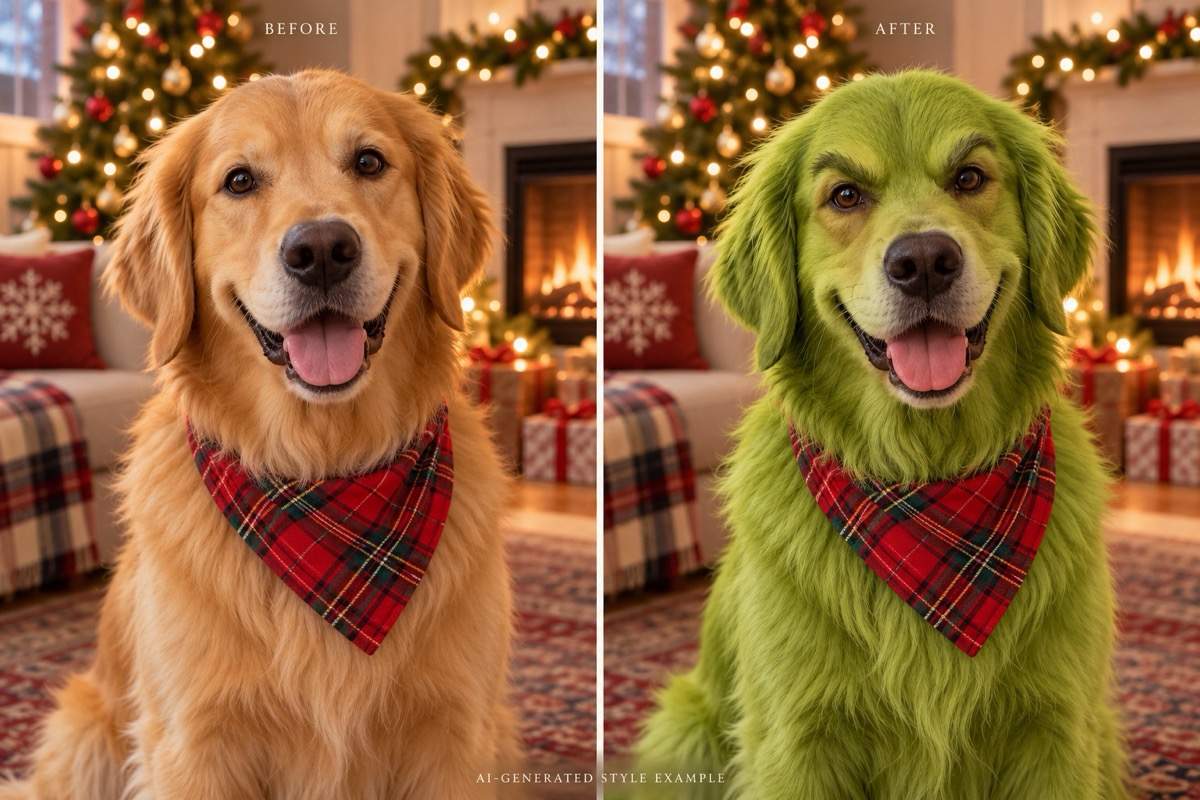
For a couple photo, specify who should change. For a pet portrait, ask to keep the muzzle, ears, and body proportions while adding a playful green look.
Adjust the Mischief Through Chat
Make the grin gentler, reduce heavy brows, or remove an unwanted hat with Chat Edit. Refine one detail at a time while asking to preserve the rest.
Make a Christmas Profile Picture
Request a centered square portrait for an avatar or a taller version for a story. Export watermark-free PNG or JPG images when you are happy with the result.
How to Keep Your Grinch Photo Recognizable
- Choose Visible Features: Use an evenly lit face without sunglasses, motion blur, or hair covering the eyes. Start with one person when testing a new style.
- Set the Transformation Level: For a recognizable selfie, request light fur and subtle facial changes. For a cartoon, allow more stylization while keeping the original proportions.
- Name What Should Stay: Mention your hairstyle, glasses, clothing, pose, or background if those details matter. For a couple, identify each person by position.
- Check Before Sharing: Compare eyes, teeth, face shape, and hands with the original. If the face has drifted, ask for a more restrained edit using the source photo.
Quick Fixes for Your Grinch Photo
Restore more of my likeness using the original uploaded photo. Keep the green fur, but bring back my face shape, eye spacing, and nose proportions.
Make this Grinch portrait cute rather than scary. Soften the eyebrows, reduce visible teeth, and use a small friendly smile. Keep the pose and outfit.
Restore the background from my original photo. Apply the green fur effect only to the person and keep the original lighting and framing.
In my uploaded couple photo, transform only the person on the left into a Grinch-style character. Keep the person on the right unchanged and preserve both poses.
Revise my pet portrait using the original photo. Keep the animal’s muzzle, ears, paws, and body shape. Add green fur without giving it a human face.
Make a square Christmas profile picture from this Grinch portrait. Center the face and leave room around the ears and hat for a circular crop. Do not add text.





