Free OnlineAI Grid Generator
How to Create a Photo Grid with AI
Describe the Grid
Generate the First Layout
Refine the Tiles
Export the Finished Grid

Build a Grid That Works as One Image
Prompt to Multi-Panel Design
Describe the story and tile count in plain language. The AI image grid generator can propose a composition without requiring you to place every frame by hand.
Use Photos You Already Have
Upload product shots, portraits, or travel photos and ask Mew Design to arrange them into a more unified grid. References help guide the look, but review details that must stay exact.
Keep the Series Cohesive
Ask for a shared color palette, consistent lighting, and varied shot distances so a 3x3 photo grid feels connected without repeating the same crop.
Adjust Spacing by Chat
Use Chat Edit to request narrower gutters, cleaner borders, a different panel order, or more breathing room around the focal subject.
Explore Several Directions
Try a symmetrical 2x2 product grid, an editorial 3x3 contact sheet, or a looser collage while keeping the same subject and purpose.
Reuse a Proven Grid Style
For recurring social or product series, turn a successful visual direction and layout rules into a Mew Skill to reduce repeated briefing.
What to Specify for a Better AI Photo Grid
- Set the structure: Name the row and column count, overall shape, gutter width, and whether panels should be equal or intentionally varied.
- Give tiles different jobs: Mix overview, detail, human, and texture shots so the grid reads as a visual sequence rather than repeated images.
- Anchor consistency: Specify the shared palette, light, background treatment, and any product or person that must remain recognizable.
- Check the destination: Review the grid at the size it will appear. Tiny panels can hide key details; separate social tiles require an extra split and posting-order check.
Photo Grid Ideas to Generate
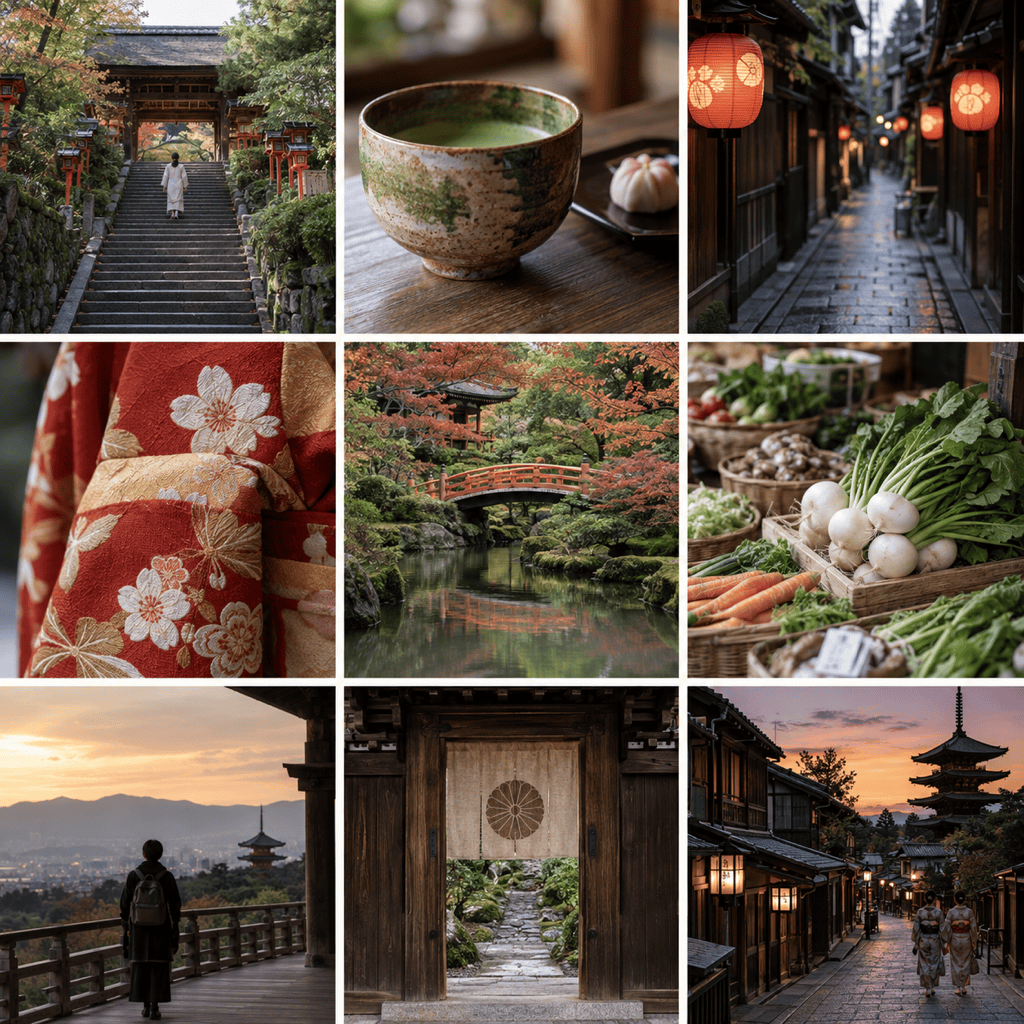
Create a square 3x3 Instagram-style travel grid of nine distinct Kyoto moments. Mix temple exteriors, street details, food, and people; use a calm palette and equal gutters. Deliver one cohesive image, no text.
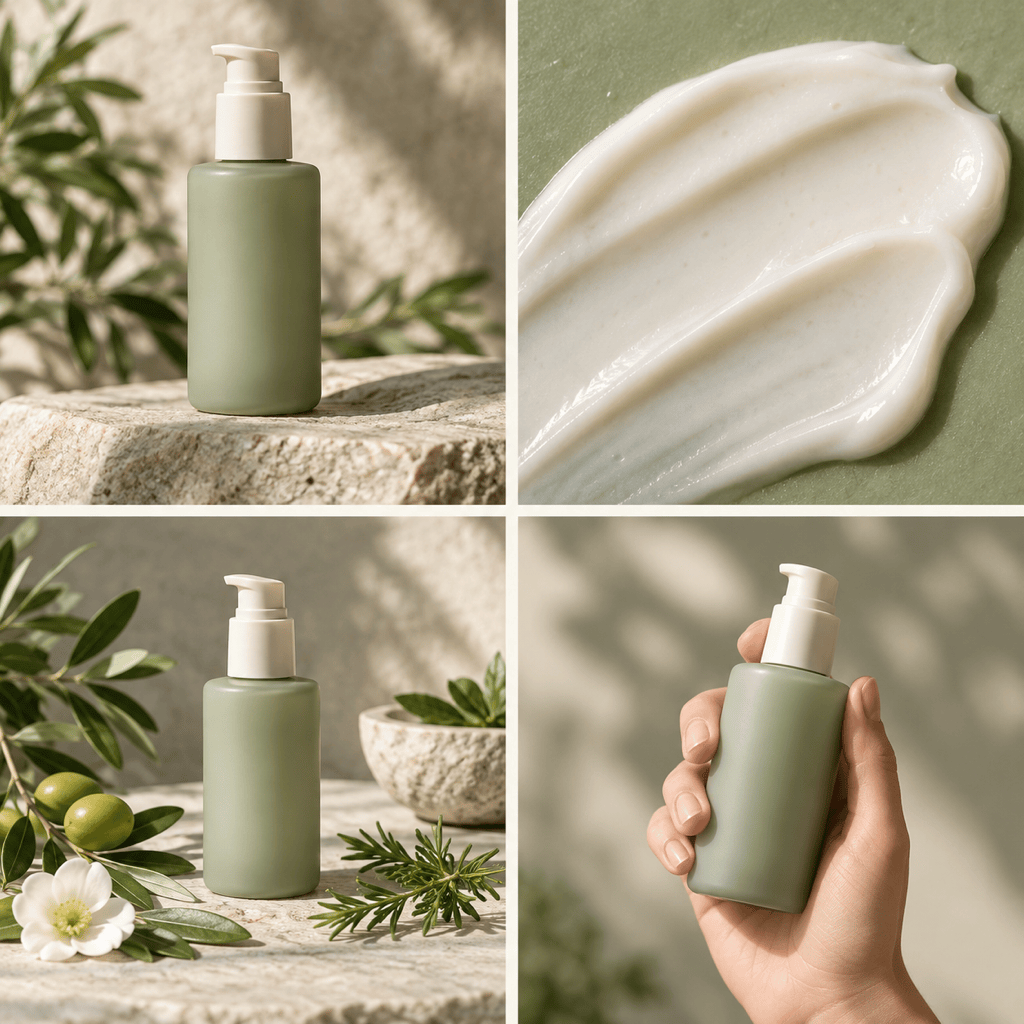
Create one 2x2 product photo grid for a botanical skincare line: hero bottle, texture close-up, ingredient still life, and in-use scene. Keep packaging consistent with my uploaded reference, use soft daylight and clean white gutters.
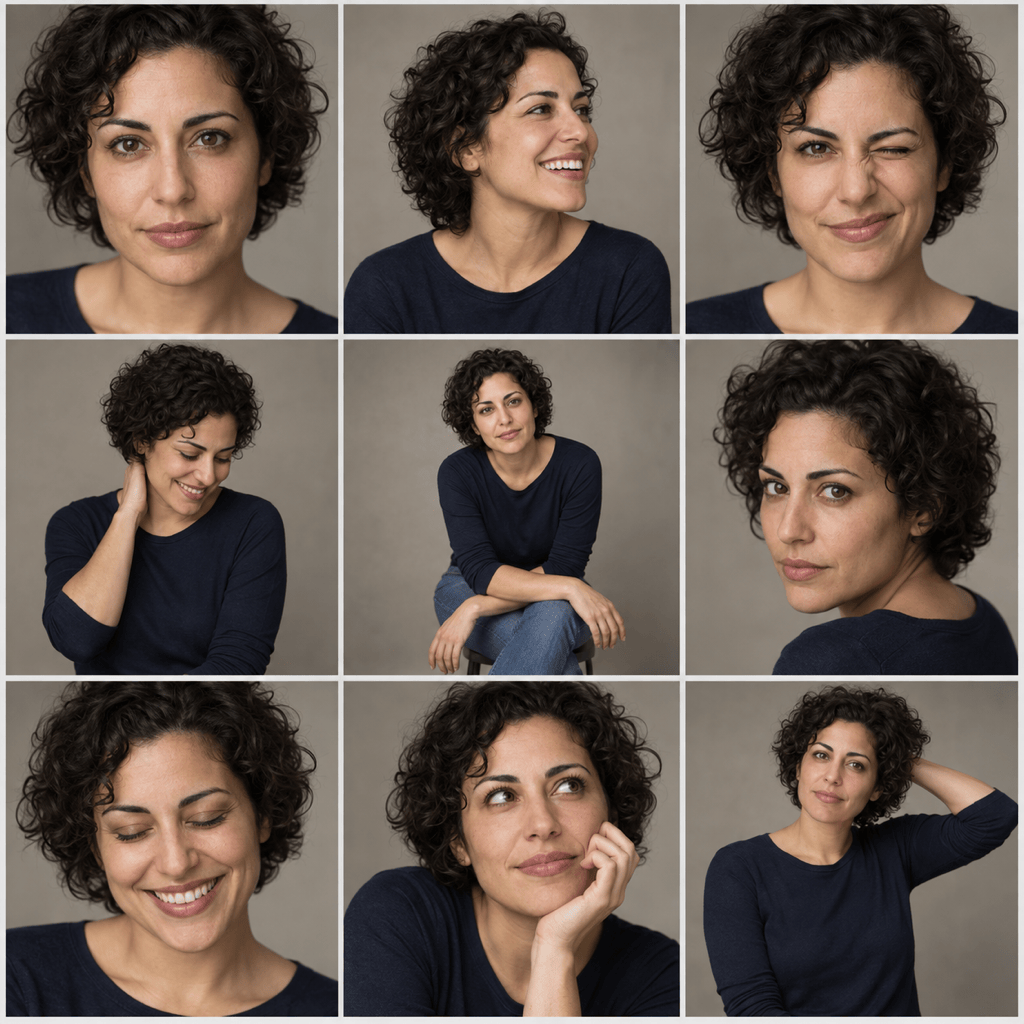
Create a 3x3 portrait contact sheet from my uploaded portrait. Vary expression and framing while keeping the person recognizable, the background neutral, and the lighting consistent. Deliver one square grid image.
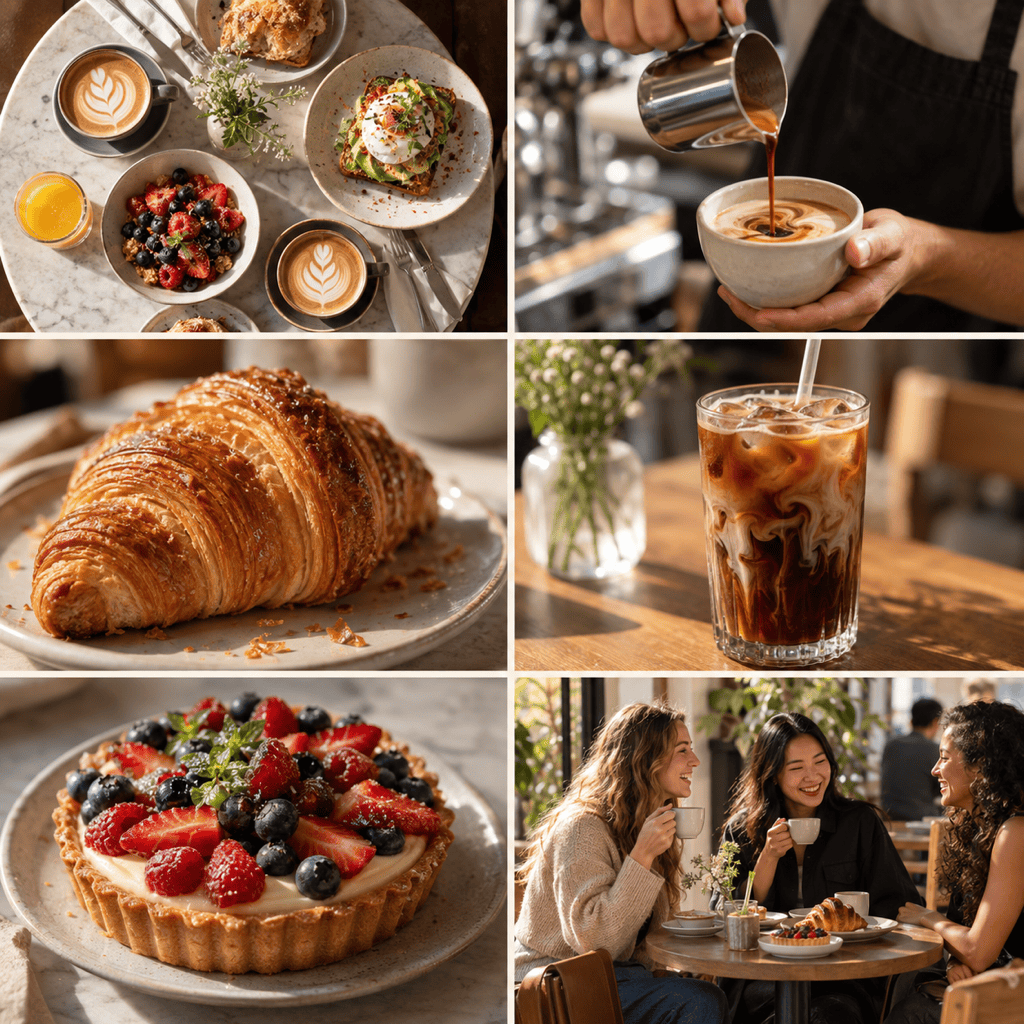
Create a square 2x3 food photo grid for a café social post. Include a wide table scene, two drinks, pastry details, preparation, and a customer moment. Use warm daylight and narrow even spacing, with no added labels.
Create an editorial 3x3 fashion lookbook grid from my uploaded outfit photos. Alternate full-length looks, fabric close-ups, and accessories. Preserve garment colors and patterns; keep margins and background tone consistent.
Create a square moodboard grid for a coastal living-room concept. Use nine complementary panels: room view, seating, lighting, textiles, wood, ceramic, palette, artwork, and detail. Keep the sandy blue palette cohesive and leave clean gutters.





