Free OnlineAI Ghibli Portrait
How to Create a Ghibli-Style Portrait with AI
Choose a Clear Photo
Generate the Illustrated Version
Check the Resemblance
Download Your Portrait

A Familiar Face in a Storybook World
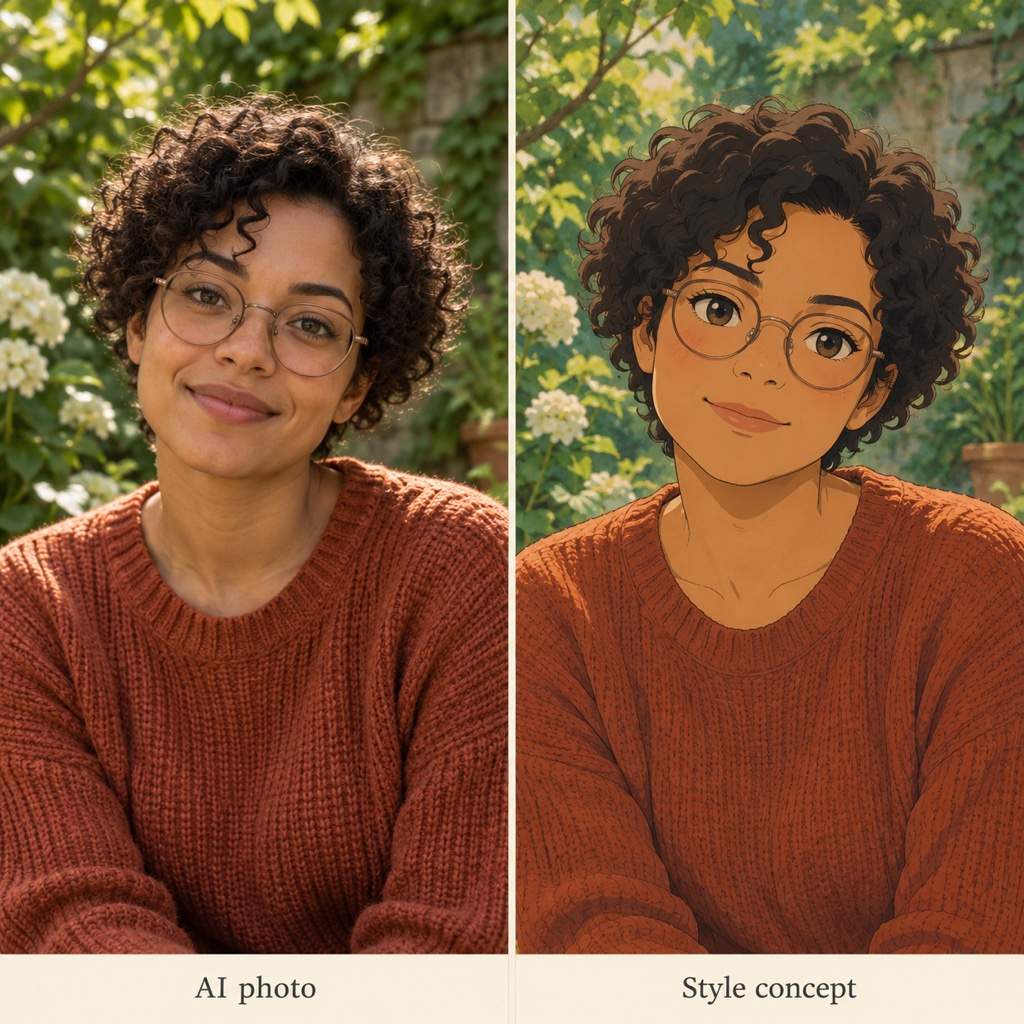
Start with Your Own Photo
Our photo-to-Ghibli workflow uses your uploaded image as a reference. Point out distinctive features to guide the illustrated version.
Choose the Setting
Keep the feeling of the original photo or request a leafy garden, quiet seaside, or cozy room. Describe the light and mood you prefer.
Bring Loved Ones into the Picture
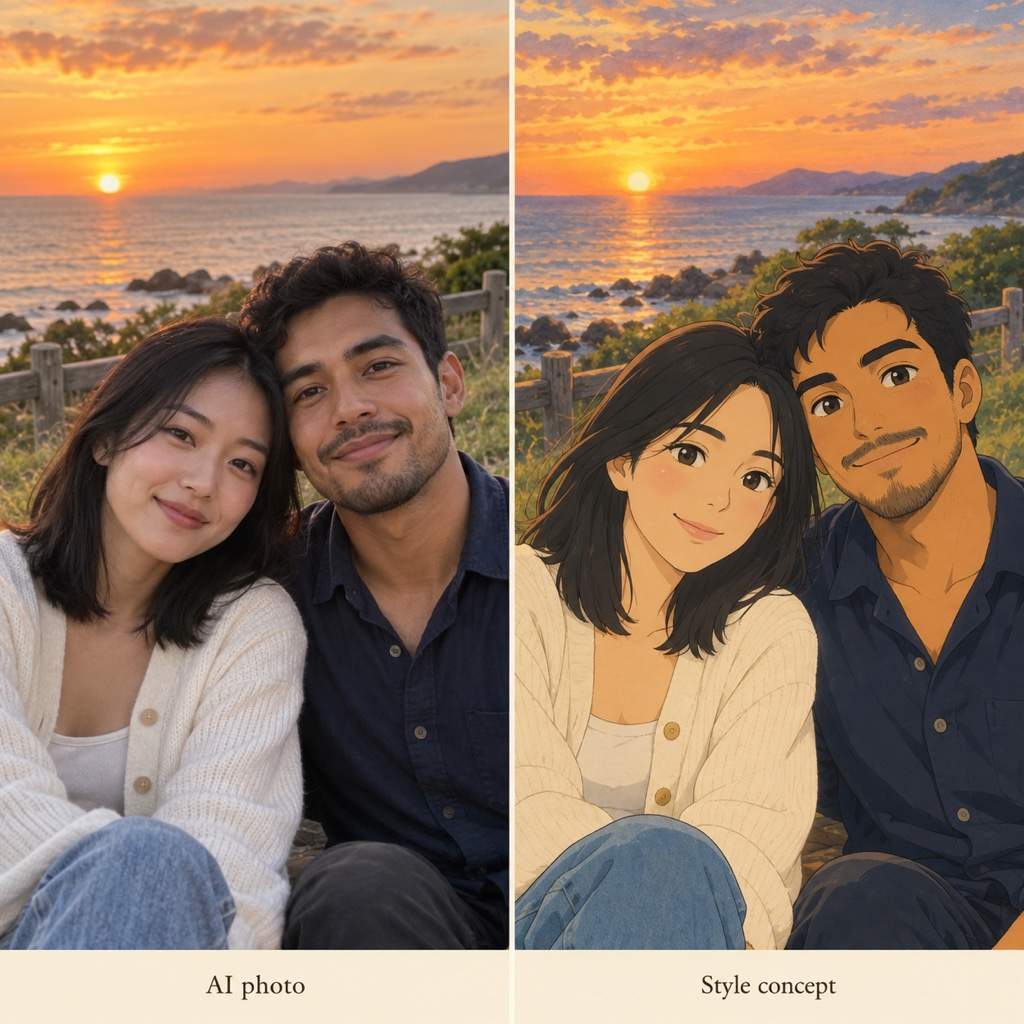
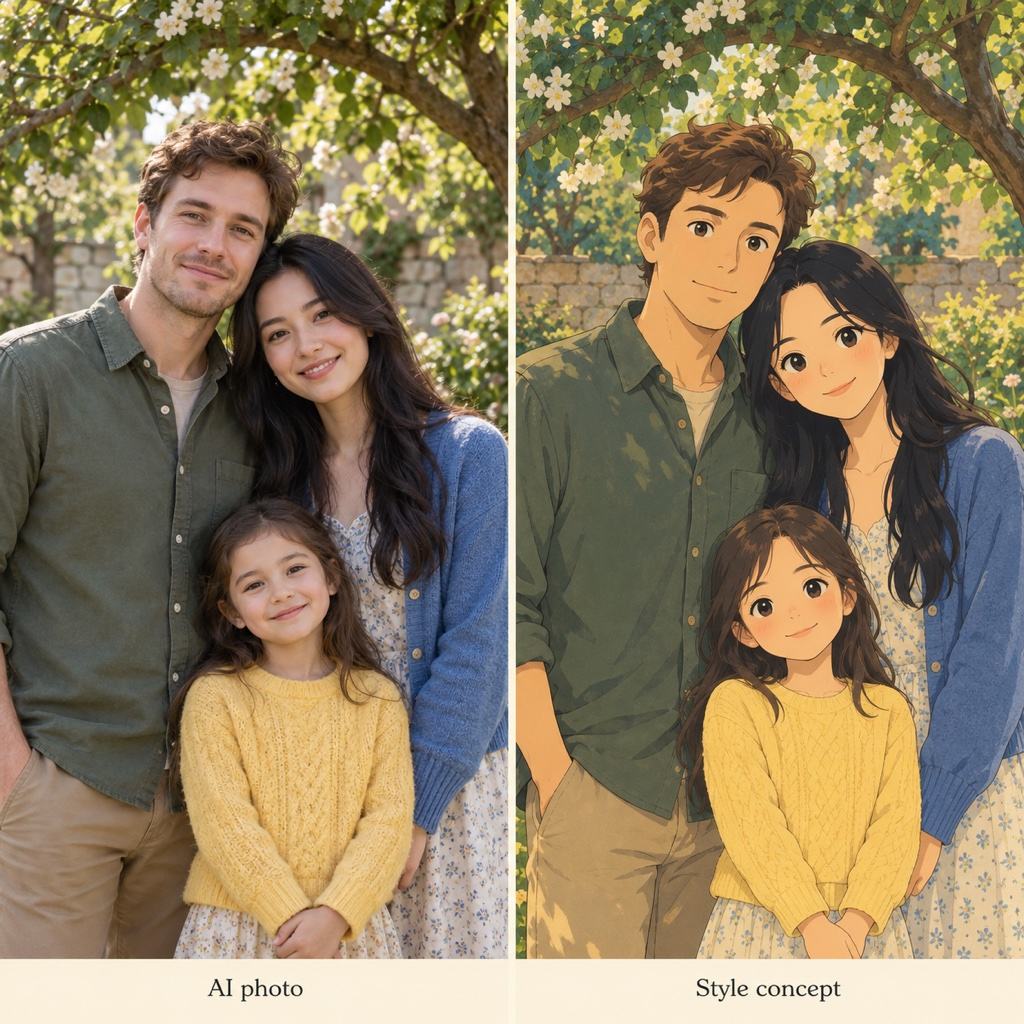
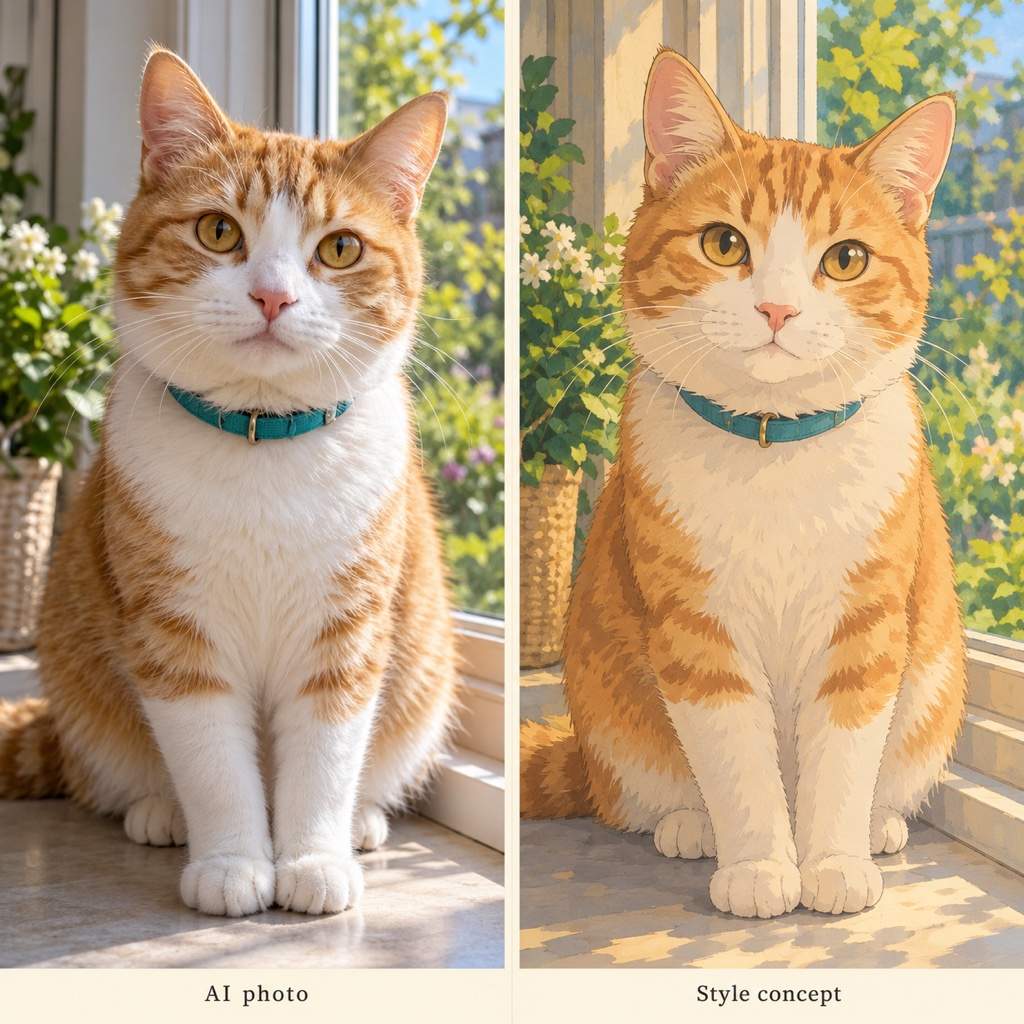
Create a Ghibli couple portrait, family scene, or pet portrait. Specify who belongs in the image and review each face or marking.
Adjust More Than the Style
Use Chat Edit to soften exaggerated eyes, restore glasses, or change a distracting background. Ask for one focused revision at a time.
Explore Related Looks
Request several portrait variations with a shared palette. Compare expressions, framing, and scenery before choosing your favorite.
Keep the Finished Image
Try the online portrait maker with free credits after signup. Export watermark-free images, or adapt a favorite with our AI sticker generator.
Get a Better Photo-to-Ghibli Result
- Show the Face ClearlyChoose even lighting and visible eyes. Avoid heavy beauty filters, motion blur, and faces hidden by hair.
- Name What Makes It YouMention hair, glasses, facial hair, skin tone, and expression. Treat resemblance as something to review, not a guaranteed match.
- Separate Person and BackgroundSay whether to keep the original setting or replace it. Ask for a calm background when the portrait will appear at a small size.
- Give Every Subject SpaceFor couples and families, use a photo with distinct faces. Specify the number of people and their positions.
Six Ways to Refine Your Ghibli Portrait
Improve the resemblance to my uploaded photo. Keep the current painted style, but bring the face shape, hairstyle, skin tone, and smile closer to the reference.
Make this portrait feel more like a hand-painted animation frame. Use softer shading and finer outlines; reduce glossy skin and oversized eyes. Keep the person and pose.
Turn my uploaded selfie into a Ghibli-style profile picture. Use a square composition, center my face, simplify the background, and leave space for a circular crop.
Create a Ghibli couple portrait from my uploaded photo. Keep both people distinct, including their hairstyles, clothing, and positions. Use warm evening light.
Reimagine my uploaded family photo with a gentle painted look. Keep the same number of people and their positions. Make every face visible without adding anyone.
Turn my uploaded pet photo into a Ghibli-inspired portrait. Preserve the fur markings, ear shape, and collar. Use a soft garden background and an attentive expression.





