Free OnlineAI Ghibli Generator
How to Create Ghibli-Style Art with AI
Choose Your Photo or Scene
Set the Painted Mood
Refine the Details That Matter
Save Your Artwork

Your Memories, with a Softer Storybook Feel
Give Your Own Photos a New Look
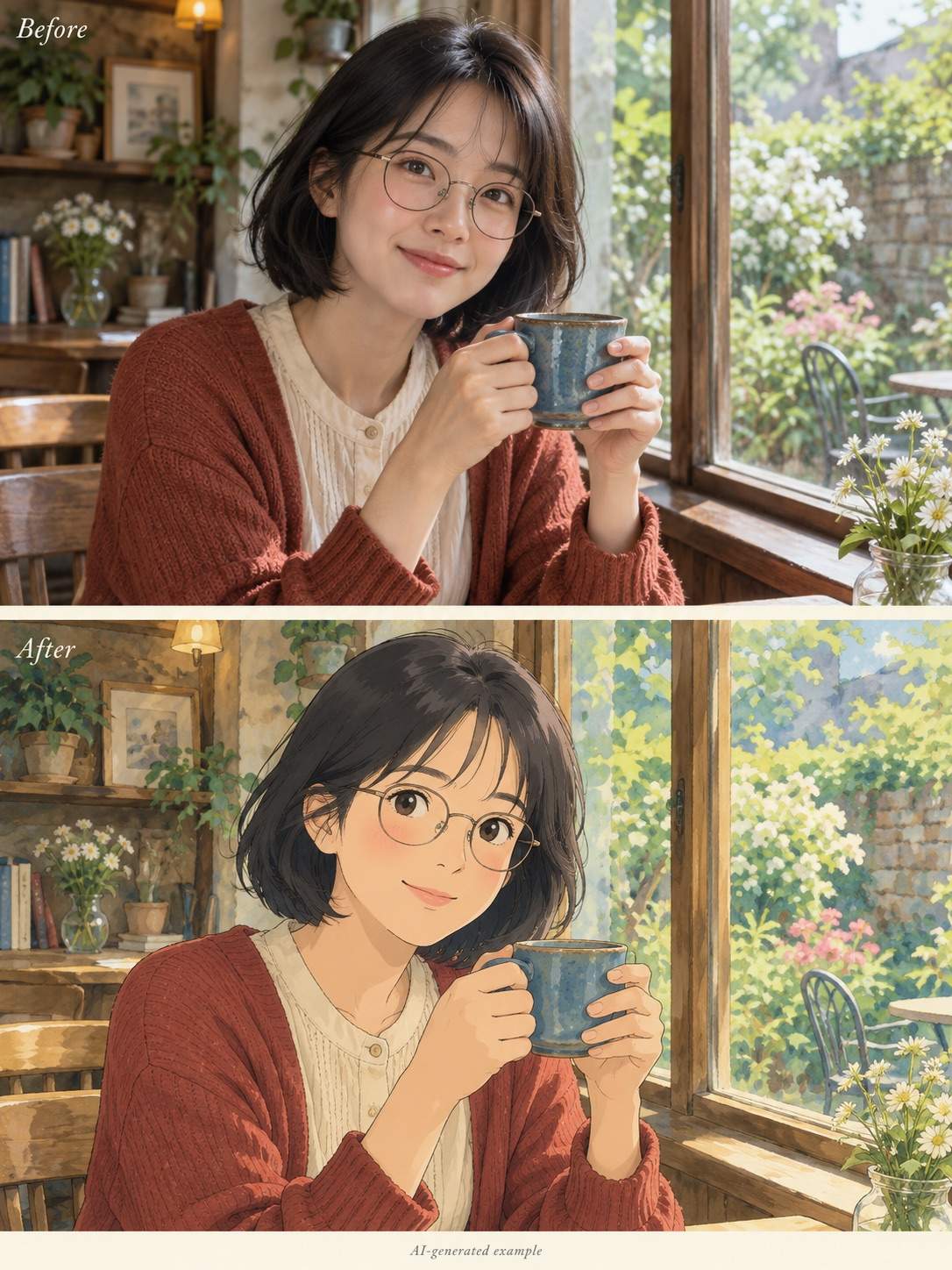
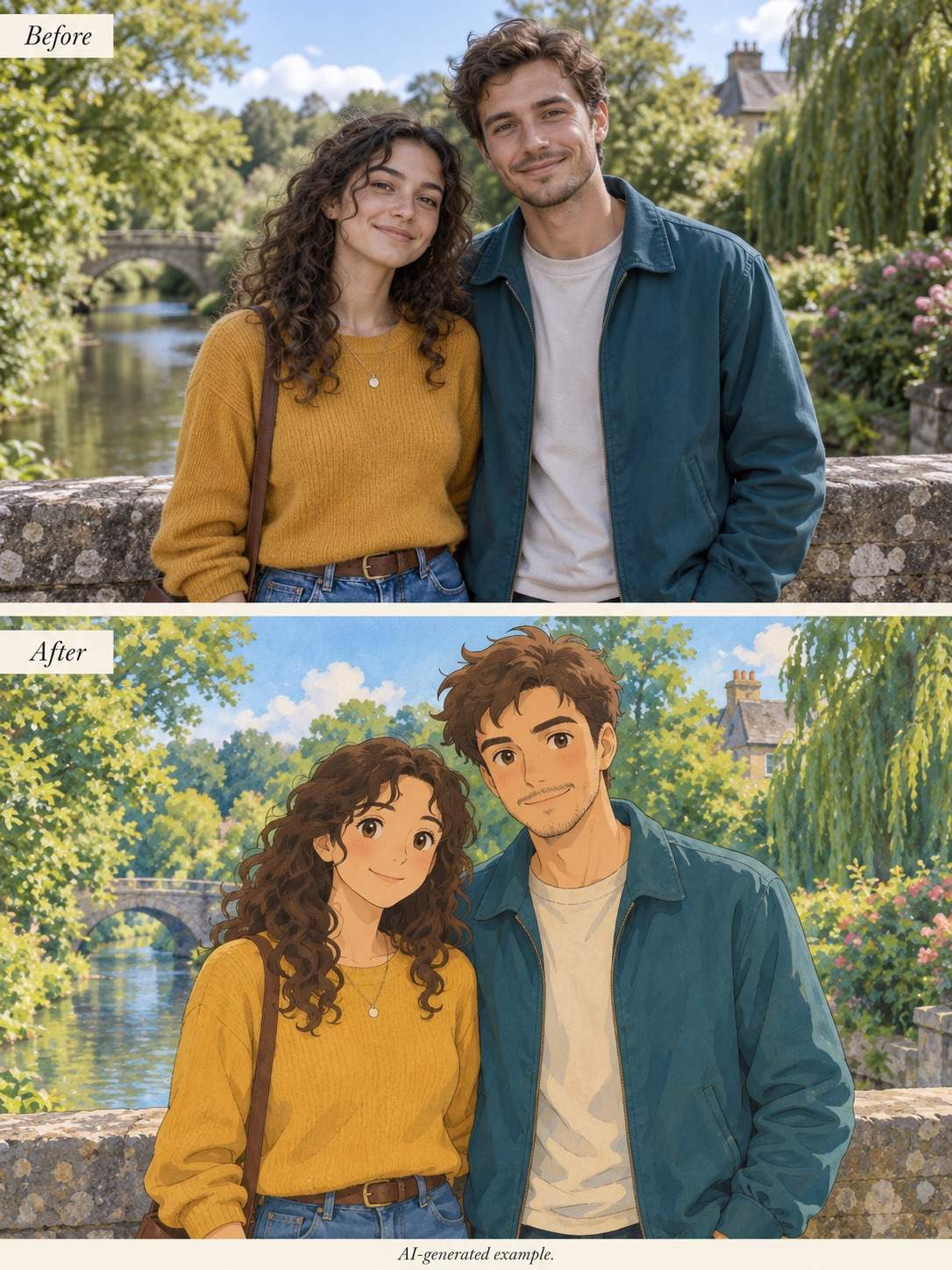
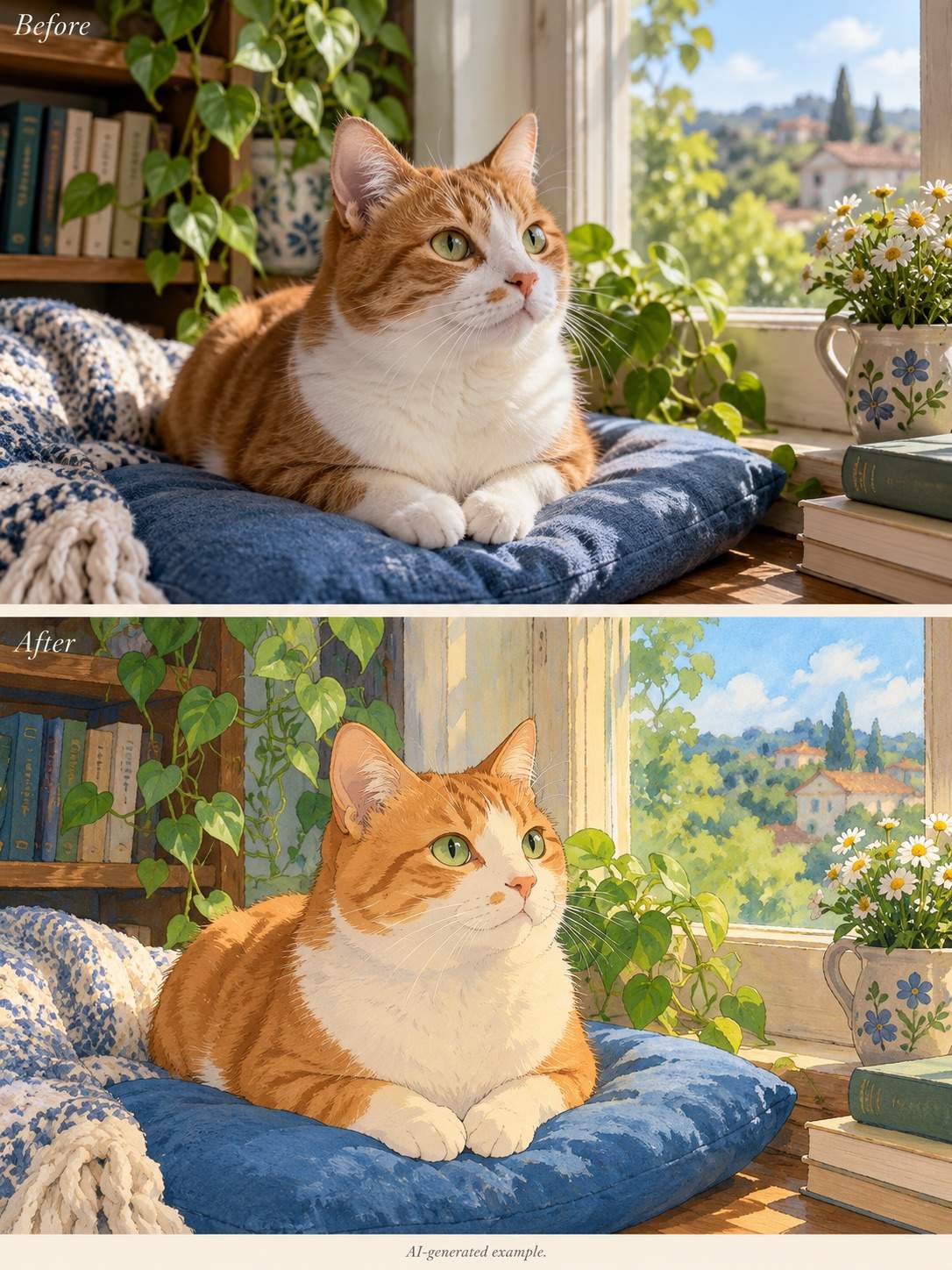
Use this online Ghibli photo converter with selfies, couple photos, or pets. Guide the transformation with the details that make the subject recognizable.
Imagine a Scene from Scratch
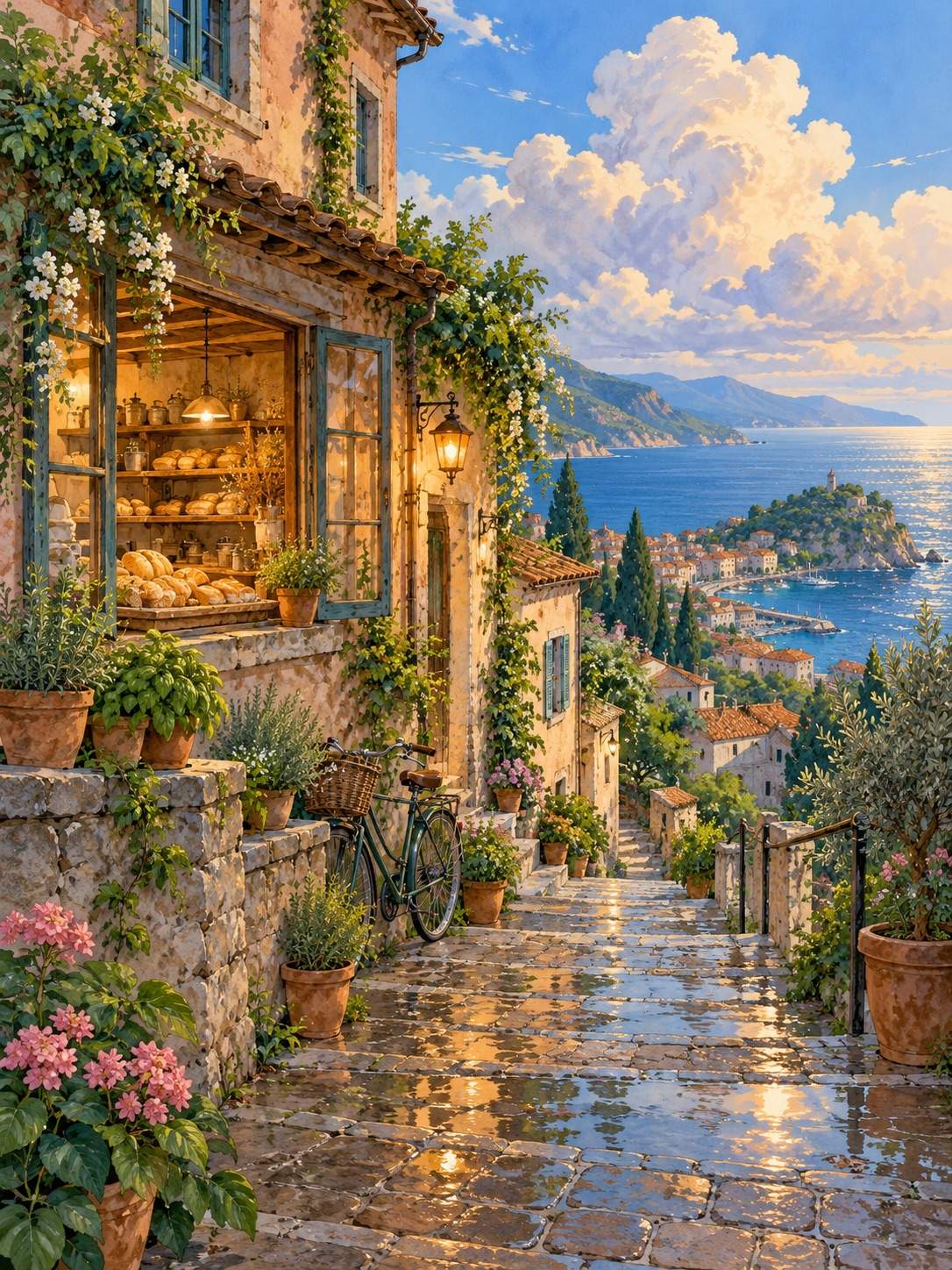
No photo needed. Our AI Ghibli generator can turn a description of a hillside village, rainy cafe, or forest path into an original illustration.
Direct the Mood in Plain Language
Ask for fresh greens, misty blue hills, or soft evening light. Adjust the atmosphere without learning filters or advanced editing tools.
Keep Working on the Same Image
Use Chat Edit to request a gentler expression, a simpler backdrop, or a closer match to your photo. Make focused changes as you review the result.
Carry a Favorite Look Across a Series
Upload a visual reference for related images. Save a successful style and workflow as a Mew Skill to reuse the same direction for future portraits or scenes.
Try It with Free Signup Credits
Test a Ghibli-style portrait or landscape with free AI credits after signup. Generation and edits use credits; PNG and JPG exports are watermark-free.
How to Turn a Photo into Ghibli-Style Art
- Start with a Clear Photo:Choose even lighting and visible faces. Avoid heavy beauty filters, motion blur, or distant subjects.
- Name the Important Details:Mention glasses, hair, clothing, or a pet’s markings. For group photos, state the number of people.
- Describe the Finish:Soft outlines, painted foliage, and gentle shadows are more helpful than asking only for a stronger filter.
- Compare Before You Export:Review likeness, skin tone, hands, and background details. Ask for one specific correction at a time.
Six Ways to Refine Your Ghibli-Style Image
Make this Ghibli-style portrait look closer to my uploaded photo. Restore the face shape, glasses, and hairstyle while keeping the soft illustrated finish.
Refine this couple portrait using the original photo. Keep exactly two people, their relative heights, outfits, and positions. Correct the hands without changing the setting.
Bring back my pet’s distinctive coat markings and ear shape from the uploaded photo. Keep the painted texture and natural animal proportions.
Reduce the yellow cast in this image. Restore natural skin tones and fresh greens, with softer shadows and less saturated highlights.
Keep the original background layout from my photo. Render the buildings, trees, and sky with painted textures instead of adding a new fantasy setting.
Adapt this Ghibli-inspired landscape into a vertical phone wallpaper. Extend the sky for the clock area, keep the main subject below it, and add no text.





