Free OnlineAI Game Card Generator
How to Create Game Cards with AI
Define the Deck Purpose
Map the Card Anatomy
Generate and Playtest Variations
Export the Deck for Play

Why Choose Mew Design for AI Game Card Creation
Game Logic Before Decoration
Describe the loop, card roles, and win condition first. The AI card game maker can organize the card brief before adding art, borders, icons, and rarity cues.
One Visual Language Across a Deck
Keep nameplates, corners, stat rows, icon zones, and effect boxes in predictable places while changing each card's illustration and faction accent.
Readable at the Table
Ask for high-contrast text zones, short effects, visible costs, and a calm background behind rules. This printable game card generator is designed for cards people can scan in a hand, stack, or tabletop row.
Variants for Every Card Type
Create creature, spell, resource, event, location, objective, trivia, or reward cards from one master direction, then explore different frames without losing the set identity.
Original Worlds and References
Upload a sketch, logo, photo, or moodboard as a reference, or describe an original universe. Keep protected franchise names and copied character designs out of the final deck.
Prototype-Ready Exports
Use free AI credits to test a custom game card creator, refine a few cards through chat, and export clean assets for playtesting, teaching, sharing, or a pitch deck.
How to Write an Effective Game Card Prompt
- Name the anatomy: List the card name, type, cost, rarity, art subject, icons, stats, effect text, flavor line, and any information that must remain visible in a fanned hand.
- Set the system: Define the deck's ratio, frame language, faction colors, reading order, safe margins, and how creature, item, event, or objective cards should differ.
- Keep rules compact: Write one short effect with exact numbers. Replace repeated phrases with icons when possible, and ask for a quiet background behind the rules box.
- Test the table view: Ask for a printable card face, then print or preview several cards together. Check contrast, type size, icon meaning, and whether key information is hidden when cards overlap.
AI Game Card Prompts for Different Decks
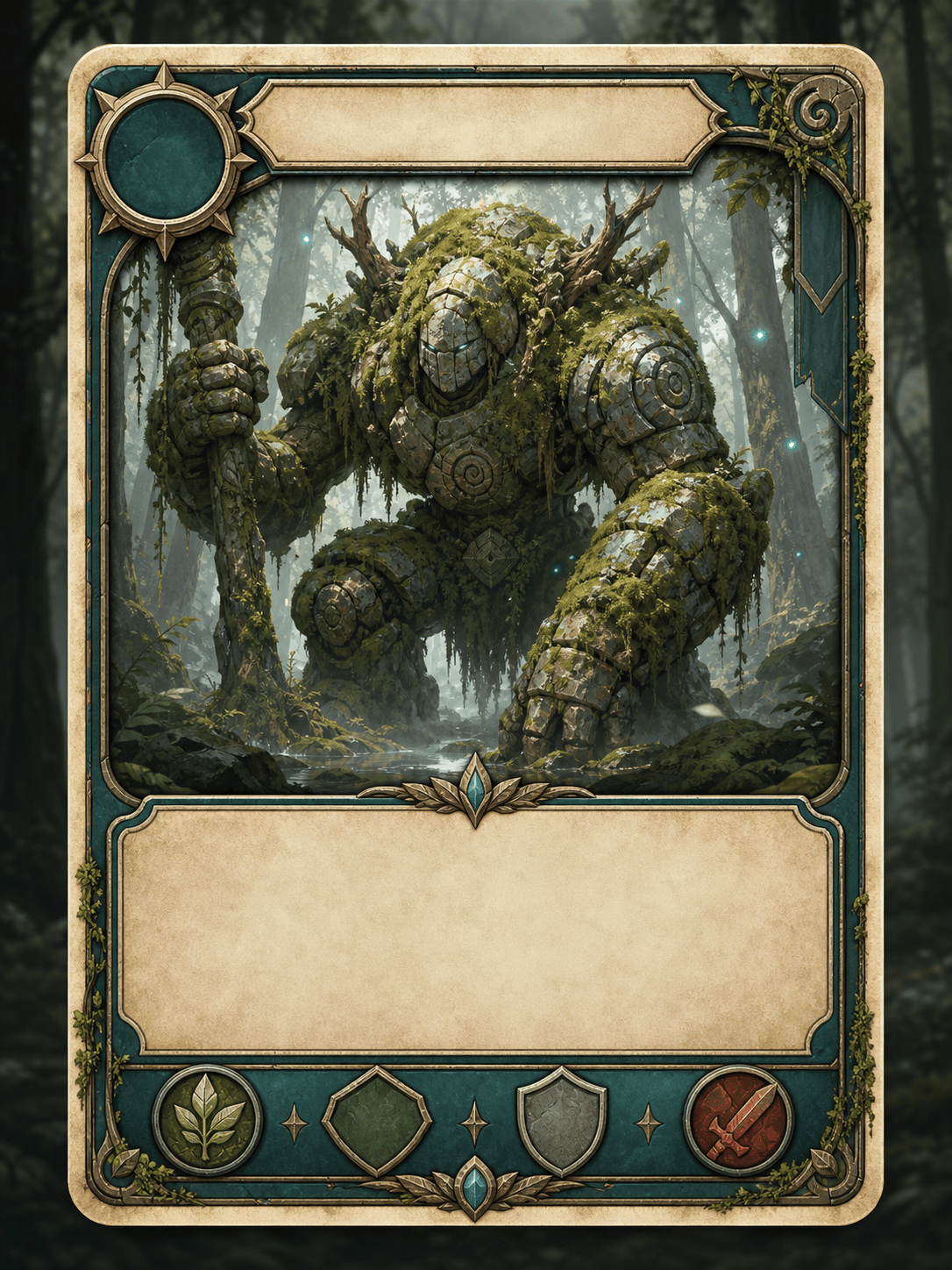
Create a set of three portrait fantasy creature cards for an original woodland strategy game. Use the same parchment frame, visible cost icons, compact ability boxes, distinct silhouettes, and common, rare, and legendary rarity accents.
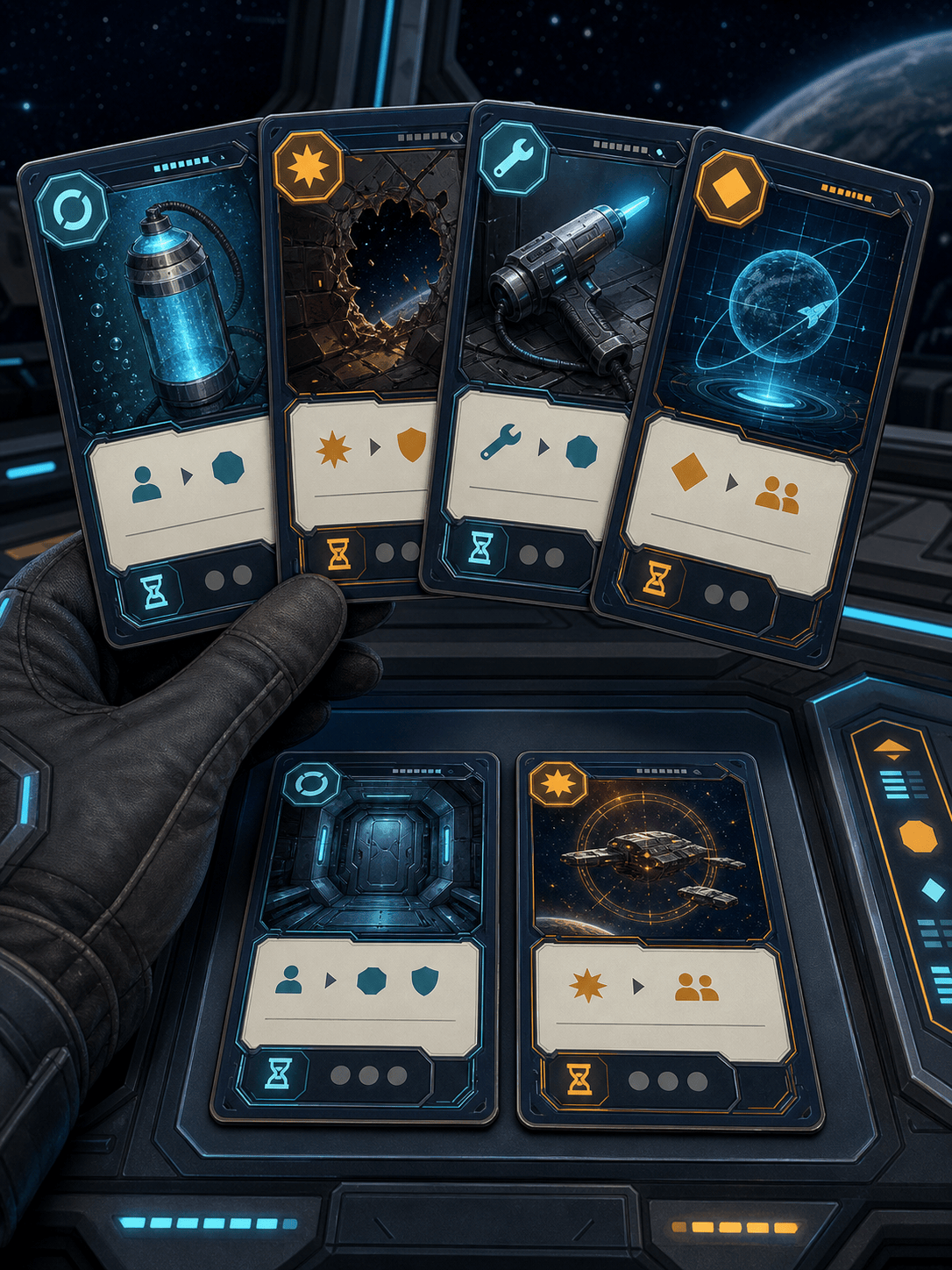
Design a cooperative space-repair card deck for four players. Create oxygen, hazard, tool, and mission cards with a navy space frame, clear action icons, short rules, color-blind-friendly shapes, and a consistent 3:4 print layout.
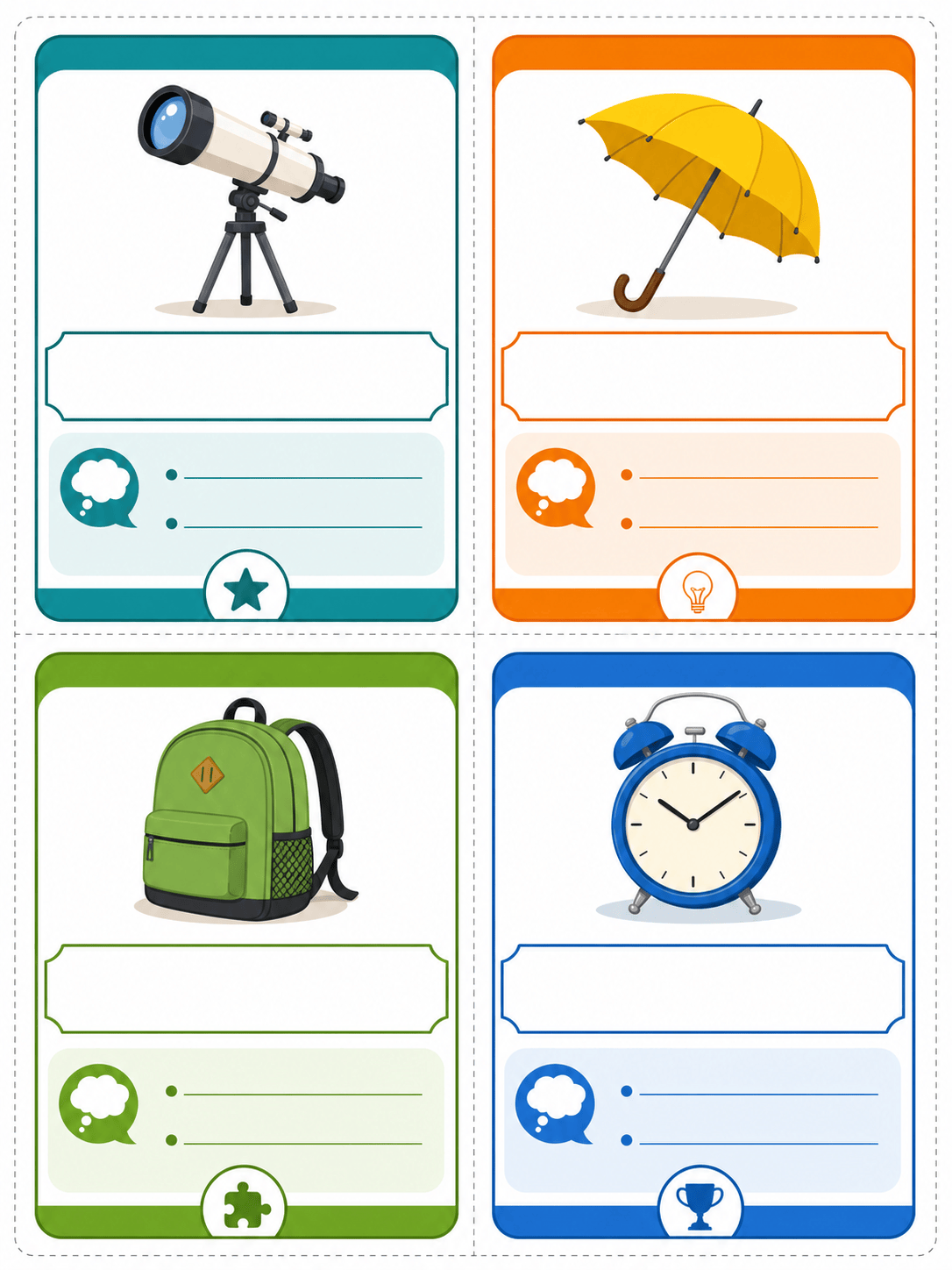
Make printable vocabulary game cards for a middle-school English classroom. Put one word, a simple illustration, a definition cue, and a challenge prompt on each card. Use large readable type, bright category bands, and generous trim margins.
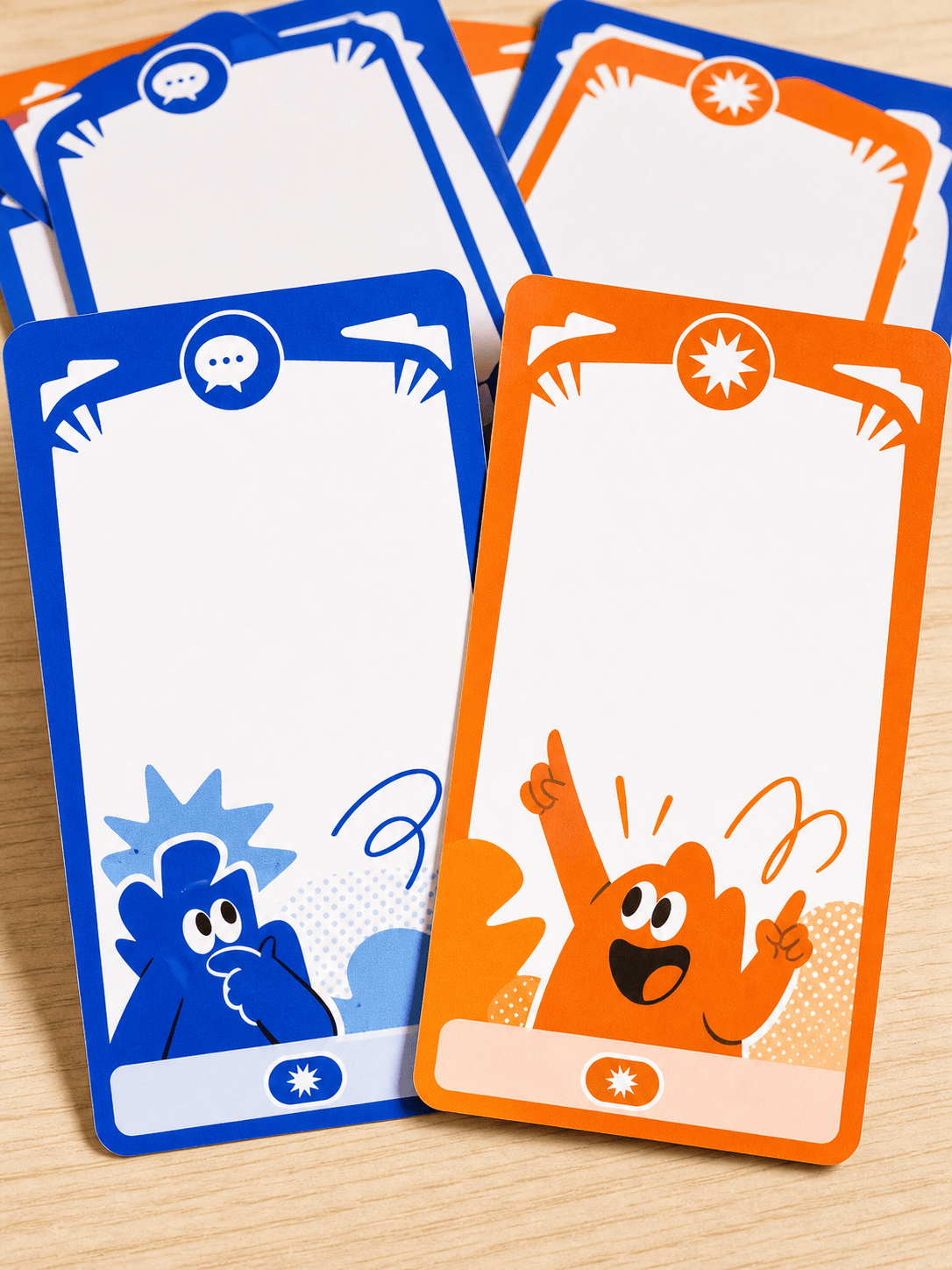
Create a party game card deck about awkward office moments. Use a playful two-color frame, prompt cards with large text, response cards with clear labels, and a small icon system that works in a fanned hand.
Build a city-building resource card set with wood, stone, food, and gold. Keep the same top-left resource icon, bottom value strip, muted backgrounds, and clean visual hierarchy so players can scan the market quickly.
Create a digital tabletop prototype deck for an original sky-pirate game. Include captain, crew, weather, cargo, and objective cards with a shared frame, readable effect text, 4 mm safe margins, and export-friendly card faces.





