Try OnlineAI Funny Face Filter
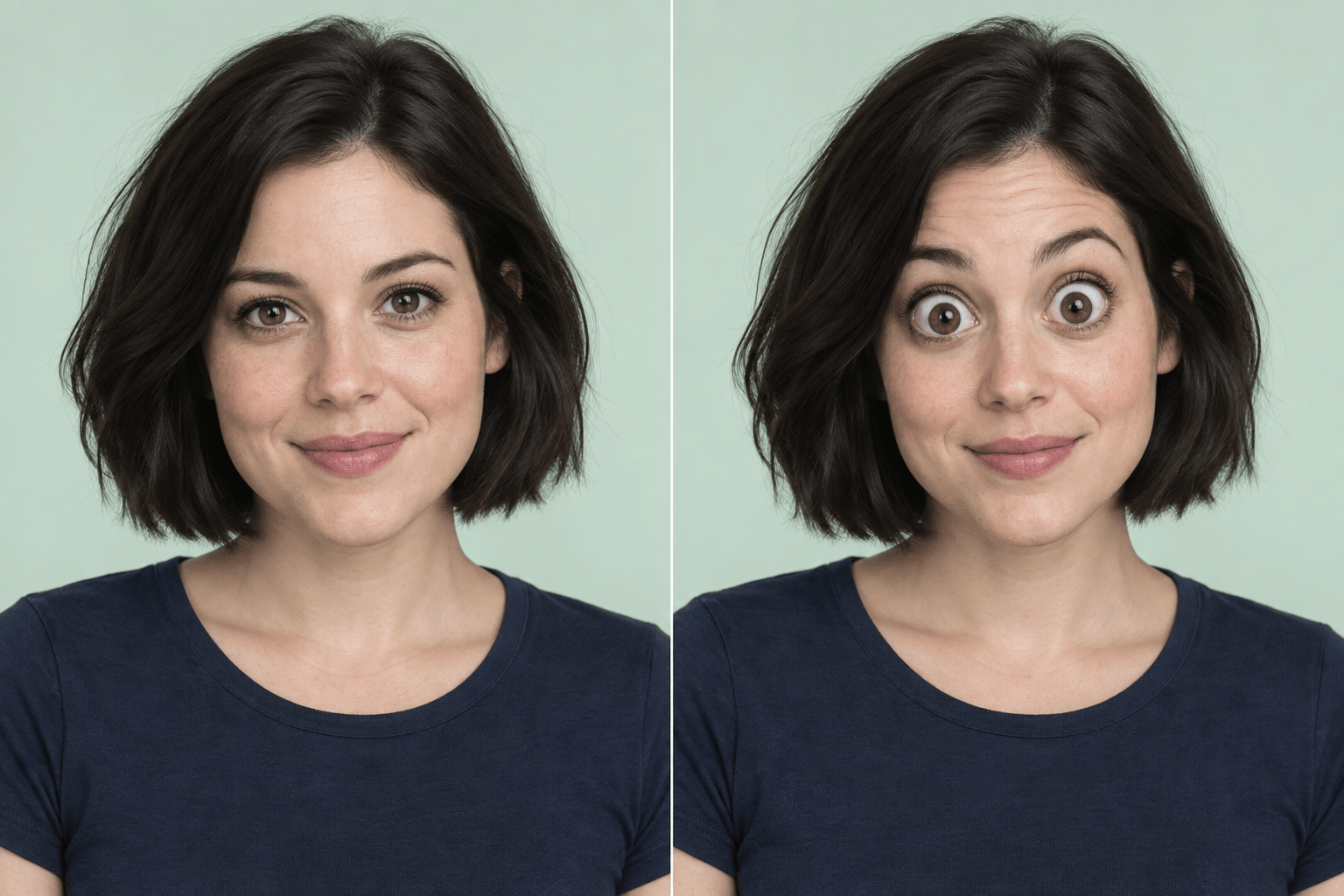
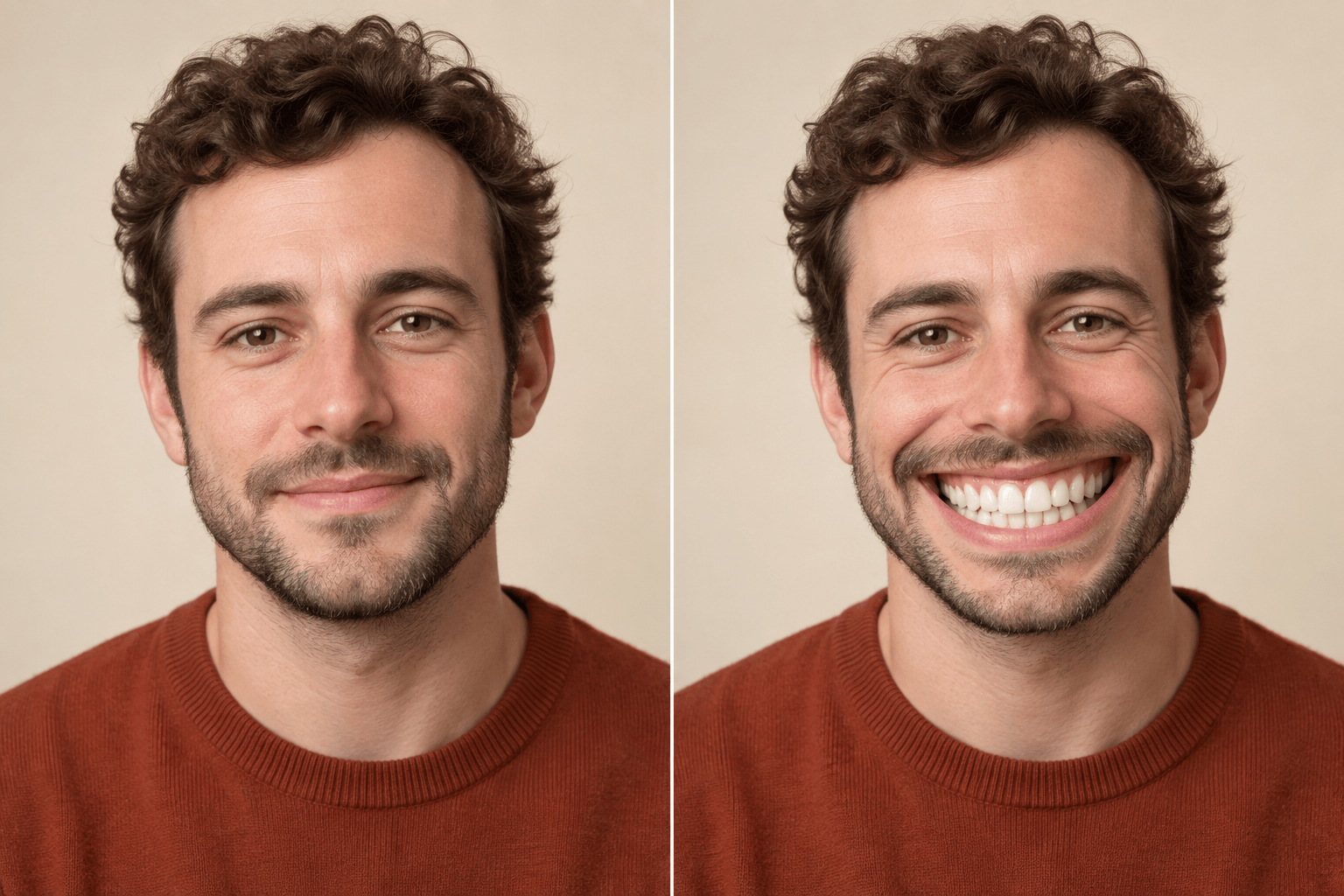
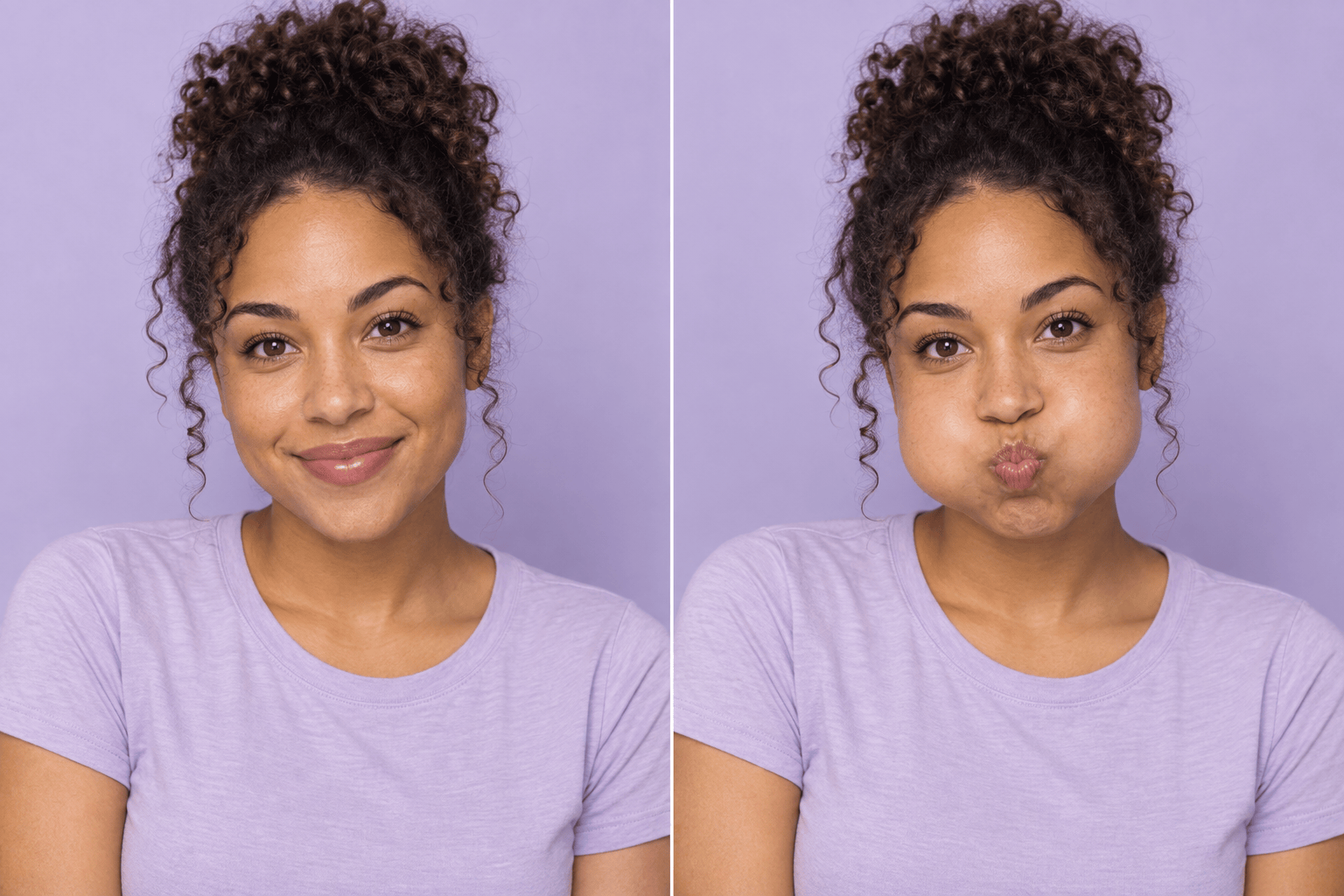
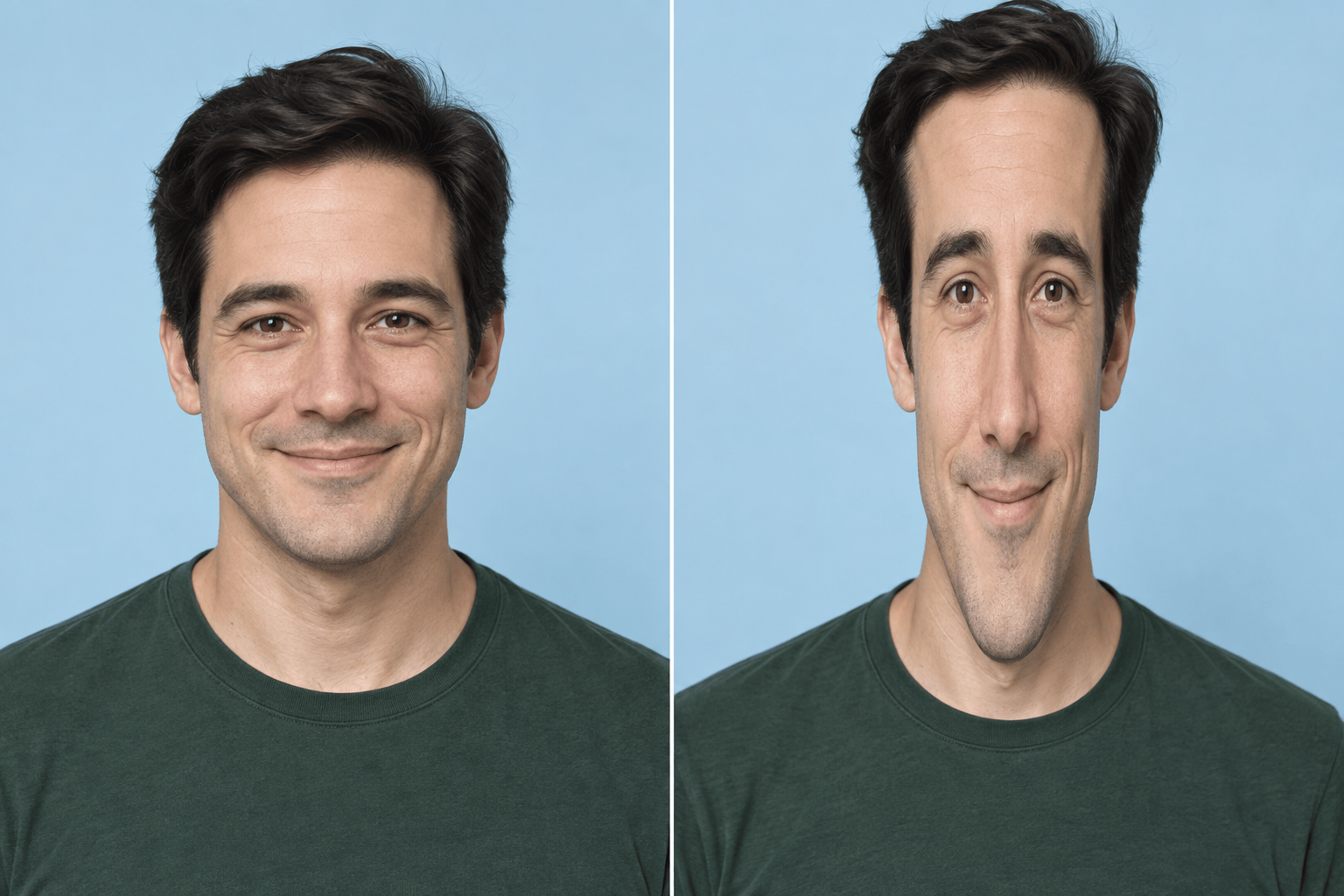
How to Make a Funny Face Photo with AI
Upload a Clear Selfie
Generate the Funny Version
Adjust the Exaggeration
Download and Share

More Control Over the Joke
Start with Your Own Face
Use a funny face filter online on an uploaded selfie. Give the AI your actual photo as a reference for the transformation.
Describe Any Silly Twist
Request a big mouth filter, tiny nose, or funhouse stretch in plain language. Combine effects or focus on one feature.
Dial the Effect Up or Down
The AI funny face editor accepts follow-up changes through Chat Edit. Reduce oversized eyes without asking for a whole new look.
Compare Different Reactions
Generate several versions of the same selfie, such as surprised, smug, or cheerful, and choose the one that fits your message.
Make a Reaction Cutout
Ask to remove the background when you want to place the funny face over a meme or another design. Export as PNG to keep transparency.
Share a Clean Image
Download a watermark-free PNG or JPG. Free credits after signup let you try an effect before deciding whether you need more.
Keep the Face Funny and Familiar
- Show the Whole FaceChoose even lighting and avoid sunglasses, heavy blur, or hair covering the eyes.
- Start with One EffectTry a big eyes filter before combining several distortions. It is easier to judge and refine one change.
- Name What Should StayMention eye color, hair, clothing, and background. Compare the result with your original; likeness can vary.
- Check the Small DetailsLook for uneven pupils, odd teeth, or stretched ears. Request a focused correction before sharing.
Fix a Funny Selfie or Get It Ready to Share
Edit my uploaded funny selfie: make the enlarged eyes a little smaller and align the pupils. Keep the playful expression and original eye color.
Refine the big mouth effect in my uploaded image. Keep the wide grin, but make the teeth and lip edges look clean and natural.
Apply a long face filter to my uploaded selfie with a gentle vertical stretch. Keep my shoulders and the background straight.
Add rounded bubble cheeks to my uploaded selfie. Keep the eyes and mouth near their original size for a playful, photo-realistic result.
Turn my uploaded selfie into a funny profile picture with a raised eyebrow and a small, cheeky grin. Use a square crop with room around the head.
Create a surprised meme reaction from my uploaded selfie. Enlarge the eyes slightly, open the mouth a little, and remove the background for a transparent PNG.





