Free OnlineAI Fox Generator
How to Create Fox Images With AI
Give the Fox a Role
Shape Its Silhouette and Scene
Tune Personality Through Chat
Export the Right Fox Asset

Why Choose Mew Design as Your AI Fox Generator
Separate Wildlife From Character Art
A crouching red fox in woodland light needs believable anatomy and fur; a brand mascot needs a bold silhouette and readable expression. The agent follows the output goal instead of treating both as the same image.
Design Mascots for Small Sizes
This online fox mascot generator can simplify ears, muzzle, tail, color blocks, and badge shapes for avatars, team marks, stickers, and social icons where fine detail disappears.
Create Folklore Without Copying Characters
Describe spirit flames, multiple tails, shrine gates, moonlit woods, or ornamental robes to build an original kitsune-inspired or mythical fox direction without relying on a copyrighted franchise.
Keep a Character Consistent
Upload the strongest fox design as a reference, then request front, side, expression, action, and outfit variations for a story, game, or campaign series.
Refine Fur, Tails, and Poses
Chat Edit lets you fix extra limbs, separate overlapping tails, change coat markings, simplify busy backgrounds, or adjust the gaze while preserving the strongest parts of the composition.
Move From Concept to Useful File
Generate vertical character art, square avatars, landscape scenes, clean coloring outlines, or isolated PNG-ready subjects. Free credits let you test the AI fox art generator before expanding a set.
How to Write Effective Prompts for AI Fox Images
- Define the fox type: Use red fox, arctic fox, fennec, silver fox, anthropomorphic fox, spirit fox, or an original hybrid and state the coat pattern.
- Choose a readable pose: Curled asleep, trotting in profile, alert three-quarter stance, seated mascot pose, or leaping action creates a stronger silhouette than a vague request.
- Match detail to use: Wildlife art benefits from fur and habitat detail; logos, stickers, and avatars need fewer shapes, strong contrast, clean edges, and generous padding.
- List invariants for a series: Repeat eye color, ear tips, tail marking, outfit, proportions, and palette when generating the same fox in new poses.
AI Fox Image Prompt Examples You Can Customize
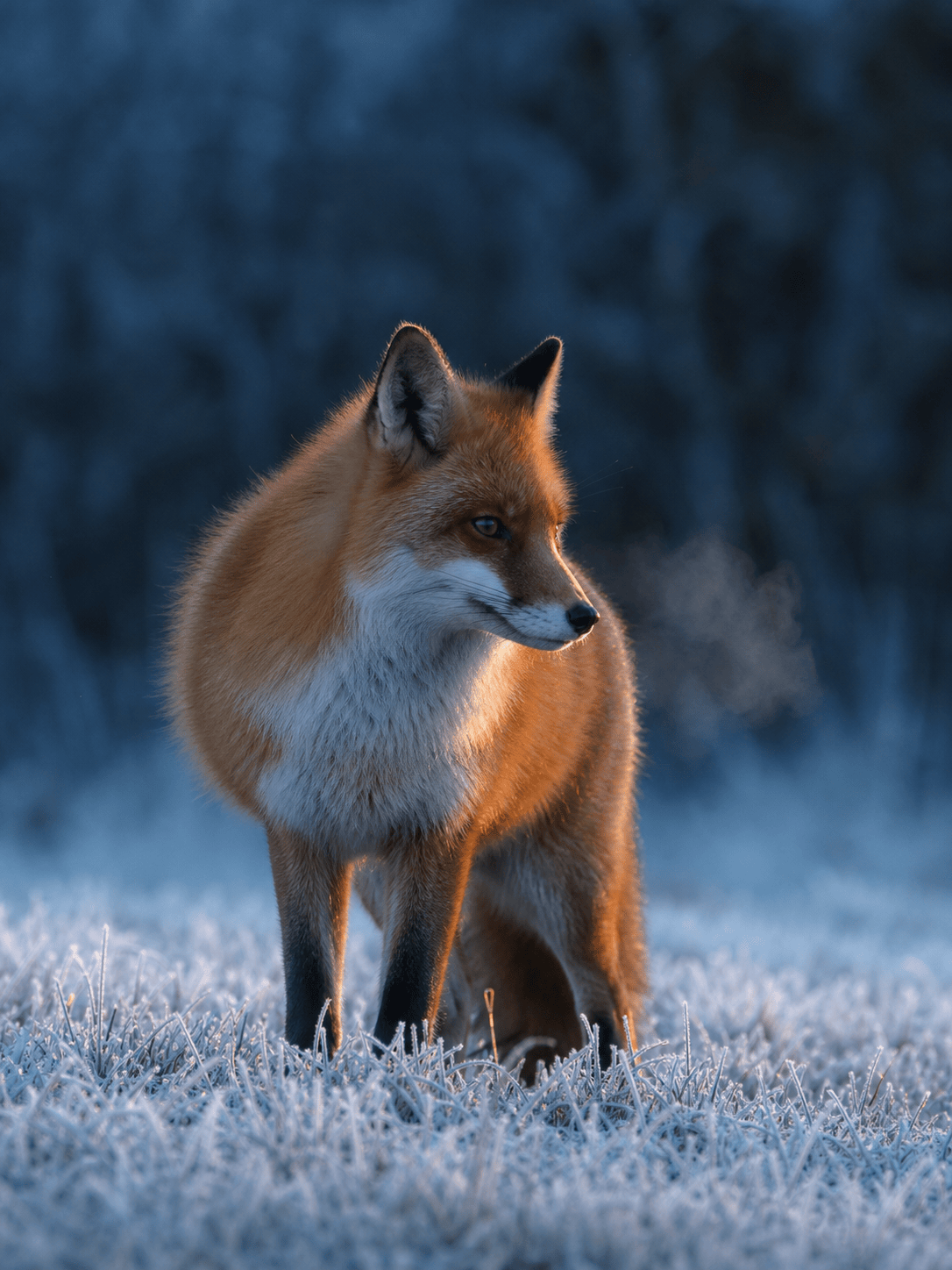
Photograph a wild red fox pausing in frosted meadow grass at blue hour, accurate winter coat, visible breath, alert side glance, low wildlife camera angle, natural telephoto depth, vertical crop.
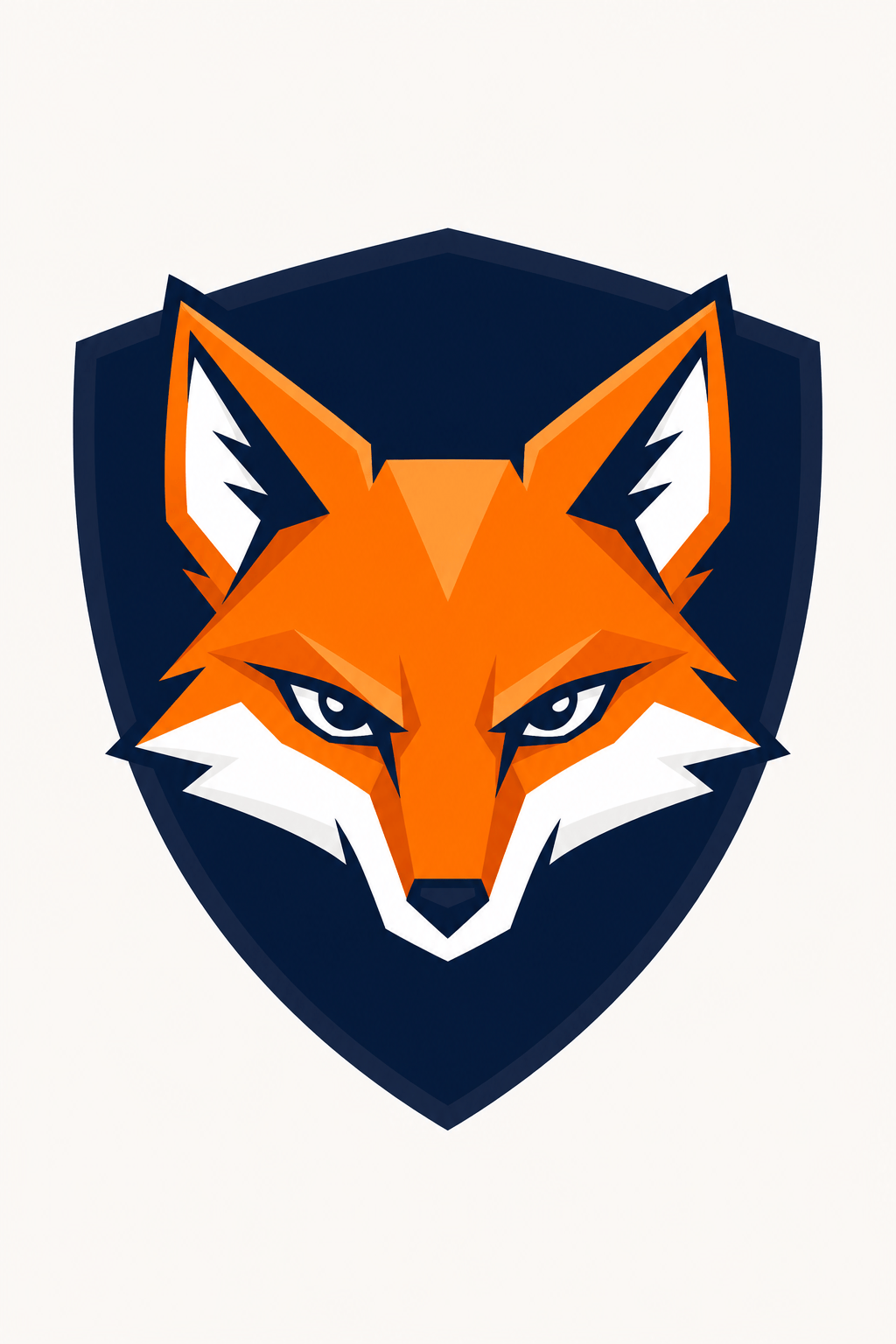
Design a bold fox mascot badge for an esports team, angular orange face, white cheek shapes, focused eyes, dark navy shield, thick clean outlines, high contrast, square icon, no words or letters.
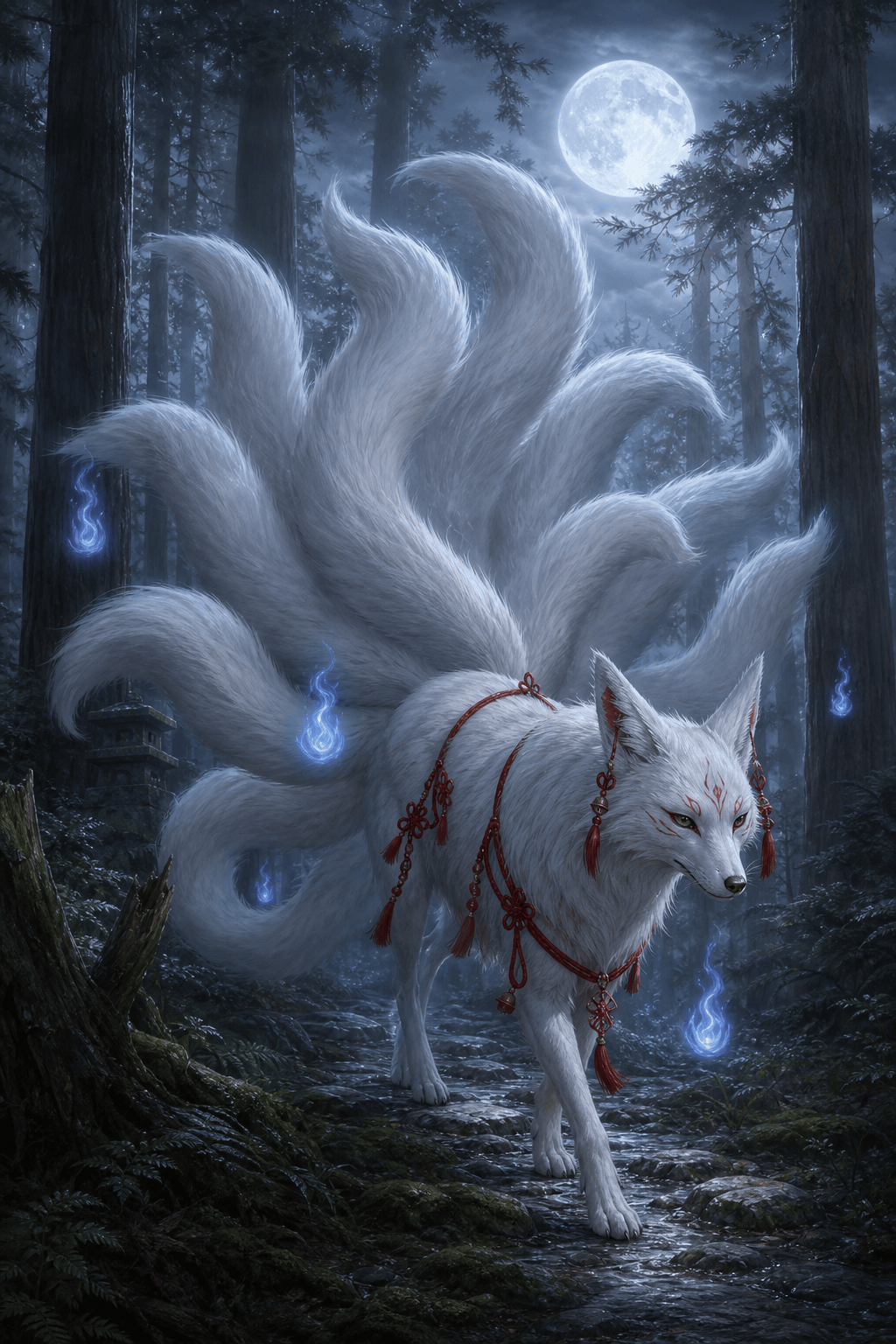
Create an original nine-tailed white fox spirit walking through a cedar forest at night, separate flowing tails, small blue spirit flames, red cord ornaments, moon haze, elegant painterly fantasy, vertical composition.
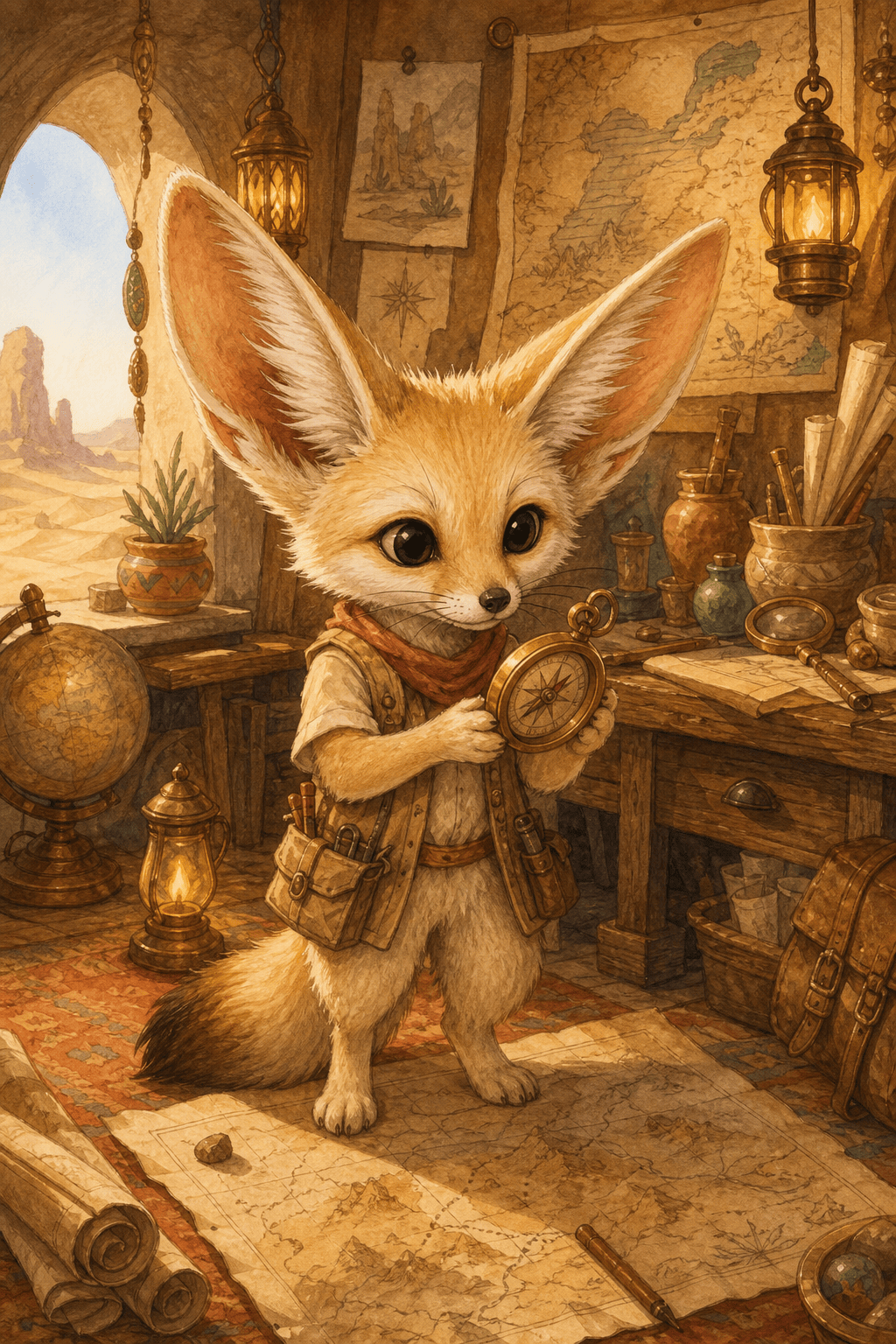
Illustrate a fennec fox cartographer in a desert workshop, oversized ears, tiny vest, maps and brass compass, warm watercolor storybook style, curious expression, full-body character scene.
Make a clean sticker sheet with five poses of the same sleepy silver fox: curled, stretching, sitting, yawning, and holding a mug, consistent markings, flat colors, white borders, no text.
Create a printable fox coloring page for ages 7-9, fox family outside a woodland den, bold closed outlines, realistic but friendly proportions, large colorable areas, no gray shading, portrait page.





