Free OnlineAI Flag Maker
How to Design a Custom Flag with the AI Flag Maker
Define Who the Flag Represents
Choose a Simple Symbol and Color Logic
Generate a Flat Flag Before a Mockup
Refine the Master Design and Present It

Why Mew Design Is a Smarter AI Flag Generator
Translate Meaning into Visual Structure
Explain what the group values and why each symbol matters. Mew Design can connect that story to stripes, fields, divisions, colors, and emblem placement instead of adding random decorative icons.
Explore Distinct Layout Families Quickly
Compare horizontal bands, vertical divisions, diagonal geometry, cantons, centered emblems, Nordic-cross structures, and asymmetrical fields without rebuilding each concept manually.
Use References as Ingredients, Not Templates
Upload a color palette, rough sketch, cultural motif, or existing team mark and explain its role. Ask for a new custom flag that avoids copying a current national, political, military, or organizational design.
Simplify Designs Through Focused Chat Edits
Keep the overall field and change only the emblem, reduce five colors to three, thicken a diagonal, remove gradients, or test the same mark near the hoist. Precise edits make the flag easier to recognize and reproduce.
Design for Nations, Factions, Teams, and Causes
Use the AI flag creator for a fictional country, fantasy kingdom, sci-fi colony, roleplaying faction, school team, neighborhood group, festival, or awareness campaign while tailoring symbolism to that context.
Generate Raster Concepts Without a Watermark
New users receive free credits to test flag ideas and export PNG or JPG images without a watermark. For professional printing or scalable production, rebuild the approved raster concept as a vector and confirm fabric, bleed, and color specifications with the printer.
How to Write an Effective AI Flag Design Prompt
- Limit the Visual Vocabulary: Use one main emblem, one supporting geometry, and two or three solid colors. Fewer elements create stronger recognition at a distance.
- Name the Layout Precisely: Specify horizontal or vertical bands, a diagonal division, canton, centered symbol, off-center hoist emblem, border, or cross rather than asking for a generic balanced layout.
- Request a Flat Master View: Ask for a straight-on rectangular design without cloth folds, a pole, dramatic perspective, or scenery so you can judge the flag itself.
- Check Originality and Reproduction: Request no text, micro-detail, gradients, or resemblance to real flags; then inspect the result at thumbnail size and in grayscale before approval.
Customizable AI Flag Maker Prompt Examples
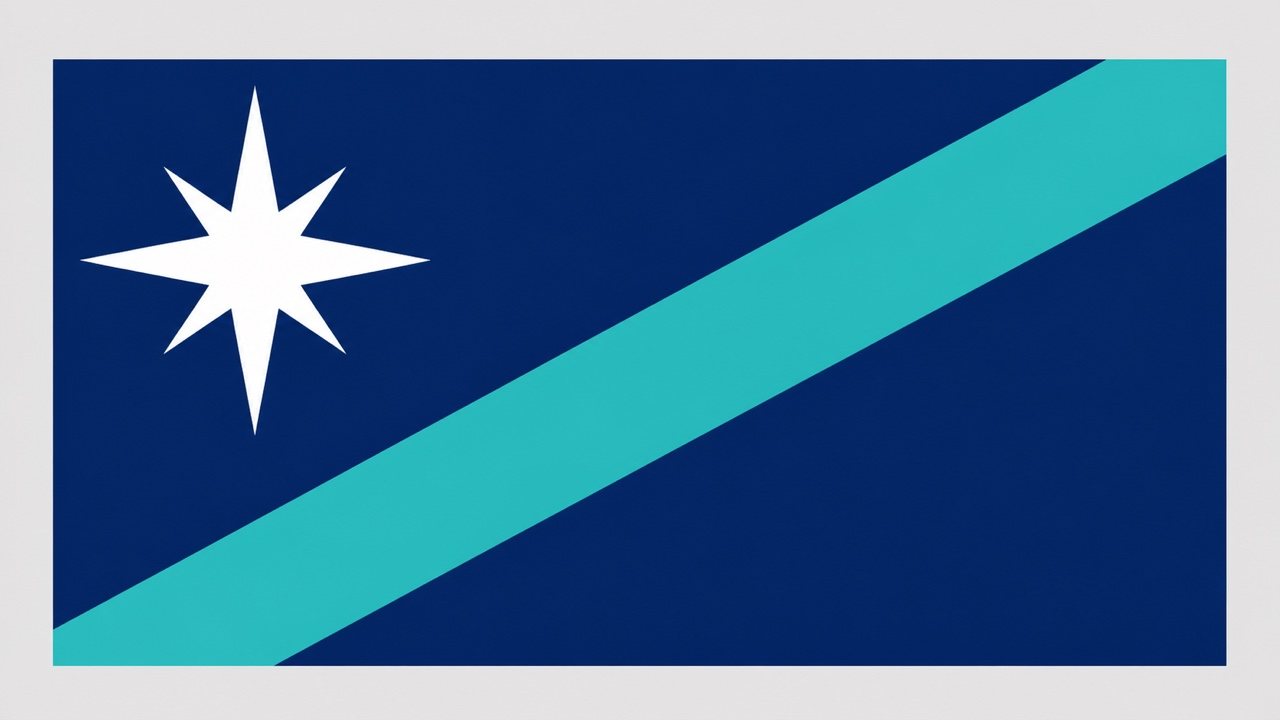
Fictional Coastal Republic: Create a flat 3:2 flag for a democratic archipelago known for sailing and marine research. Deep blue field, turquoise wave band, one white compass-star near the hoist, three solid colors, simple geometry, no text, seal, gradient, folds, pole, or resemblance to a real national flag.
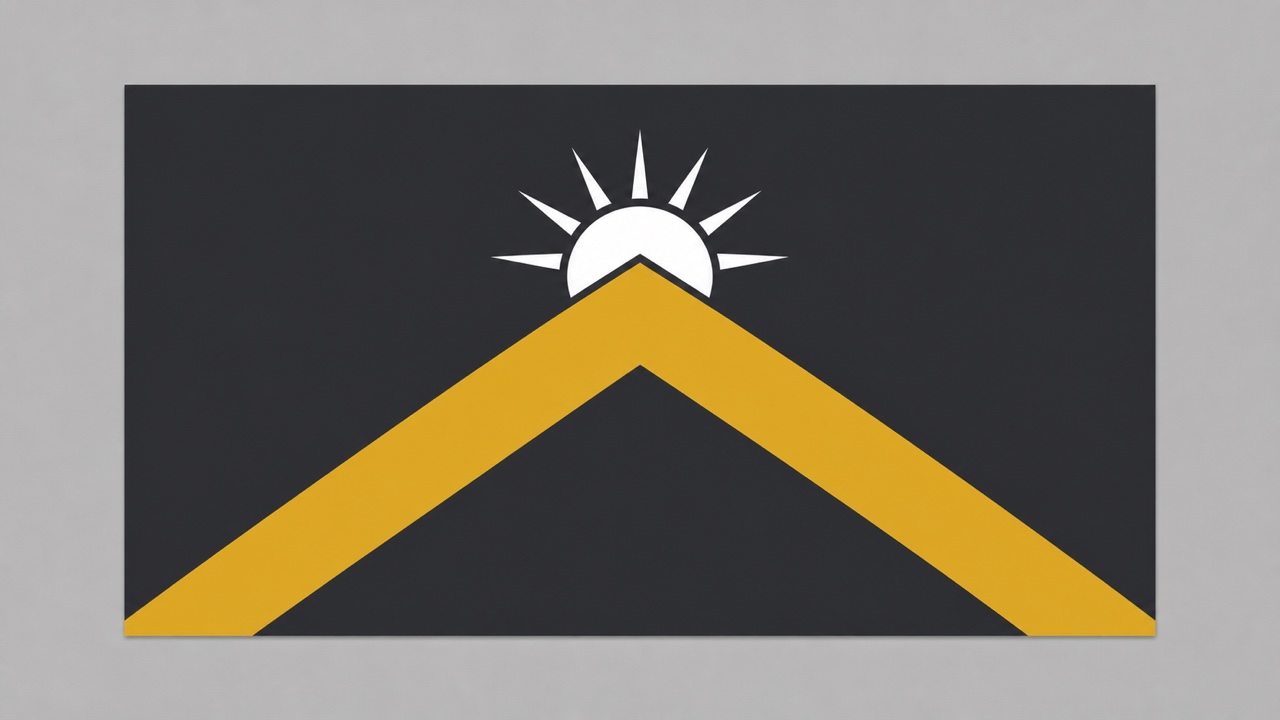
Fantasy Mountain Kingdom: Design a 2:1 banner for a high-altitude realm symbolizing endurance and sunrise. Charcoal field, gold chevron mountain, small white rising sun above it, bold heraldic simplicity, high contrast, front-facing flat design, no detailed coat of arms or lettering.
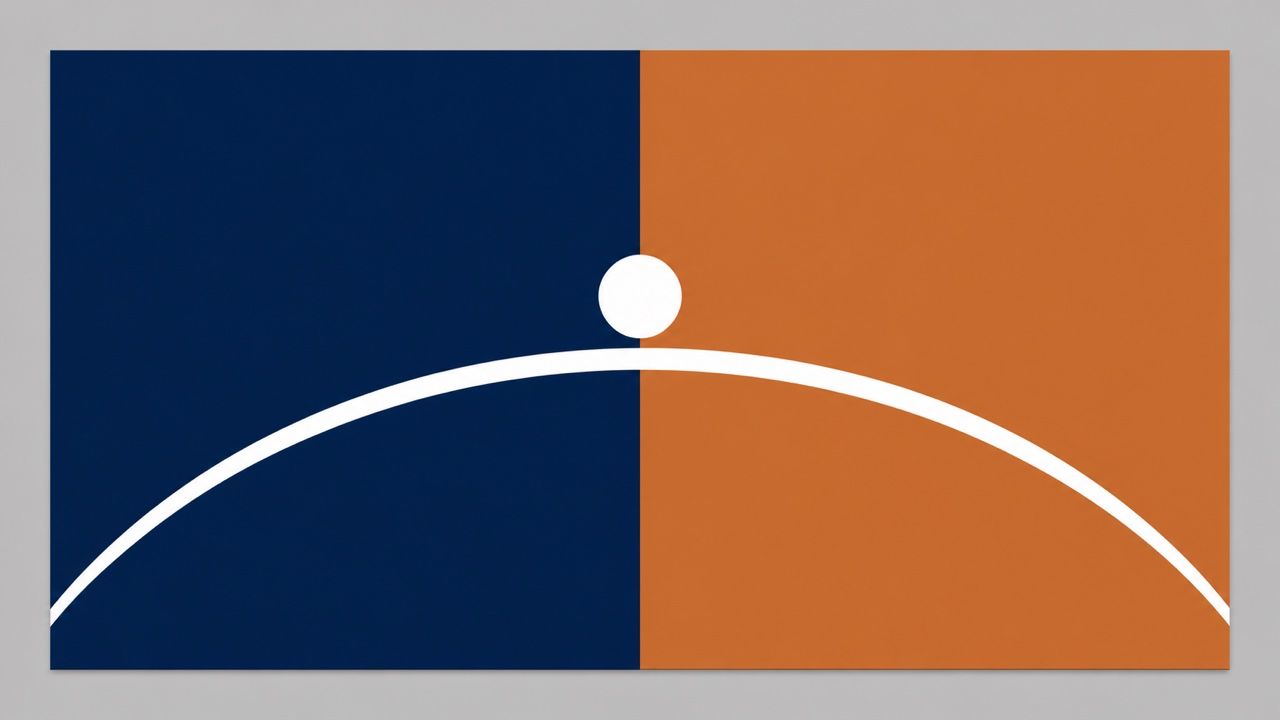
Sci-Fi Colony Flag: Generate an original flag for a peaceful settlement on a tidally locked planet. Split the field vertically into midnight blue and warm copper, add one clean white horizon arc crossing the divide, minimal futuristic geometry, 3:2 ratio, no stars, words, logos, gradients, or fabric mockup.
Community Garden Flag: Create a friendly flag for an urban neighborhood garden collective. Forest-green field, one cream sprout formed from two geometric leaves, narrow sunny-yellow stripe along the fly, accessible contrast, screen-print simplicity, flat rectangle, no text or detailed illustration.
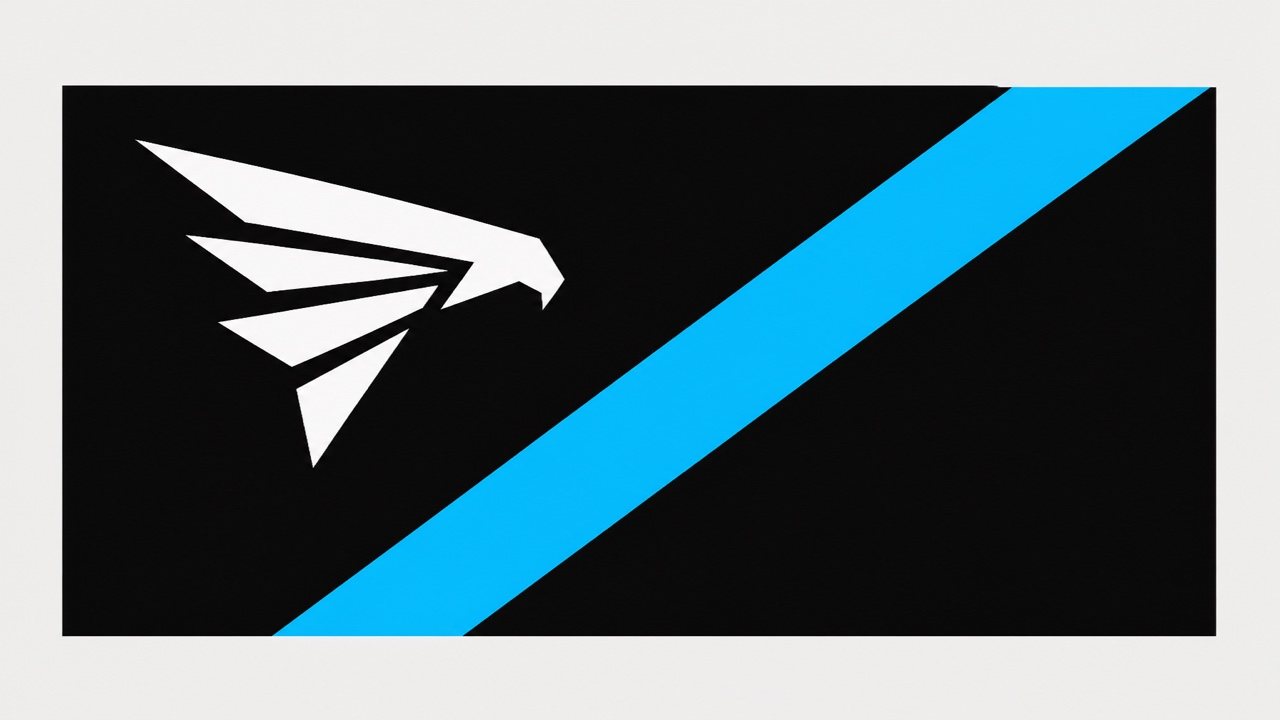
Esports Team Flag: Design a bold black, electric-cyan, and white team flag using an original angular falcon symbol near the hoist and one forward diagonal stripe. Strong motion, readable from stadium distance, 3:2, flat vector-like design, no lettering, mascot detail, existing team mark, or glow effects.
Focused Flag Revision: Keep the approved 3:2 field, navy background, turquoise diagonal, and white palette unchanged. Replace only the detailed compass rose with a simpler eight-point geometric star, move it ten percent toward the hoist, and remove all gradients. Do not add any new symbol or text.





