Free OnlineAI Fire Background
How to Create a Fire Background with AI
Choose Where the Fire Goes
Generate a Background
Balance the Glow
Download for Your Layout

Flames That Fit the Rest of Your Design
Fire Where Your Layout Needs It
Ask for flames along the bottom, at the edges, or behind a focal point. Leave quieter areas for a face, headline, or desktop icons.
Explore Orange, Blue, and Ember Tones
Use the AI flame background generator to explore realistic orange fire, stylized blue flames, or a softer ember glow from a short description.
Bring Your Own Reference
Upload a reference for the palette or an image to edit. Specify which subject details to preserve and where the fire should appear.
Refine Smoke and Brightness
Change flame height, spark density, and background darkness through chat. Review fine edges and bright areas after each edit.
Build a Related Background Series
Generate variations for a gaming series or campaign. Save the preferred palette and composition rules as a reusable Mew Skill for future designs.
Try a Background Before Committing
Start with free AI credits after signup. Download watermark-free images and test how the fire background fits your thumbnail or wallpaper.
Make Room for What Goes in Front
- Choose the Shape: Use a wide canvas for desktop screens and thumbnails, or a vertical composition for phone wallpaper.
- Place the Brightest Flames: Keep intense fire away from faces and text. Specify a bottom edge, side, or border.
- Control the Atmosphere: Choose crisp flame detail, soft smoke, or sparse sparks. Too much of all three can obscure the subject.
- Check the Final Crop: Preview at the intended display size. Keep important details away from crop edges and busy icon areas.
Six Fire Background Styles to Try
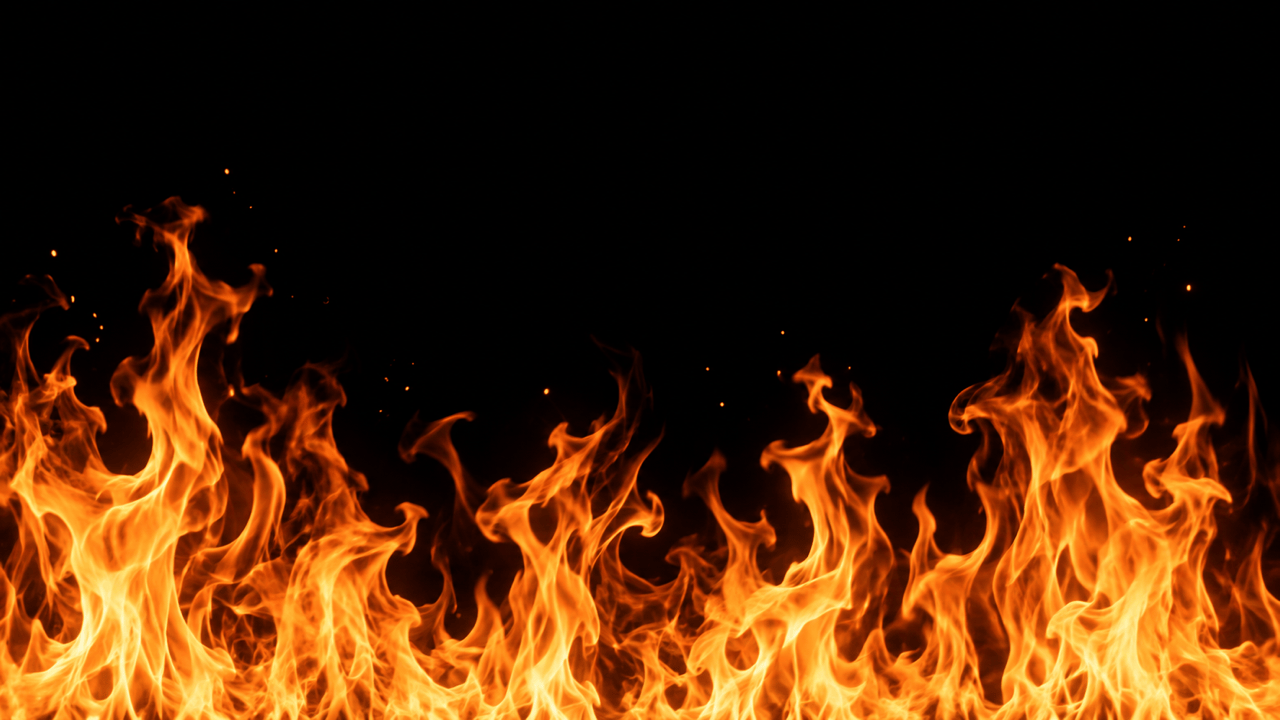
Generate a realistic fire background on black. Use uneven orange flames across the bottom, sparse sparks, and a clean dark upper half. No objects or text.
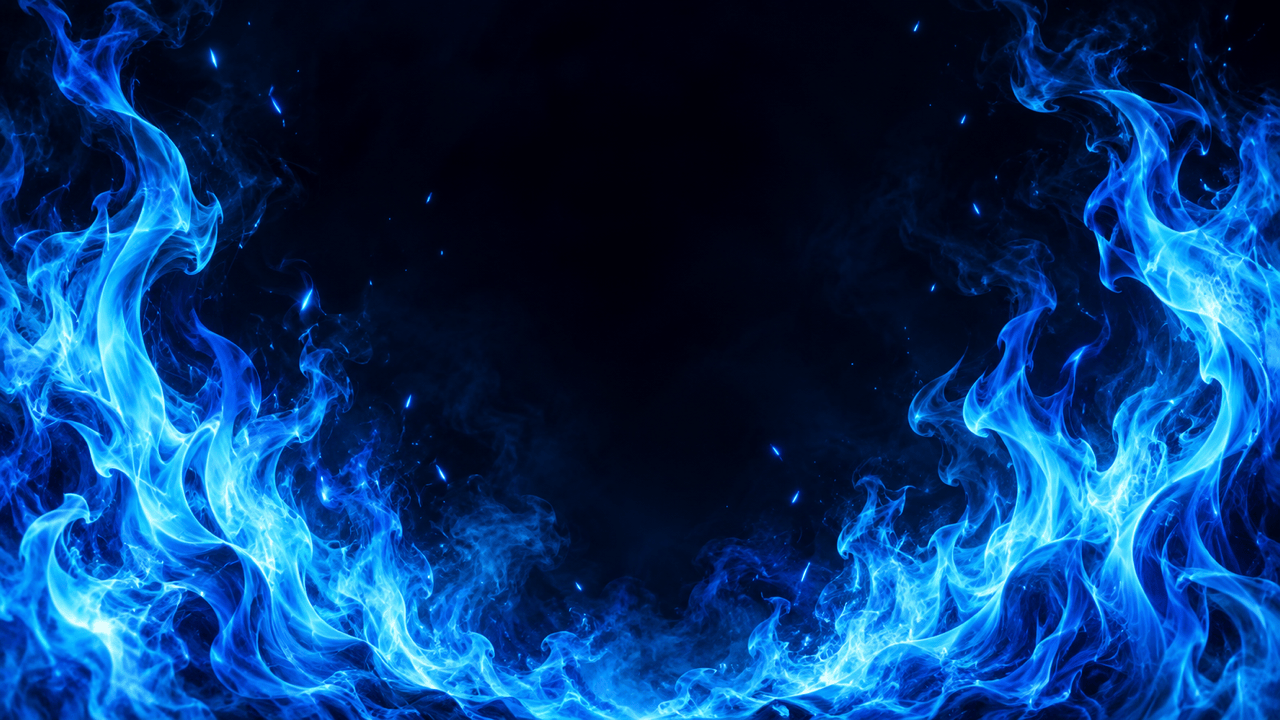
Create a blue fire background for a gaming graphic. Use electric cyan flame ribbons at the sides, deep navy shadows, and open space in the center. No logos or text.
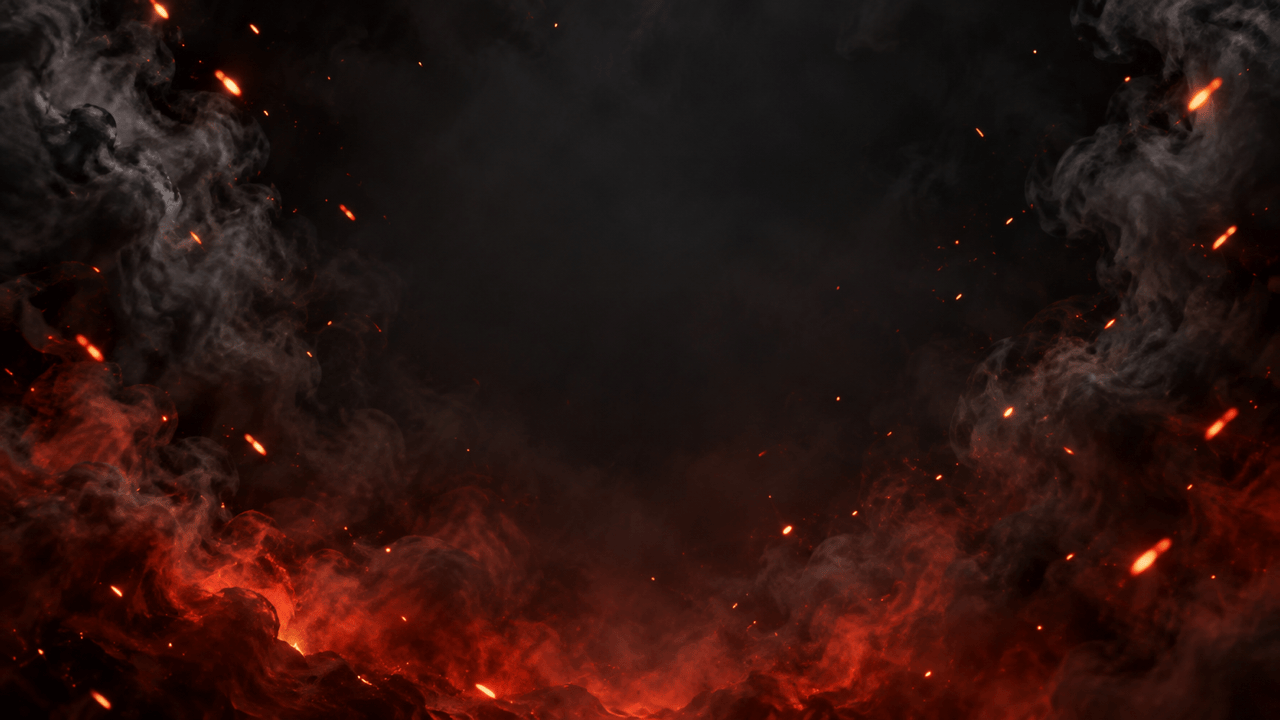
Create a cinematic fire and smoke background with dim red embers and soft charcoal haze. Keep the middle low contrast for a title; avoid a wall of bright flames.
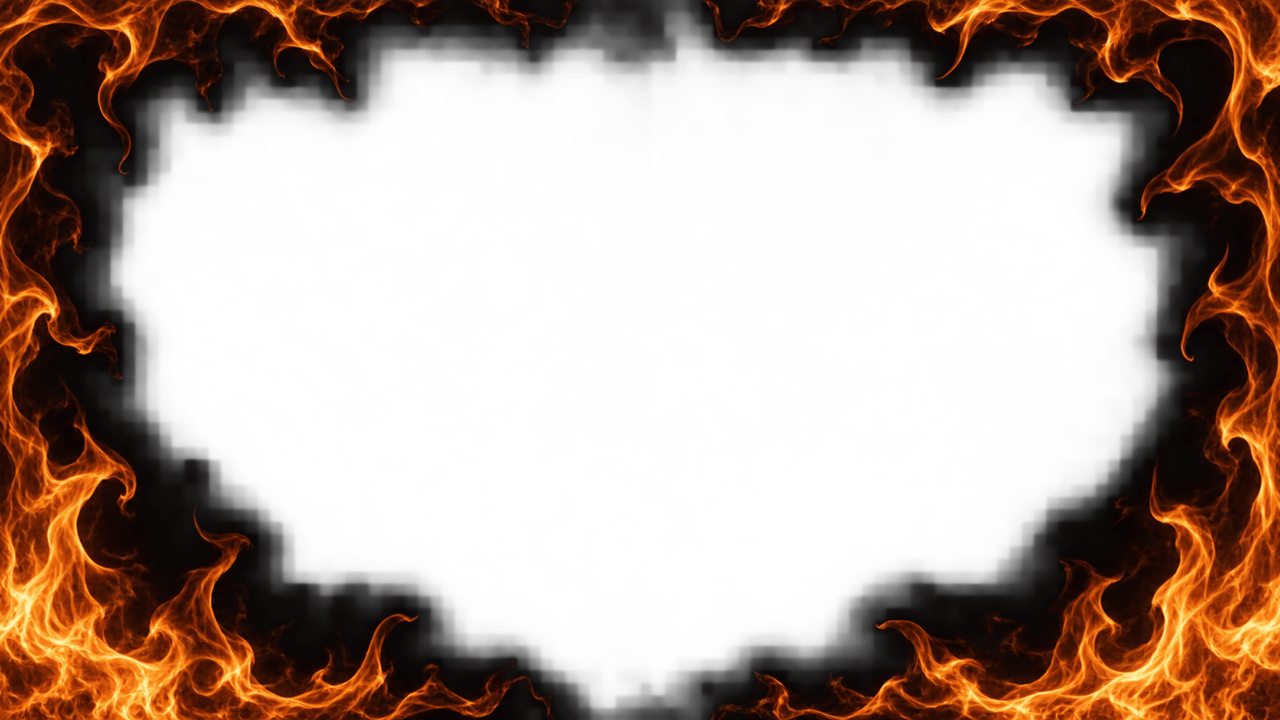
Make a fire border background with thin orange flames around the edges and a large empty dark center. Keep the frame irregular and the center free of sparks. No text.
Generate a vertical fire wallpaper for a phone. Place red-orange flames near the bottom and leave the upper area dark for the clock and icons. No text or interface elements.
Create a fire background for a YouTube thumbnail with bright flames on the right and a dark left half for a headline. Keep the composition readable at small size. No text or people.





