Free OnlineAI Fiery Text Generator
How to Create Fiery Text with AI
Quote the Exact Wording
Build a Readable Flame Structure
Inspect Every Letter
Repair and Export

Fire Effects That Keep the Words Legible
Exact Text Comes First
Quote the display wording and ask Mew Design to preserve every character. If one glyph is wrong, select that region in Chat Edit instead of regenerating the entire flame wordmark.
Shape the Heat, Not Just the Color
Our AI flame text generator can distinguish a white-hot core, yellow-orange body, red ember edge, smoke, sparks, and heat distortion so the effect feels dimensional rather than painted orange.
Match Fire to the Genre
Create realistic inferno, blue plasma, molten lava, fantasy dragon fire, neon-magenta flame, or restrained ember treatments for horror, esports, music, automotive, or promotional graphics.
Design for the Final Crop
Request a wide video title, square social graphic, vertical poster heading, or isolated wordmark. This online fire text effect generator keeps composition and safe margins tied to the destination.
Use References Without Tracing
Upload a permitted font, palette, or mood reference and describe what to borrow—weight, texture, glow, or atmosphere—while keeping the lettering and overall composition original.
Explore Before You Commit
Start with free AI credits, compare several flame directions, refine the strongest version through conversation, and download watermark-free image files when the design is ready.
How to Prompt AI for Readable Fire Lettering
- Choose a sturdy letter skeleton: Heavy, condensed, slab, or bold gothic forms hold texture better than thin letters. Ask for open counters and enough tracking to keep adjacent flames from merging.
- Describe the temperature map: Place white or pale yellow at the hottest core, saturated color in the flame body, and deep red or charcoal at cooling ember edges. Colored fire can use blue, violet, or green while retaining tonal contrast.
- Control where the flames travel: Let flame tongues rise from top edges and corners, keep important glyph faces visible, and state whether sparks, smoke, heat distortion, or molten drips should be sparse or prominent.
- Name the crop and defects: Specify square, vertical, or wide framing plus safe margins. Exclude extra text, malformed letters, fused characters, muddy glow, excessive smoke, unrelated icons, logos, and watermarks.
Fire Text Prompts for Gaming, Logos, Posters, and More
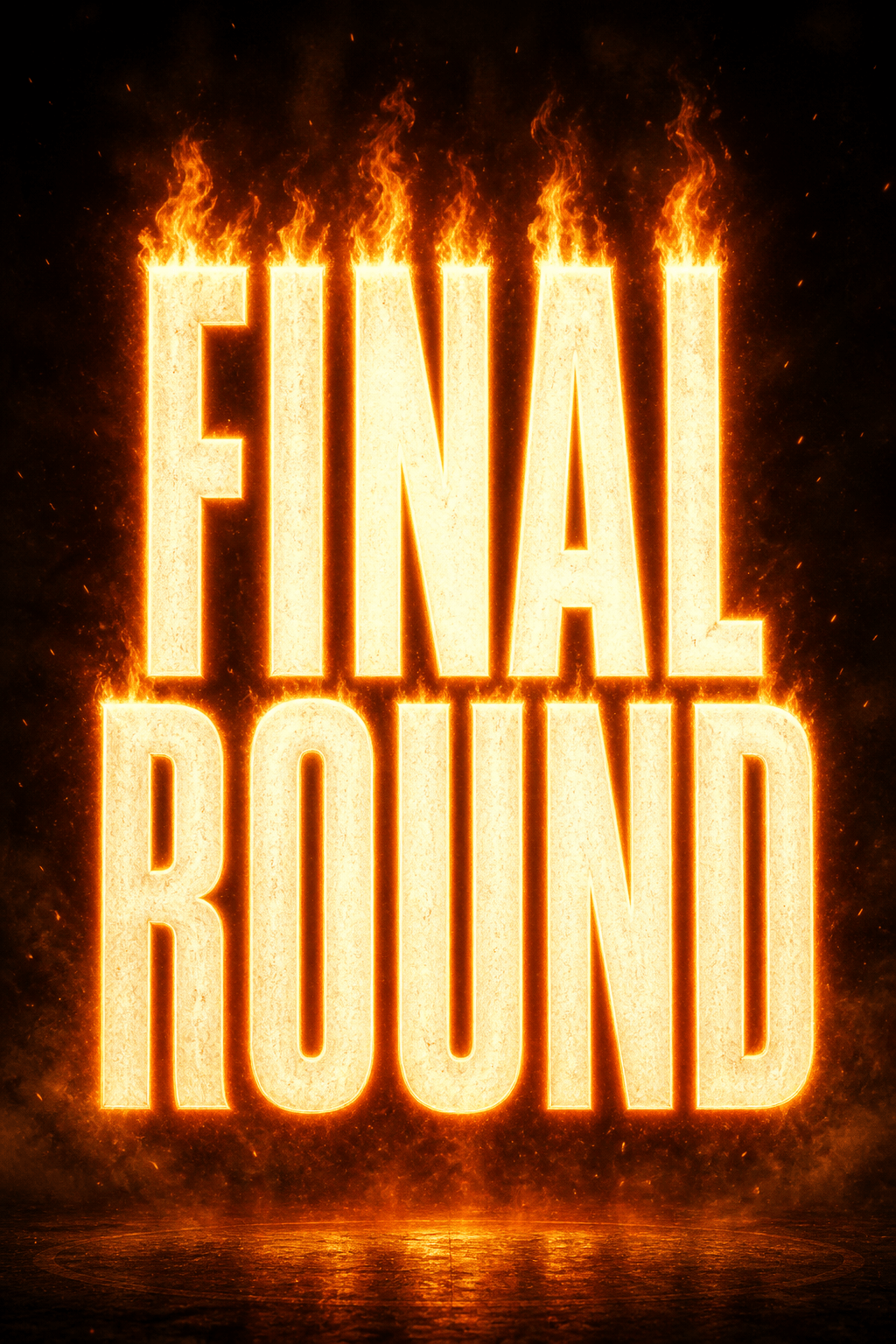
Gaming Thumbnail: Write "FINAL ROUND" exactly once in wide heavy block letters, blazing orange fire along the upper edges, white-hot centers, flying embers, dark arena haze, 16:9 composition, high contrast and readable at small size, no extra text or cropped letters.
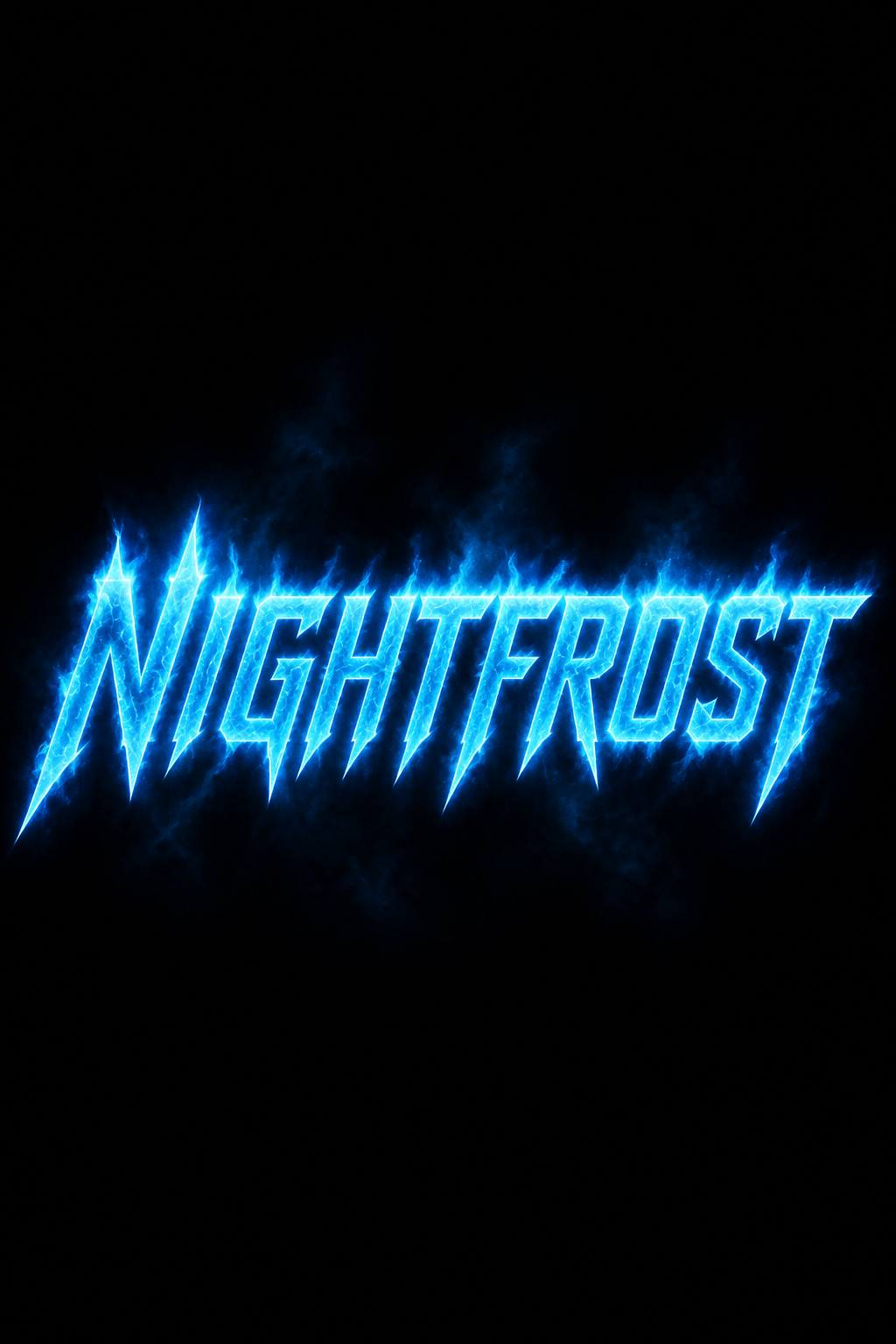
Blue Flame Esports Wordmark: Render "NIGHTFROST" in sharp italic uppercase lettering, electric-blue plasma flames, cyan rim glow, black background, centered wide logo treatment, clean silhouette, no mascot, trademark, extra symbols, or watermark.
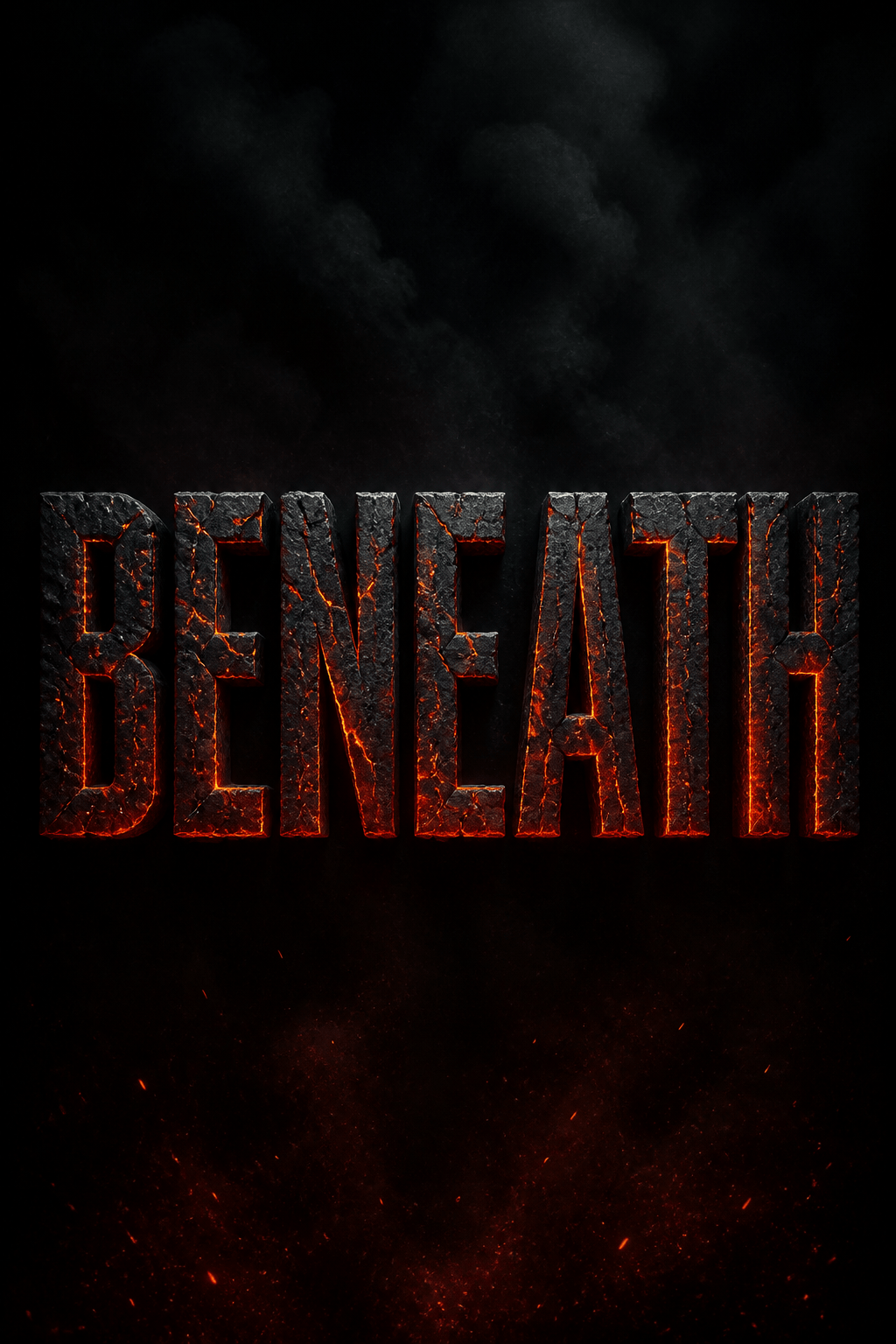
Molten Horror Title: Create the exact title "BENEATH" as cracked obsidian letters with glowing lava inside the fissures, subtle smoke from the top, ember dust below, ominous cinematic poster crop, readable spelling, no gore or additional words.
Music Cover Lettering: Set "AFTERGLOW" in elegant high-contrast serif capitals with restrained magenta and violet flames curling from selected terminals, smoky midnight gradient, square album-cover composition, sophisticated rather than aggressive.
Automotive Sticker Concept: Turn "REDLINE" into a compact forward-leaning flame wordmark, red-orange speed flames trailing from the left edges, cream outline for dark paint, simple vector-friendly silhouette, isolated on a plain background, no car brand marks.
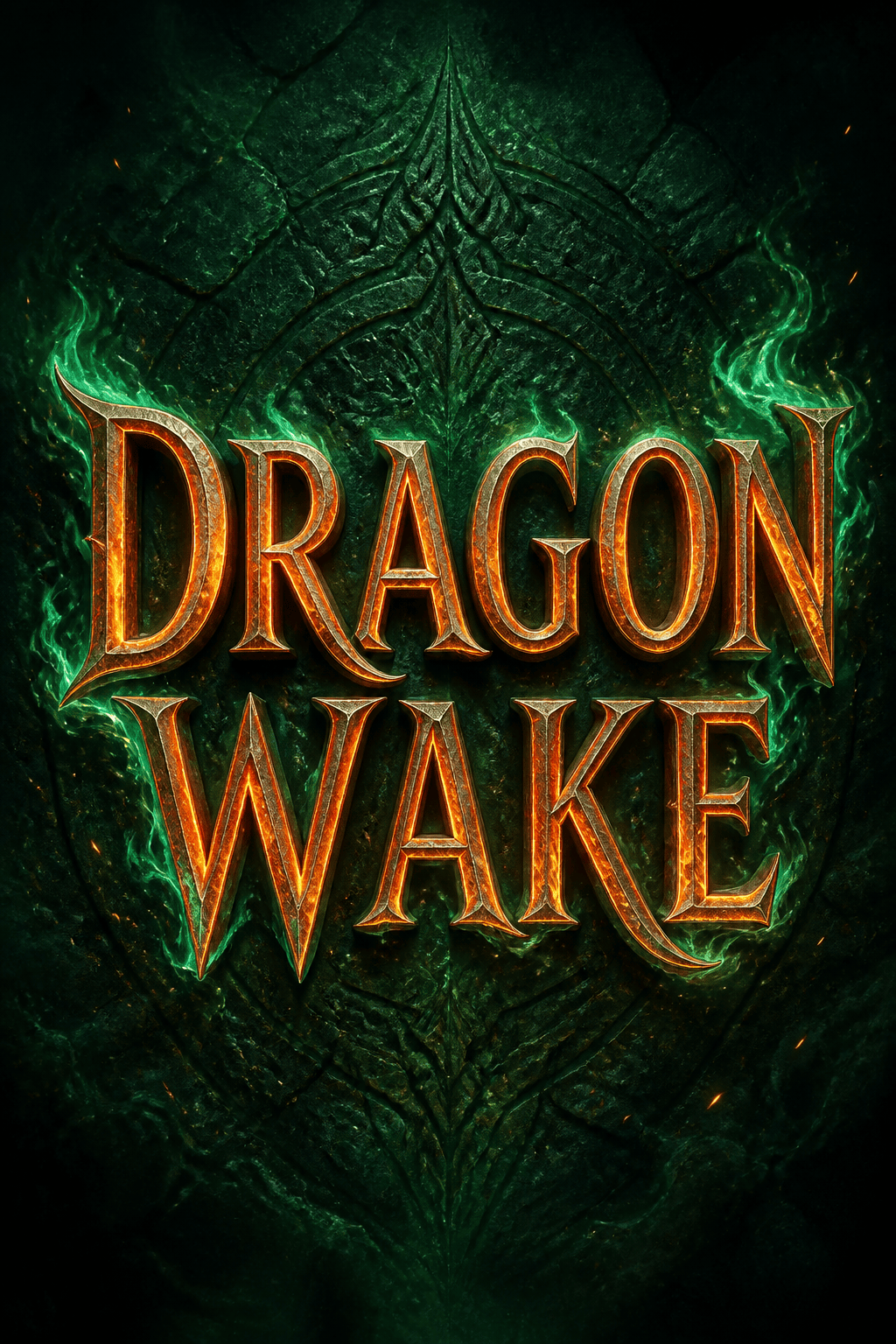
Fantasy Event Title: Letter "DRAGON WAKE" in carved bronze capitals heated from within, emerald magical fire around the outer contours, a few floating sparks, ancient stone backdrop, vertical poster header with clear breathing room, no creature illustration or extra copy.





