Free OnlineAI Favicon Generator
How to Create a Favicon with AI
Describe the Icon Brief
Design for a Tiny Square
Generate and Refine Variations
Export the Artwork for Your Site

Why Use Mew Design for Favicon Creation
Make the Mark Readable at Tab Size
The free AI favicon generator workflow favors a simple outer silhouette, clear negative space, and high contrast so the icon remains recognizable when a browser reduces it to 16×16 or 32×32.
Start from Text, a Logo, or a Sketch
Describe a mountain, letterform, mascot, tool, or abstract symbol, or upload a logo you own. The AI favicon creator can turn the idea into several square directions instead of forcing you into a fixed template.
Explore Light, Dark, and Transparent Looks
Compare an opaque background for a mobile home screen with a transparent favicon logo for a flexible header or browser tab. Ask for a one-color fallback when the mark must work on many surfaces.
Keep Brand Details Consistent
Upload your approved colors, initials, symbol, or reference image and state what must stay recognizable. Chat Edit lets you correct a letter, simplify a shape, or create a matching social avatar without losing the brand cue.
Build an App and PWA Icon Direction
Use the AI app icon generator to explore a centered mark with generous safe-zone padding for adaptive masks. Review the 192×192 and 512×512 use cases before handing the artwork to your mobile or PWA build.
Prepare a Clean Handoff
Export an image that a developer can turn into the complete favicon set: multi-size ICO, PNG fallbacks, SVG, Apple touch icon, Android icons, and a web manifest. Keep the final URL stable when you ship it.
What Makes a Good AI Favicon Prompt
- Name the brand cue: State the initial, object, mascot, or abstract shape that should identify the site. If you have a logo, upload it and say which proportions or colors must remain.
- Simplify for small sizes: Ask for one clear silhouette, thick enough strokes, strong contrast, and no long wordmark or tiny labels. Mention 16×16, 32×32, and 48×48 when tab and search visibility matter.
- Plan the surfaces: Say whether you need a browser favicon, blog icon, ecommerce mark, app icon, social avatar, or PWA direction. Request safe-zone padding for adaptive masks and a separate transparent option when useful.
- Request a clean handoff: Ask for a square source with an uncluttered background and review it before converting it into ICO, SVG, Apple touch, Android, or manifest assets. Avoid copying a protected logo or recognizable brand mark.
AI Favicon Prompts for Websites and Apps
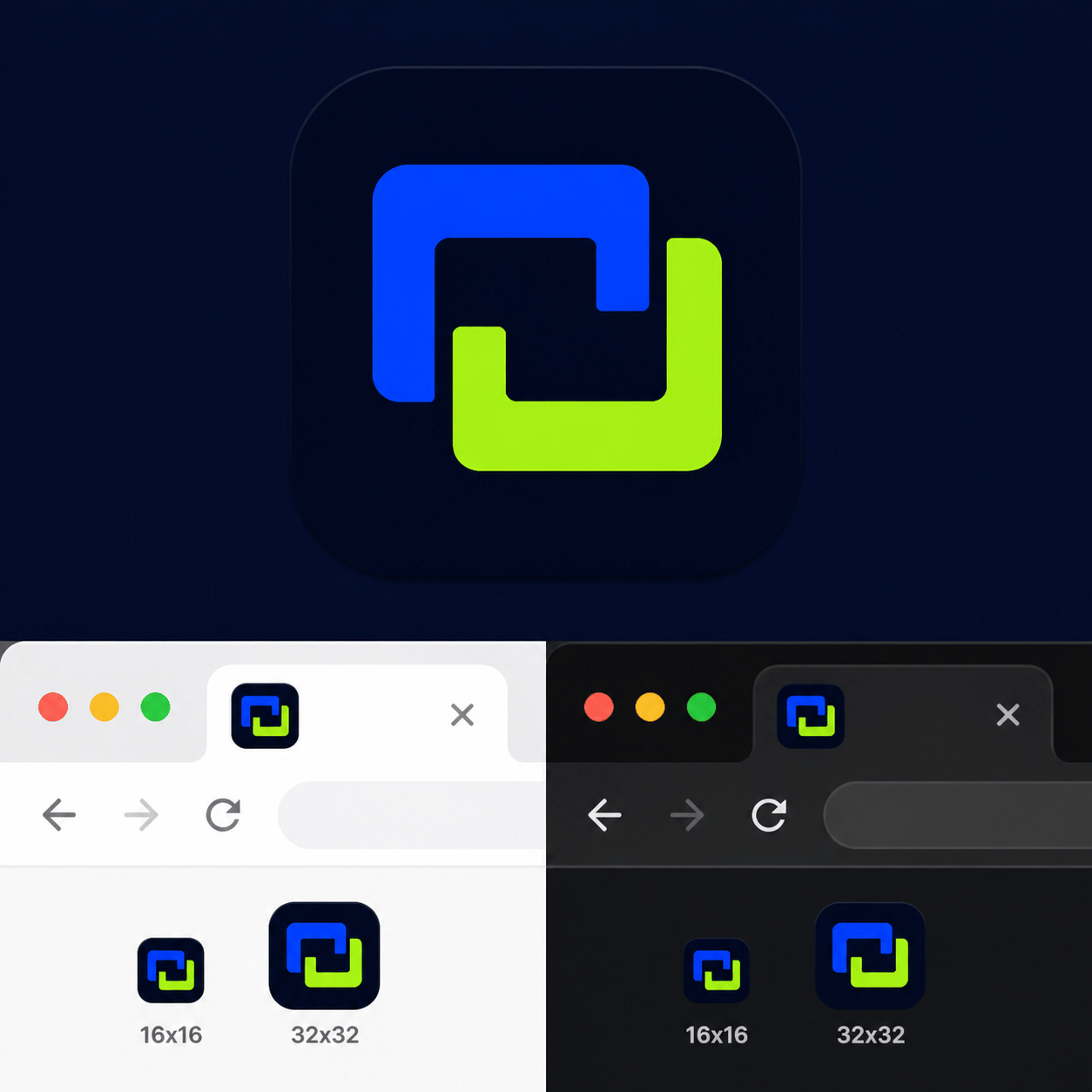
SaaS favicon: Create an original square favicon for a team analytics app called "PULSEGRID". Use a bold linked-bar symbol, cobalt and lime on a deep navy tile, thick geometry, generous padding, and no text. Show a light-tab and dark-tab variation that remains clear at 16×16.
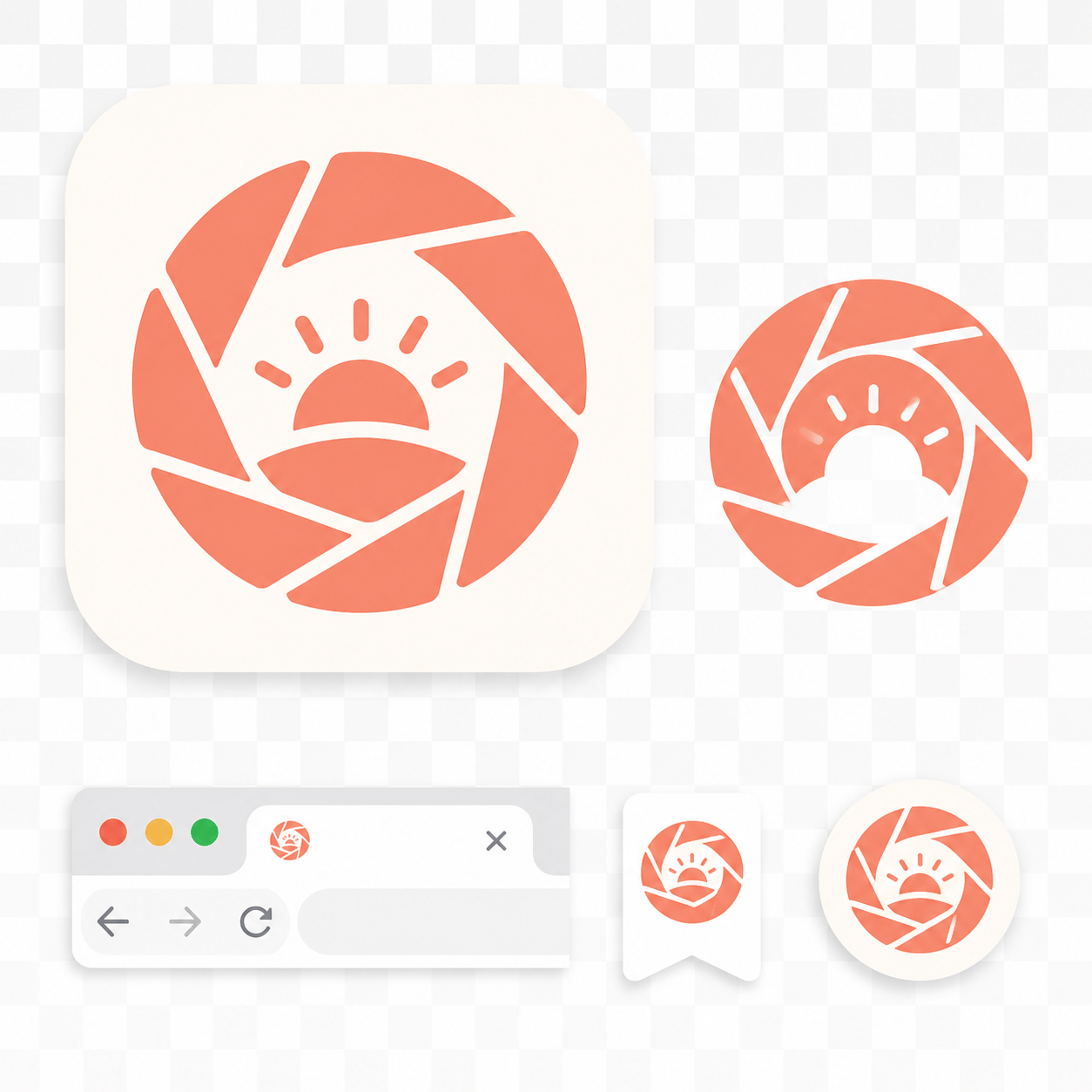
Creator blog favicon: Design a friendly custom website icon for a photography blog named "FRAME & FIELD". Reduce the idea to a simple aperture-and-sun mark, warm coral and cream, rounded silhouette, transparent-looking background, no tiny lettering, readable as a browser tab and social avatar.
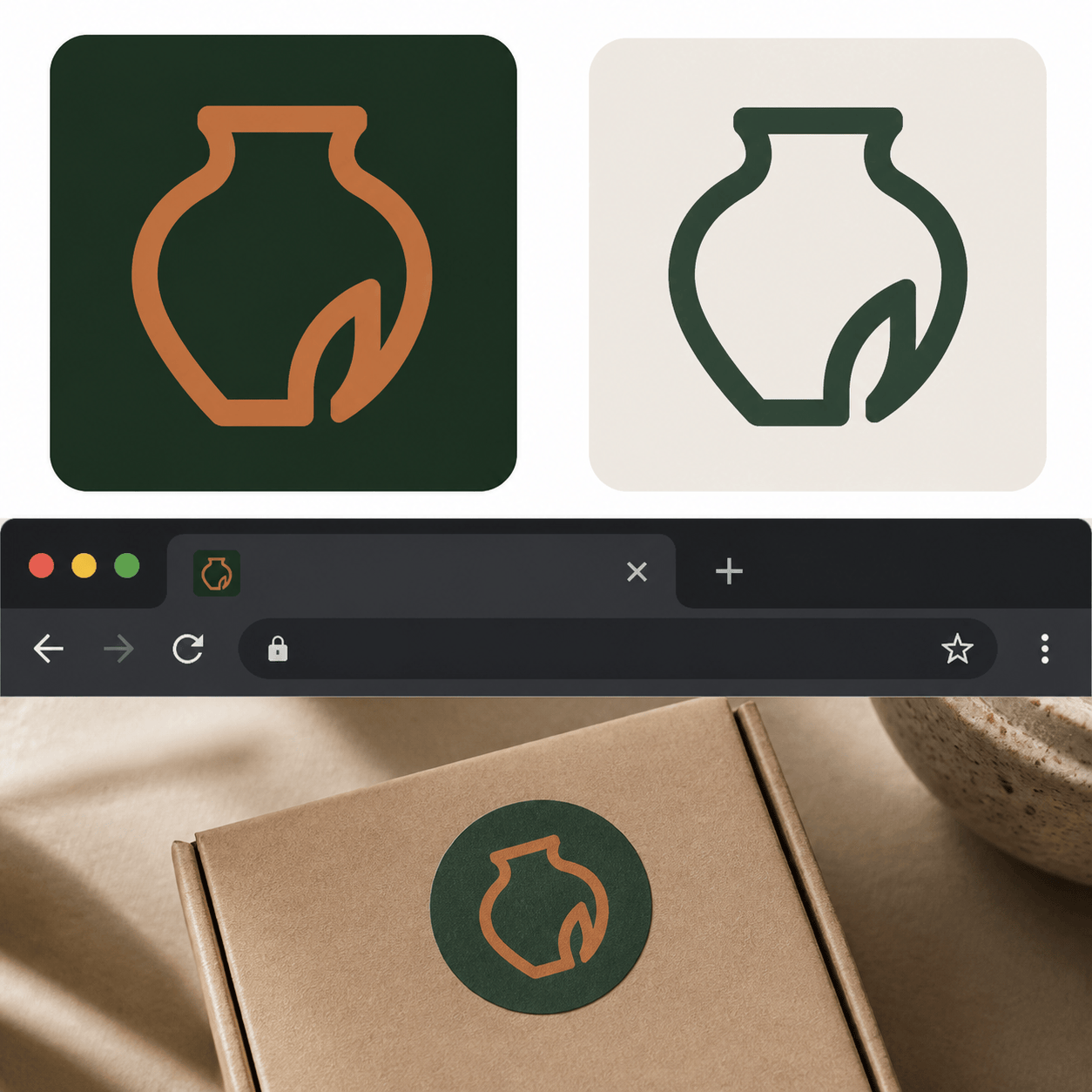
Boutique store favicon: Make an elegant favicon for a handmade ceramics shop called "MOSS KILN". Use one minimal vessel outline with a leaf notch, forest green and clay orange, high contrast, square composition, and a one-color stamp version for packaging and bookmarks.
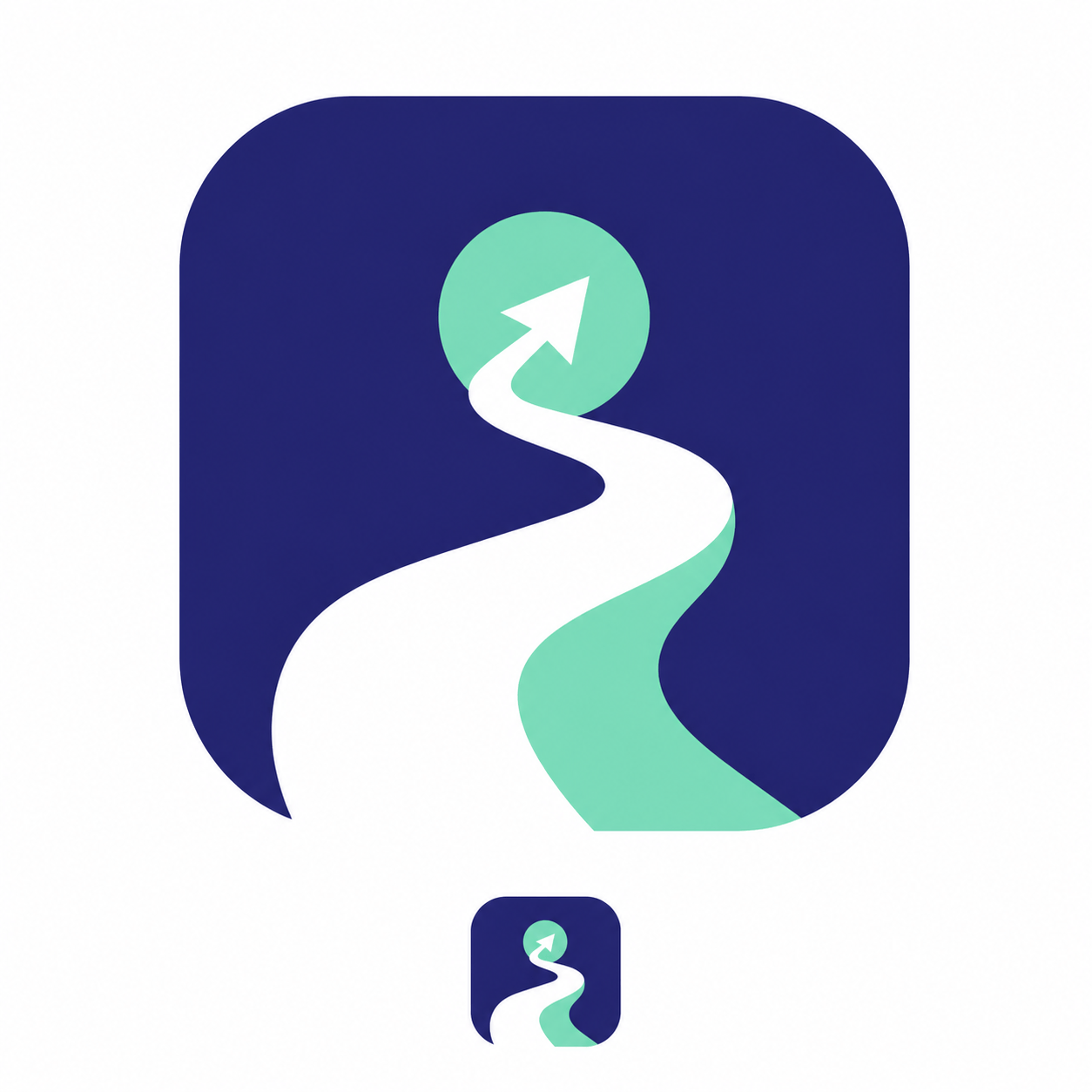
Mobile app icon: Create a centered AI app icon for a habit tracker named "STEPWISE". Use a rising path inside a rounded square, indigo, mint, and white, with generous maskable safe-zone padding. No text, no thin lines, and a clear 512×512 presentation.
Transparent favicon logo: Turn my uploaded monogram sketch into an original transparent favicon direction. Keep the two-letter relationship and rounded proportions, simplify the crossings, make a crisp one-color black version and a white-on-dark version, and remove all extra text.
Dark-mode website icon: Design a high-contrast favicon for a developer documentation site called "STACKLAMP". Use a simple geometric lamp made from brackets, bright amber on charcoal, strong negative space, and a second flat SVG-friendly silhouette. It must stay recognizable in browser tabs, bookmarks, and a PWA launcher.





