Try OnlineAI Fat Filter
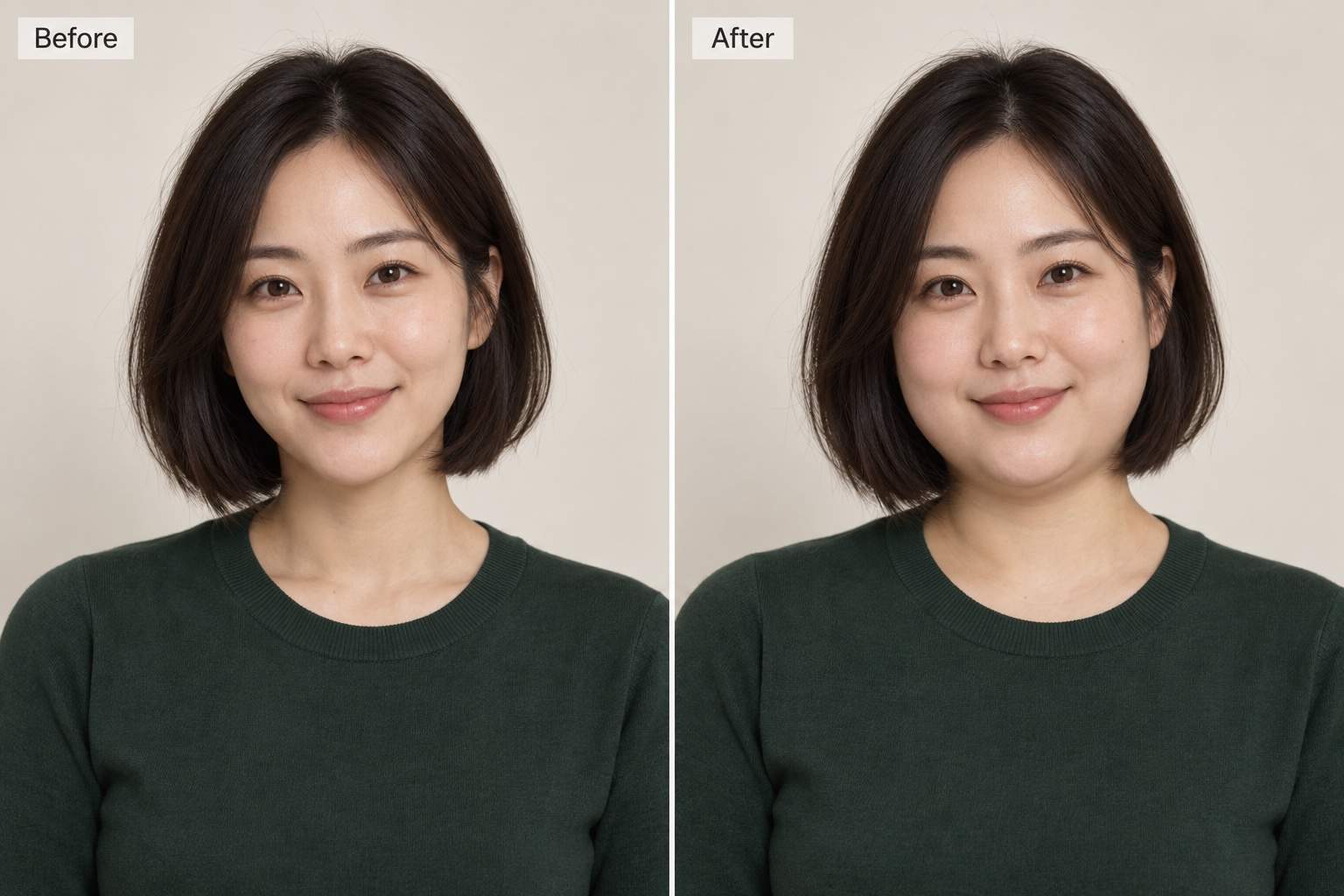
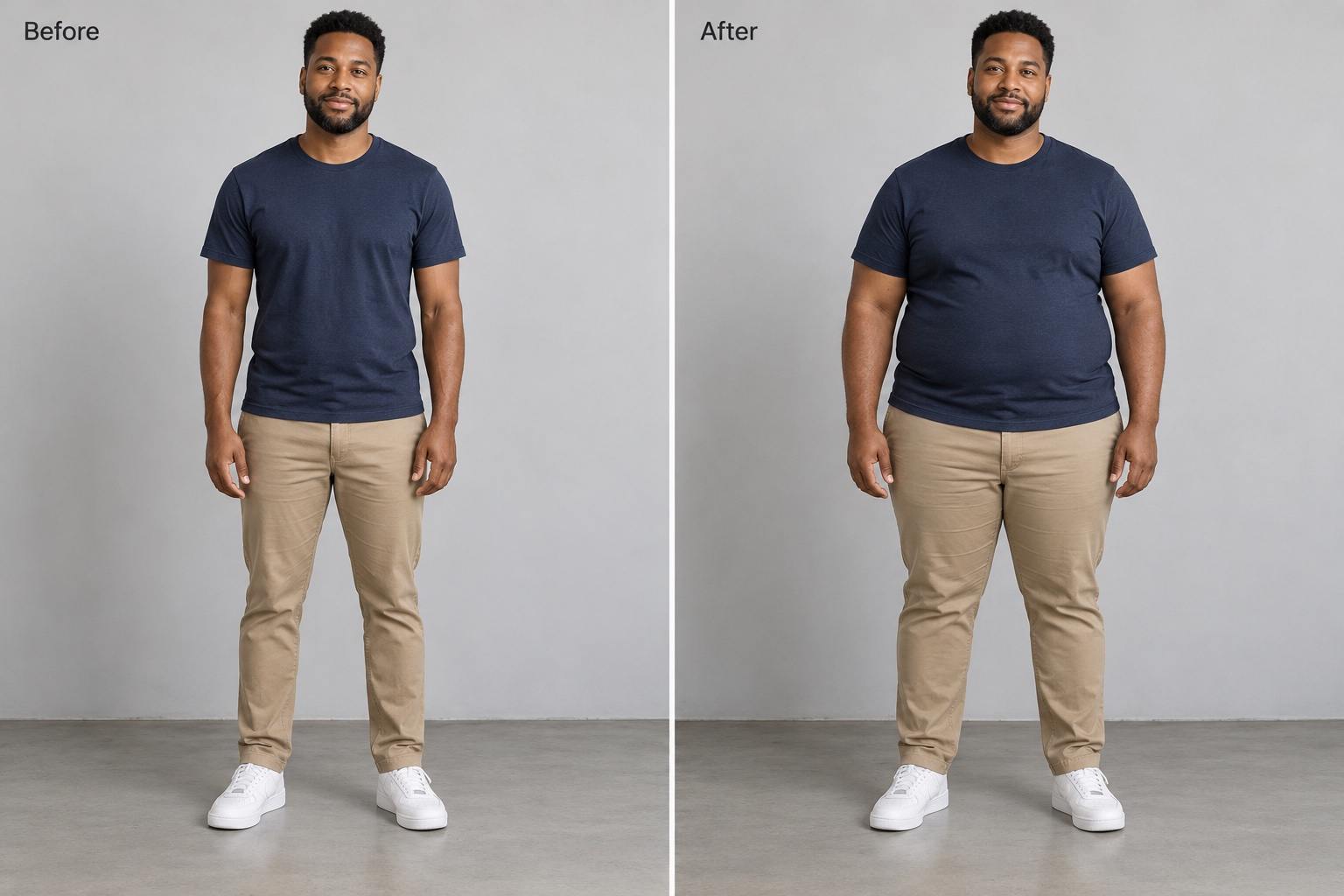
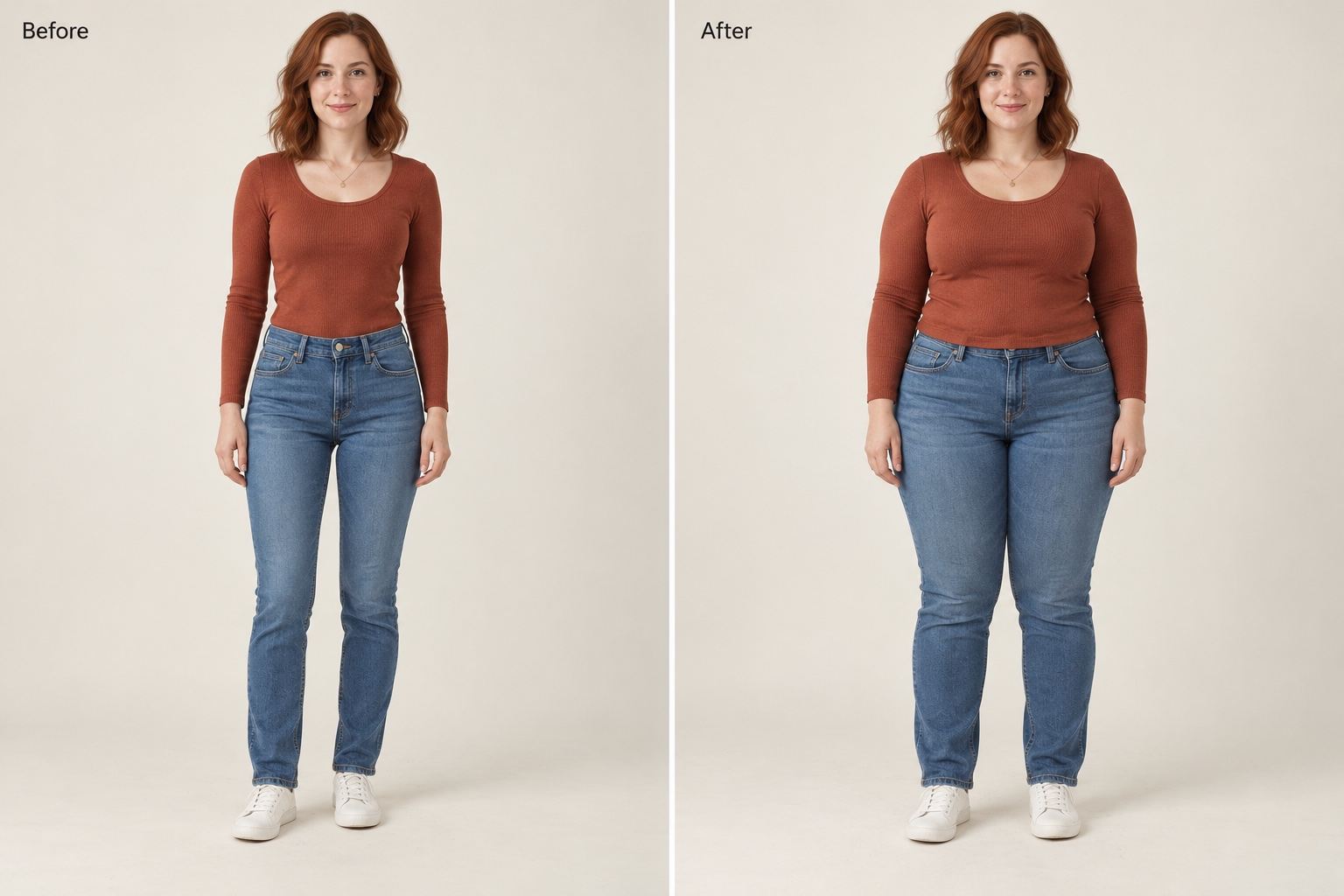
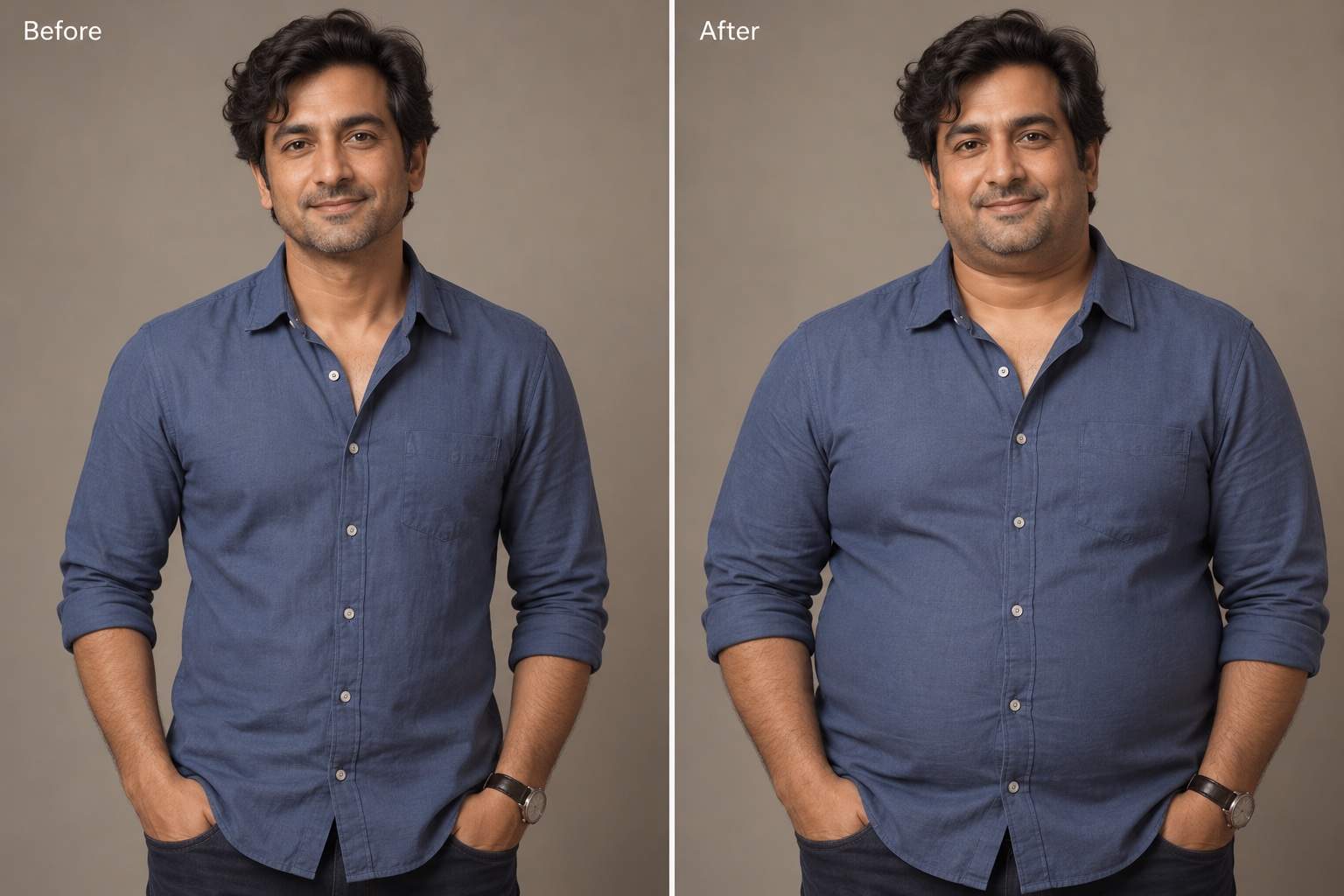
How to Create a Fuller-Looking Photo with AI
Upload and Describe the Change
Generate a New Version
Check and Refine the Details
Save Your Photo or Comparison

More Control over Face and Body Edits
Start with Your Own Photo
Use an uploaded portrait as the starting point for an AI chubby filter effect, with your existing expression and setting as references.
Choose Face or Full Body
Ask for fuller cheeks, a broader silhouette, or both. A full-body fat filter effect needs a photo showing the areas you want to change.
Describe the Strength
Say slightly fuller or more pronounced. This AI weight gain filter follows written directions, so you can refine the effect without a fixed preset.
Correct Specific Details
Use Chat Edit to request more natural fabric folds, restore a familiar expression, or fix a bent background line.
Build a Clear Comparison
Place the original and edited versions together. Ask for equal-sized panels and matching framing so the change is easy to see.
Download Images for Sharing
Export your chosen version as PNG or JPG without a watermark. Keep the original too, and identify the shared result as an AI edit.
Choose a Photo That Keeps You Recognizable
- Match the Framing: Use a close portrait for cheeks and jawline; use a full-body photo for changes to the torso, arms, and legs.
- Make the Outline Visible: Choose even lighting and a simple background. Loose clothing and crossed arms can hide the shape you want to edit.
- Name What Should Stay: Mention your expression, hair, clothes, and setting. Identity and detail preservation can vary, so review the result.
- Keep the Comparison Fair: Compare matching crops and poses. Avoid changing the camera angle or lighting at the same time as body shape.
Fix Common Face and Body Filter Problems
Using my original photo as the reference, restore my eye shape, nose, and smile in the edited version. Keep the fuller cheeks.
Reduce the weight gain effect in this edit. Make the silhouette only slightly fuller while keeping the same pose and outfit.
Keep the fuller body in this edit, but restore the original clothing color and pattern. Make seams and fabric folds look natural.
Correct the hands and fingers in this edited photo using the original as a reference. Keep the body effect and hand position.
Restore the straight lines and objects in the background from my original photo. Keep the person’s edited body shape.
Arrange my uploaded original and edited photos side by side. Match their crop and scale, with the original on the left and the edit on the right.





