Free OnlineAI Fashion Sketch
How to Create a Fashion Sketch with AI
Choose the Sketch Purpose
Describe the Garment Precisely
Select the View and Medium
Refine, Review, and Export

Why Create AI Fashion Sketches with Mew Design
Design from Plain-Language Briefs
Describe the look as you would brief an illustrator: garment type, wearer, silhouette, purpose, and mood. The AI Design Agent translates that direction into a visual concept without requiring traditional drawing software.
Control Garment Anatomy
Direct the design details that matter, from collars, sleeves, seams, darts, pleats, pockets, and closures to fabric drape, texture, palette, and proportion. Specific instructions make each outfit sketch more useful for review.
Explore Multiple Illustration Styles
Create expressive pencil croquis, ink line art, marker renderings, watercolor fashion illustrations, or clean garment flats. Match the medium and level of detail to a mood board, portfolio, presentation, or concept sheet.
Use Photos and Sketch References
Upload an outfit photo, garment image, mood-board reference, or rough drawing. Ask the AI to preserve the core silhouette, construction details, palette, or pose while redrawing the idea in a chosen fashion-sketch style.
Make Focused Changes with Chat Edit
Keep the useful parts of a draft while adjusting one element at a time. Refine the neckline, sleeve volume, hem, fabric, colorway, rendering medium, view, or page composition through simple follow-up requests.
Build Coherent Collection Boards
Reuse a silhouette family, palette, fabric story, sketch medium, and page treatment across several looks. Start with free credits after signup, compare variations, and develop a more consistent capsule collection or portfolio series.
How to Write an Effective AI Fashion Sketch Prompt
- Define the Garment: Name the category and wearer, then specify the overall shape: fitted, oversized, A-line, cocoon, cropped, floor-length, tailored, or draped. Add the intended season, collection, or occasion when relevant.
- Describe Construction: List the neckline, collar, sleeve, waist, hem, seams, darts, pleats, pockets, closures, trims, and other details that make the garment distinct. For a flat, explicitly request front and back views.
- Show Fabric Behavior: State the material, weight, surface, and movement—crisp cotton poplin, fluid silk satin, washed denim, rib knit, translucent organza, or padded nylon—plus a focused color palette.
- Choose the Drawing Language: Ask for a croquis, isolated garment, technical concept flat, or collection sheet, and name the medium: graphite, ink, marker, watercolor, or minimal line art. Upload a photo or rough sketch and state exactly which design details to preserve.
AI Fashion Sketch Prompt Examples
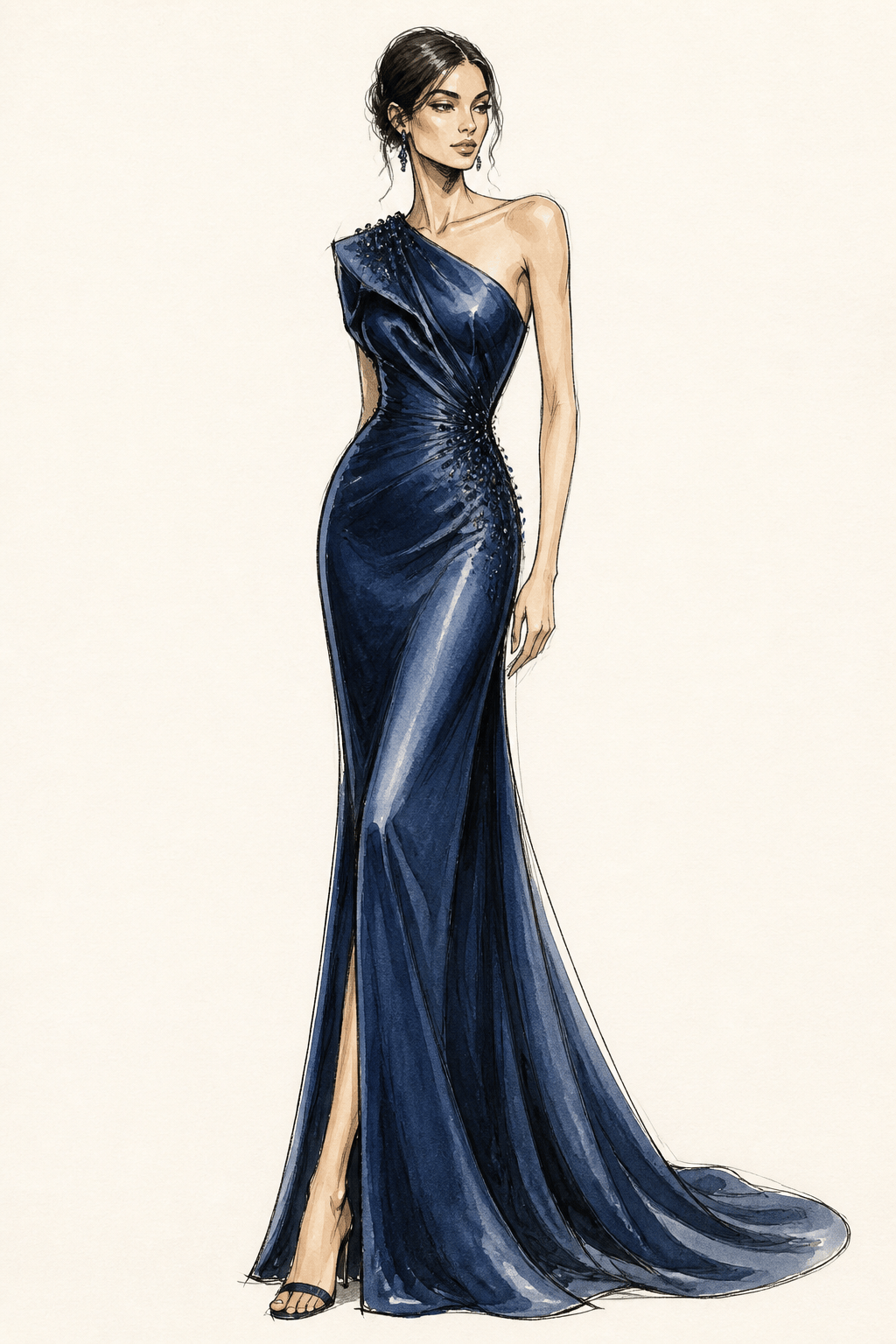
Evening gown fashion illustration: Create a full-body nine-head croquis wearing a sculptural midnight-blue evening gown with an asymmetric neckline, fitted waist, bias-cut satin skirt, and controlled train. Graphite line work with deep blue watercolor wash, front three-quarter pose, warm white paper, clean portfolio composition, no text.
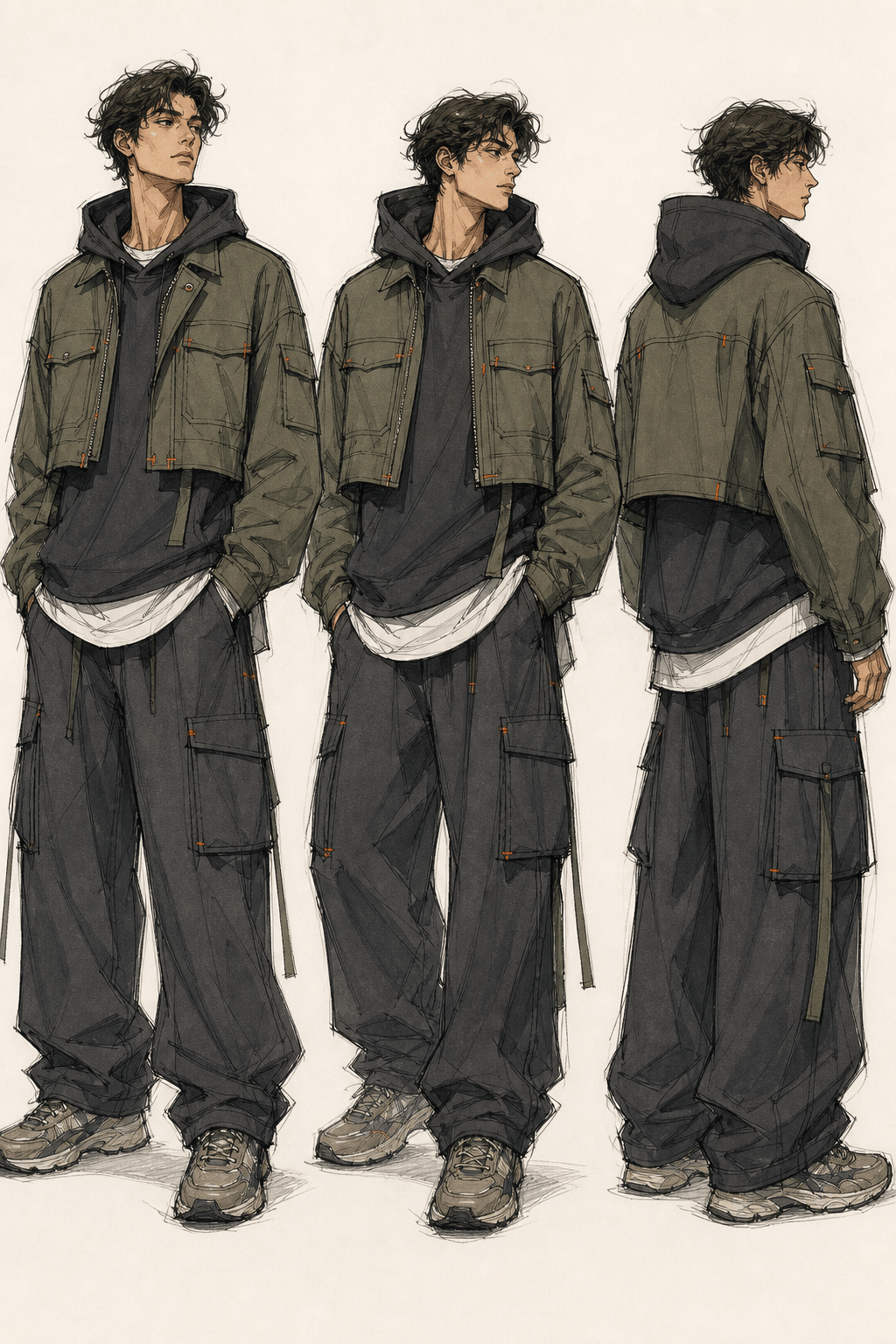
Streetwear collection sketch: Design three coordinated adult looks for an urban capsule collection—cropped utility jacket, oversized hoodie, wide cargo trousers, layered jersey, charcoal and olive palette, orange bar-tack accents. Expressive black ink and alcohol marker, clear silhouettes, consistent figures, vertical collection board, no logos.
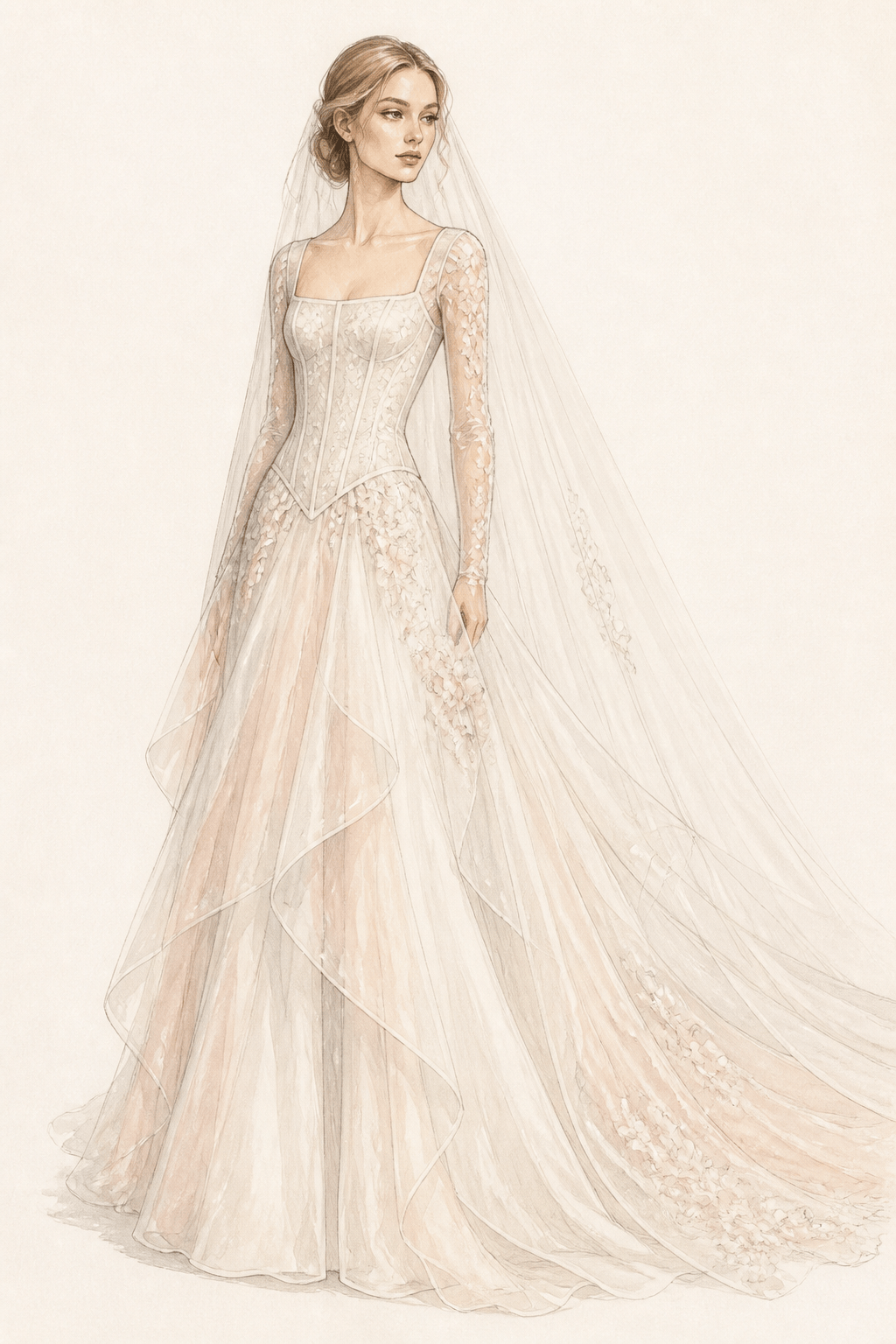
Bridal fashion croquis: Draw an elegant bridal look with a structured square-neck corset bodice, dropped waist, long sheer sleeves, layered silk-organza skirt, restrained floral appliqué, and cathedral veil. Fine graphite with soft ivory and blush watercolor, graceful full-body pose, generous margins, no readable text.
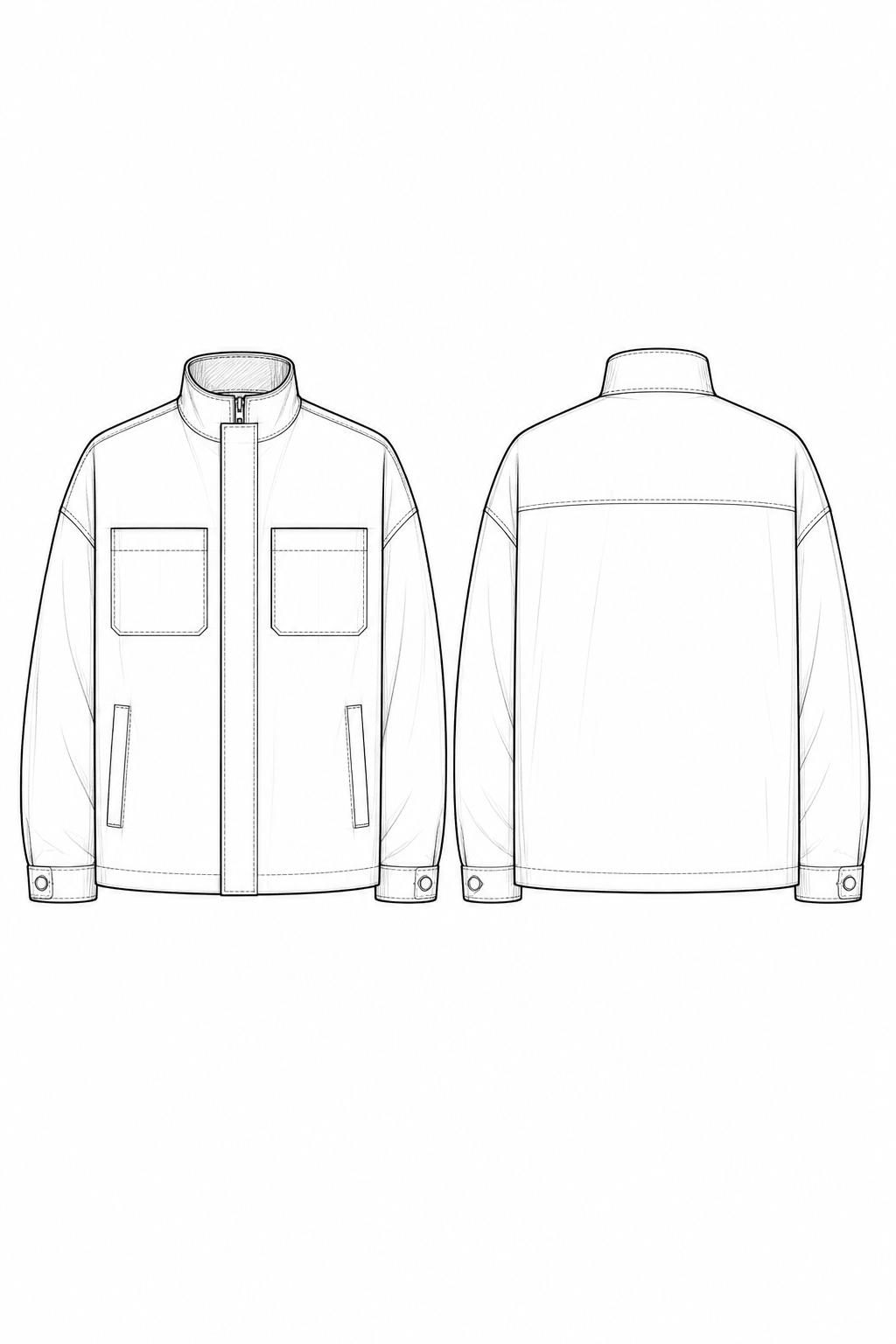
Technical fashion sketch generator brief: Create a clean concept flat of a unisex utility jacket, front and back views. Boxy hip-length silhouette, stand collar, concealed center zip, two chest patch pockets, two welt pockets, dropped shoulders, adjustable cuffs, back yoke, topstitch lines, black ink on white, no dimensions or labels.
Sustainable capsule collection concept sheet: Create four coordinated fashion design sketches using an oversized linen shirt, wrap midi skirt, relaxed trousers, and lightweight chore jacket. Natural flax, clay, and sage palette, visible fabric drape, pencil and muted marker, consistent croquis proportions, editorial art-school presentation, no text.
AI fashion sketch generator from photo: Use @[outfit photo] as the garment reference. Redraw the outfit as a polished graphite-and-marker fashion illustration on a nine-head croquis. Preserve the silhouette, neckline, sleeve volume, seam placement, hem length, color blocking, and key accessories; simplify the background; no logos or readable text.





