Free OnlineAI Fashion Illustration Generator
How to Create a Fashion Illustration with AI
Brief the Garment and Figure
Choose an Illustration Language
Correct Fashion Details in Chat
Build the Presentation Page

From Rough Outfit Idea to Visual Fashion Story
Keep the Garment at the Center
Use the fashion drawing generator to specify silhouette, proportion, seam placement, neckline, sleeve, hem, closure, trim, and styling, so the result communicates a design idea instead of becoming a generic character portrait.
Turn Sketches into Polished Illustrations
Upload a hand sketch or digital drawing and explain what to preserve. The AI fashion sketch generator from photo or sketch can develop the linework, color, material mood, figure, and page presentation.
Control Medium, Linework, and Rendering
Explore loose watercolor, bold marker, delicate pencil, expressive ink, cut-paper collage, or clean digital illustration while controlling edge quality, shadow, texture, and white space.
Refine Silhouette and Styling in Chat
Request focused edits such as a longer coat, softer shoulder, deeper pleat, different shoe, seated pose, larger print, quieter background, or a more editorial crop through natural-language Chat Edit.
Create a Consistent Illustration Series
Generate related outfits, colorways, poses, detail views, and collection-board compositions with a shared palette and rendering language for a more coherent portfolio or capsule review.
Start Online with Free Credits
Try the free AI fashion illustration generator after signup, work without specialist drawing software, and export watermark-free images when your concept is ready to share.
How to Brief an AI Fashion Illustration Generator
- Garment and Silhouette: Name each piece and its proportions—cropped, column, cocoon, fitted, oversized, bias-cut, flared, layered, or asymmetric. Add the neckline, sleeve, closure, waist, pocket, and hem details that define the outfit.
- Fabric, Surface, and Color: Describe the material and its behavior, such as crisp poplin, fluid satin, brushed wool, sheer organza, washed denim, or quilted nylon. State palette, print scale, texture, sheen, transparency, and drape.
- Figure and Illustration Medium: Choose a standing, walking, seated, or dynamic croquis and define the viewpoint. Then specify watercolor, marker, graphite, ink, colored pencil, digital collage, clean line art, or a deliberate mixed-media combination.
- Page Composition and Use: Ask for a single full-length figure, front-and-back study, detail callouts, several colorways, or a capsule collection sheet. Mention whether it is for a portfolio, moodboard, class critique, buyer review, or editorial concept.
AI Fashion Illustration Prompts for Different Styles
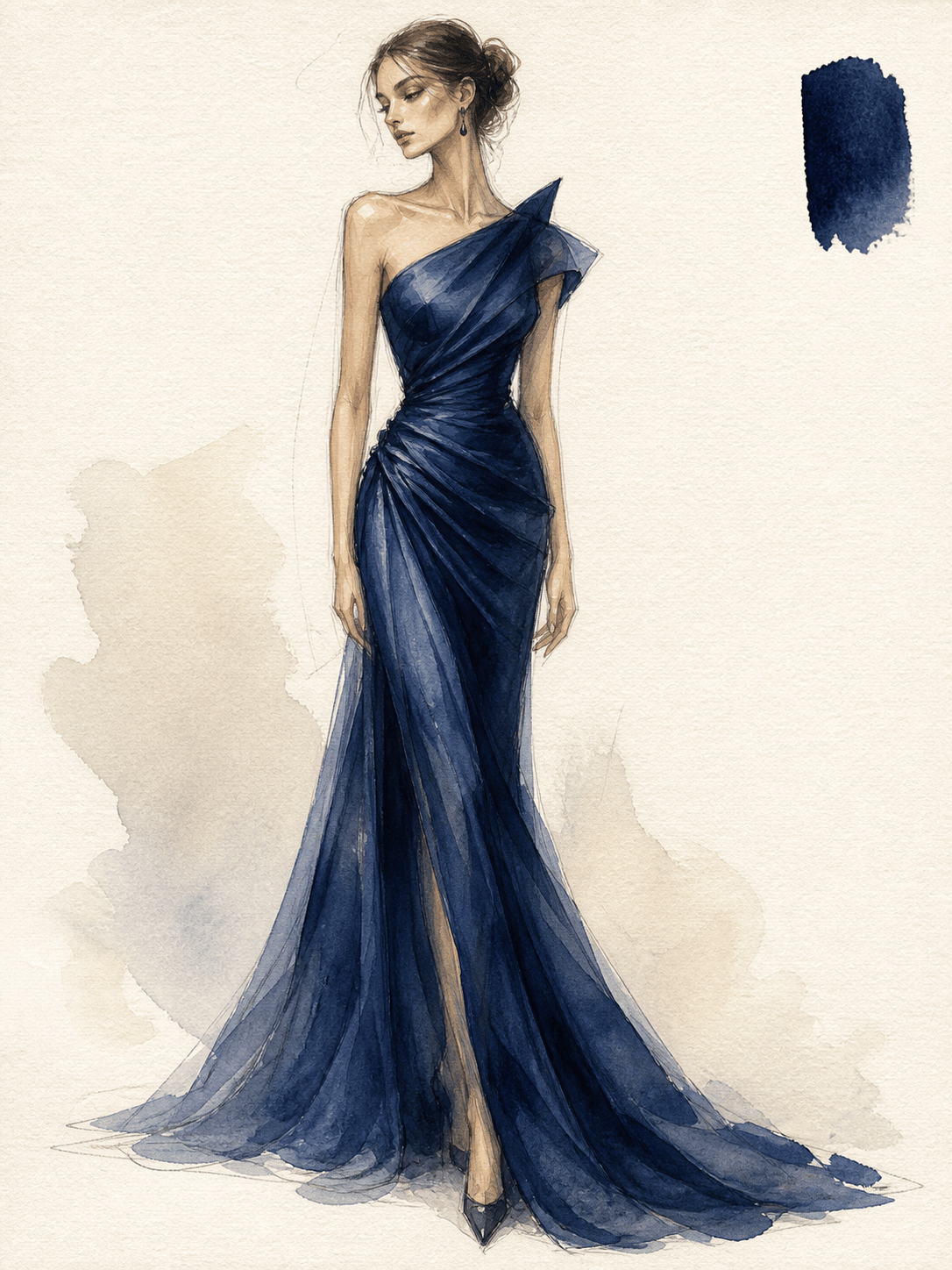
Watercolor eveningwear: Illustrate a floor-length midnight-blue silk gown with a sculpted off-shoulder neckline, diagonal draping, a narrow waist, and a soft train. Full-length walking croquis, translucent watercolor and graphite on warm paper, subtle fabric inset, no logo or readable text.
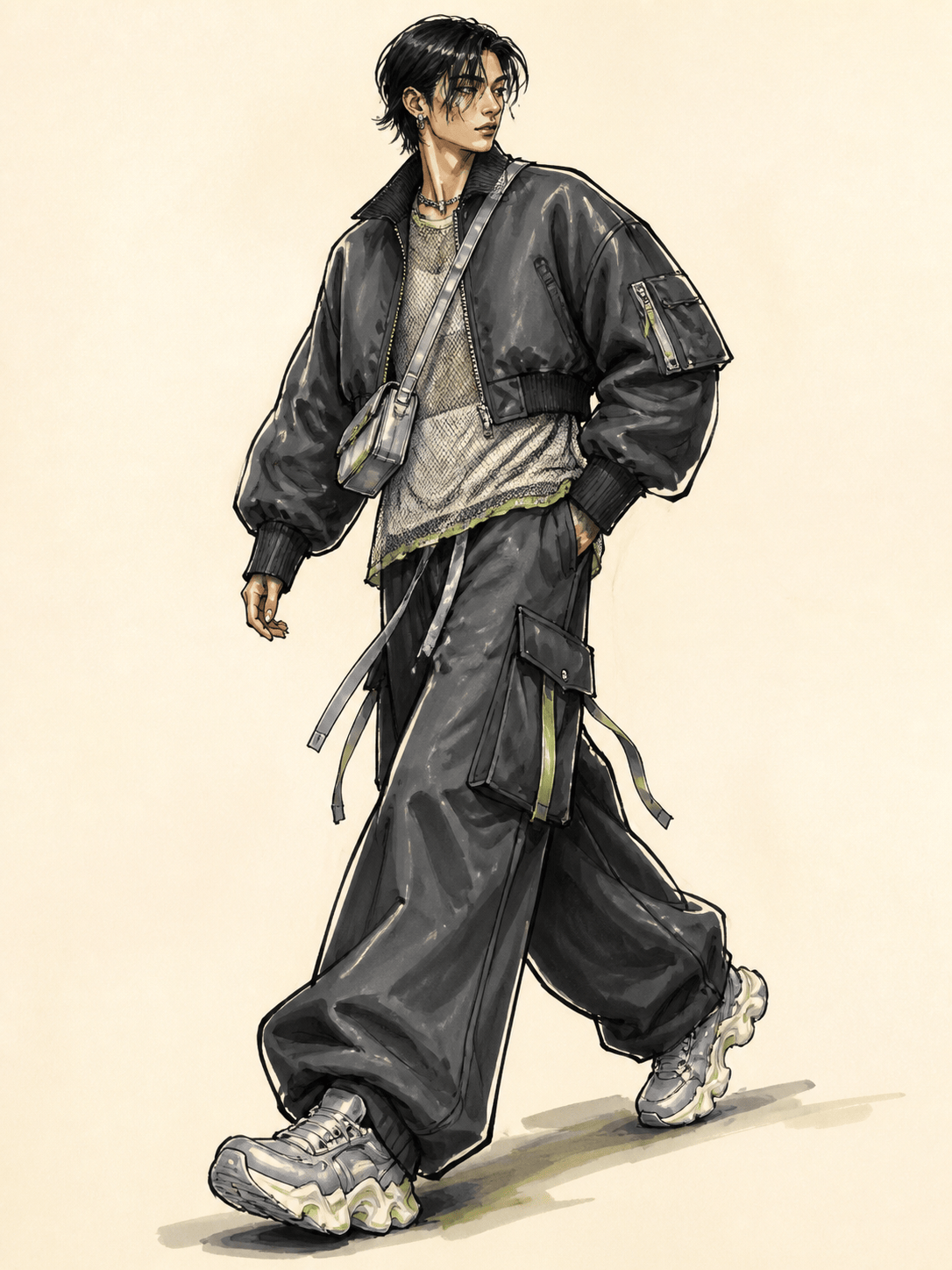
Marker streetwear croquis: Draw an oversized cropped bomber, layered mesh top, wide cargo trousers, sculptural sneakers, and a compact crossbody bag in charcoal, acid green, and silver. Dynamic three-quarter pose, bold alcohol-marker strokes, black ink contour, clean cream background.
Pencil couture sketch: Create a graphite fashion drawing of a structured ivory couture dress with a corseted bodice, petal-shaped hip panels, narrow column skirt, and detachable sheer sleeves. Elongated standing figure, precise seam lines, soft shading, sparse page composition.
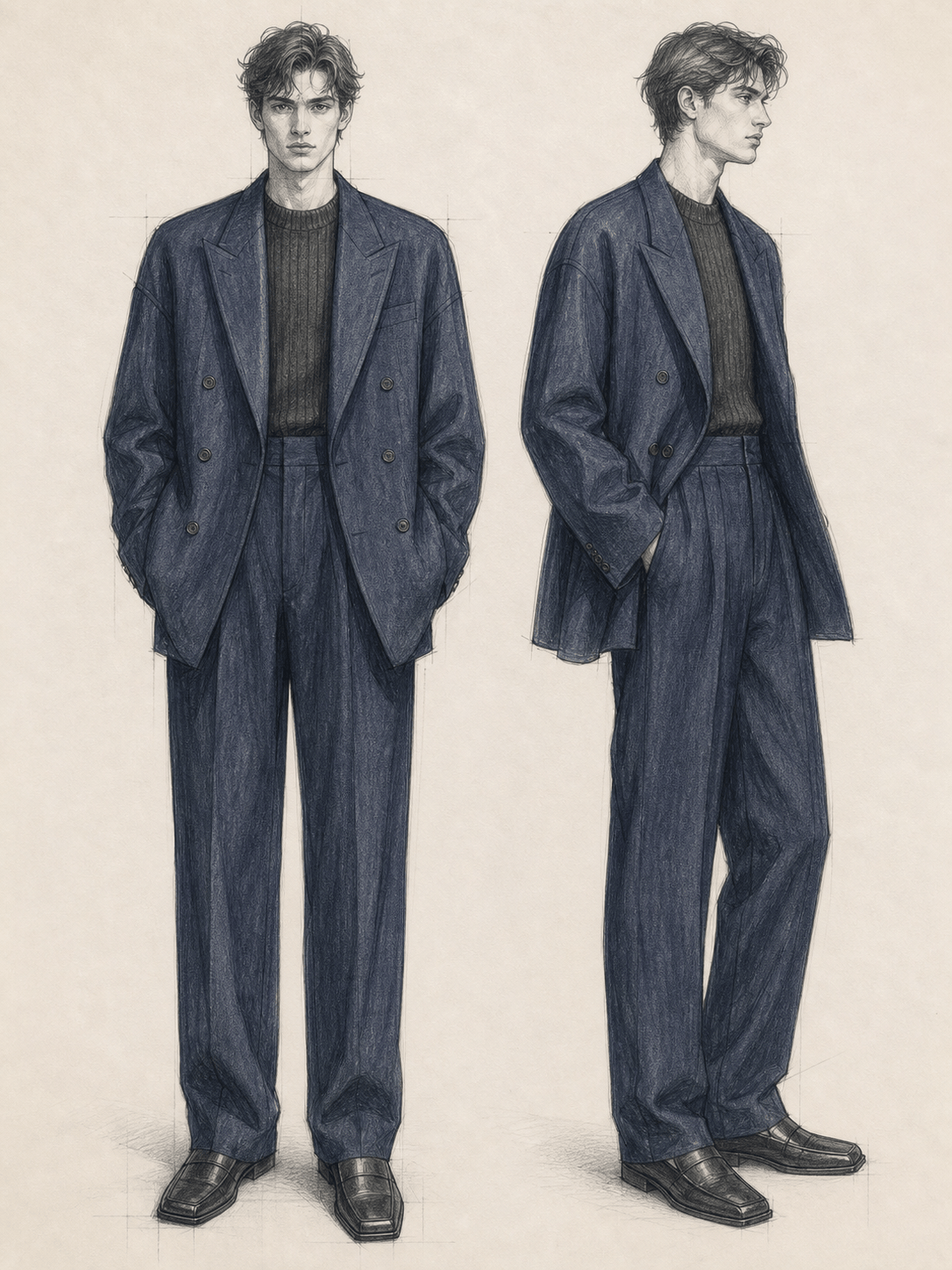
Menswear fashion line art: Illustrate a relaxed double-breasted navy suit with dropped shoulders, long jacket, high-waisted pleated trousers, fine-gauge knit, and square-toe loafers. Front and side figures, elegant black ink linework with restrained blue-gray wash.
Adaptive fashion illustration: Show a seated figure using a wheelchair in a modular rust-orange trench with magnetic front closures, shortened back hem, easy-access side panels, tapered trousers, and flat boots. Colored-pencil and ink illustration, respectful natural pose, garment details clearly visible.
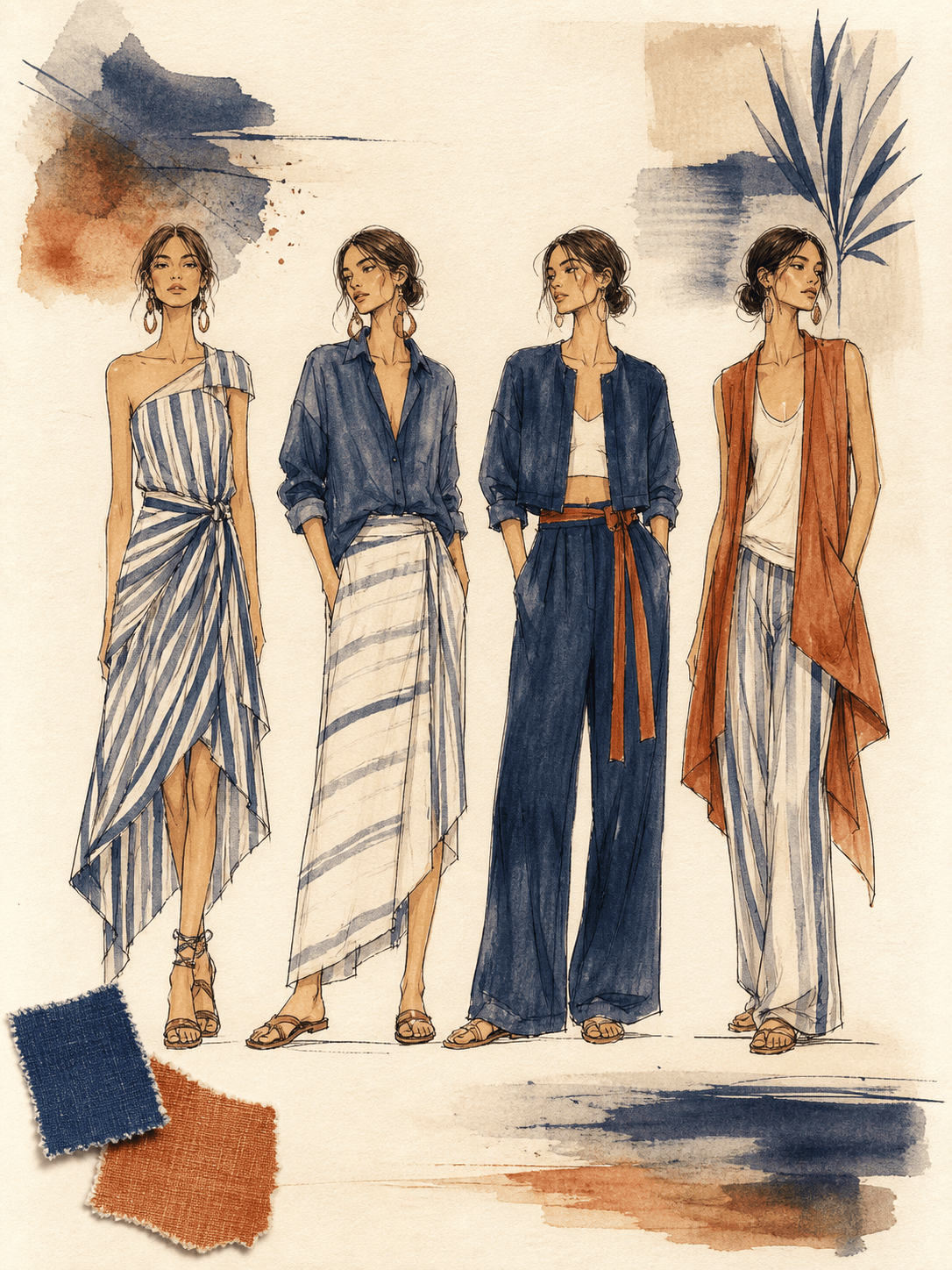
Collection sheet from a sketch: Use the uploaded rough drawing and fabric swatch to create four coordinated resort outfits. Preserve the original asymmetric neckline and indigo stripe, vary the silhouette across dress, shirt, skirt, and trouser looks, and present consistent watercolor croquis with two detail callouts.





