Free OnlineAI Fantasy World Creator
How to Create a Fantasy World with AI
State the World Premise
Map Regions and Relationships
Add Cultures, Factions, and Rules
Refine the Canon and Visuals

Why Use Mew Design for Fantasy Worldbuilding
Premise-to-World Structure
Turn a one-sentence hook into a layered brief with regions, stakes, inhabitants, history, and visual anchors. The AI design agent keeps the output tied to your story problem.
Maps That Explain Movement
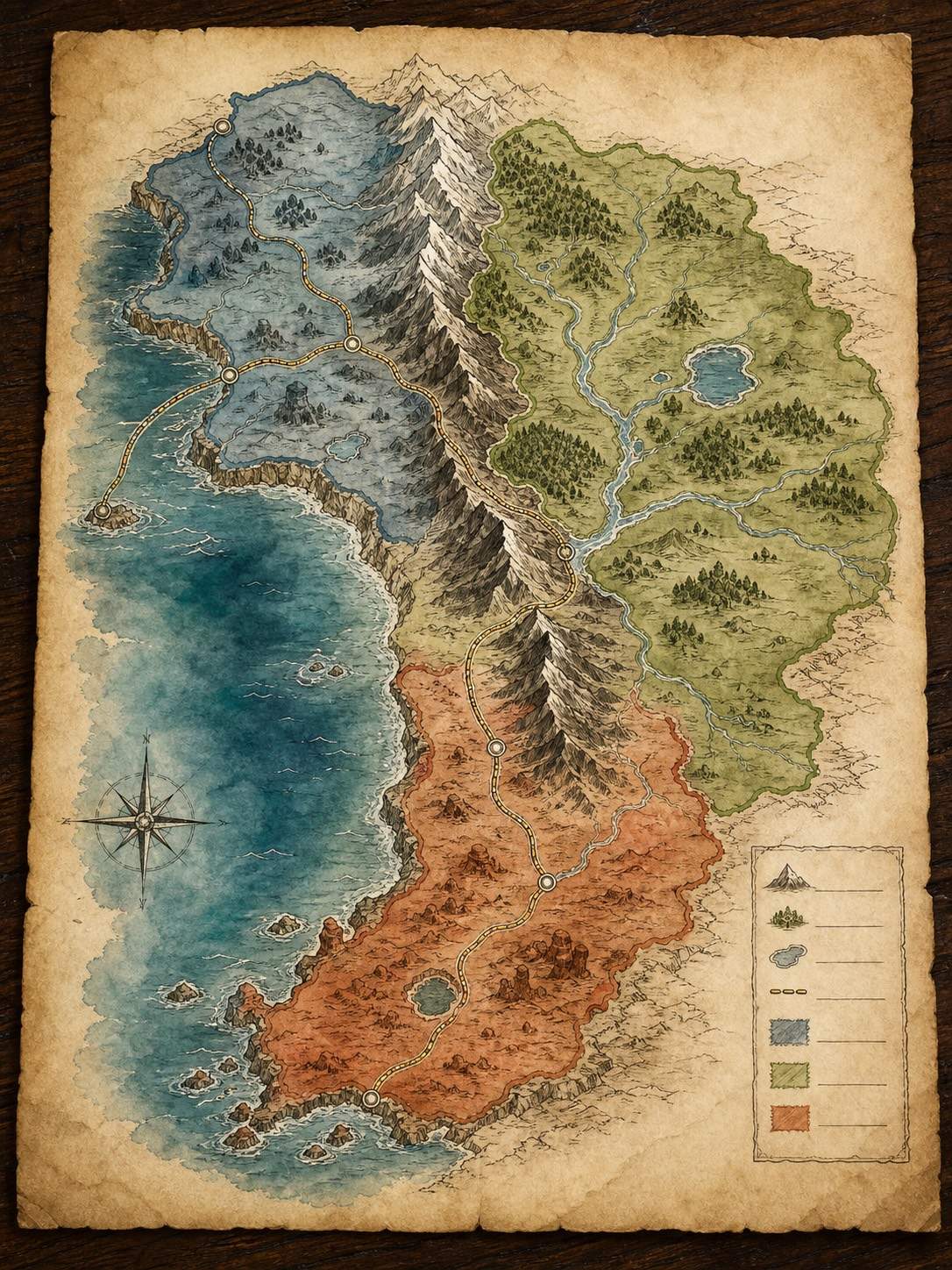
Ask for coastlines, mountain passes, river basins, trade roads, faction borders, or campaign routes with a clear legend and enough negative space for notes.
Cultures with Material Clues
Connect architecture, clothing, food, symbols, festivals, and resources to climate and history so a culture reads as lived-in rather than a list of fantasy adjectives.
Magic and Technology Constraints
State who can use magic, what it costs, and what it cannot do. Request visual motifs that reveal those rules without turning every scene into an effects showcase.
Faction and Timeline Boards
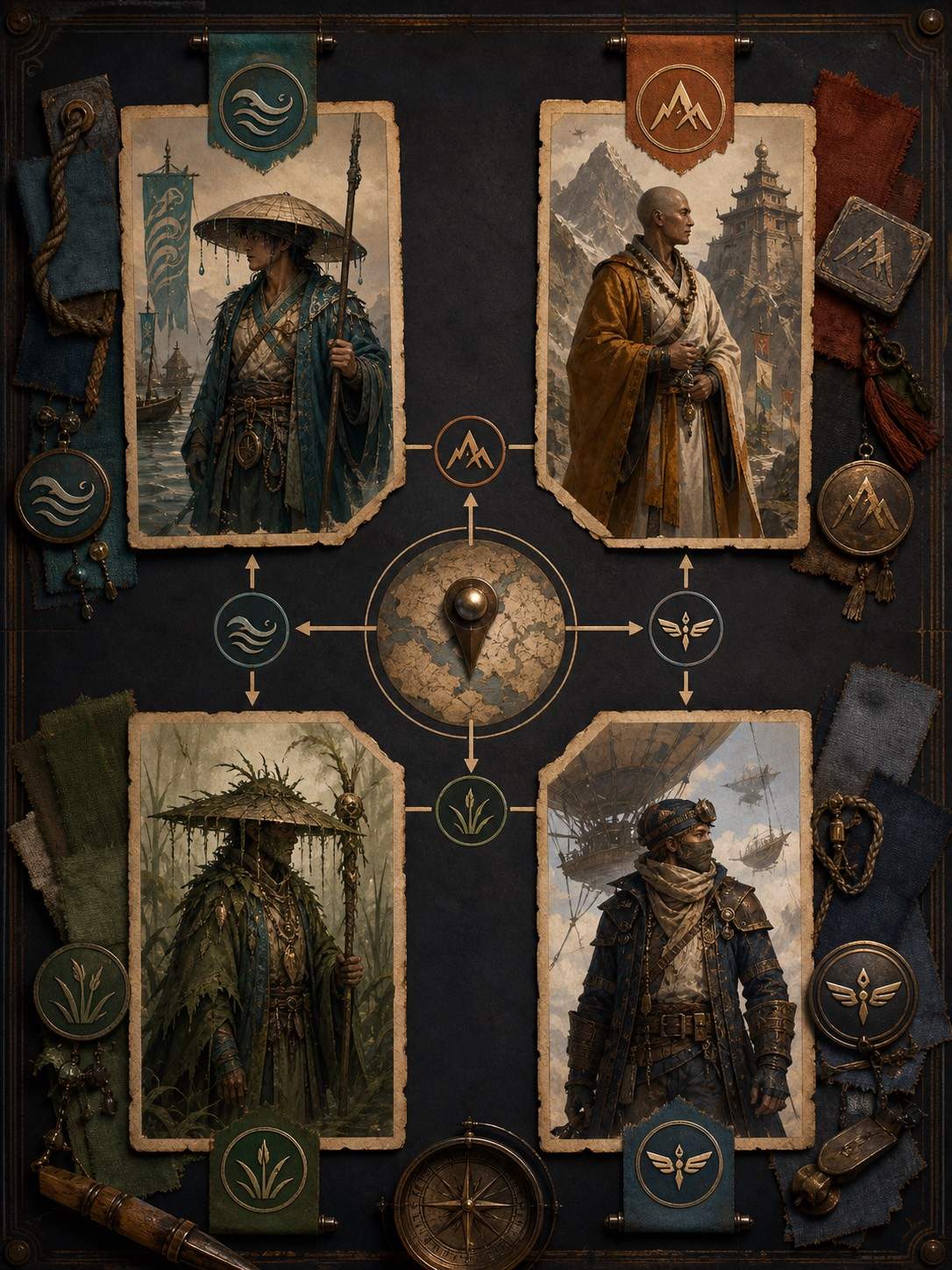
Upload notes or references, then generate a faction map, relationship board, historical timeline, or campaign handout that helps you see cause and consequence at a glance.
Consistent Visual Exploration
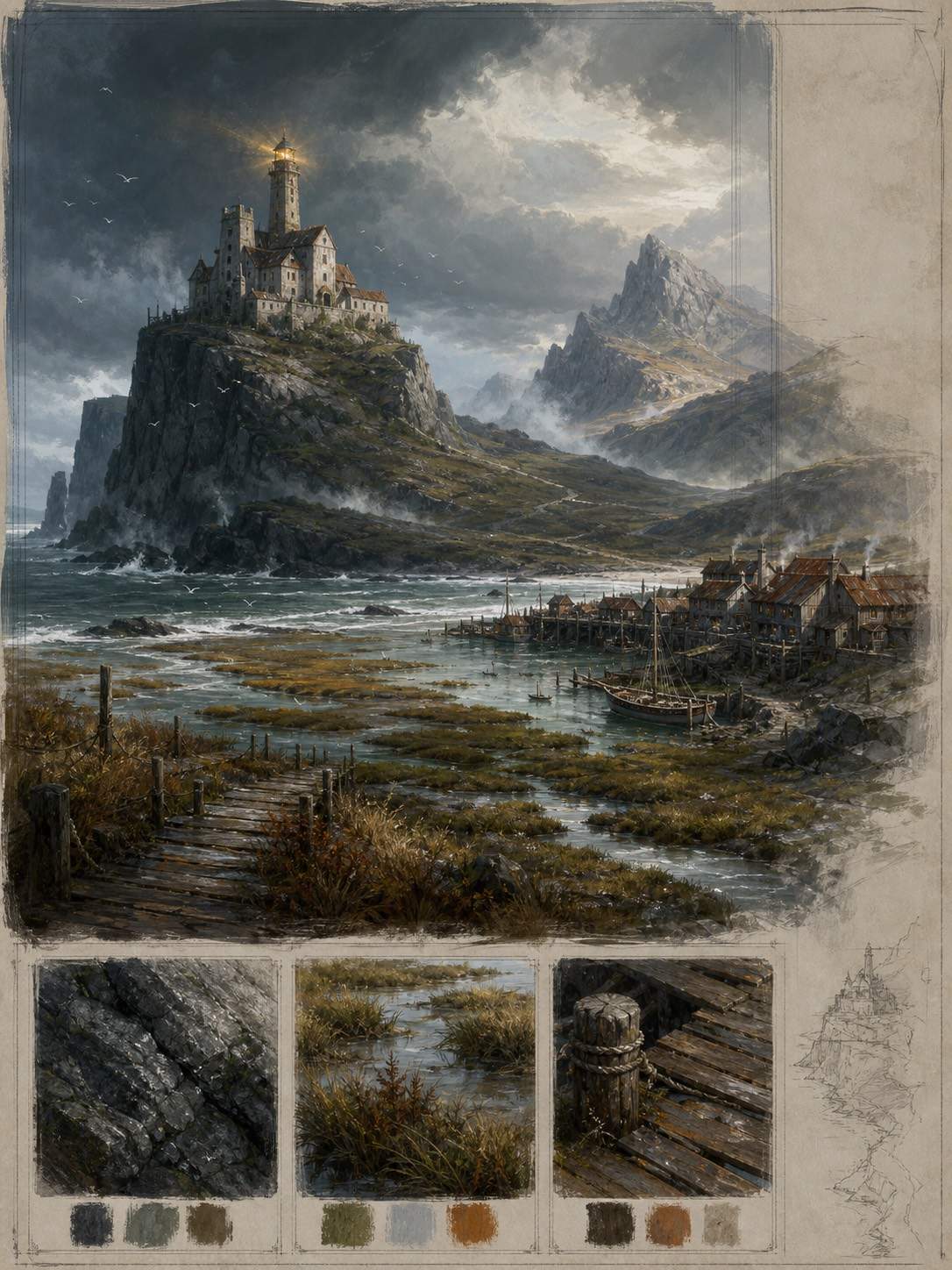
Create region studies, creature concepts, city vistas, and map variants in one visual direction. Export PNG, JPG, or PDF for a novel bible, RPG session, pitch deck, or game pre-production.
How to Write an Effective Fantasy Worldbuilding Prompt
- Anchor the premise: Name the genre, scale, central conflict, emotional tone, and who will use the setting: novelist, GM, player, concept artist, or game team.
- Connect cause and place: Explain how climate, resources, travel, borders, and magic shape settlements and factions. Ask for a map legend or relationship key when spatial clarity matters.
- Set canon constraints: List names, rules, timeline facts, forbidden elements, and visual motifs to preserve. Keep the magic system specific enough that consequences can appear in the art.
- Choose the handoff: Request a world map, lore board, faction chart, character lineup, environment sheet, or campaign handout. Export the visual, then revise the written canon separately.
AI Fantasy World Prompts for Writers and Game Masters
Build a cozy fantasy island world for a middle-grade novel: a lighthouse village, mushroom forest, ferry routes, a retired sea dragon, and a mystery about disappearing tides. Use a warm illustrated atlas style, clear region labels, and gentle colors.
Create a dark mythic world map split by a cursed river. Place a glacier monastery, dead marshes, pilgrimage roads, two rival kingdoms, and a border where magic fails. Use charcoal, bone, deep green, and rust with readable labels and a legend.
Design a worldbuilding board for a desert empire whose cities orbit ancient wells. Show oasis trade routes, rival clans, sun temples, water laws, caravan clothing, and a timeline of three dynastic collapses. Use architectural concept art plus a clean diagram key.
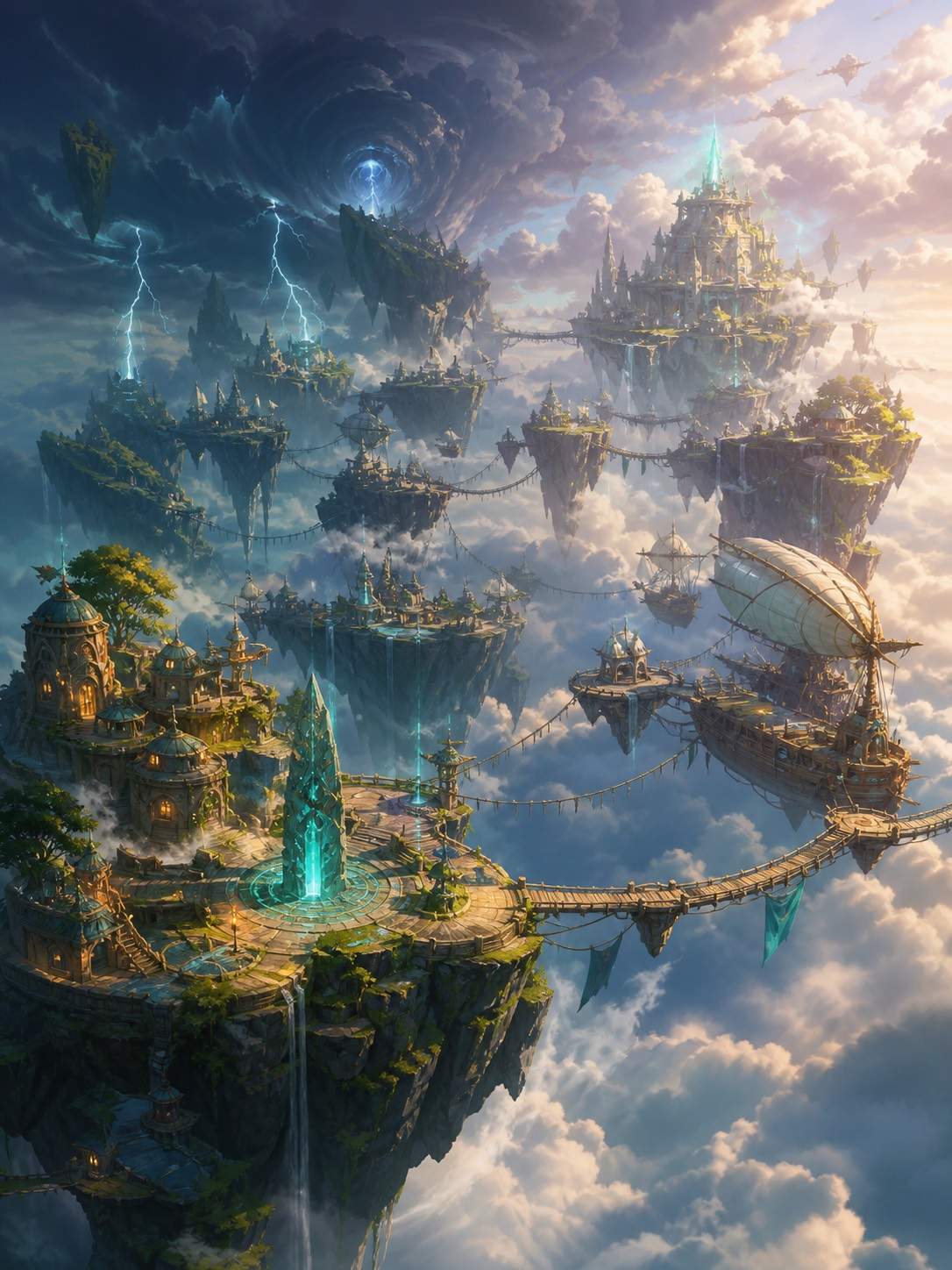
Generate a floating-islands setting for a tabletop campaign. Include sky bridges, airship ports, storm belts, a debt-based magic system, four factions, and one forbidden cloud sea. Use consistent painterly concept art and a color-coded territory map.





