Free OnlineAI Fantasy Town Generator
How to Create a Fantasy Town with AI
Choose the Town's Role
Lay Out Roads and Districts
Add People and Pressure
Refine and Export the Settlement

Why Use Mew Design for AI Fantasy Town Design
Settlements with a Clear Job
Describe what the town trades, protects, worships, or fears. The AI design agent uses that role to guide its buildings, routes, materials, and visual identity.
Maps That Support Play
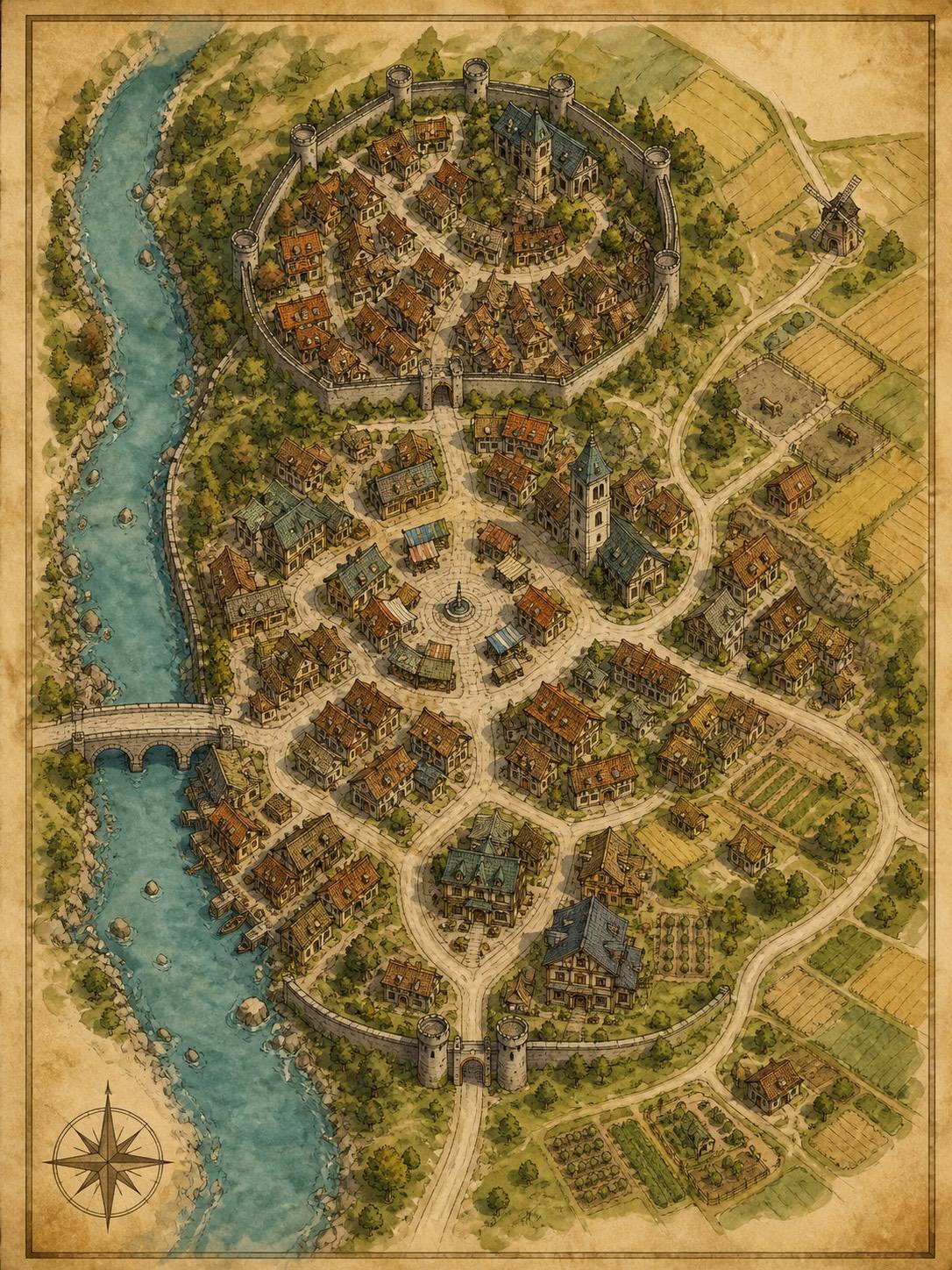
Ask for gates, roads, water, elevation, districts, landmarks, and a readable key. This D&D town map workflow keeps the party's likely routes visible.
Districts with Everyday Texture
Explore markets, docks, workshops, farms, shrines, alleys, civic squares, and neighborhoods with clues about who works there and when the space is busy.
Architecture from Climate and Culture
Specify timber, stone, tile, thatch, arcades, cliff homes, canals, or defensive walls. Materials and weather should explain why the town looks the way it does.
NPCs, Factions, and Hooks
Add a guild, innkeeper, rival family, watch captain, smuggler route, festival, rumor, or unresolved debt so the AI fantasy village generator produces a place with story pressure.
Views for Maps and Concept Art
Generate an overhead fantasy town map, an isometric settlement, a street vignette, or a landmark study, then export PNG, JPG, or PDF for your campaign or creative brief.
How to Write an Effective Fantasy Town Prompt
- Set the place: Name terrain, climate, population, wealth, era, and building materials. A foggy fishing town should not share the same streets or palette as a desert caravan stop.
- Plan movement: Mention entrances, bridges, slopes, markets, water, walls, shortcuts, and where a visitor arrives first. Ask for a top-down or isometric view when route clarity matters.
- Give people a reason: Add factions, trades, festivals, local rules, rumors, and one immediate pressure. These details make a fantasy village map useful for play and story rather than decoration.
- Choose the output: Request an overhead map, district board, street scene, landmark study, or session handout. Keep labels short and proofread them before sharing with players or readers.
AI Fantasy Town Prompts for D&D, RPGs, and Stories
Generate a cozy forest village map for a low-stakes D&D adventure. Include a mushroom market, treehouse homes, a ranger lodge, a small shrine, a creek bridge, and a path to an abandoned observatory. Use an inviting hand-painted atlas style and leave space for notes.
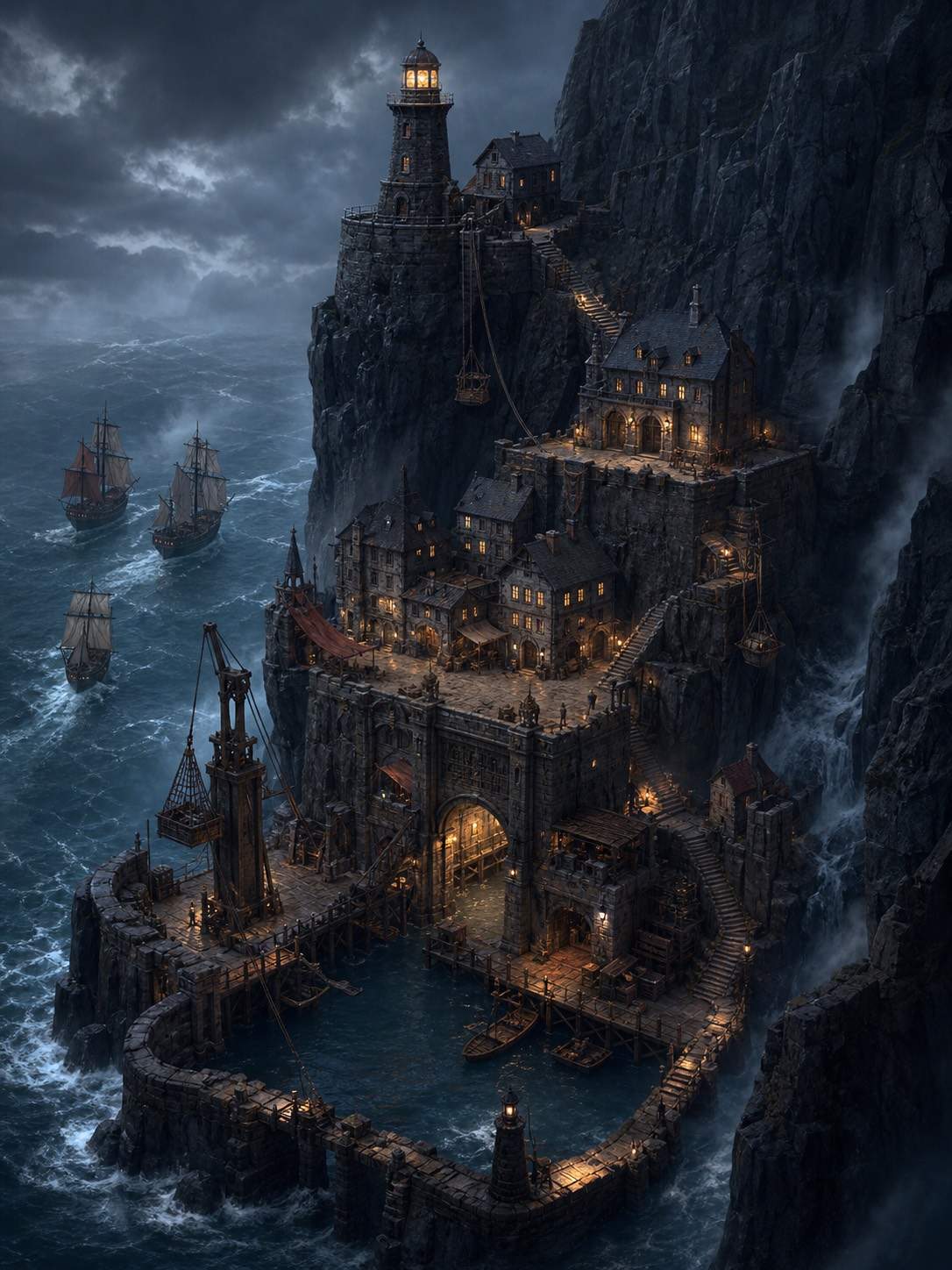
Create an isometric fantasy port town built into black cliffs. Show rope lifts, a tidal dock, a lighthouse, a customs house, stacked stone homes, a smugglers' stair, and three ships waiting outside the breakwater. Use stormy blue light and clear vertical levels.
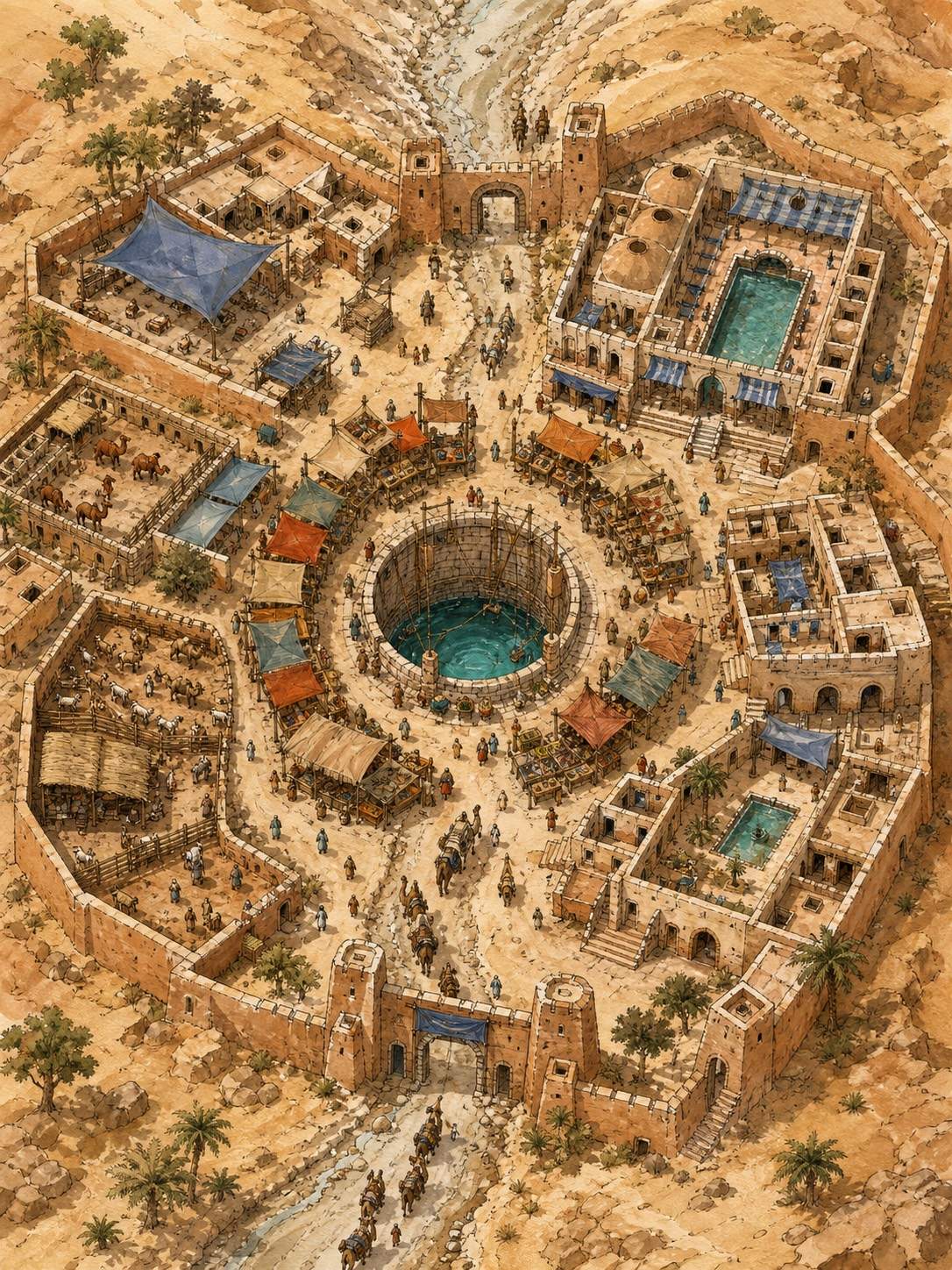
Design a desert caravan town around a deep public well. Include shaded arcades, a spice market, animal pens, a water-keepers' hall, guest courtyards, defensive walls, and a dry riverbed entrance. Use warm sand, indigo cloth, and readable top-down districts.
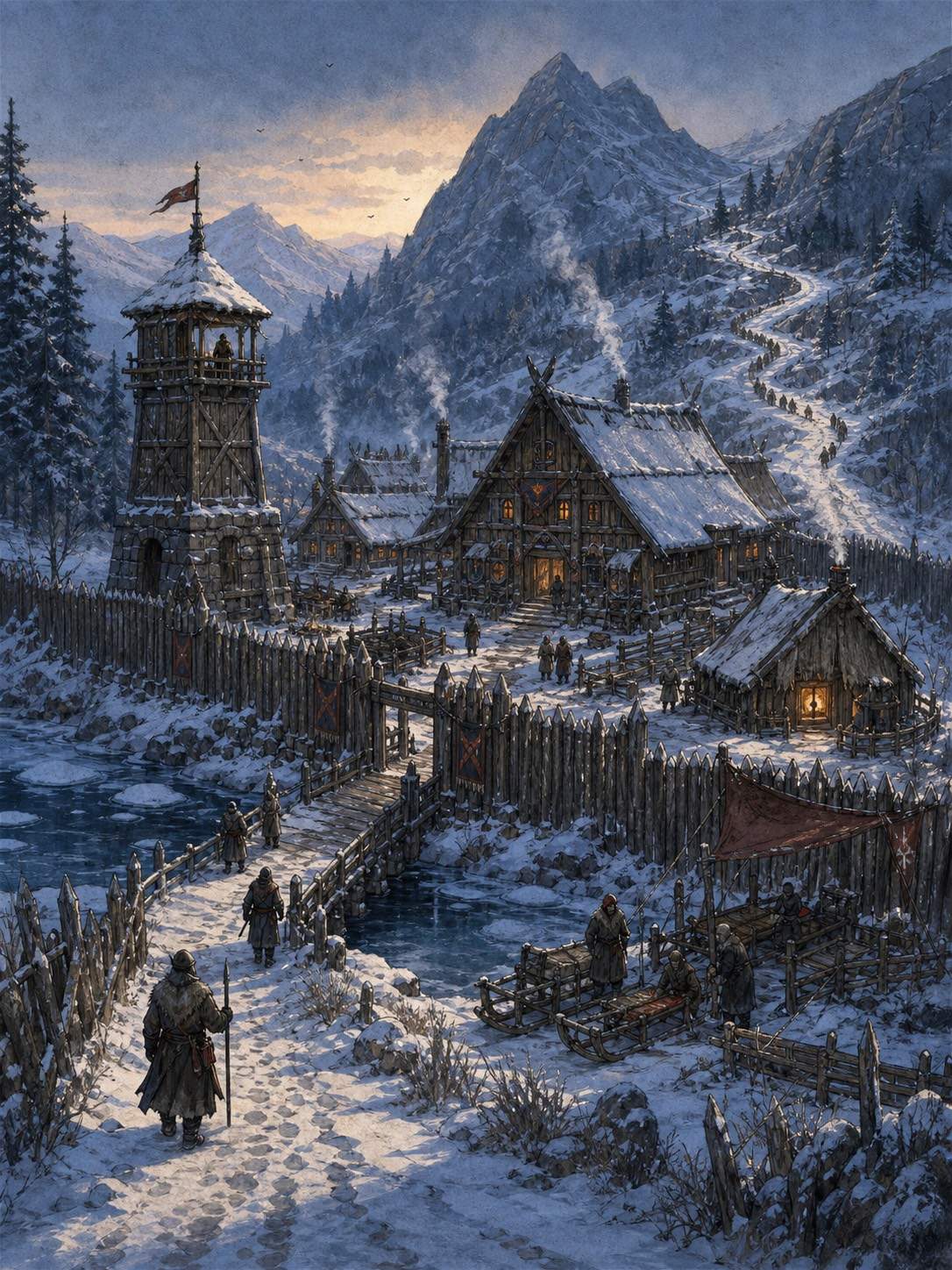
Make a winter border village for a novel scene: timber palisade, frozen river crossing, watchtower, communal hall, healer's hut, sled yard, and a mountain road disappearing into snow. Show practical routes and lived-in signs without long text.





