Free OnlineAI Fantasy Portrait Generator
How to Create a Fantasy Character Portrait with AI
Describe Your Character
Generate the First Portrait
Refine the Details
Export for Your World

Build a Character You Can Actually Picture
From One Line to a Character
Our AI fantasy character generator can turn a brief like “scarred desert healer” into a visual starting point, then respond to the history and details you add.
Make Fantasy Features Count
Call out pointed ears, horn shape, weathered armor, magical effects, or a signature prop so the portrait reads as your character, not a generic face.
Use a Face as Reference
Upload a clear portrait when you want a fantasy avatar from a photo. Describe what to keep and what to transform; review the result because likeness can vary.
Explore More Than One Look
Try painterly high fantasy, dark fantasy, or anime-inspired art for the same character. The online fantasy portrait maker helps you compare directions before settling on one.
Correct Details in Chat
Ask Chat Edit to alter the expression, cloak, lighting, or backdrop without rewriting the entire character brief.
Make Art for Real Uses
Create RPG character art, a novel-cast reference, or a profile picture. Start with free AI credits after signup and export finished images without a watermark.
What to Include in a Fantasy Portrait Brief
- Identity: Name ancestry or species, age range, complexion, hair, expression, and one distinguishing feature.
- Role and Costume: Add a class or profession plus one recognizable garment, tool, or piece of armor.
- Art Direction: Choose painterly, cinematic, or anime-inspired art; set the light and a simple environment that supports the face.
- Framing and Use: Request a square headshot for an avatar or a taller chest-up portrait for a character sheet or story reference.
Fantasy Character Portrait Ideas to Try
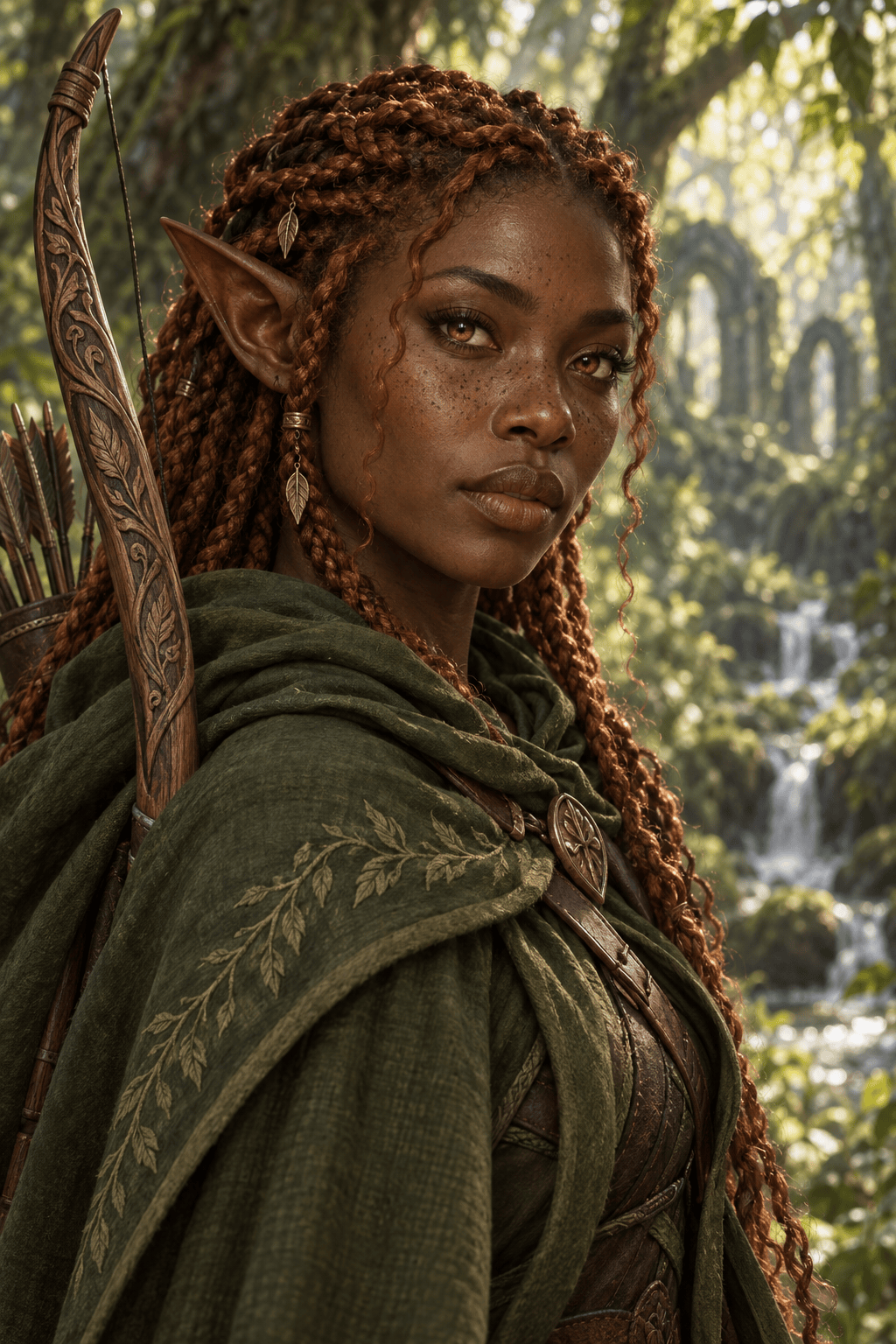
Create a square AI elf portrait of a forest ranger with deep brown skin, copper braids, long pointed ears, and a carved wooden bow. Painterly high fantasy, green canopy light, head and shoulders, clear face, no text.
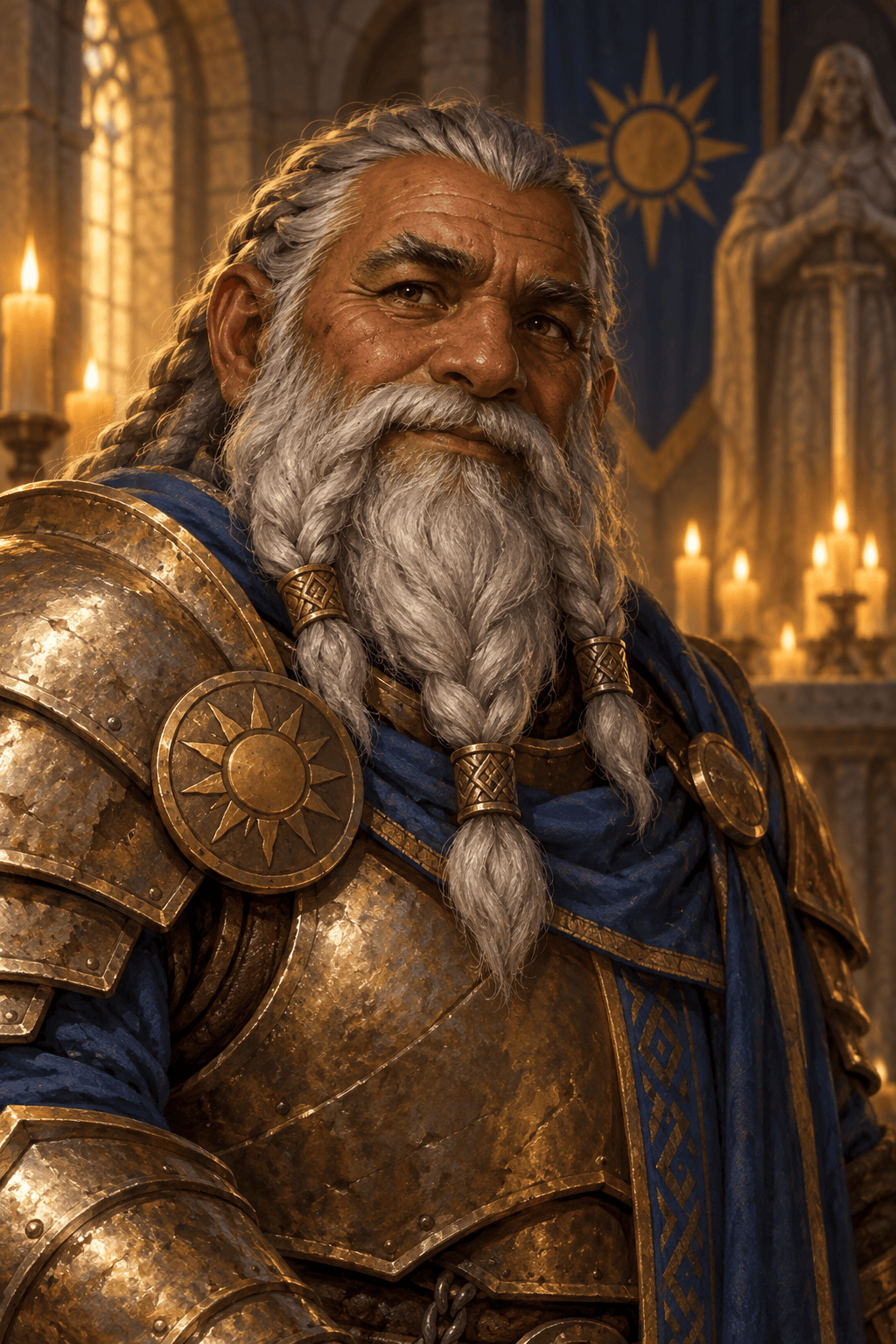
Generate a 3:4 D&D character portrait of an older dwarf paladin with a braided gray beard, worn bronze armor, and a sun emblem. Warm torchlight, stone chapel behind him, dignified expression, chest-up composition, no text.
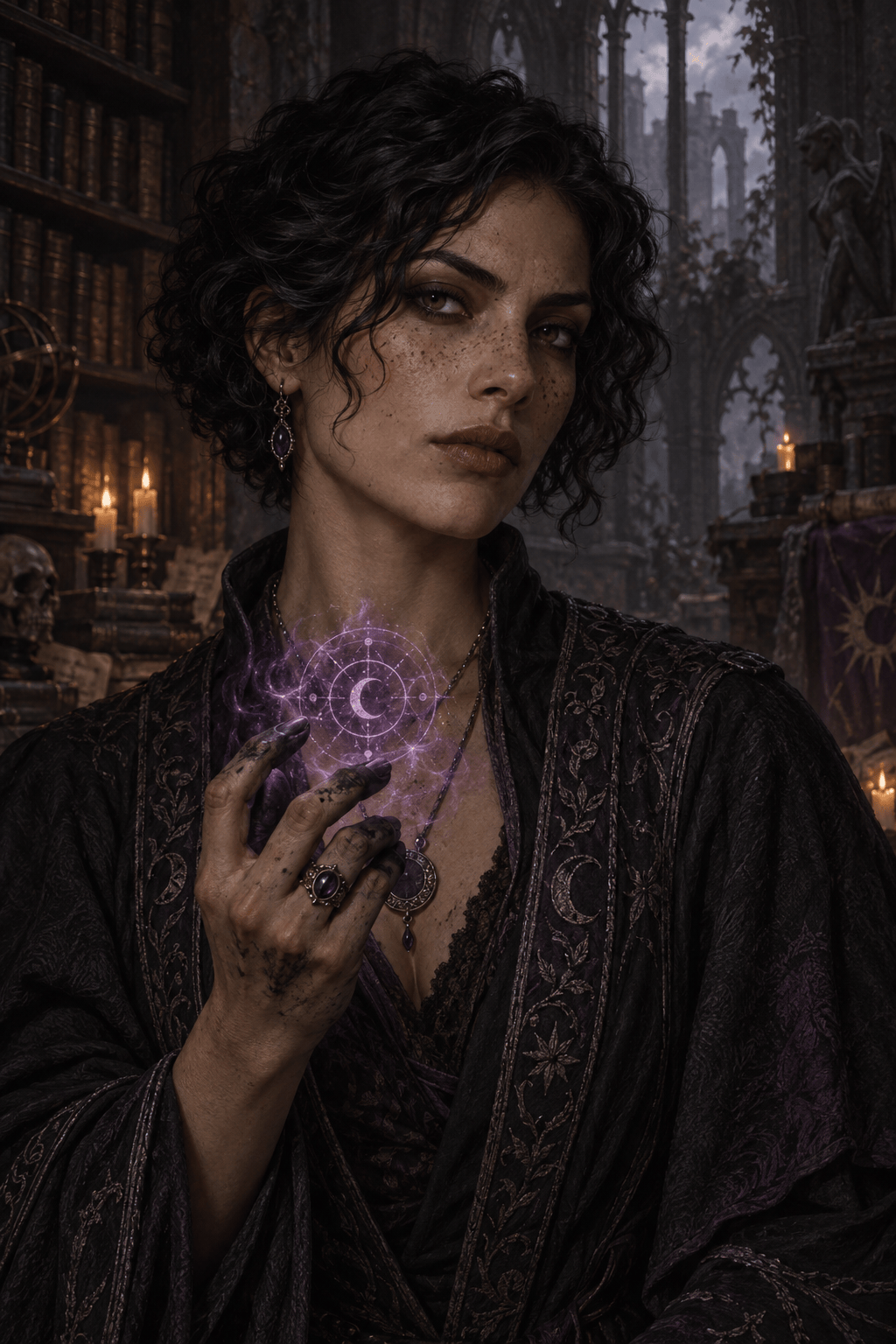
Make a dark fantasy portrait of a sorceress with pale freckles, short black curls, ink-stained fingers, and a faint violet spell circle. Moody candlelight, ruined library, painterly detail, keep the face readable, no text.
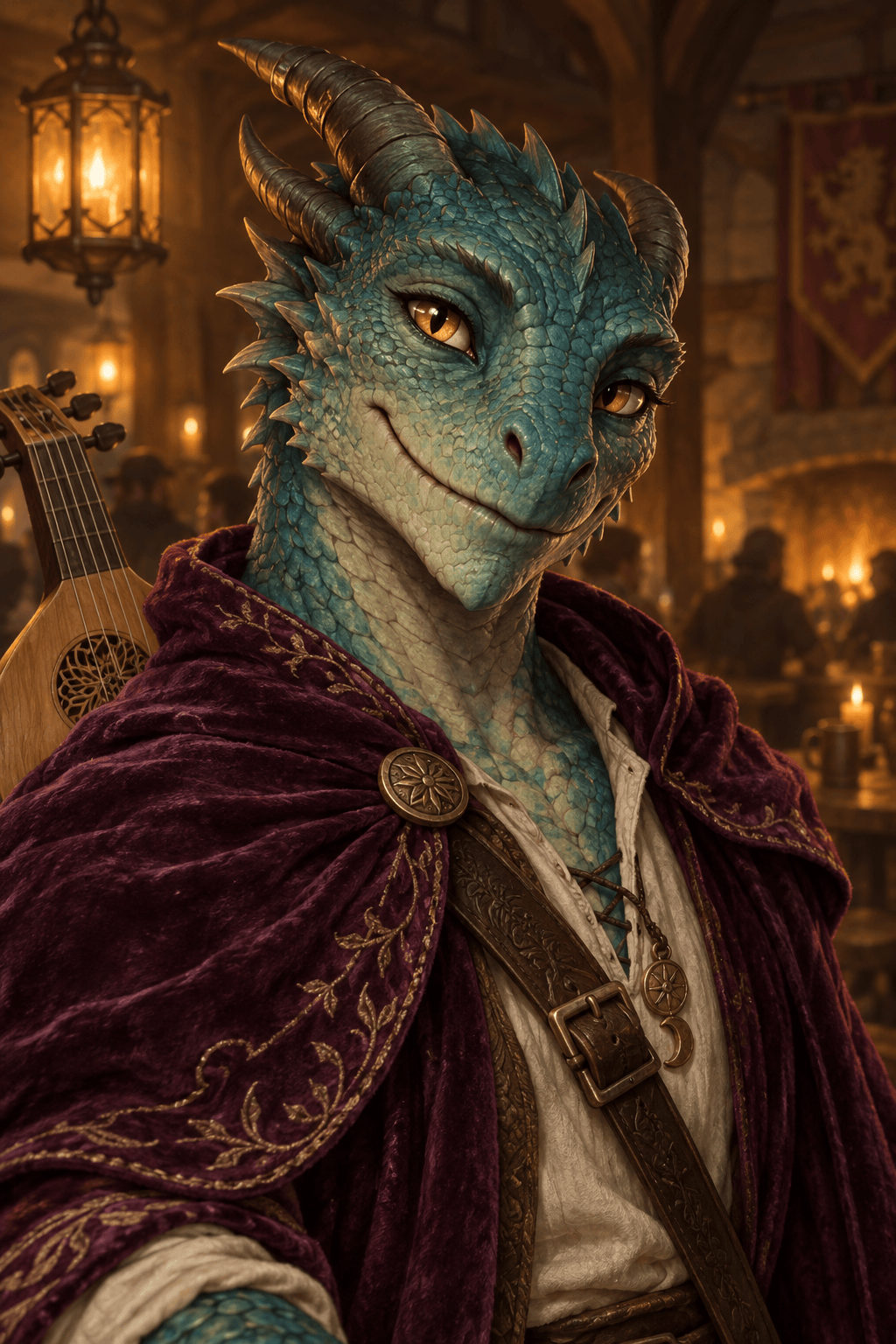
Turn my uploaded face photo into a fantasy bard avatar. Keep my facial structure and expression recognizable, add a plum velvet cloak and small lute, warm tavern light, square crop, no text.





