Free OnlineAI Facebook Cover Photo Generator
How to Generate a Facebook Cover Photo Online for Free with AI
Define Your Narrative and Style
AI Generates Your Facebook Cover
Edit and Refine
Download in HD

Why Choose Mew Design as Your AI Facebook Cover Maker
Generate FB Covers by Chatting with AI
Unlike fixed Facebook banner templates on Canva, our free online AI Facebook banner generator creates original designs based on your message and brand.
Cross-Device Safe Zone Awareness
Facebook cover photos are displayed differently on mobile and desktop. Mew Design is programmed with these layout shifts in mind, automatically centering your text and focal points to prevent cropping issues.
Flexible Editing Options
Experience total creative control over your Facebook profile. You can "Refine" your cover by talking to the AI—asking it to "make the lighting more cinematic"—or use the Click Edit to change texts.
Matching Assets for Brand Cohesion
If you manage a brand page or a community group, consistency is vital. Ask Mew Design to create a matching set of assets, including your cover photo, profile picture, and event banners, for a synchronized visual voice.
Seamless Photo and Asset Integration
Upload your personal photos, travel snapshots, or company logos. Our AI agent intelligently blends these assets into the design for a more personalized result.
Free to Start. No Watermark
Use the AI Facebook cover photo generator free online. Upgrade only if you need HD/PDF exports or more credits.
How to Write a Clear Prompt for AI Facebook Cover Image Creation
- Identify the Context: State if the card is for a Personal Profile, Business Page, or Community Group.
- Specify the Composition: Tell the AI to "keep the text in the center" or "Keep text inside safe area" to avoid the profile picture overlay on the left.
- Define the Aesthetic: Use terms like Soft Pastel, Industrial Modern, Cinematic Landscape, or Flat Vector Illustration.
- Request Interaction Space: If you have a specific slogan, ask the AI to "place the text in the upper third for maximum visibility."
AI Facebook Cover Photo Prompt Examples You Can Use
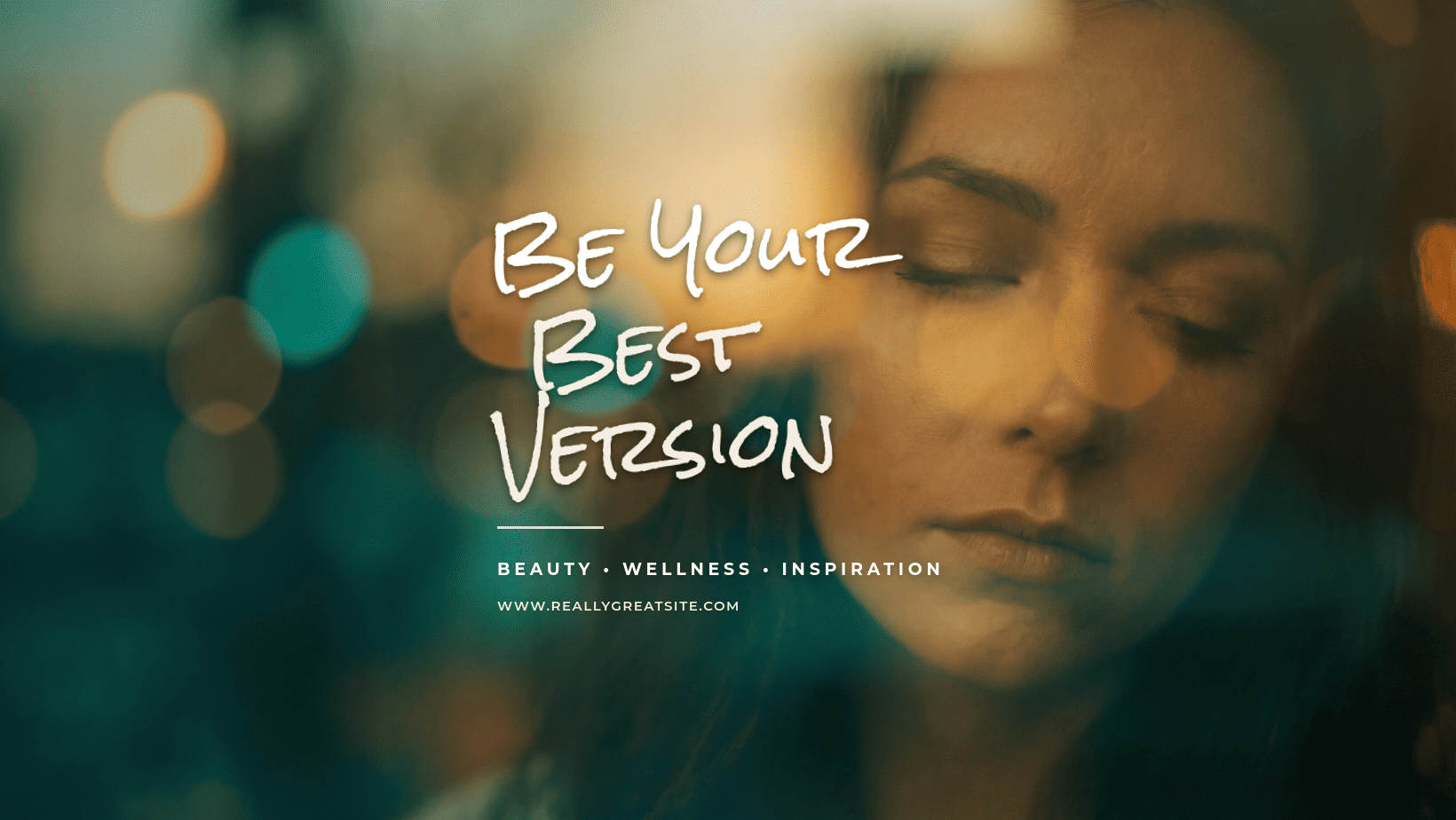
For Lifestyle and Travel (Personal): Design a vibrant Facebook cover photo of a tropical beach at sunrise. Style: Cinematic with warm orange and teal tones. @[Upload Personal Photo] to be integrated into the center. Text: 'Chasing the Sun'. Pay attention to the Facebook safe area for mobile view.
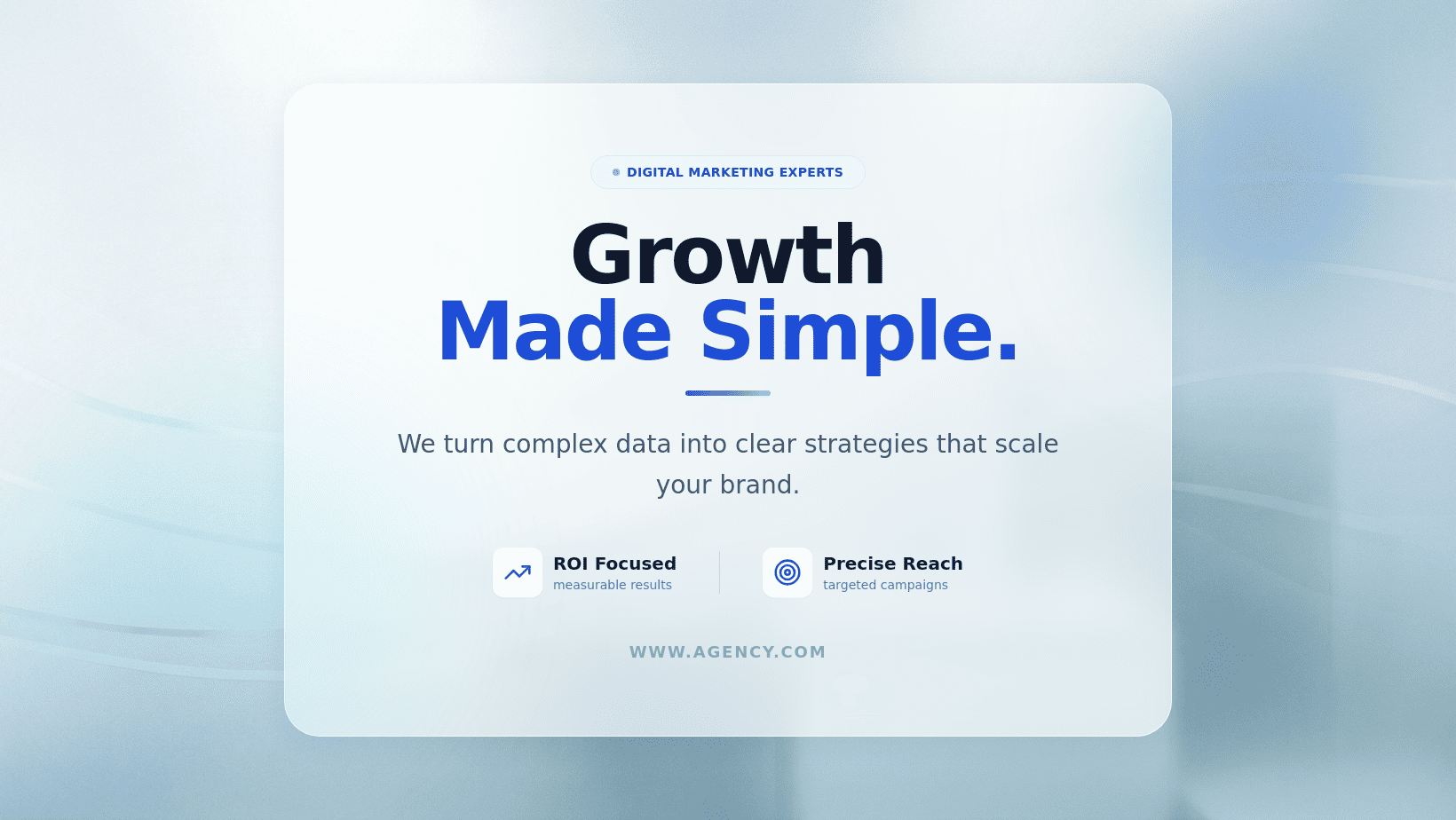
For Business Branding (Professional): Generate a professional Facebook banner for a digital marketing agency. Style: Clean corporate with slate blue and silver accents. @[Upload Company Logo] to be placed in the top right. Text: 'Innovating the Digital Frontier 2026'. Logo and text placement is optimized for mobile safe area.
For Community and Hobby Groups: Create a Facebook header for a local hiking group. Visual: A panoramic mountain trail with small icons of hikers. Style: Inviting and adventurous. Text: '[Group Name] | Join the Adventure'. Use a bold, readable sans-serif font. Texts centered for mobile-friendly layout
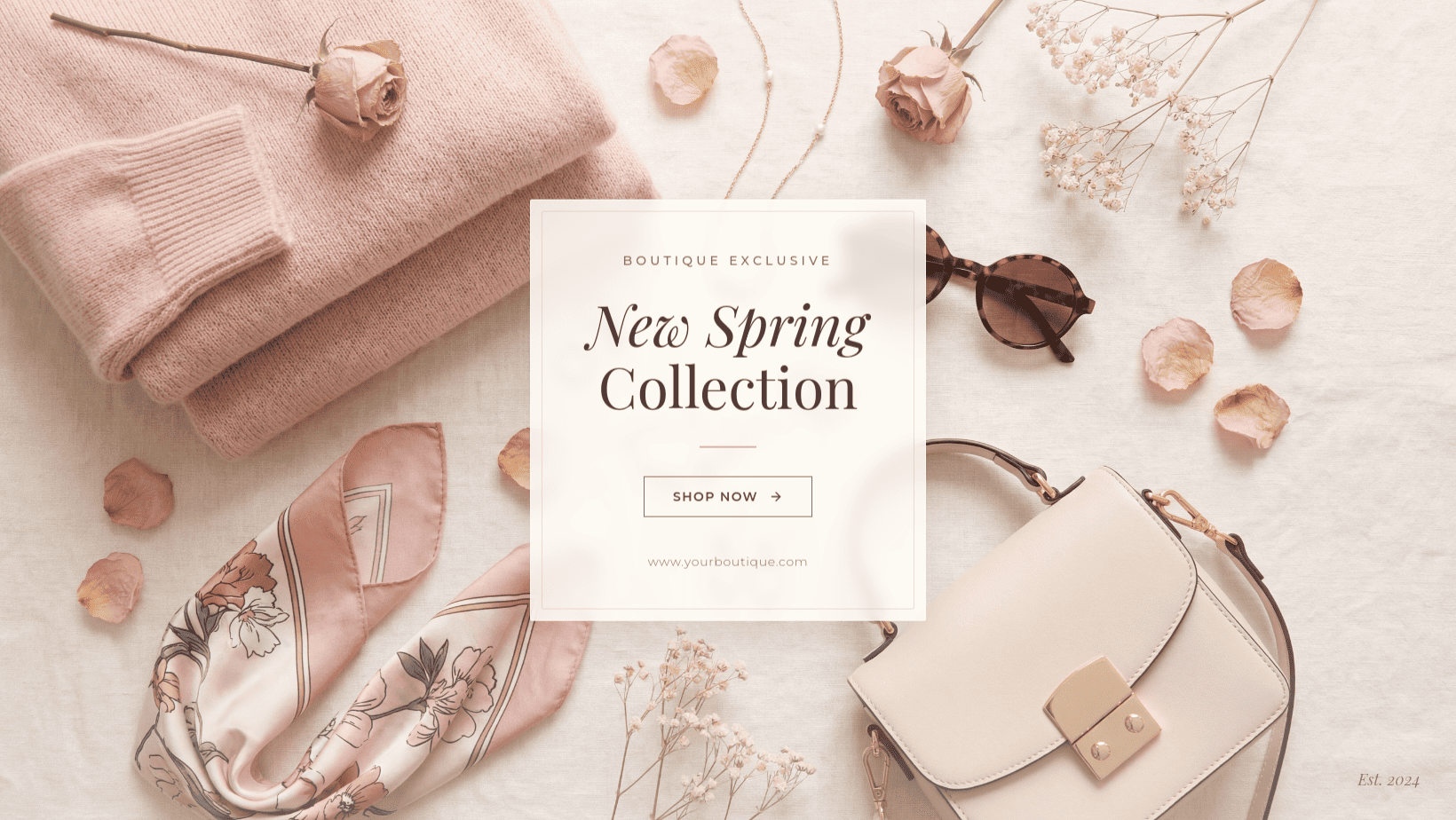
For E-commerce and Sales: Create a promotional Facebook cover photo for a boutique shop. Style: Aesthetic with soft pink and cream tones. Visual: A flat-lay of clothing and accessories. Text: 'New Spring Collection | Shop Now'. Include a placeholder for a website URL.
For Gaming and Content Creators: Design a high-energy gaming banner. Style: Dark mode with neon purple and electric blue lighting. Visual: A futuristic gaming setup. Message: 'Live Every Day'. Ensure all text is centered for the mobile safe zone.
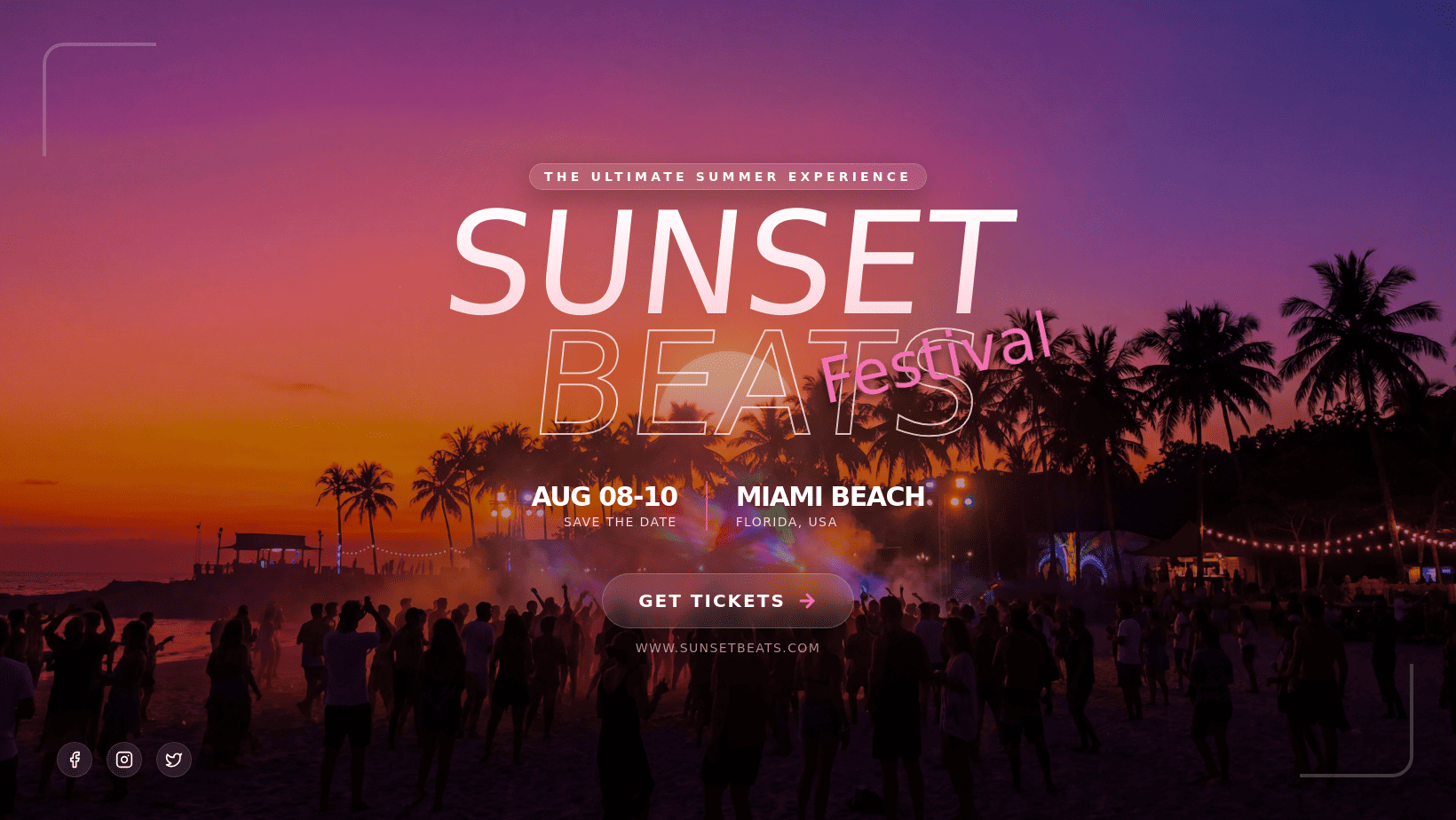
For Event Promotion: Generate a Facebook event cover image for a summer music festival. Visual: A crowd at a concert with vibrant stage lights. @[Upload Event Logo]. Text: '[Event Name] | June 2026'. Style: Energetic and bold.





