Free OnlineAI Face Matcher

How to Compare Two Faces with AI
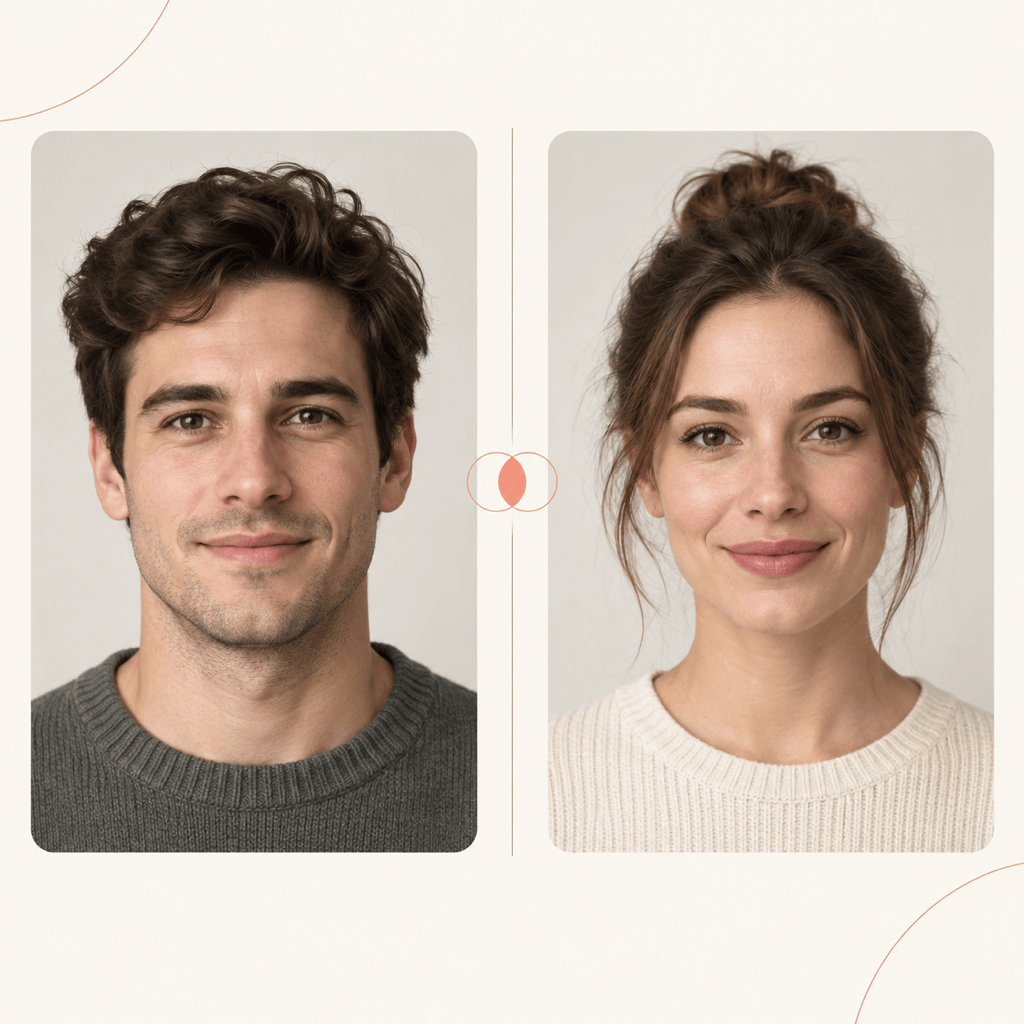
Choose Two Clear Portraits
Upload and Label A and B
Create the Comparison Card
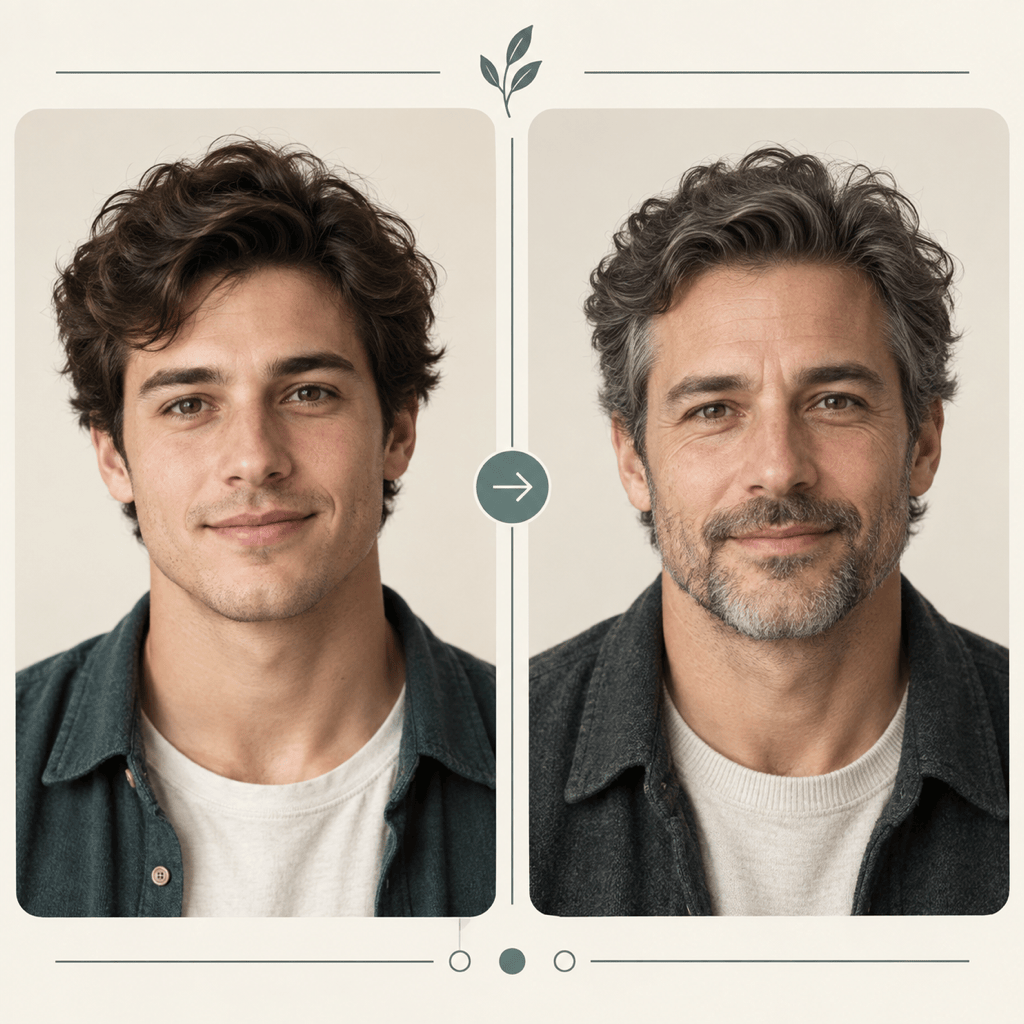
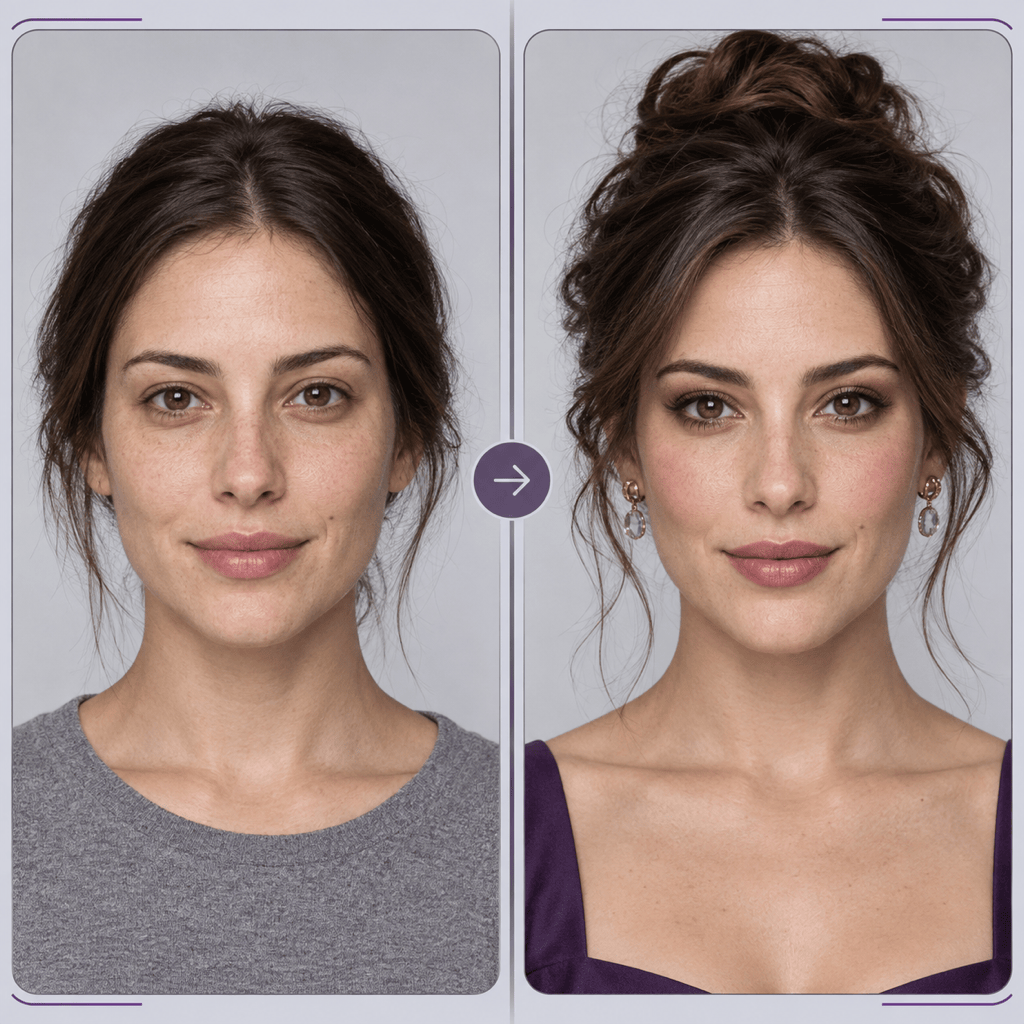
Review, Refine, and Export

A More Explainable Way to Compare Faces Visually
Two References with Clear Roles
Upload each portrait separately and assign A and B in your request. This gives the online AI face matcher a clearer brief than an unlabeled collage and helps keep the two subjects distinct.
Visible Cues, Not a Mystery Number
Ask the face similarity checker to discuss visible face shape, feature spacing, brows, eyes, nose, mouth, and jawline. Keep the result descriptive and avoid treating it as biometric proof.
Photo Conditions Stay in Context
Include angle, lighting, expression, lens distance, age gap, makeup, or filters in the comparison notes. These differences can change how similar two faces appear in photos.
Editable Comparison Layouts
Turn two portraits into a neutral report, playful friend match, family resemblance card, or before-and-after layout. Use Chat Edit to revise labels, spacing, colors, and emphasis.
Portraits Remain the Visual Evidence
Tell Mew Design to keep both uploaded faces unaltered and use equal crops. A balanced side-by-side presentation lets viewers inspect the photos instead of relying on an unsupported conclusion.
Free Credits and Clean Exports
Try the free AI face matcher online with signup credits, then export an approved comparison card without a watermark as PNG or JPG. Credit use depends on the generation and revisions you choose.
Photo Checklist for a Clear Face Comparison
- Use one clear adult face: Choose sharp portraits with the full face visible. Avoid crowded group shots, heavy blur, masks, sunglasses, face-covering hair, or strong beauty filters.
- Match the capture conditions: Similar head angles, camera distance, expression, crop, and even lighting make visible differences easier to interpret.
- Separate observation from conclusion: Ask for specific visible similarities and differences. Do not present the result as proof of identity, kinship, authenticity, or trustworthiness.
- Use photos with permission: Upload only images you own or are allowed to use, avoid sensitive portraits, and review current privacy terms before submitting face photos.
Face Comparison Requests to Try
Same-Person Visual Review: Compare @[photo_A] and @[photo_B] in a clean side-by-side card. Keep both portraits unchanged. Describe visible similarities and differences, and explain how angle, lighting, expression, or image quality may affect the comparison. Do not make an identity-verification claim.
Then-and-Now Comparison: Use @[older_portrait] and @[recent_portrait] to create a respectful then-and-now face comparison. Give both images equal space, note stable visible features and age-related changes carefully, and avoid a definitive same-person verdict.
Family Resemblance Card: Place @[person_A] and @[person_B] in a warm square family comparison card. Point out visible similarities in face shape, eyes, brows, smile, and jawline, while stating that appearance cannot prove a biological relationship.
Transformation Review: Compare @[before_photo] and @[after_photo] for a makeup, cosplay, hairstyle, or styling transformation. Keep both faces unchanged, identify which visible cues remain consistent, and note which differences come from styling or photo conditions.
Portrait Edit Consistency Check: Compare @[original_portrait] with @[edited_portrait]. Create an annotated card that flags visible drift in face shape, eyes, nose, mouth, skin texture, or age while preserving both source images exactly as uploaded.
Friends Look-Alike Card: Turn @[friend_A] and @[friend_B] into a playful but neutral side-by-side match card. Highlight visible resemblance without inventing a biometric percentage, add a short entertainment-only note, and use a clean social-ready square layout.





