OnlineAI Face Beautifier
How to Retouch a Portrait With AI
Upload a Clear Original
Define a Light Touch-Up
Compare and Refine
Download Your Portrait

Why Use Mew Design for AI Face Retouching
Edit the Photo You Already Like
Use this online AI face editor with your own selfie. Keep your chosen pose and setting in the brief instead of generating a new identity.
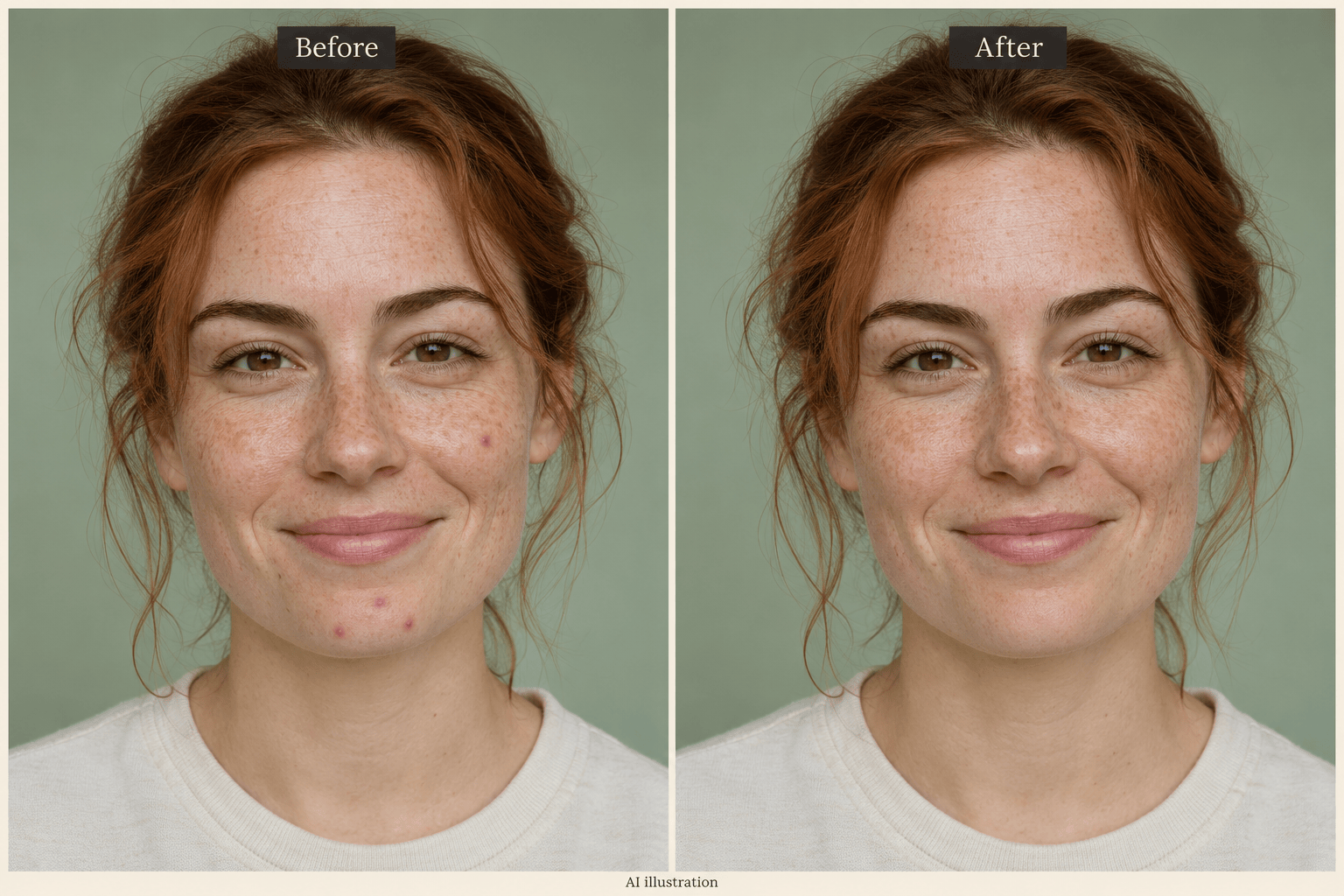
Smooth Skin and Remove Blemishes
Request natural skin smoothing or a local blemish touch-up, and tell the editor to preserve pores, freckles, and your natural skin tone.
Dial Back an Overdone Edit
Use Chat Edit to ask for lighter retouching. You can refine the result in everyday language without painting masks.
Choose How Your Photo Is Edited
Select an available image model yourself, or let Mew Auto choose for your photo and request. Access leading image models, with new releases added promptly.
Prepare a Recognizable Headshot
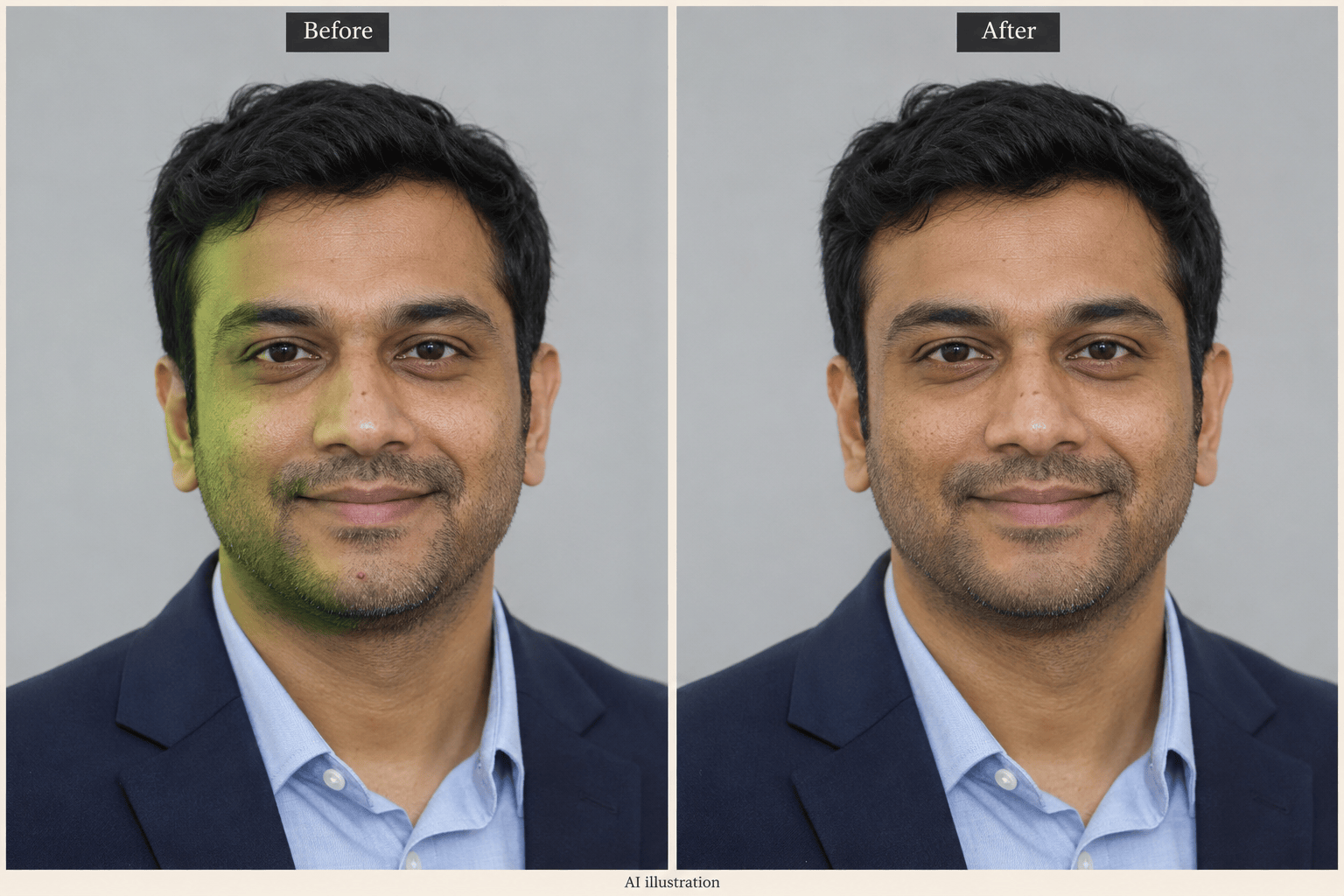
Use the AI portrait retoucher for a LinkedIn photo or team bio. Request restrained lighting and skin edits, then check the likeness against your original.
Try It Before Committing
Signup includes free AI credits to test a portrait edit. Export without watermarks; further use depends on your credits and plan.
Natural Skin Smoothing Without the Plastic Look
- Use a Clean Source: Choose the highest-quality original available. Repeated filters and screenshots can hide the texture you want to preserve.
- Separate Tone From Color: Ask to balance patchy lighting without lightening your natural complexion. Check the cheek and neck together.
- Keep Recognizable Details: Name freckles, moles, facial hair, and smile lines you want to retain. Avoid broad instructions such as “make me perfect.”
- Review More Than Skin: Check pupils, teeth, brows, and the jawline. If a feature shifts, return to the original and request a smaller edit.
Face Retouching for Selfies and Headshots
Remove the temporary blemishes from my uploaded selfie. Blend only those spots with nearby skin; preserve freckles, moles, and visible pores.
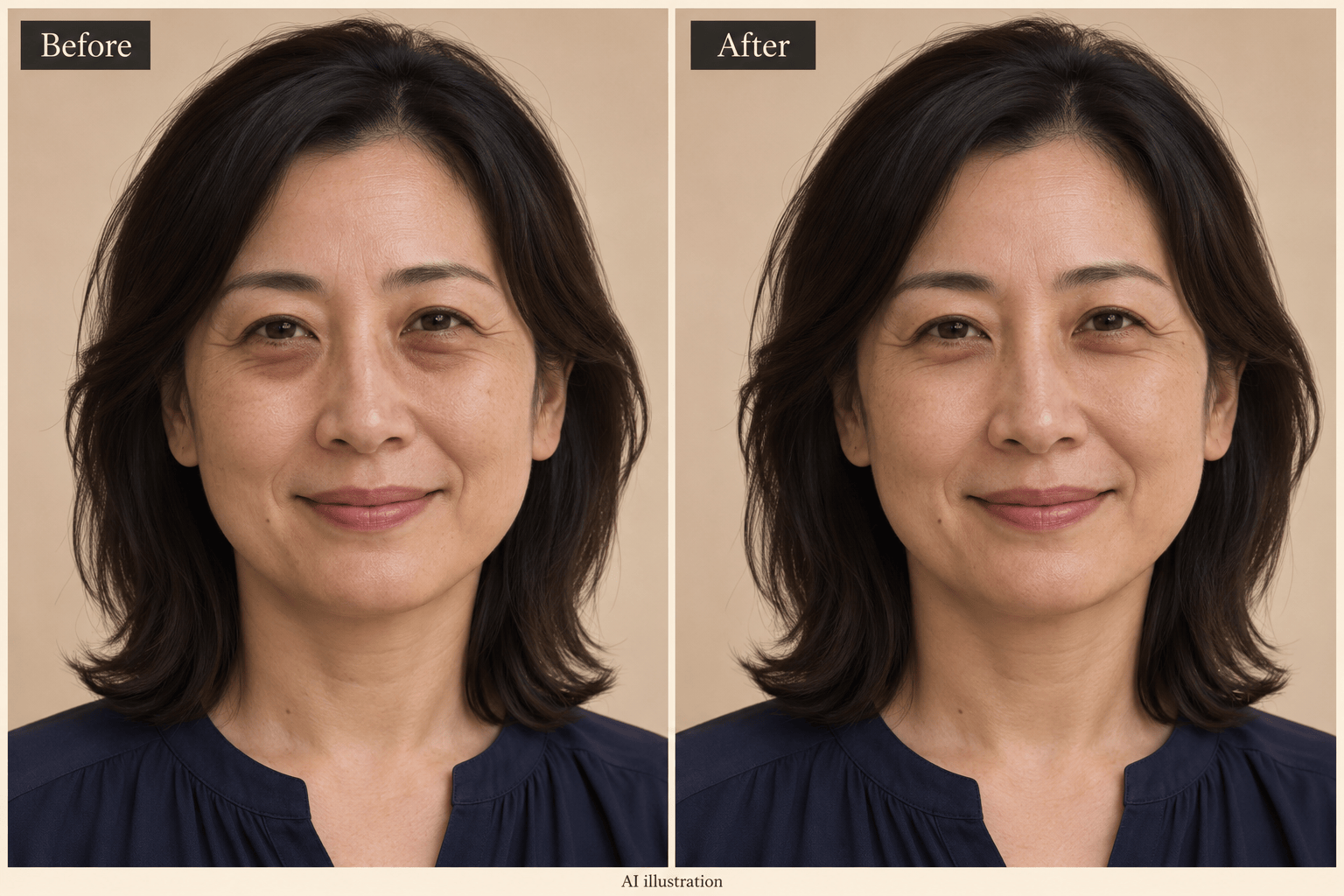
Reduce the dark circles in this photo slightly. Keep the lower eyelid shape, eye color, and natural expression unchanged.
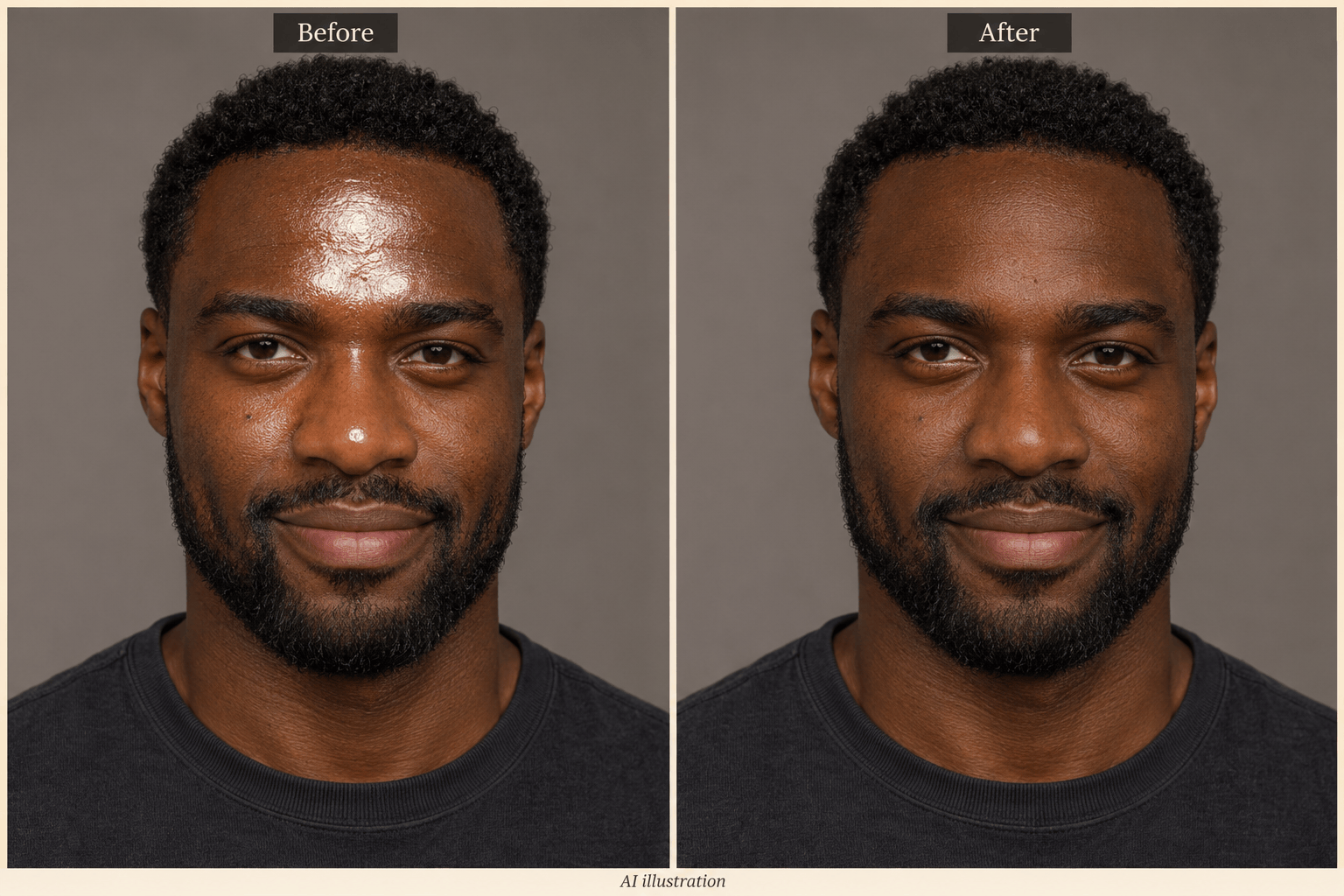
Reduce harsh shine on the forehead and nose in this portrait. Preserve natural highlights and the original skin tone; do not flatten the face.
Retouch this headshot for LinkedIn. Balance the uneven lighting and gently soften small blemishes. Keep my face shape, hair, clothing, and background unchanged.
Subtly soften fine lines in this portrait while keeping my age and smile lines visible. Preserve skin texture and avoid an airbrushed finish.
Reduce the yellow cast on my teeth slightly in this photo. Keep a realistic ivory shade, the same tooth shapes, and the original smile.





