Create an AIF1 Photo
How to Make an F1 Driver Photo With AI
Upload a Clear Selfie
Describe Your Racing Scene
Check Your Likeness and Refine
Download Your Driver Portrait

Make a Racing Portrait That Still Looks Like You
Start From Your Own Photo
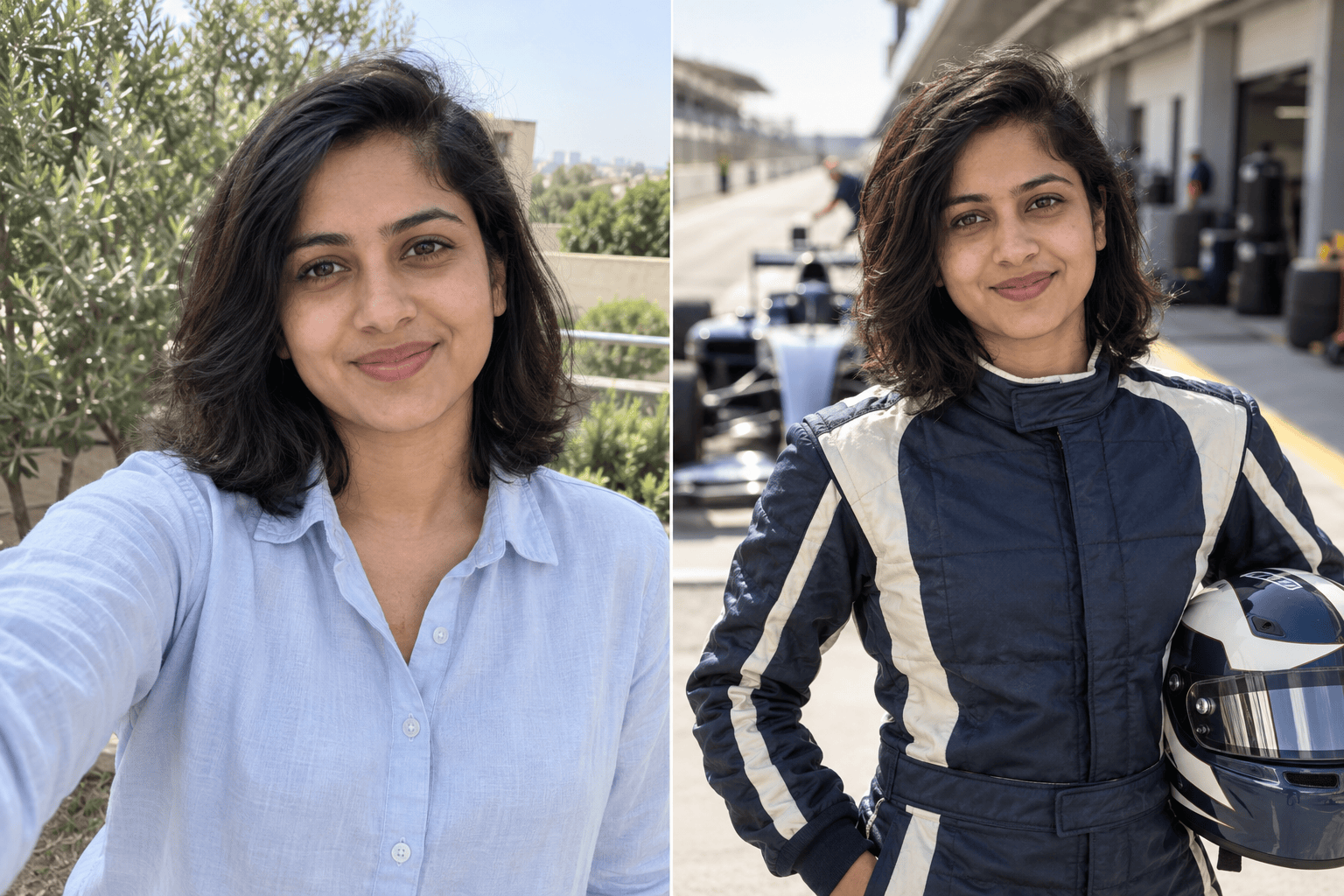
Upload a selfie as the visual reference for an F1 driver photo, so the scene is built around your face rather than a generic racer.
Choose the Moment
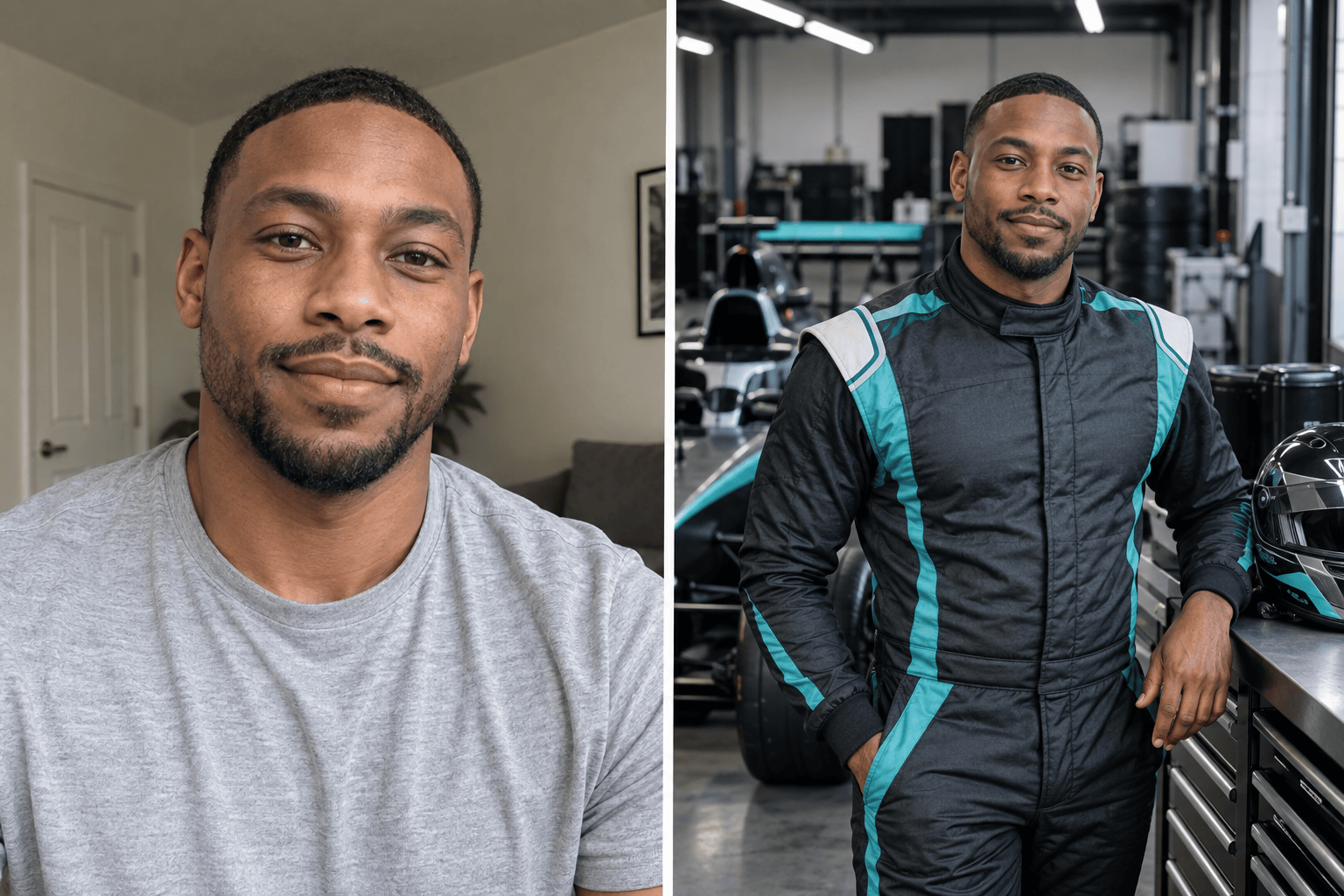
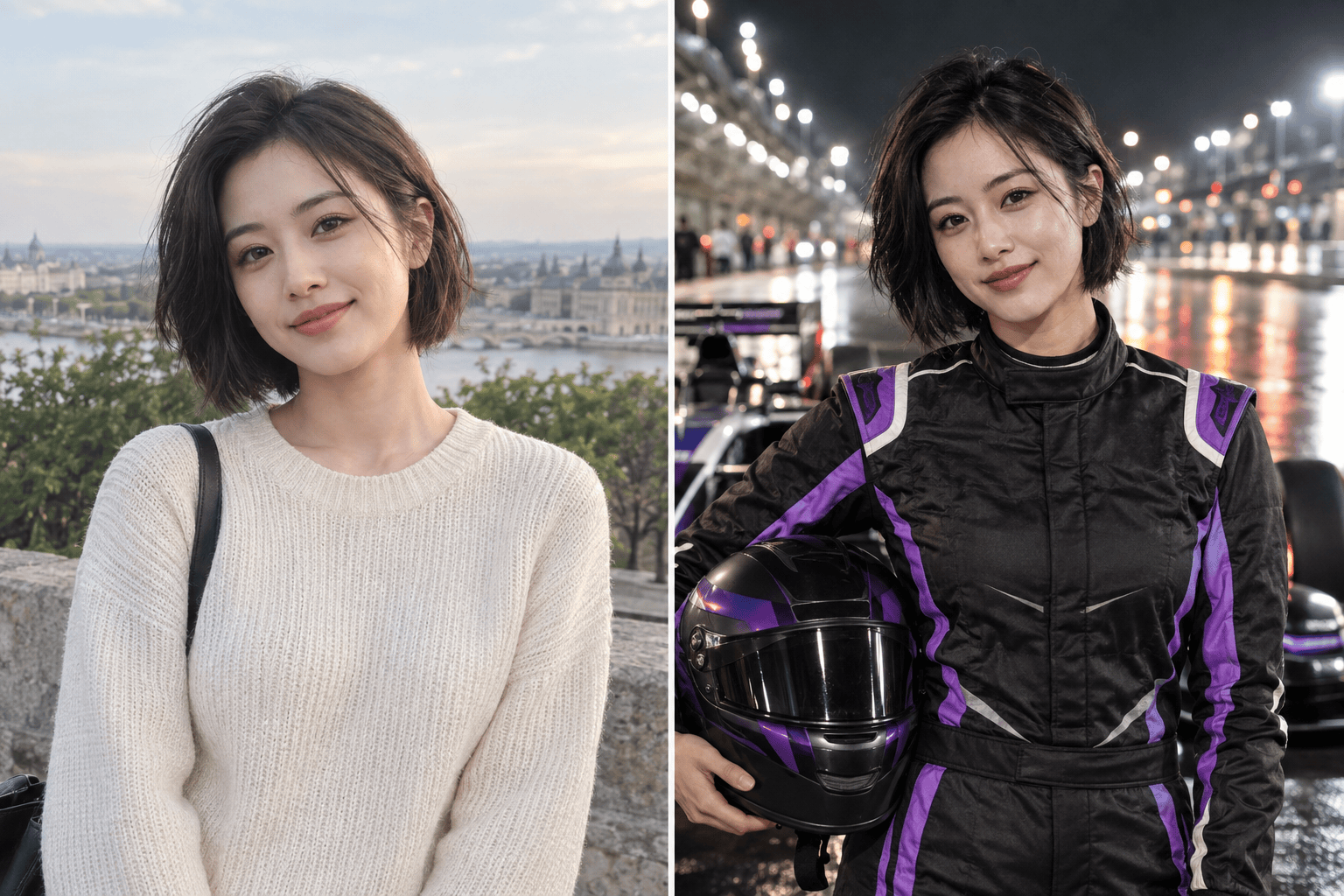
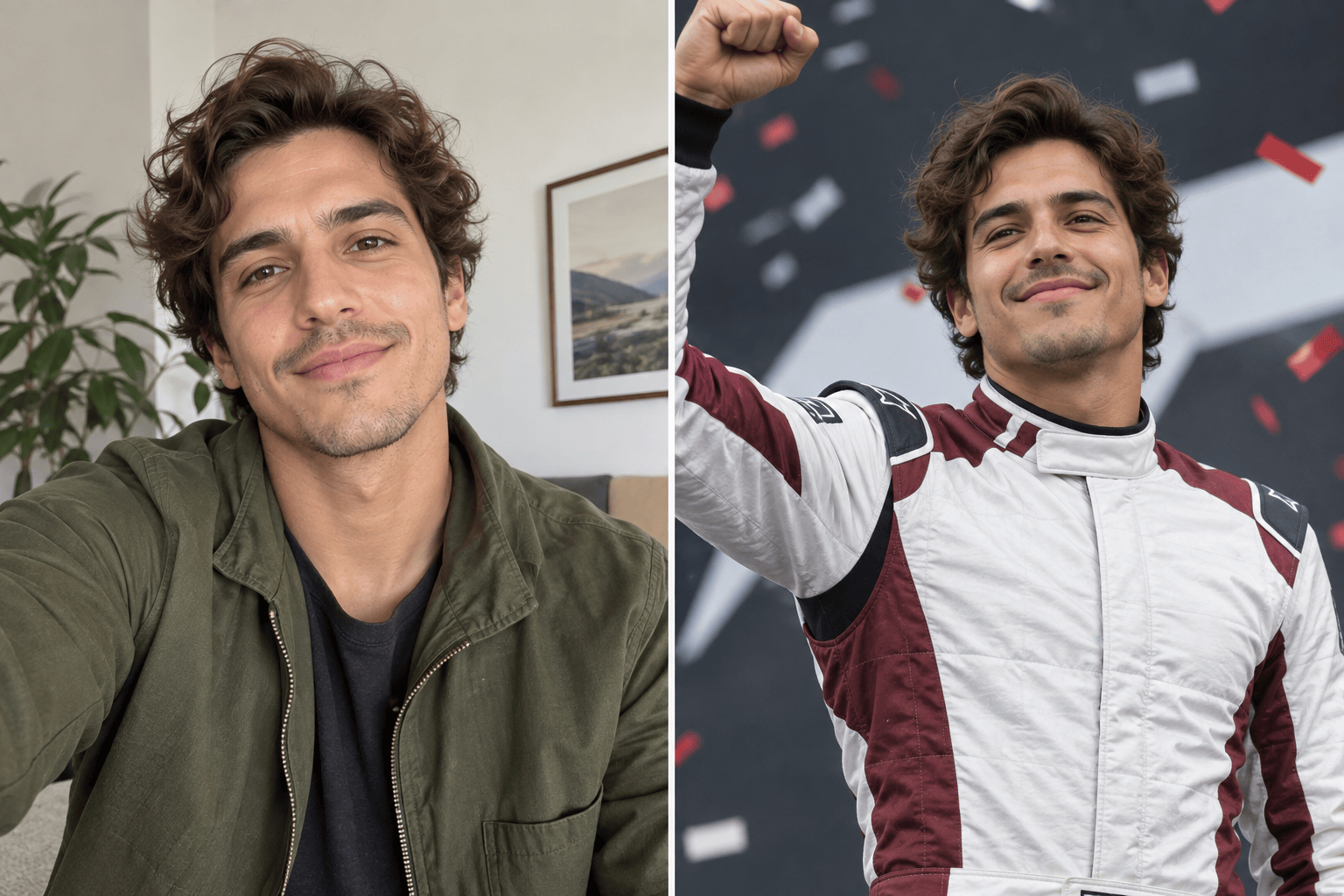
Describe a calm garage portrait, a pit lane walk, or a podium celebration. Our online racing driver photo maker can explore different race-day moods.
Refine the Face in Chat
If the first result changes your features, use Chat Edit to request a closer likeness while preserving the suit, lighting, and background.
Control the Racing Details
Set suit colors, helmet placement, car position, camera angle, and lighting. Keep patches simple to avoid unreadable or invented text.
Create a Matching Series
Try several F1-inspired photo scenes from the same reference: paddock, garage, night race, and celebration. Review each image for consistency.
Try It With Free Credits
Sign up to test the F1 photo generator with free AI credits. Download finished images without a watermark when ready.
How to Keep Your Face Recognizable in an F1 Photo
- Show your face: Use one sharp photo with visible eyes and minimal filters; avoid sunglasses, heavy shadows, or a tiny face in a group shot.
- Name the setting: Pick one primary scene—paddock, garage, grid, night circuit, or podium—and describe the crop you need.
- Protect the likeness: Ask to keep facial structure, skin tone, hairstyle, and natural skin texture close to your reference.
- Inspect the details: Zoom in on hands, helmet edges, car geometry, and any suit lettering before sharing.
F1 Photo Looks to Try With Your Selfie
Use my uploaded selfie to create a realistic pit lane driver portrait. Keep my face recognizable, add a clean racing suit and helmet under one arm, and place an unbranded open-wheel car softly behind me.
Turn my selfie into a garage portrait beside an open-wheel race car. Use bright workshop light, detailed suit fabric, natural hands, and my original facial features.
Make a cinematic night-race photo from my selfie. Keep my likeness, place me by a lit circuit with a helmet in hand, and avoid logos or readable sponsor text.
Create a podium celebration photo from my selfie. Keep my face and skin texture natural, use confetti and a racing suit, and frame it for a vertical social post.
Turn my selfie into a close-up racing driver profile photo. Keep the face clear, use a simple suit collar and blurred paddock backdrop, and leave space for a square crop.
Create a magazine-style race-weekend portrait from my selfie beside a sleek open-wheel car. Use warm late-afternoon light, a three-quarter crop, and a neutral suit without real team branding.





