Turn Your Photo Into a Christmas Elf WithAI Elf Yourself
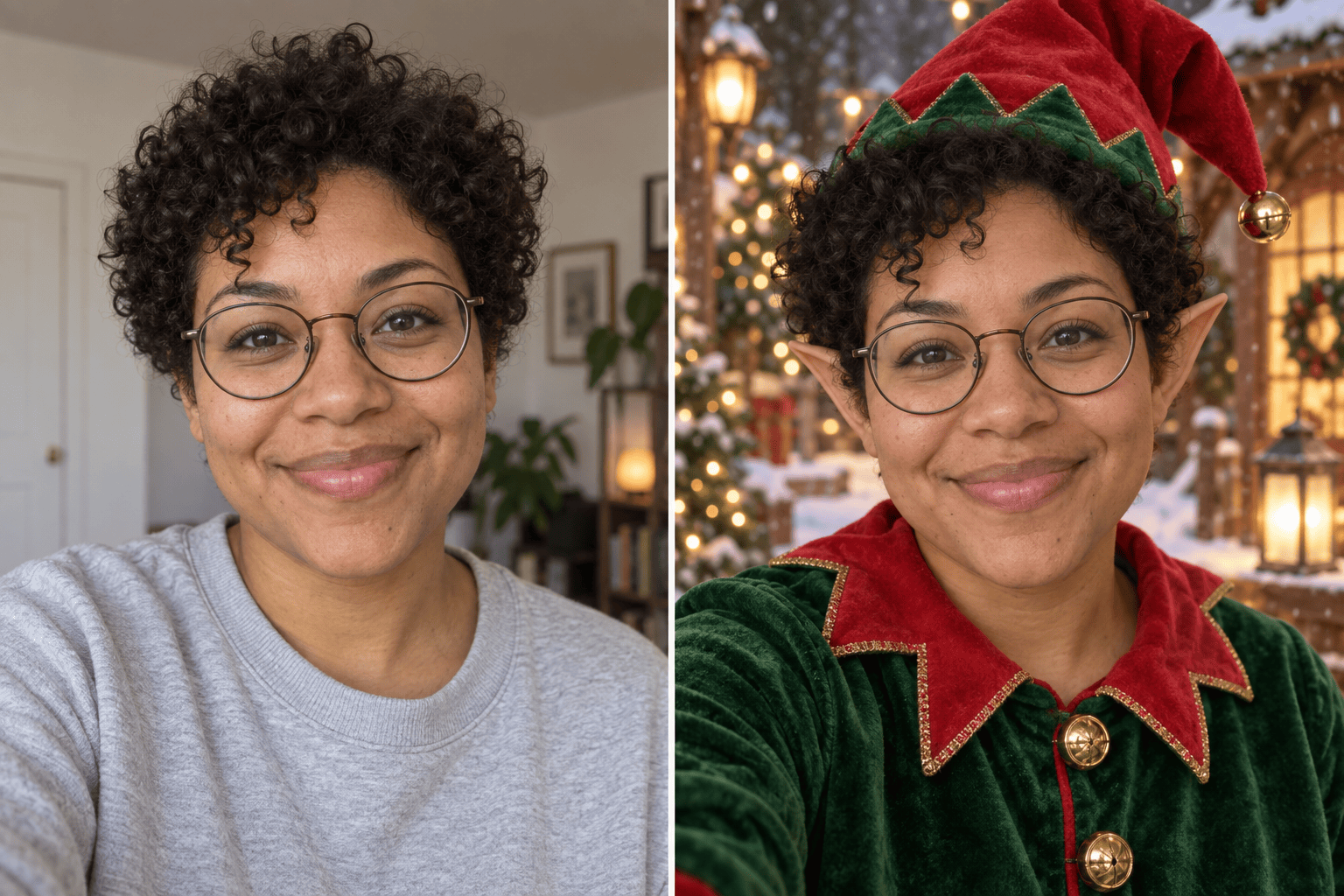
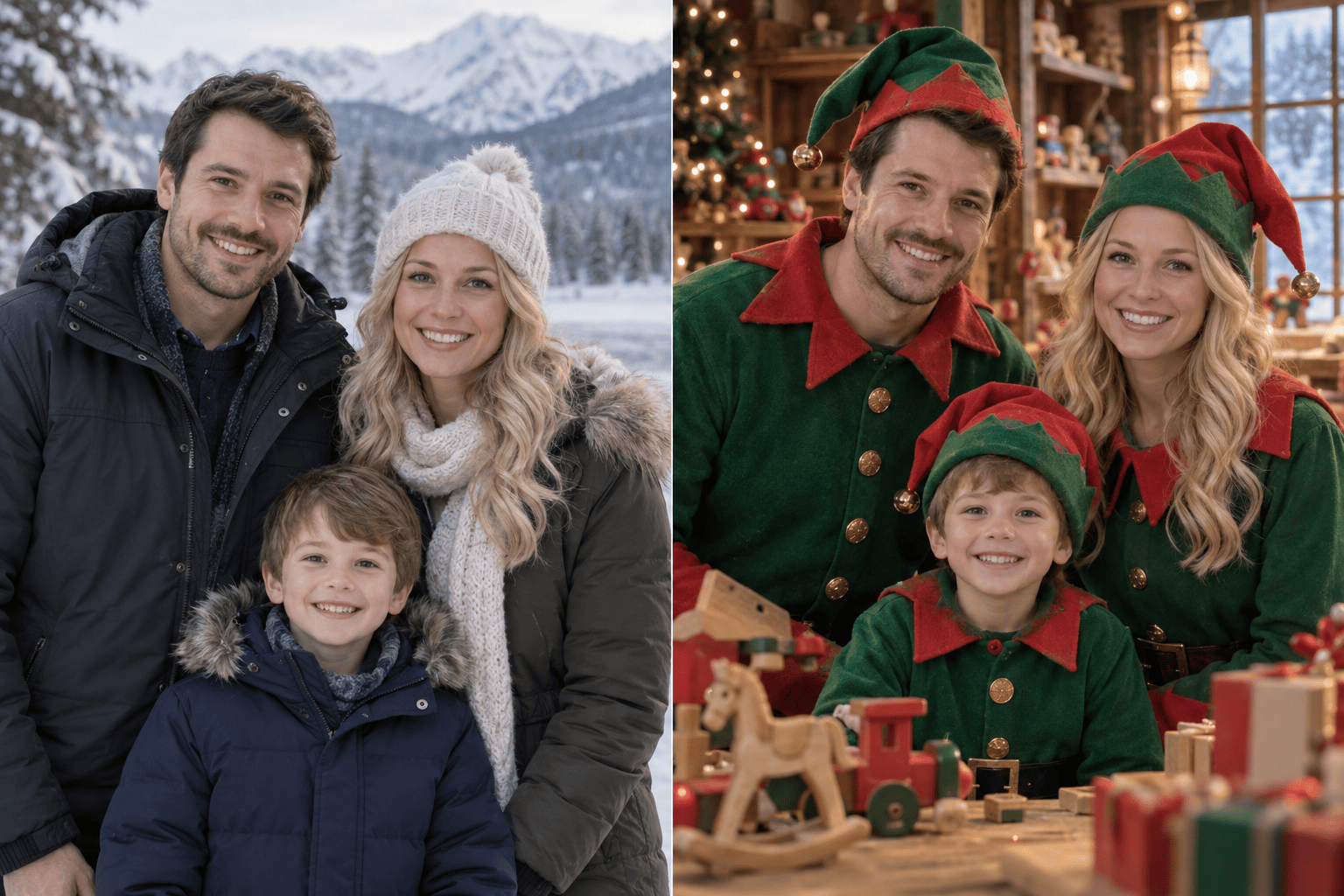

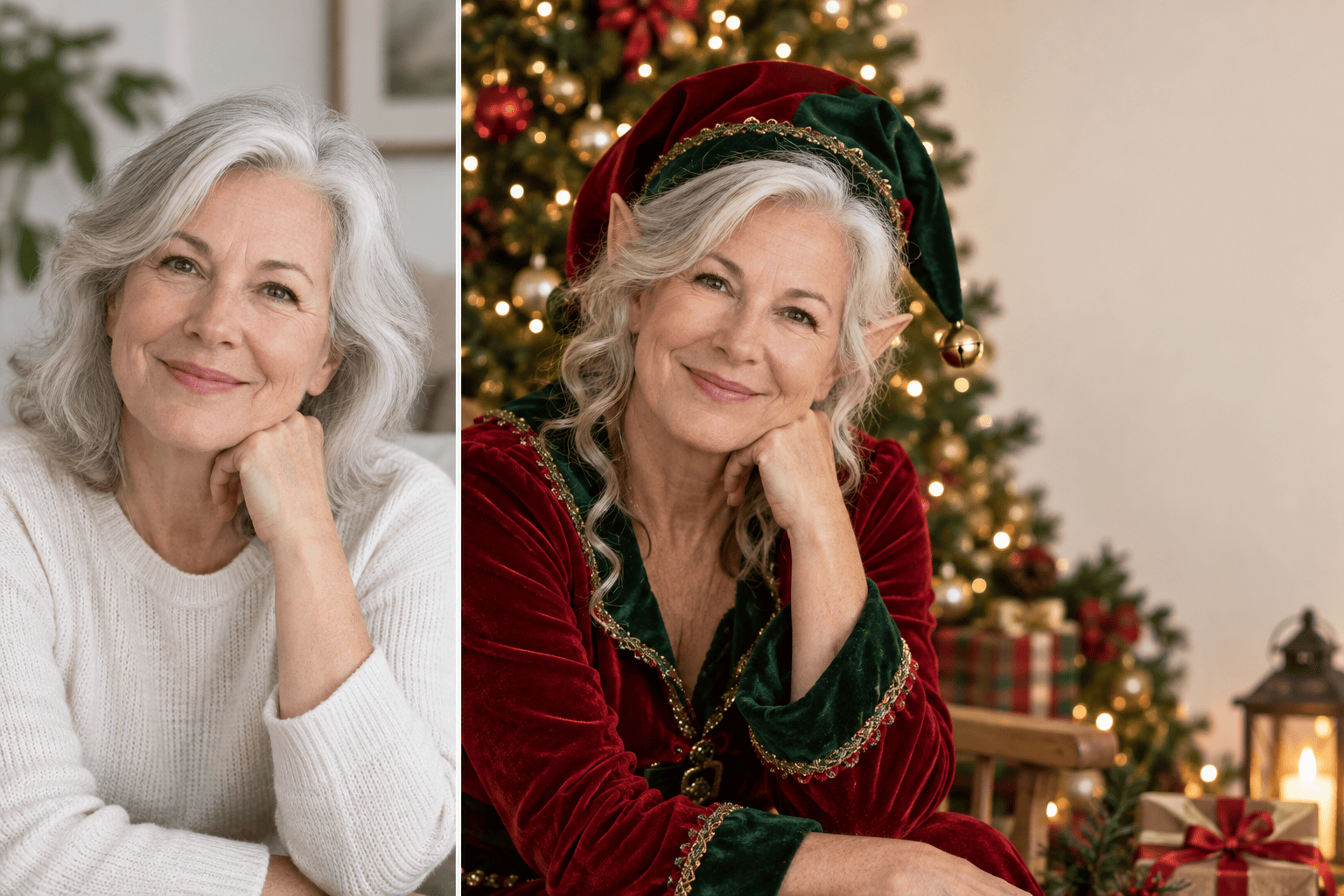
How to Turn Your Photo Into a Christmas Elf
Upload a Clear Photo
Describe Your Elf Scene
Generate and Refine the Portrait
Save and Share

Make an Elf Photo That Still Looks Like You
Start With Your Own Face
Upload a selfie instead of settling for a generic elf. Describe which facial details, hairstyle, or glasses you want the Christmas elf portrait to keep.
Choose Your Holiday Style
Ask the online AI elf maker for a cozy workshop, snowy village, illustrated card art, or a realistic festive portrait.
Bring Friends and Family In
Use a clear group reference and describe each person’s elf outfit and position for a personal holiday group image.
Fix One Detail in Chat
Use Chat Edit to adjust an elf hat, brighten a face, change costume colors, or simplify a busy background without starting over.
Try More Than One Version
Create different elf photo ideas for a profile image, a funny group chat post, and a warmer Christmas card portrait.
Export a Shareable Image
Download a watermark-free PNG or JPG after trying Mew Design with signup credits. Check the final crop before using it in a card or social post.
What Photo Works Best for an Elf Transformation?
- Keep the likeness: Name the features you care about, such as glasses, hairstyle, skin tone, or expression.
- Set the scene: Choose a Christmas workshop, snowy street, tree lights, or a clean card background.
- Choose the crop: Ask for a square portrait, vertical phone image, or room around the subject for card text.
- Review faces closely: For group photos, check every face and hand before downloading or sharing.
Elf Photo Ideas for Christmas Sharing
Turn my uploaded selfie into a cheerful Christmas elf profile photo. Keep my face and hairstyle recognizable, add a red pointed hat and green coat, and use a softly lit snowy background. Make it square.
Use our uploaded family photo to create a warm Christmas elf family portrait. Keep each person recognizable and in the same order, dress us in coordinated but distinct red-and-green elf outfits, and leave room at the top for a holiday greeting.
Turn the people in our uploaded friends photo into playful workshop elves. Keep our faces distinct, add small toy-making details, and make the image suitable for sharing in a group chat.
Use my uploaded portrait to create a realistic holiday elf photo for a Christmas card. Keep my skin tone and glasses accurate, add soft tree lights and a simple background, and leave clean space for card text.
Make an illustrated Christmas elf version of my uploaded selfie. Preserve my recognizable features, use warm storybook colors, and avoid changing my age or expression.
Refine the elf image I just made: keep every person and their faces as they are, fix the distorted hands, make the pointed hats sit naturally, and reduce background clutter.





