Create YourAI Eid Mubarak Photo
How to Make an Eid Mubarak Photo with AI
Add a Photo or Describe the Scene
Set the Eid Look
Refine the Details
Save and Share

Make Eid Photos That Feel Personal
Start with Your Own Photo
Upload a selfie or family picture and tell Mew Design which people, expressions, and features matter. Our Eid Mubarak photo editor can build a festive setting around that source.
Create Without a Source Image
Have no photo to edit? Describe a celebration scene, traditional outfit, or lantern-lit portrait and generate a new Eid image from text.
Tune the Celebration
Specify Eid al-Fitr or Eid al-Adha, a meaningful setting, and the clothing you prefer. A specific brief helps avoid a generic holiday look.
Fix Details in Chat
If the first image needs work, use Chat Edit to request a clearer face, simpler background, different lighting, or more space for your greeting.
Make Social-Ready Variations
Create alternate crops and looks for an AI Eid profile picture, a family message, or a feed post while keeping the same visual direction.
Try an Online Eid Photo Maker
Start with free AI credits after signup, then export a watermark-free Eid photo as PNG or JPG when you are happy with the result.
How to Get a More Recognizable Eid Portrait
- Name what must stay: Call out the people, facial features, skin tone, pose, or outfit details you want to preserve rather than asking for a vague “Eid makeover.”
- Choose the occasion: Say whether the photo is for Eid al-Fitr or Eid al-Adha, then describe a setting and clothing style that fits your own celebration.
- Plan the crop: Ask for a centered face for a WhatsApp DP, or extra space around the group for a social post and greeting text.
- Check before sharing: Review faces, hands, clothing, and spelling. Request a focused correction if any detail looks wrong.
Eid Photo Ideas You Can Try
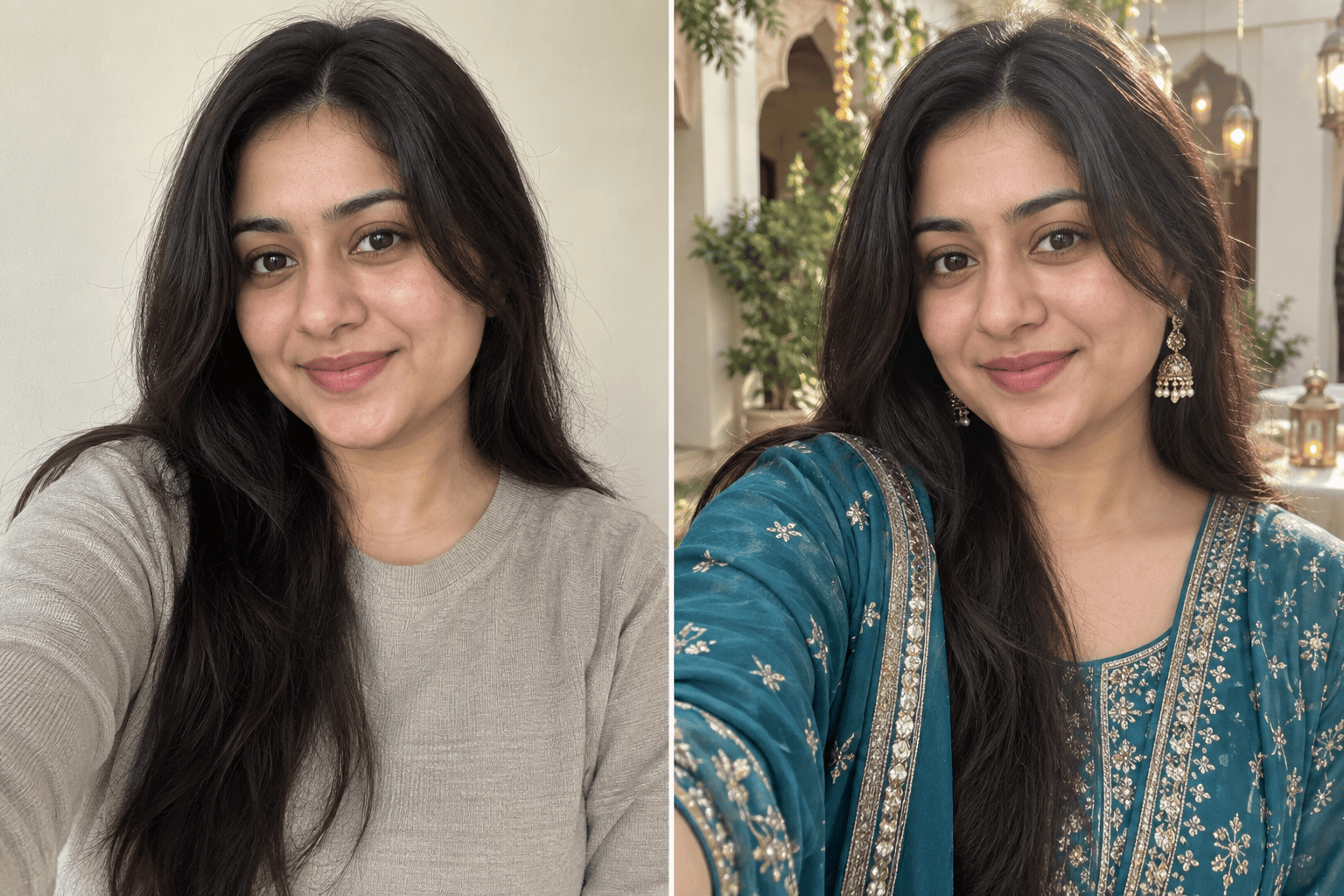
Use my uploaded selfie to make an Eid al-Fitr morning portrait. Keep my face and skin tone recognizable, add soft natural light and a calm courtyard, and leave room for a short Eid Mubarak greeting.
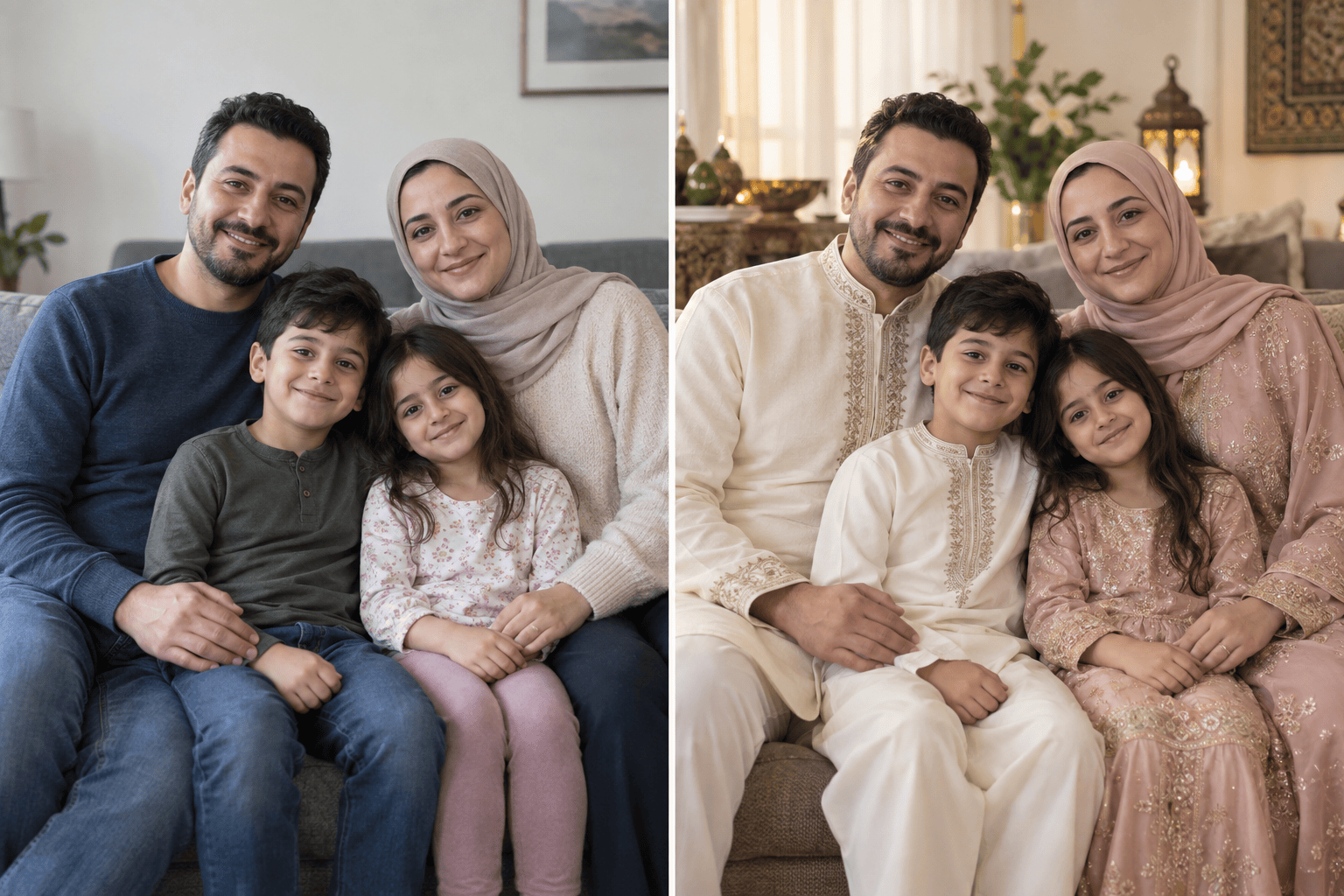
Turn our uploaded family photo into a warm Eid greeting. Keep every person recognizable and in the same group, add subtle festive lighting, and use a landscape crop with space for our message.
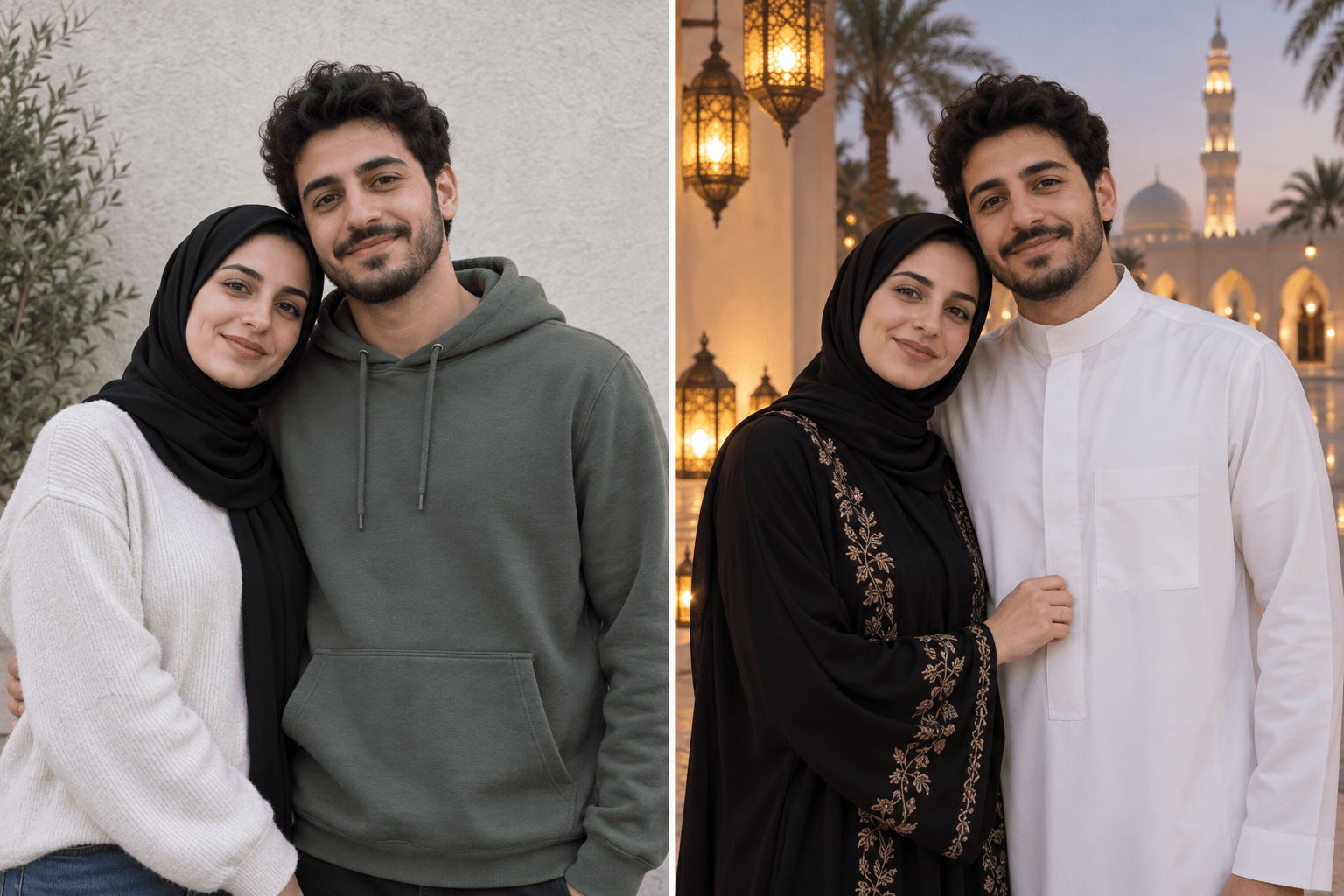
Use our uploaded couple photo to create a natural Eid Mubarak portrait. Keep both faces recognizable, match the lighting, and place us in a softly lit outdoor setting.
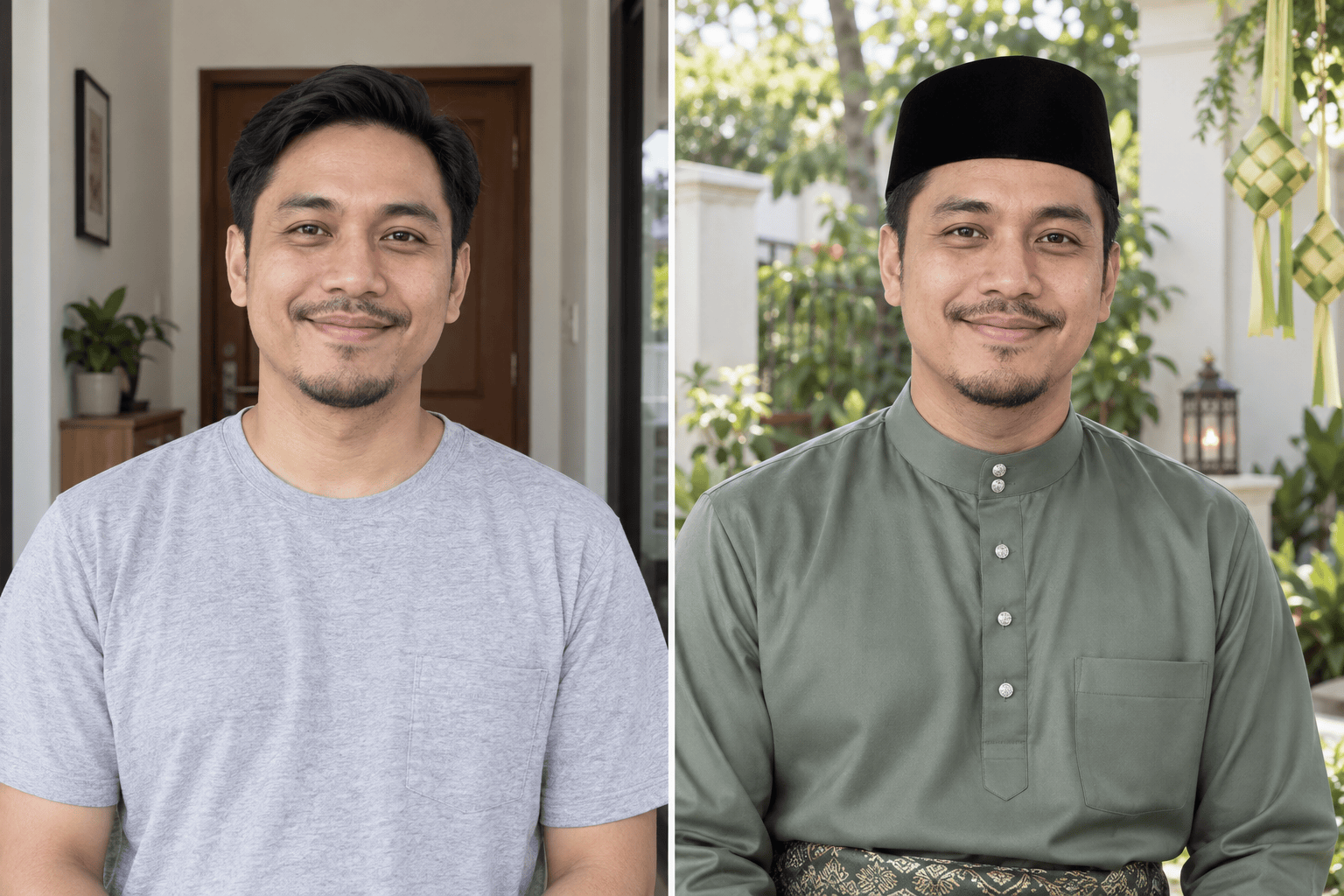
Restyle my uploaded portrait as an Eid al-Adha greeting photo. Keep my face and expression recognizable, use clothing that fits my reference, and add a simple, respectful celebration backdrop.
Make an AI Eid profile picture from my uploaded selfie. Keep my face centered and clearly visible in a square crop, with a subtle crescent and warm lights away from my face.
Create an original Eid Mubarak photo without an uploaded image: a joyful family gathering in a warmly lit home, natural expressions, realistic photography, and open space for a short greeting.





