Free OnlineAI Earring Design
How to Create Earring Designs with AI
Define the Piece and Wearer
Specify Materials and Hardware
Generate a Pair or Product Concept
Refine the Design and Next Steps

Why Choose Mew Design for AI Earring Design
From Plain-Language Brief to Jewelry Concept
Describe an occasion, silhouette, mood, or reference in everyday language. Our AI jewelry design generator turns the brief into a visual direction without requiring jewelry CAD or advanced sketching skills.
Control Metals, Stones, and Settings
Guide the visible design choices that make an earring feel specific: gold, silver, platinum tones, polished or brushed finish, gemstone color and cut, bezel or prong setting, negative space, and hardware.
Start from a Sketch, Photo, or Reference
Upload a rough drawing, an existing earring photo, a material swatch, or a mood reference. Ask the AI to preserve the key silhouette, then explore a new finish, stone treatment, proportion, or presentation.
Explore Matched Pairs and Collection Variations
Request a coordinated left-and-right pair, mirrored details, or a small family of studs, hoops, and drops that share one design language. Compare directions before investing time in technical drawings or prototypes.
Make Precise Changes Through Chat
If a concept is close but not right, ask for a smaller stone, a lighter-looking drop, a different closure, more negative space, or a calmer background. Chat Edit keeps the iteration focused instead of restarting from a blank canvas.
Free to Try for Early Design Work
Start with free AI credits after signup and export concepts without a watermark. Use the free AI earring generator for inspiration, client conversations, mood boards, and early product directions, then complete professional and rights review before commercial use.
What Makes a Good AI Earring Design Prompt
- Name the Silhouette: Choose studs, huggies, hoops, drops, dangles, chandelier earrings, ear cuffs, climbers, threaders, or a front-back design. State the approximate length, width, thickness, and amount of movement.
- Specify the Materials: Mention metal color and finish, gemstone or alternative material, stone shape and color, setting style, texture, and contrast. For an AI gemstone earring design, say whether the stone should feel delicate, bold, opaque, translucent, or faceted.
- Describe Wearability: Include the post, hook, hinge, clasp, backing, ear-cuff grip, balance, and comfort goal. Ask for a matched pair or intentional asymmetry so the relationship between the two earrings is clear.
- Choose the Presentation: Ask for a product render, pair-and-side view, collection sheet, jewelry card, mood board, or earring mockup. If you upload a sketch or photo, say which silhouette, material cue, or proportion the AI should preserve.
AI Earring Generator Prompts to Adapt
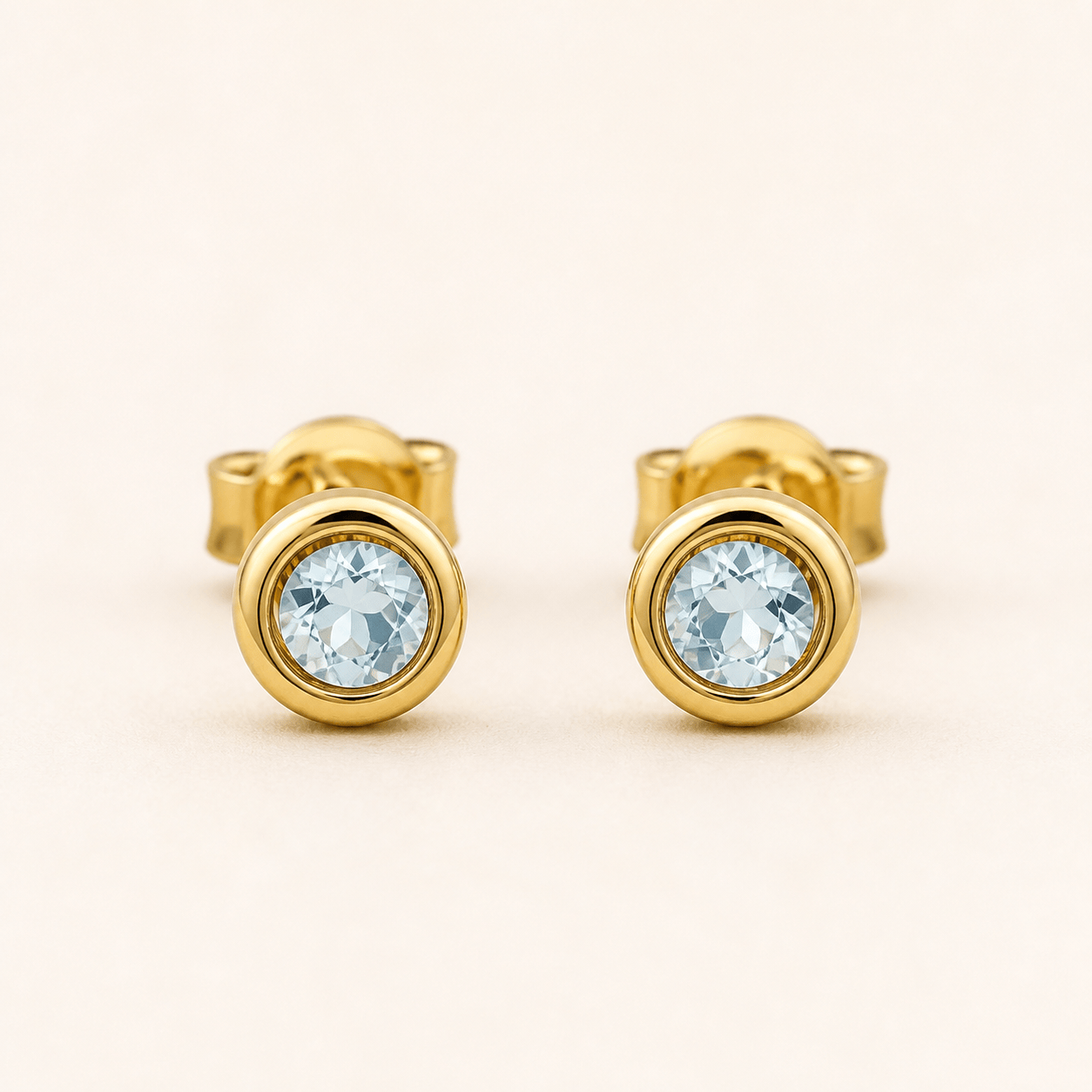
Everyday Minimalist Studs: Create a pair of small round stud earrings for daily wear. Use polished sterling-silver color, a low-profile bezel around a single pale-blue stone, smooth push backs, balanced proportions, and a clean square product render on a soft gray background.
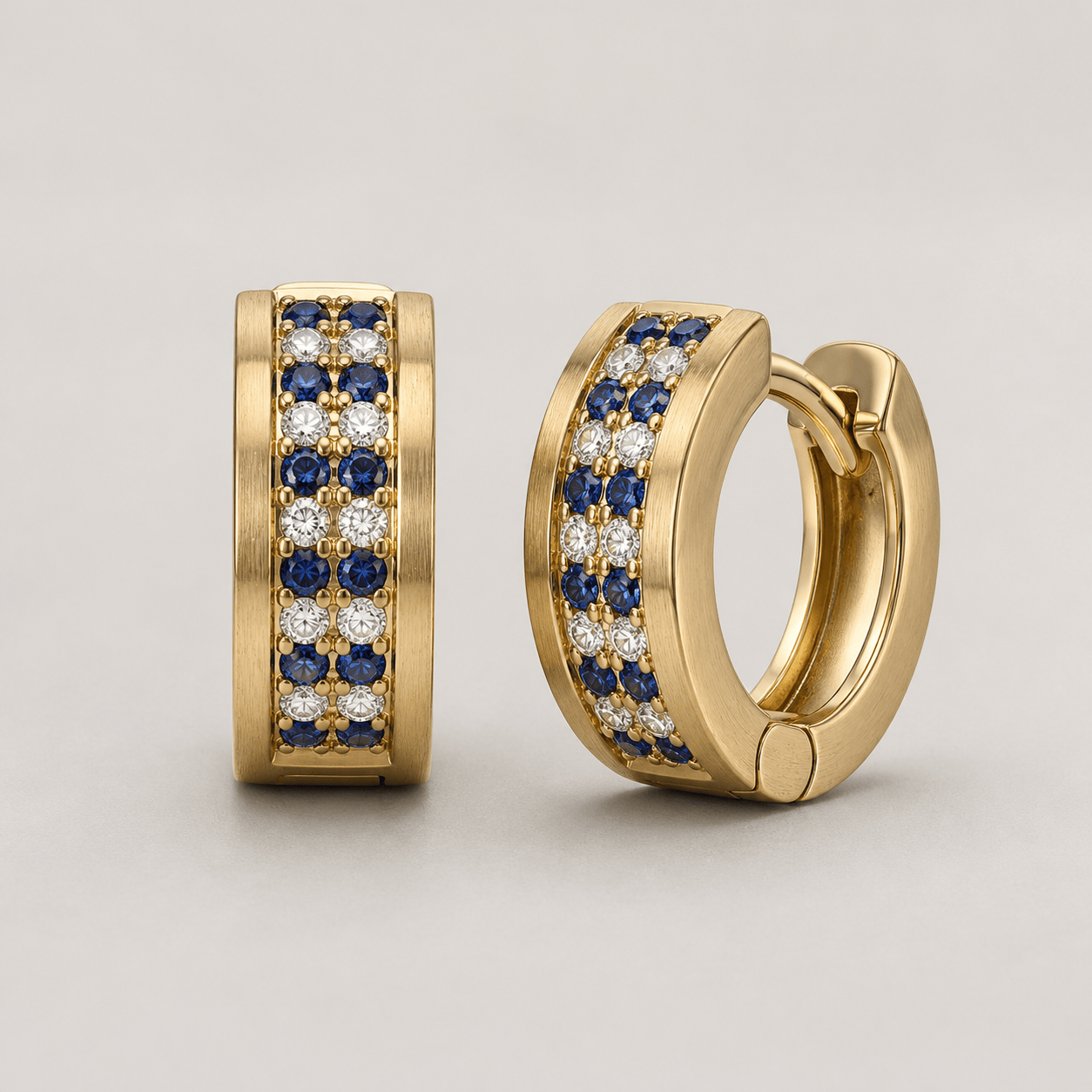
Gemstone Huggie Hoops: Design compact gold huggie hoops with alternating ruby-red and clear stones in a neat pavé pattern. Show both earrings front-facing and one at a slight angle. Keep the hinge and closure visible, the silhouette refined, and the presentation suitable for an online jewelry collection.
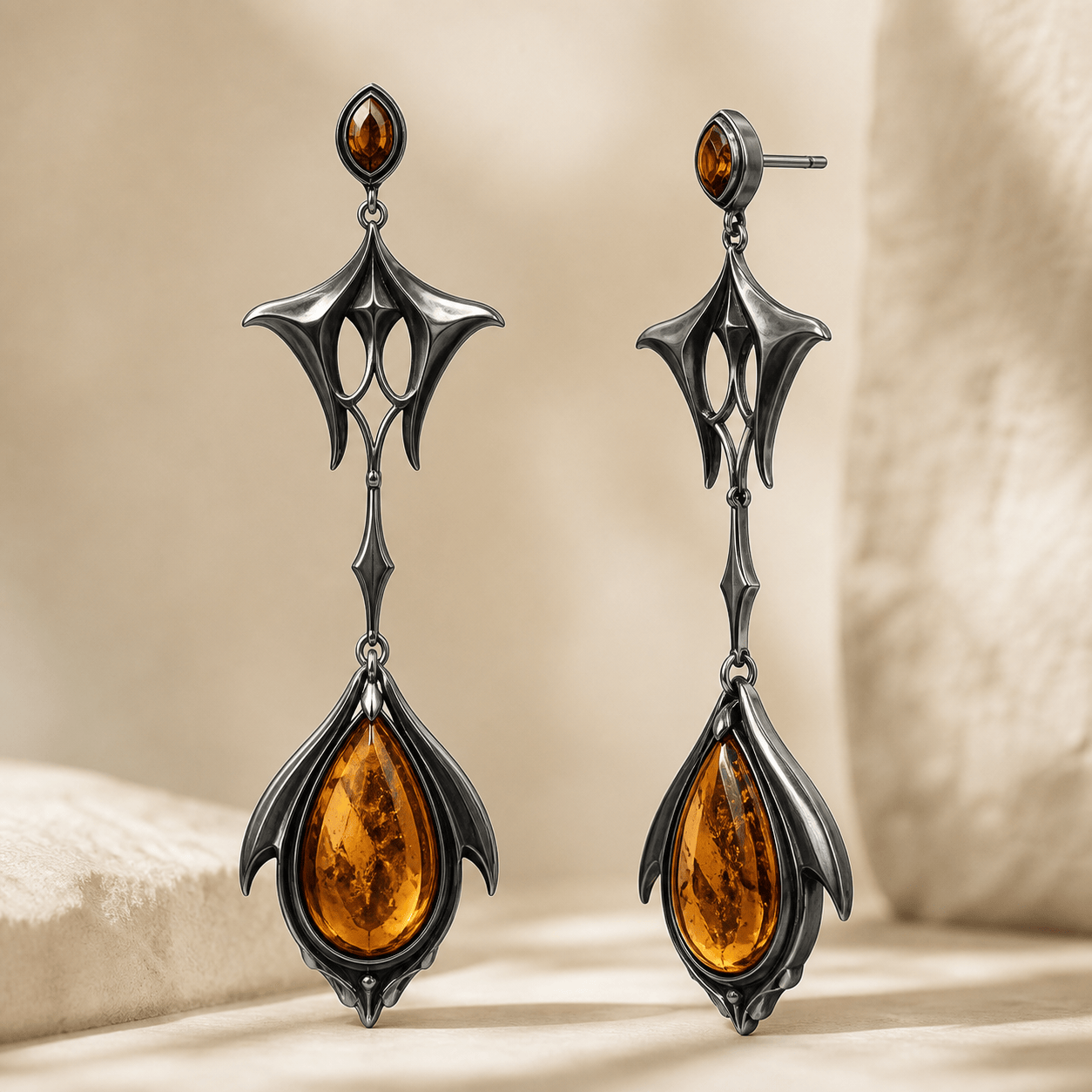
Statement Drop Earrings: Create custom drop earrings for a black-tie evening look. Use a sculptural blackened-silver upper shape, a slim articulated connector, and a pear-shaped amber-colored focal stone. Make the pair symmetrical, elegant, and dramatic without looking too heavy. Render on a warm neutral studio background.
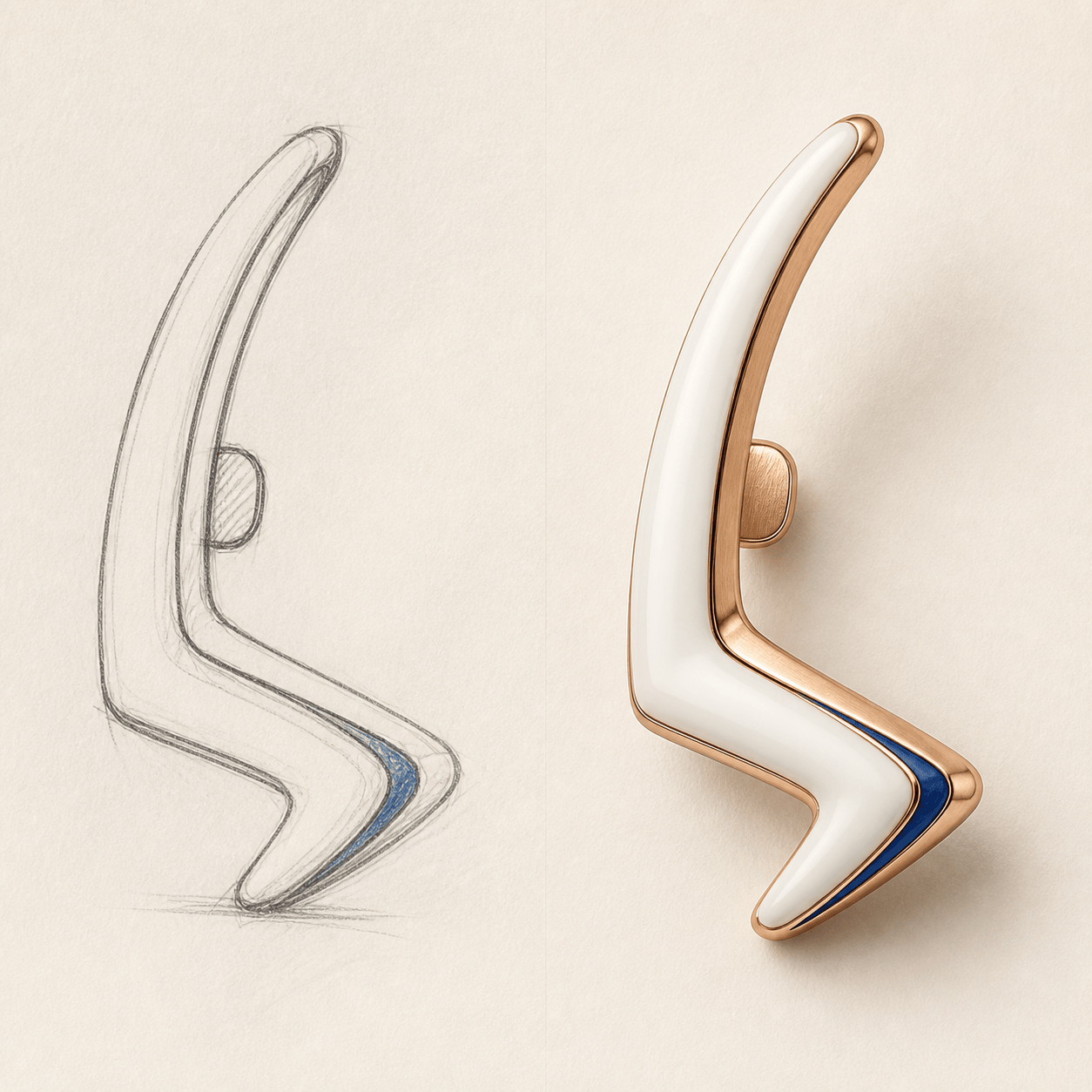
Modern Ear Cuff: Generate a contemporary ear cuff and climber concept for a fashion-forward capsule collection. Use brushed rose-gold color, an open wave silhouette, tiny blue enamel accents, and a believable contact point around the ear. Show the single piece and a matching pair as product studies, without a model or text.
Coordinated Jewelry Collection: Build three related earring directions—minimal stud, medium hoop, and long drop—for a sustainable jewelry brand. Share one organic leaf motif, recycled-silver color, matte finish, and muted green stone accent. Present them as a consistent collection board with clear separation between each concept.
AI Earring Design from Sketch: Use my uploaded [earring sketch] as the primary silhouette reference. Turn the loose line drawing into a polished ceramic-and-gold earring concept, preserve the open triangular shape and approximate proportions, add a small secure-looking post, and show a front view beside a side view. Do not copy any recognizable designer piece.





