Free OnlineAI Dragon Generator
How to Create Dragon Art with AI
Choose a Dragon Type and Role
Define Anatomy and Shape Language
Direct the Pose, World, and Frame
Inspect, Refine, and Download

Why Use Mew Design as Your AI Dragon Maker
Create Distinct Dragon Species
Define a Western dragon, wyvern, drake, wyrm, Eastern dragon, or an original hybrid. The fantasy dragon generator can follow different limb arrangements, proportions, habitats, and cultural design languages.
Work from Text or References
Begin with words, upload a sketch, or reuse an existing dragon image as visual direction. References help retain horn shapes, markings, colors, and other identity anchors across new poses and scenes.
Control Anatomy and Silhouette
Describe wing attachment, limb count, chest mass, posture, neck rhythm, and tail balance. Strong horn, crest, wing, and tail shapes keep the character recognizable even before surface details appear.
Unify Element, Material, and Light
Combine fire, ice, lightning, water, crystal, plants, metal, or shadow with matching scales and environments. Ask elemental glow to illuminate the face, wings, clouds, ground, or water for a believable scene.
Design for Real Creative Uses
Generate cinematic dragon art, RPG concept sheets, profile avatars, mascots, book covers, tattoo linework, logos, or printable coloring pages with the framing and detail level each destination requires.
Free to Try and Easy to Refine
Start with free credits after signup and download watermark-free images. Continue through chat to correct extra limbs, adjust a pose, explore colorways, or create a more readable variation without starting over.
How to Write an AI Dragon Generator Prompt
- Lock the Body Plan: State whether it has four legs and separate wings, two legs with wing-arms, four legs without wings, a limbless body, or a long Eastern form. This reduces accidental extra limbs.
- Design from Function: Connect anatomy to habitat and behavior. Flying dragons need credible wings and chest strength; swimmers need streamlined forms and fins; burrowers need strong shoulders and digging claws.
- Build a Readable Silhouette: Use neck rhythm, posture, horn sweep, crest, wing outline, and tail ending to show age, temperament, and role. Keep the large shapes clear before requesting dense scales.
- Match the Scene and Output: Specify action, camera, lighting, environment, and aspect ratio. Leave title space for a book cover, use bold contours for a tattoo, or center the head with safe margins for an avatar.
AI Dragon Prompts for Fantasy Art, Characters, Tattoos, and Avatars
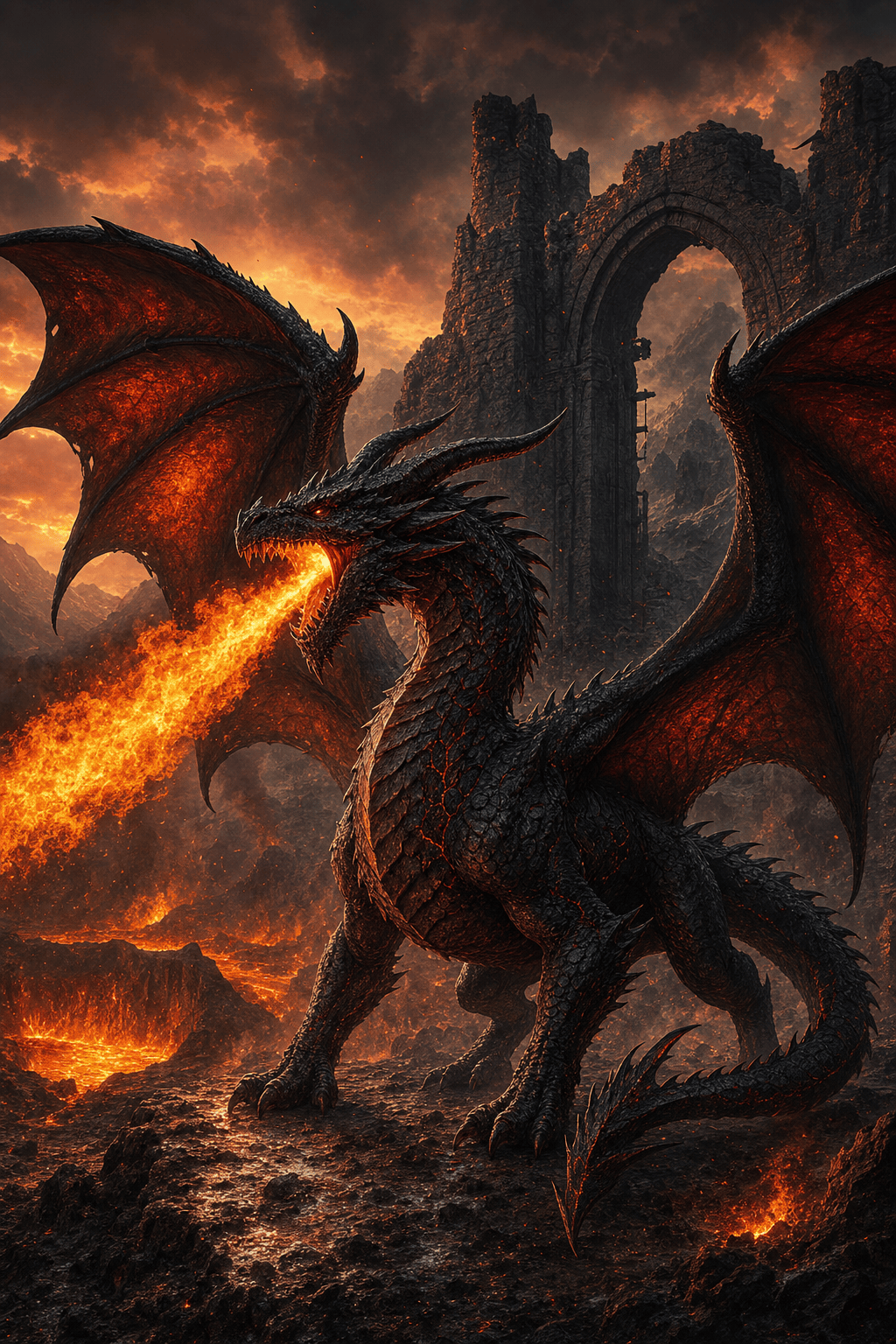
Western Fire Dragon Key Art: Create an ancient crimson Western dragon with four legs and two separate wings, heavy chest, torn wing membranes, crown-like horns, and molten-gold eyes. It guards a ruined mountain gate during a thunderstorm, fire lighting the wet stone and smoke, low-angle cinematic composition, realistic fantasy painting, no extra limbs or text.
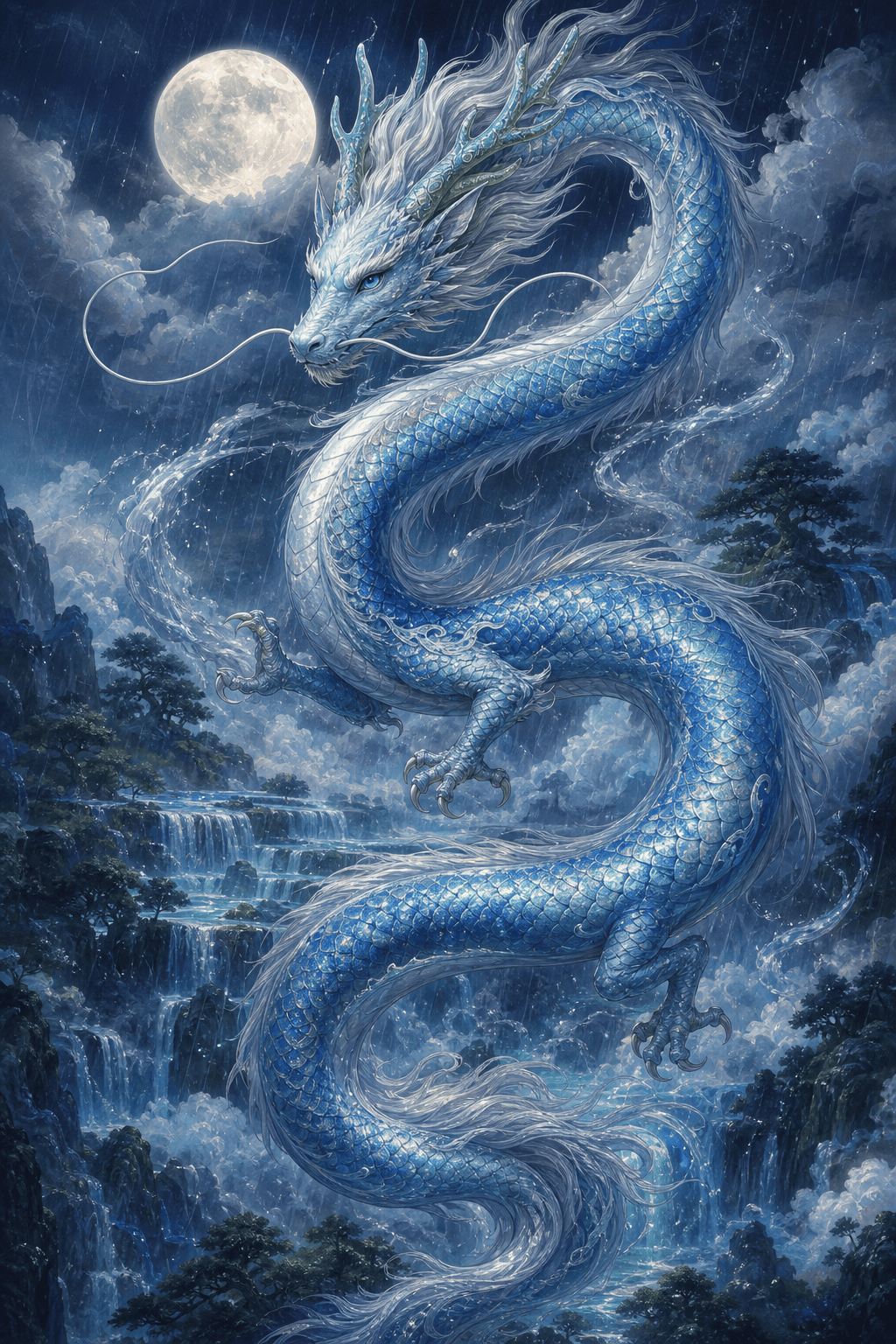
Eastern Celestial Water Dragon: Design a benevolent long Eastern dragon with four small legs, flowing silver mane, antler-like horns, pearl-blue scales, whiskers, and no wings. It spirals through clouds above terraced waterfalls, controlling ribbons of rain, elegant S-curve silhouette, moonlit ink-and-color illustration, vertical 2:3 frame.
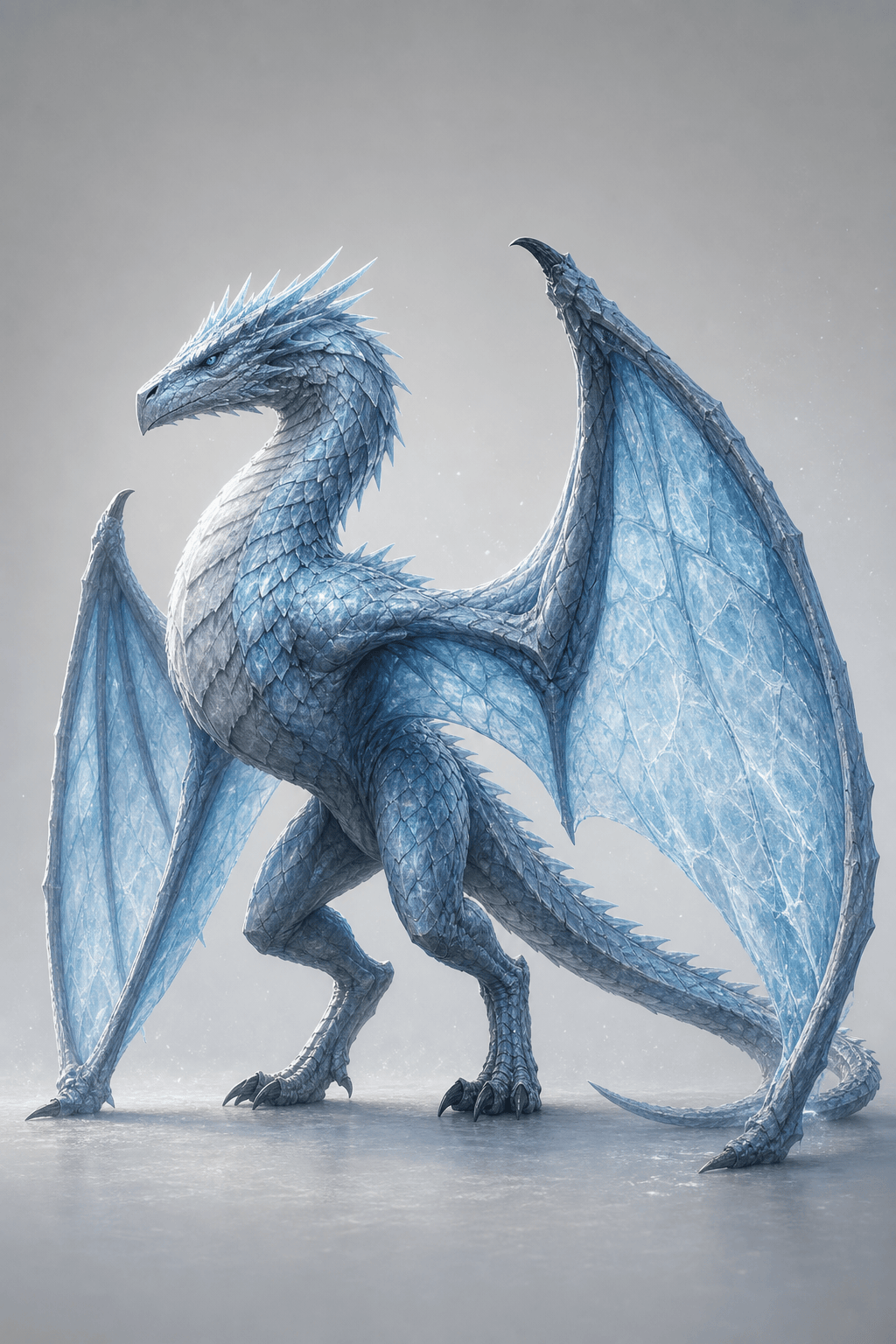
Ice Wyvern Game Concept: Create a full-body ice wyvern with two powerful hind legs and two wing-arms, translucent frost membranes, wedge-shaped head, short crown spines, counterbalancing tail, and pale blue plated scales. Neutral studio background, three-quarter standing pose, readable game character concept art, consistent joints, no duplicate wings.
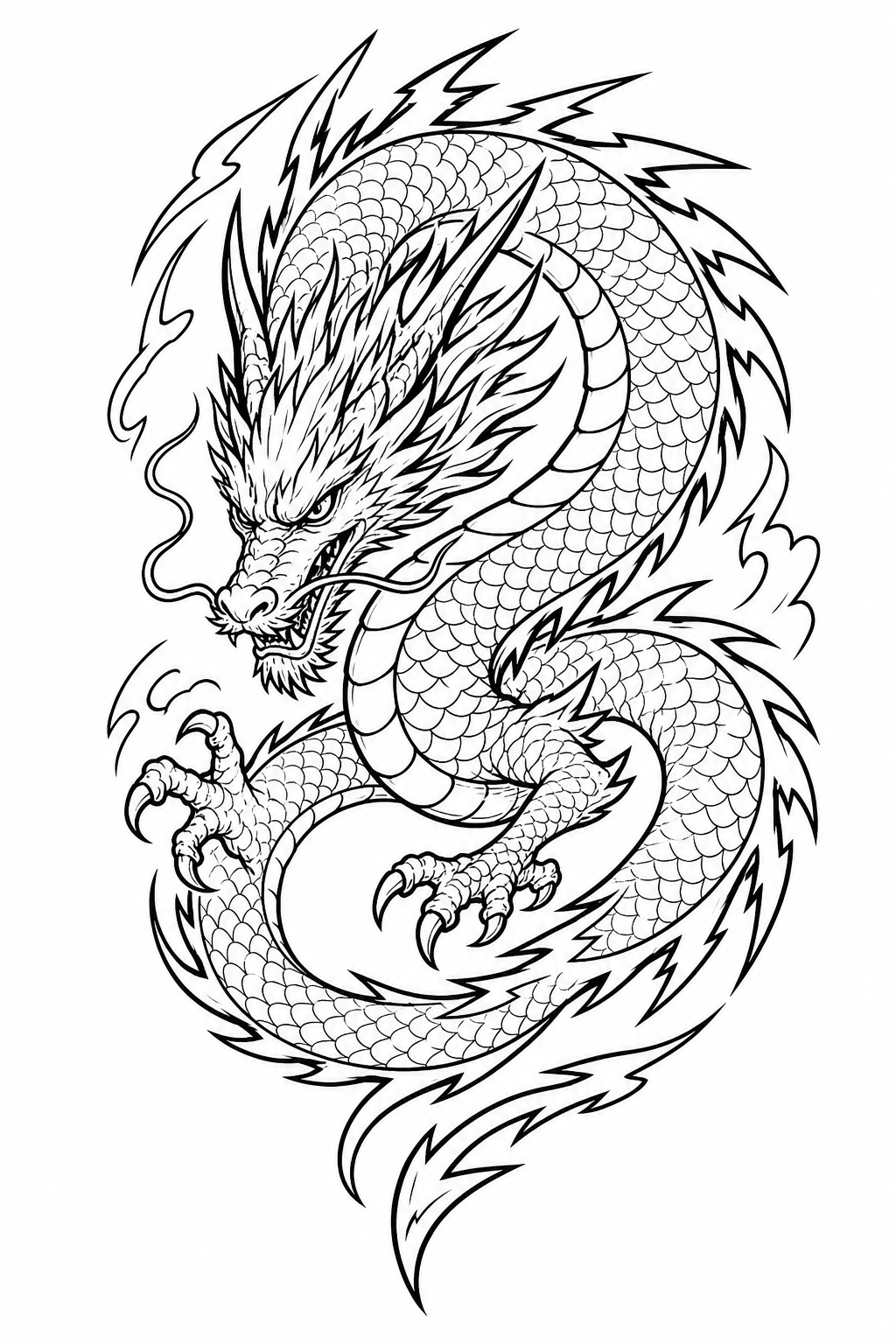
Dragon Tattoo Line Art: Draw an original coiled storm dragon for an upper-arm tattoo, long serpentine body, angular horns, one visible claw, lightning-shaped dorsal fins, and tail forming a clean circular flow. Bold black outer contour, controlled line-weight variation, limited interior scales, white background, no gray wash, lettering, or skin mockup.
Cute Baby Dragon Avatar: Create a friendly baby forest dragon profile icon with moss-green scales, tiny leaf-shaped wings, rounded horns, amber eyes, and one mushroom on its head. Centered face and paws, cheerful expression, soft 3D illustration, warm rim light, simple cream circle background, generous safe space for a round crop.
Mechanical Dragon Book Cover: Design a brass and black-steel mechanical dragon perched across a gothic clock tower, articulated wing panels, furnace glow inside the chest, cable tail, and steam vents. Dramatic moonlit silhouette, vertical book-cover composition with uncluttered title space above, intricate focal details, no text or logos.





